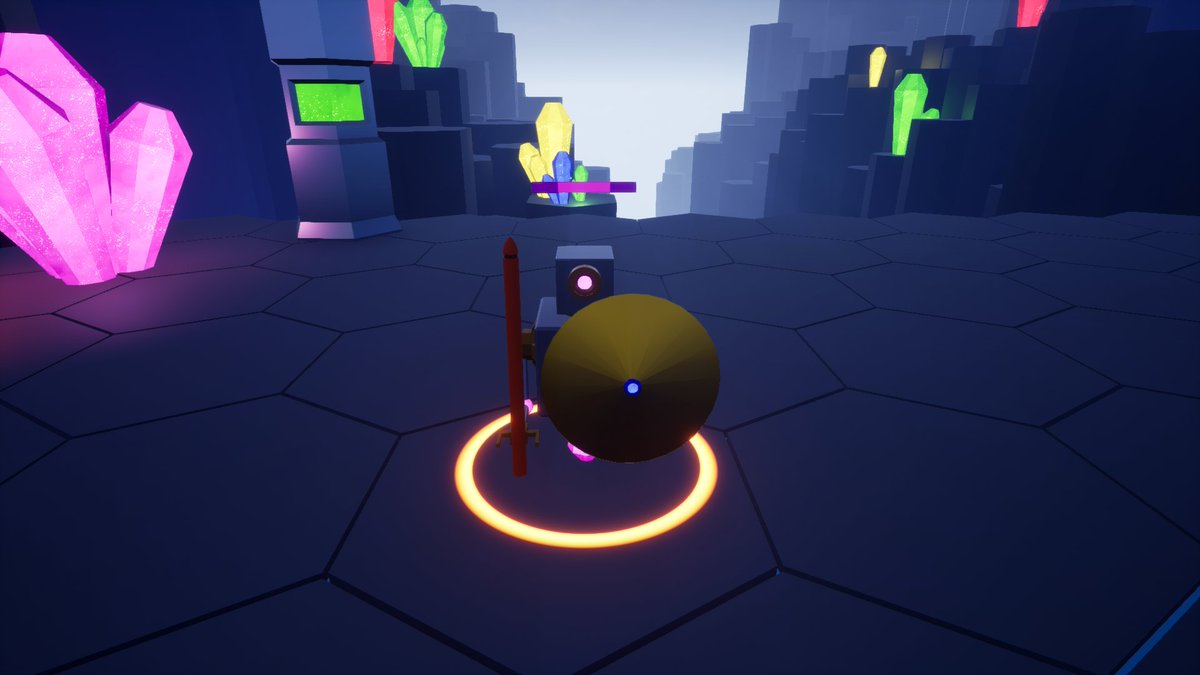
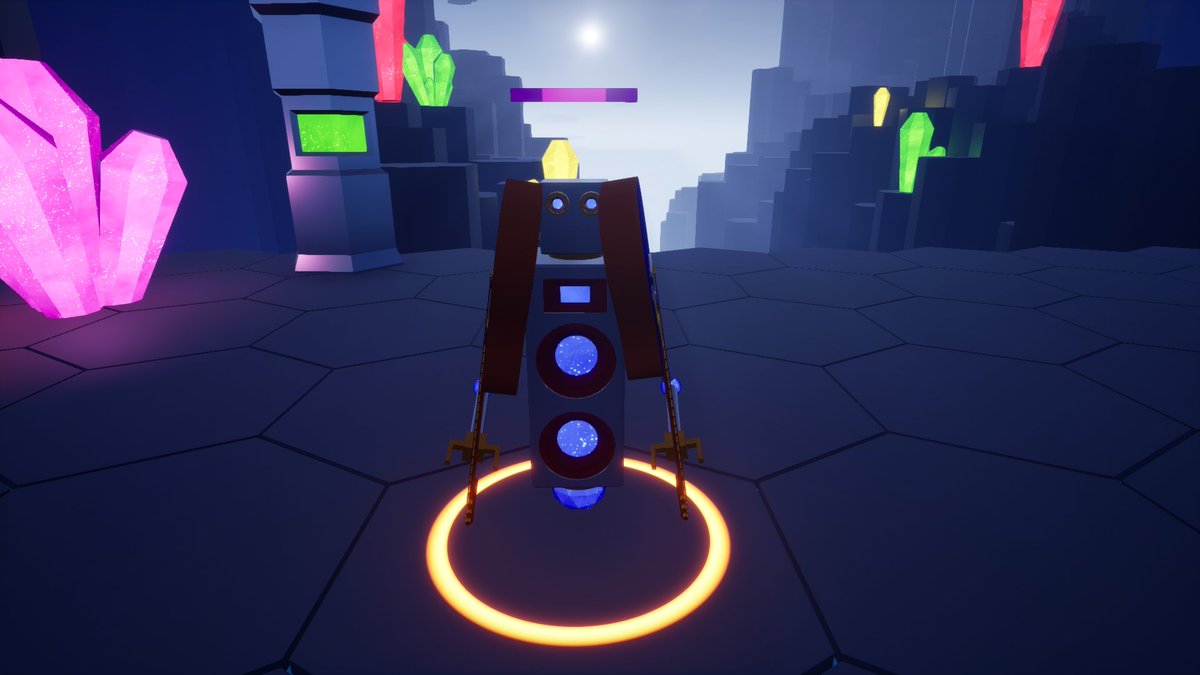
Here is some gameplay from the new level. I have made the play area a little bit too big in consideration to how small the enemies are. Maybe make the enemies bigger in this level?
If you have any suggestions let me know.
#screenshotsaturday#indiedev#indiegame#gamedev
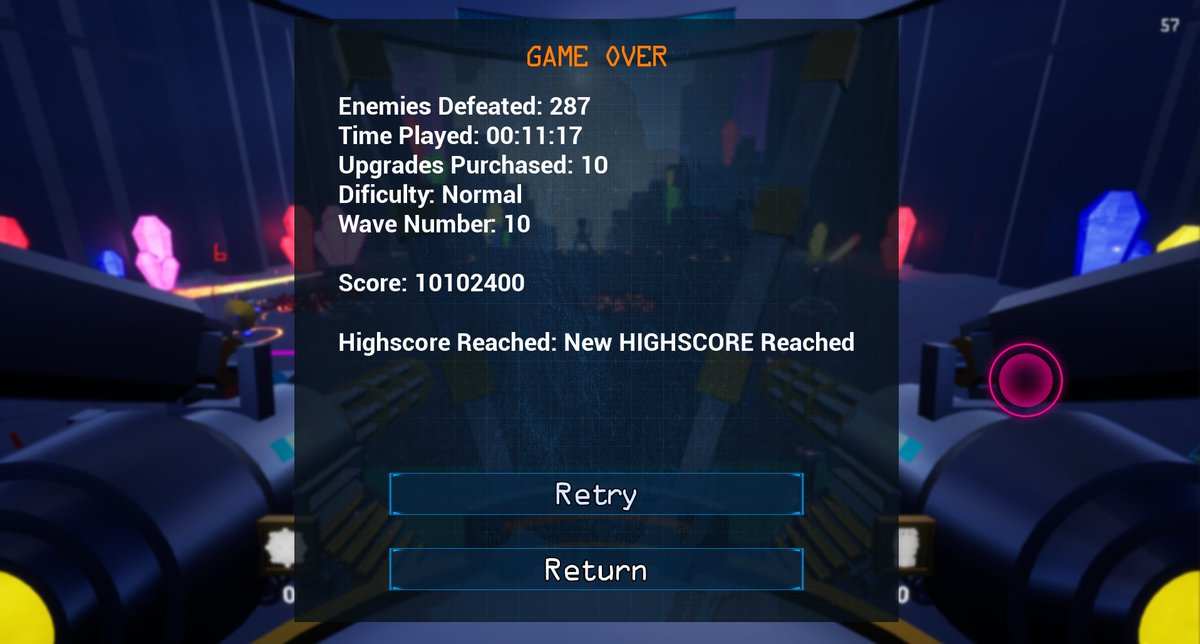
So the high-score system is now implemented. It recognizes which level the player is on and based on that info it sets a value into an array inside the game save, which it then can be used on the level select screen. 😮
#UE4#indiedevhour#IndieGameDev#indiegame#UnrealEngine
So the mech-overlay is now somewhat in a better state than it was, however the 3d UI is somewhat "Not Sharp". Have anyone got any advice on how to make it look better?
#UE4#indiedev#UnrealEngine#IndieGameDev#indiegame
@SpillWorks Yes pretty much. I have created a widget and have put it in my player character blueprint. For some reason when the UI widget was created the standard way (created on the screen) the image itself was clear and sharp, where as now the image seems stretched.
@DigitalJumpVs Currently working on a similar system. Kind of reworked the monstrosity from this post already. Should be somewhat ready by tomorrow, maybe… 😁