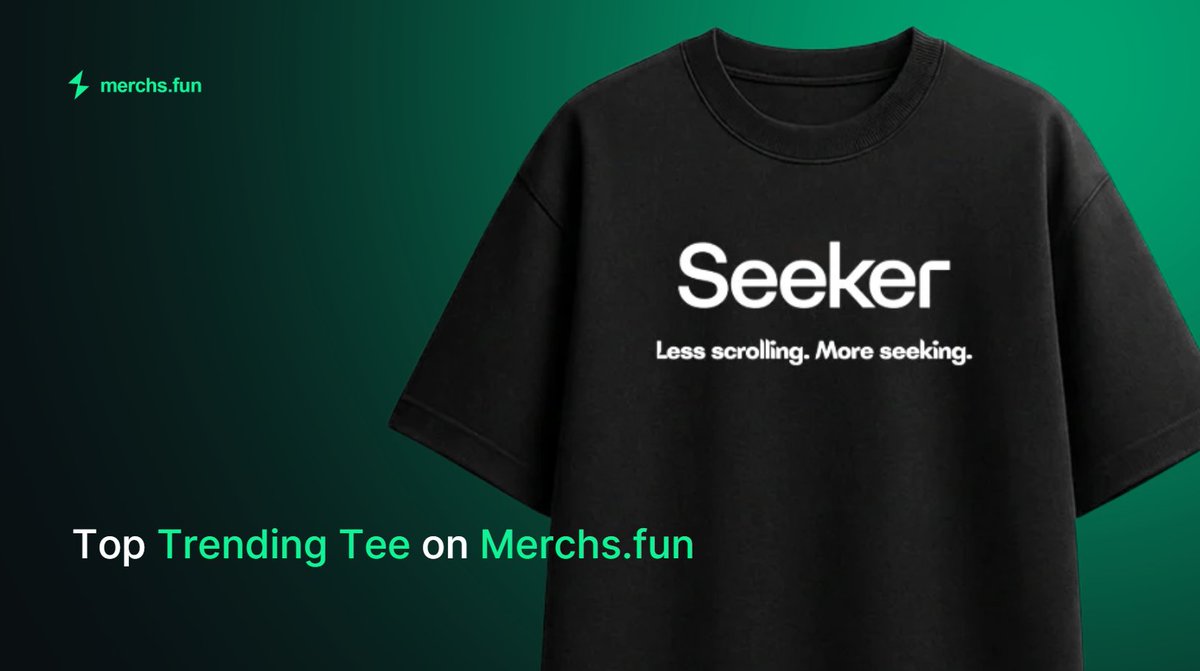
Lowkey love seeing the Seeker Tee become one of the most-loved drops at @merchsdotfun thanks to @solanamobile Seeker Summer.
A bunch of the squad have already grabbed one, and now we can’t wait to see how y’all rock the fit IRL.
Seeker Tee - Less Scrolling. More Seeking.
Seeker Summer Round 3 is here.
Alex making it easy for you’ll. If you’re lost, have no fear.
Seeker gang got your back. Below is a walkthrough. NOW SEEK IT!
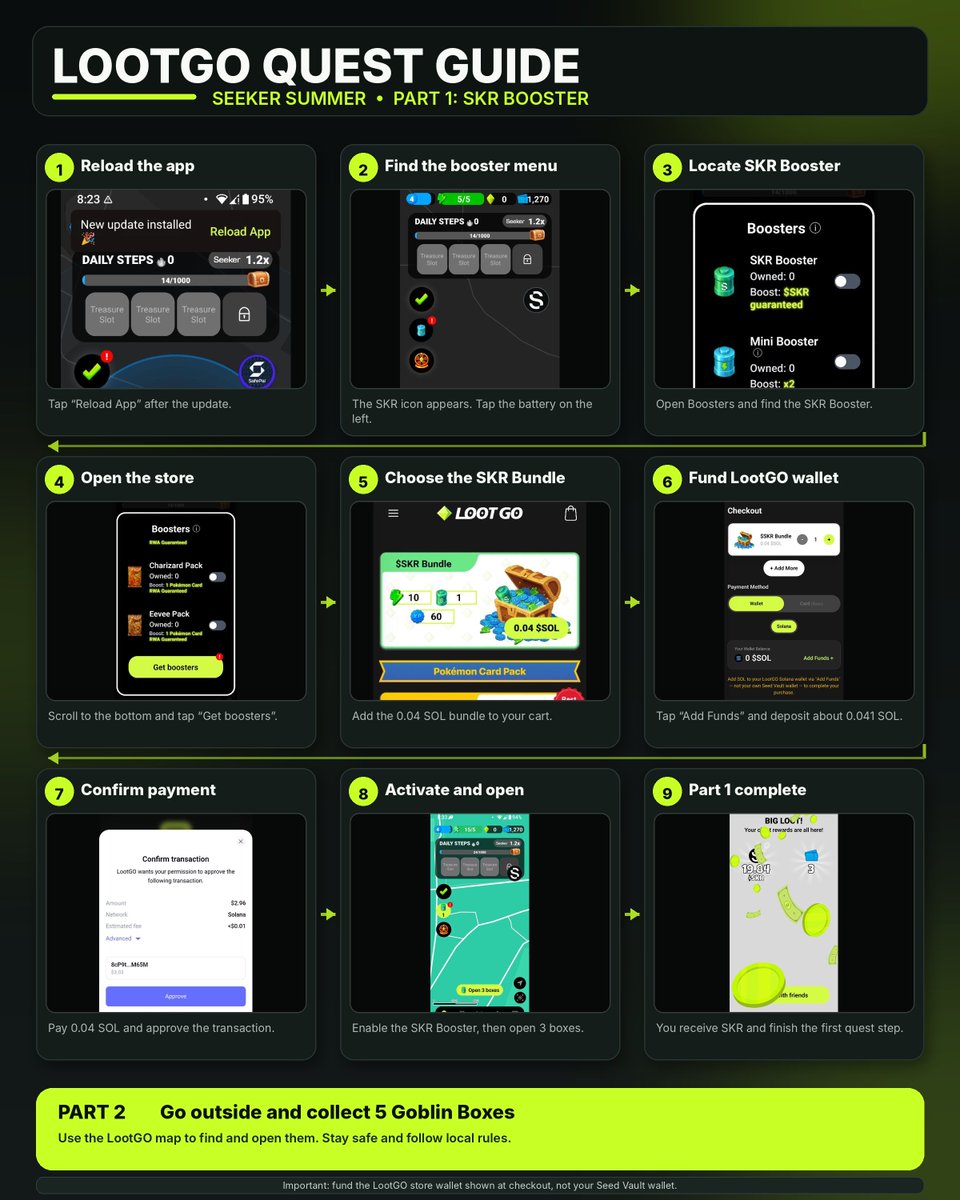
I’ve seen a few questions in the community about completing the LootGO Seeker Summer quest, so I put together a short step-by-step guide with screenshots.
Hopefully this helps anyone who got stuck along the way. Let’s get it done together 📱
LootGO Seeker Summer Quest Guide 👇
1. Open the Solana Mobile dApp Store.
2. Go to the Seeker Summer Quests section, find LootGO and launch the app.
3. After opening LootGO, tap “Reload App” at the top of the screen.
4. Once the app restarts, the SKR icon should appear on the right side of the map.
5. Tap the battery icon on the left side.
6. Open the Boosters menu, scroll all the way down and tap “Get boosters.”
7. You will be redirected to the LootGO store. Sign in with your email and select the $SKR Bundle for 0.04 SOL.
8. Add the bundle to your cart and proceed to checkout.
9. Tap “Add Funds” and deposit approximately 0.041 SOL into your LootGO store wallet.
Send slightly more than 0.04 SOL to make sure there is enough to cover the purchase and network fees.
Important:
Fund the LootGO wallet shown during checkout, not your own Seed Vault wallet.
10. Once the wallet is funded, tap “Pay 0.04 SOL” and approve the transaction.
11. Return to the LootGO app, tap the battery icon again and activate your SKR Booster.
12. Tap “Continue,” then select “Open 3 boxes.”
After opening all three boxes, the first part of the quest is complete and you will receive a amount of $SKR.
Part 2:
Go outside, open the LootGO map and collect 5 Goblin Boxes to complete the second part of the quest.
Good luck, Seekers 📱