this is my quick-go-to video trimmer:
✅ Browser-based, no login or install
✅ Upload → precise start/end trim → fast server-side processing
✅ Handles MP4/MOV/WebM up to 2GB smoothly
✅ Clean exports, no watermarks, files auto-deleted
#WebDev#VideoTools#DevProductivity
🚀 Need to quickly trim a video?
Try this - the fastest, cleanest online video cutter!
✅ Cut, trim, and trim videos in seconds
✅ No signup, no ads, no watermarks
✅ Supports MP4, MOV, AVI, MKV, WebM
✅ Up to 2GB files
https://t.co/NjPKBnpRwA is actually really good on mobile 👌
Smooth trimming, no weird bugs, works perfectly in the browser.
Best online video cutter I've used on phone so far.
Landing Page Editor vs Dedicated Console
Left: Open the page → upload → trim → download instantly
Right: Register → jump to dashboard → then edit
Great tools remove steps, not add them.
Which experience do you prefer?
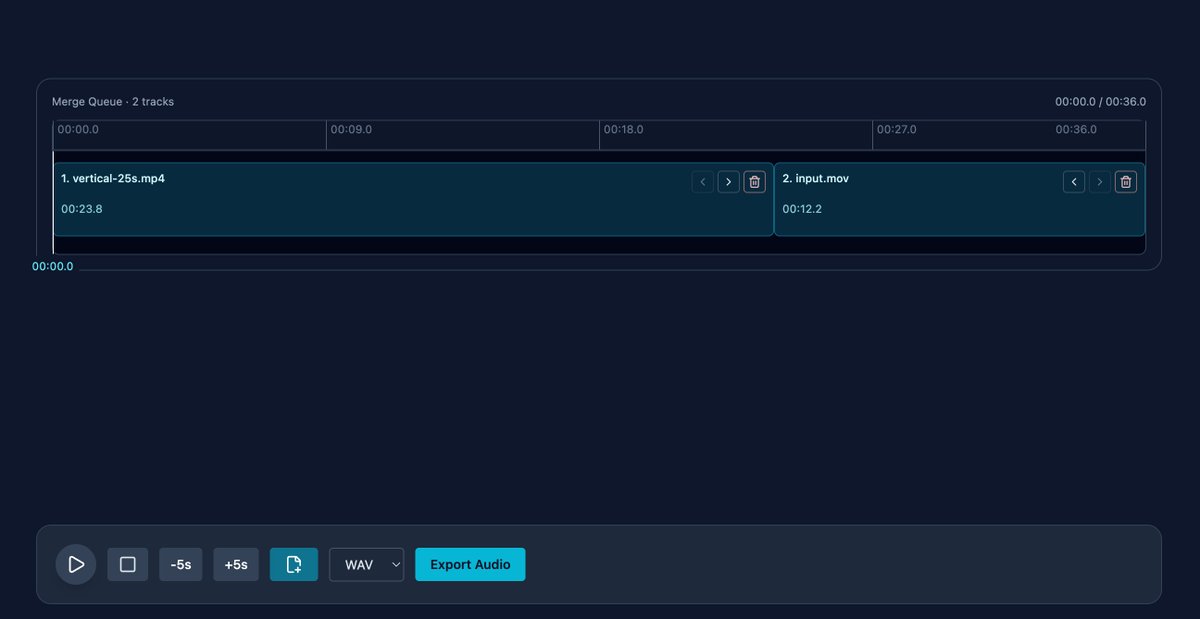
I chose a hybrid architecture for our audio editor:
Frontend (Web Audio + ffmpeg.wasm): real-time preview, drag-and-drop trimming, smooth local UX.
Backend (FFmpeg): high-quality export, large files & complex tasks.
Best of both — great experience with pro results.
Building complex editors for mobile web isn’t a smart move.
On mobile, less beats more.
Shorter flows > more features.
Think:
1. Templates over free editing
2. AI over manual work
3. 3 steps instead of 30
Mobile isn’t a smaller desktop.
It’s a different experience.