@JakeWalker47599 I'm planing to add both in the future. If you have any additional suggestions the best place for them is Inktica discord https://t.co/digbrz3sIo
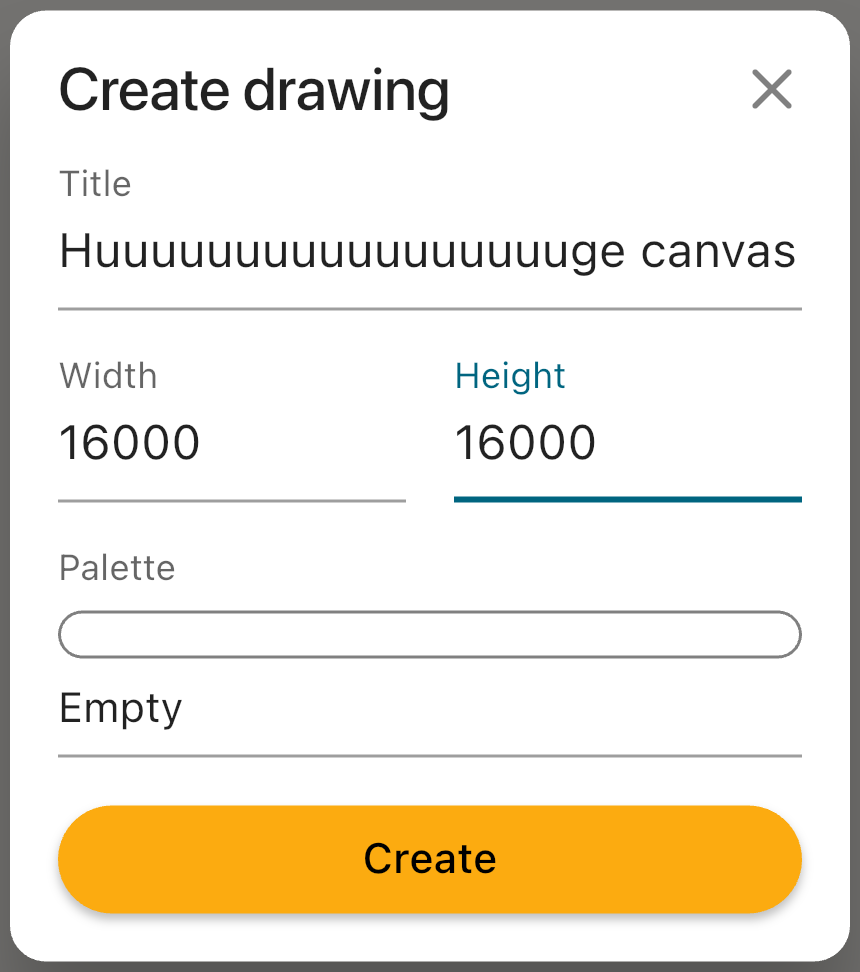
With Inktica 1.56.157, the 2048px canvas size limit can be disabled if you want to push the limits of pixel art! DM me if you want an unlimited canvas and are ok with potential instability
Download the latest version of Inktica 👉 https://t.co/JKZCKd9hd7
#pixelart#inktica
Inktica 1.56 brings two quality-of-life improvements. You can now save a color palette directly from your artwork for future use. Plus, you can now sort palettes by date last used or date added to easily find the one you need!
#pixelart#inktica
With the latest Inktica (1.55), you can save your favorite color palettes! Create a custom color palette or download one from #lospec and access it quickly when creating a new drawing 👇
#pixelart#inktica
How to import pixel art to Godot? 🤖
1. Import pixel art the same way as any other asset: drag and drop the image into the FileSystem section or copy the file into the project directory
#gamedev#GodotEngine#PixelArtTips#pixelart
5. To apply this setting to all pixel art assets, go to Project Settings > General > Rendering > Textures > Default Texture Filter and select Nearest