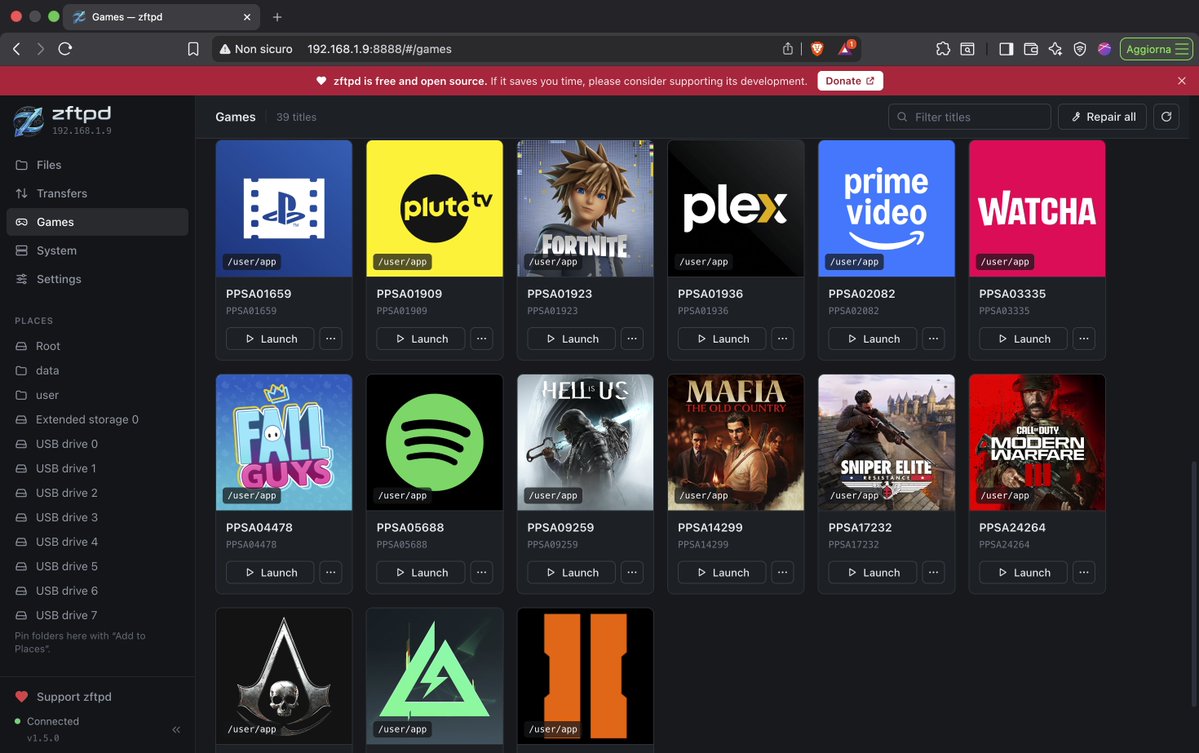
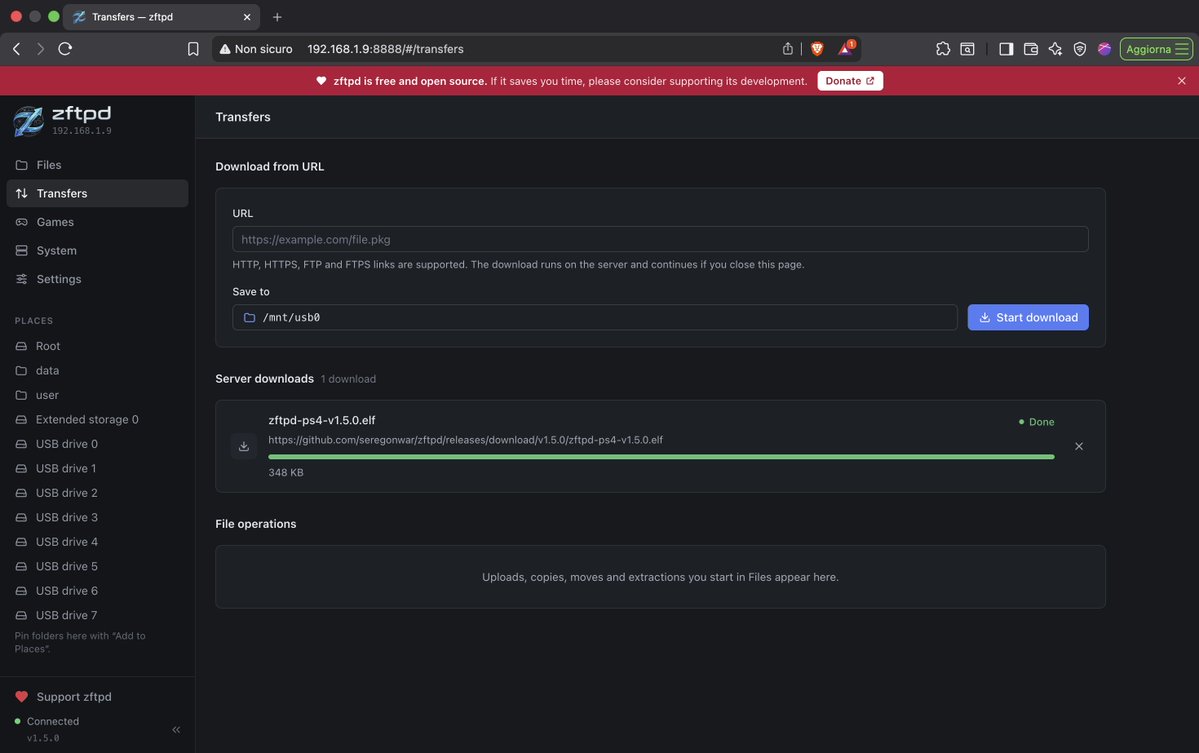
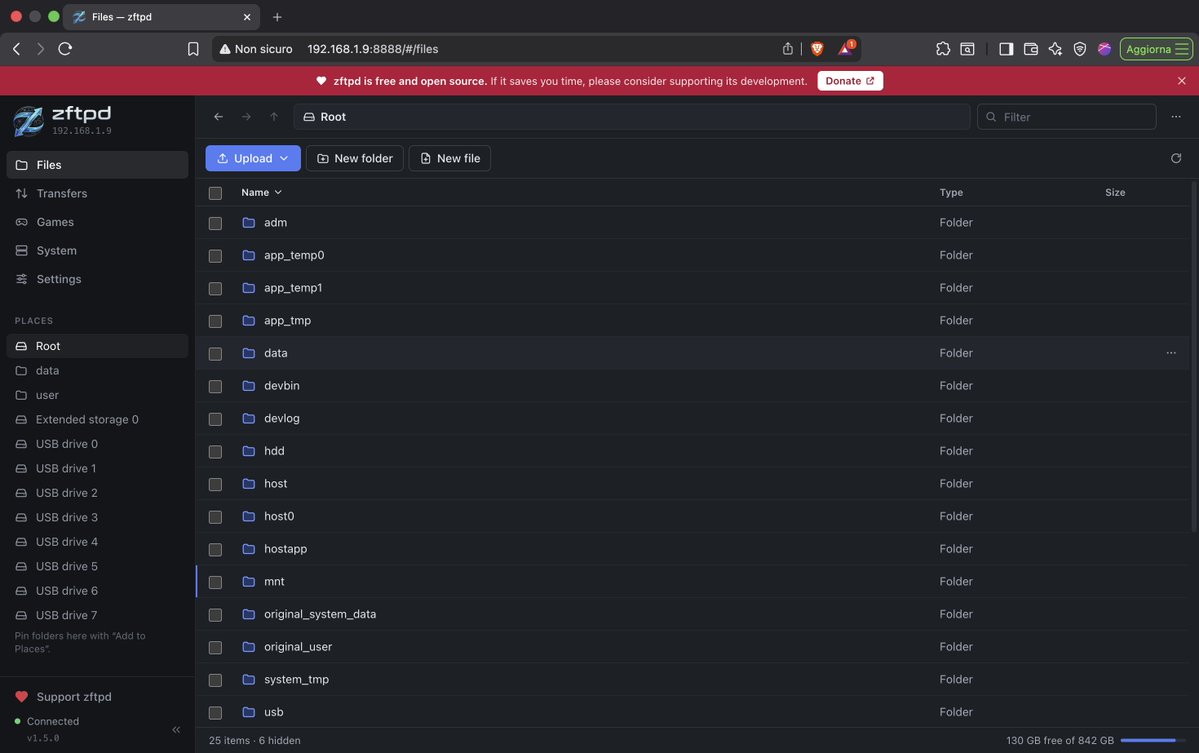
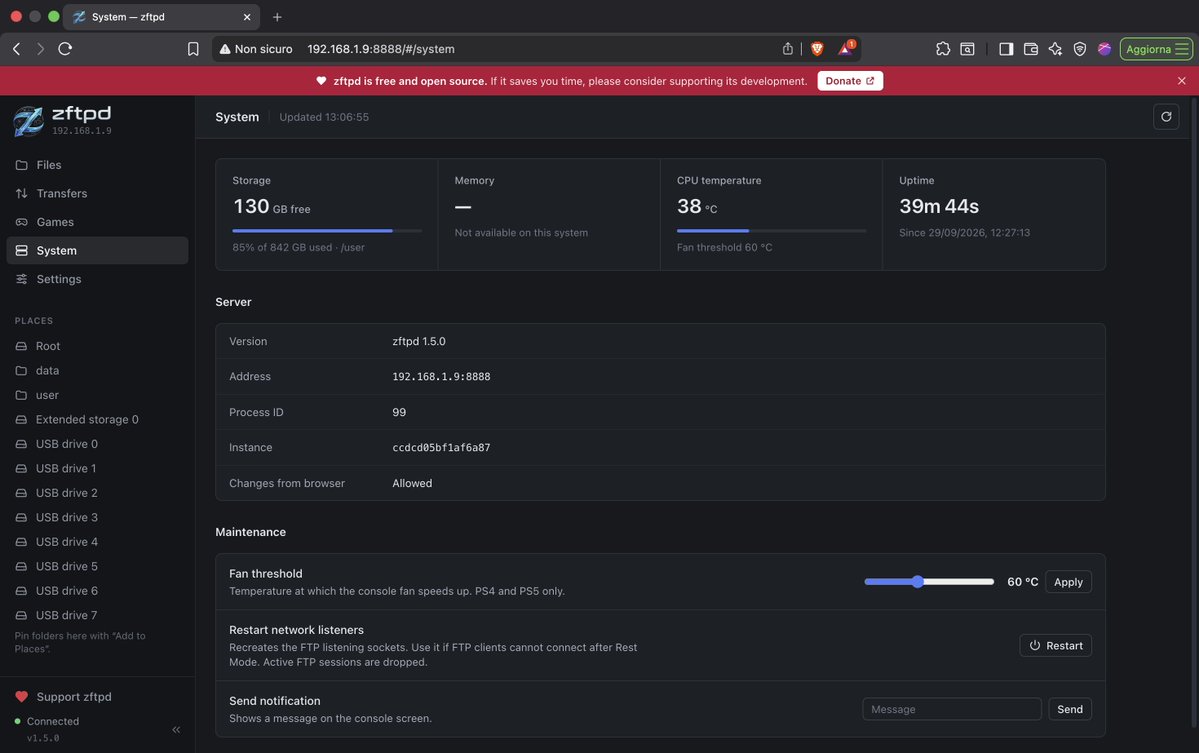
zFTPd 1.6.0 is finally here.
This is one of the biggest updates the project has received so far:
• New completely redesigned Web UI
• PS5 support updated through FW 13.60
• Direct HTTP/HTTPS, FTP/FTPS and NFS downloads
• Torrent & magnet downloads directly on the console
• Game catalog, launch, install and decrypted dumping
• Streaming ZIP creation with no temporary archive
• Major FTP, HTTP and file I/O refactor
• Rest Mode recovery and several stability fixes
• PS4 HTTPS downloads now powered by libcurl
No PC required for remote downloads. Just give zFTPd a URL and let the console handle it.
If you use zFTPd and want to support its development:
https://t.co/HMbvlj2GFR
Repo link below 👇
@Joselito1993@NanospeedGamer De PS5 puede ser pero cuentas con emuladores y juegos de ps4 q los puedes instalar con un pkg y aparte con los emuladores tiene pinta q se podra juegos de ps3
@iontz35@NanospeedGamer Estaba con la misma duda lo que hice fue improvisar baje filezila en pc y active ftp para conectarme a la ps5 buscas la carpeta data y creas directorio homebrew dentro de la carpeta vas copiando los juegos y automaticamente se reconoceran. Llevo 4 recien y todo ok.
Finally, I can show you the new zFTPd 1.6.0 interface!
The project now works correctly up to firmware 13.60 and also introduces remote file downloads directly from the console: just enter a link and the file will be downloaded straight to your PS5, without having to pass through your computer.
The release is planned for later this week, and I’d like to publish it as soon as possible.
As always, if you’d like to support the project, you can leave a ⭐ on the repository or make a donation:
https://t.co/HMbvlj2GFR
Repository below