@Robert_Begg User feedback and documenting seems to indicate it MUST come from the Comp Portal AND have the key set. According to support rep, this key is not needed with MAM, which it me is confusing. 🤔 I agree, I need to do some additional testing as well!
Appears to possibly be solved by deploying a App Configuration Policy with the key “IntuneMAMUPN” set to “{{userprincipalname}}”
Initial testing looks good, now to do it for every single app... if you need me, I’ll be on the docs page for GraphAPI looking for a way to script it.
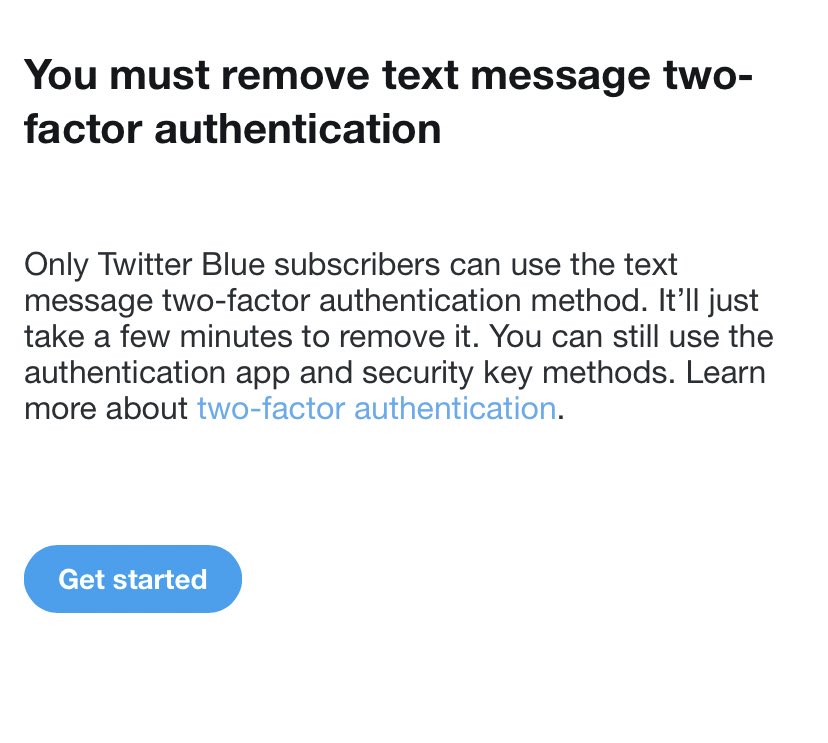
Any #MSIntune admins out there encounter an issue where users cannot open files from Outlook mobile in other Office apps (word, excel, etc) and get the attached message? Apps are included in an app protection policy targeted at users. #MEM#MEMIntune
@Robert_Begg@IntuneSuppTeam Based on what the support rep told me, this is how it’s been for MDM managed devices (but not a requirement for MAM?). I don’t know how I missed this during internal testing and none of our prior beta/pilot/full deployment users reported it. Gotta make sure I’m more thorough!!
Any #MSIntune admins out there encounter an issue where users cannot open files from Outlook mobile in other Office apps (word, excel, etc) and get the attached message? Apps are included in an app protection policy targeted at users. #MEM#MEMIntune
@Robert_Begg@IntuneSuppTeam So there was an additional requirement for MDM managed devices where you have to deploy an app config policy that sets the key IntuneMAMUPN to {{userprincipalname}} (slightly used that exact string). ref can be found in step 3 here: https://t.co/LbvqmX0Uzk
@Scottduf 1/2 Example: Someone wants Outlook notes that used to be in the Notes app on iOS because their dept uses them and calls support. Support tells the user notes are now in OneNote and the app is avail the Comp Portal. This user can inform the rest of the dept about the avail app.
@Scottduf We are using “All users” for available app deployment. We break it down into user groups for things like LoB apps, required deployments, and Protection Policies.
@Scottduf Our target is all devices that are enrolled in MDM (devices are all user enrolled atm). Mainly to highlight apps that might be useful for the user. Many just use Outlook Mobile (req.) and never touch the app tab, but we’ve had some users who want apps such as OneNote or To Do.
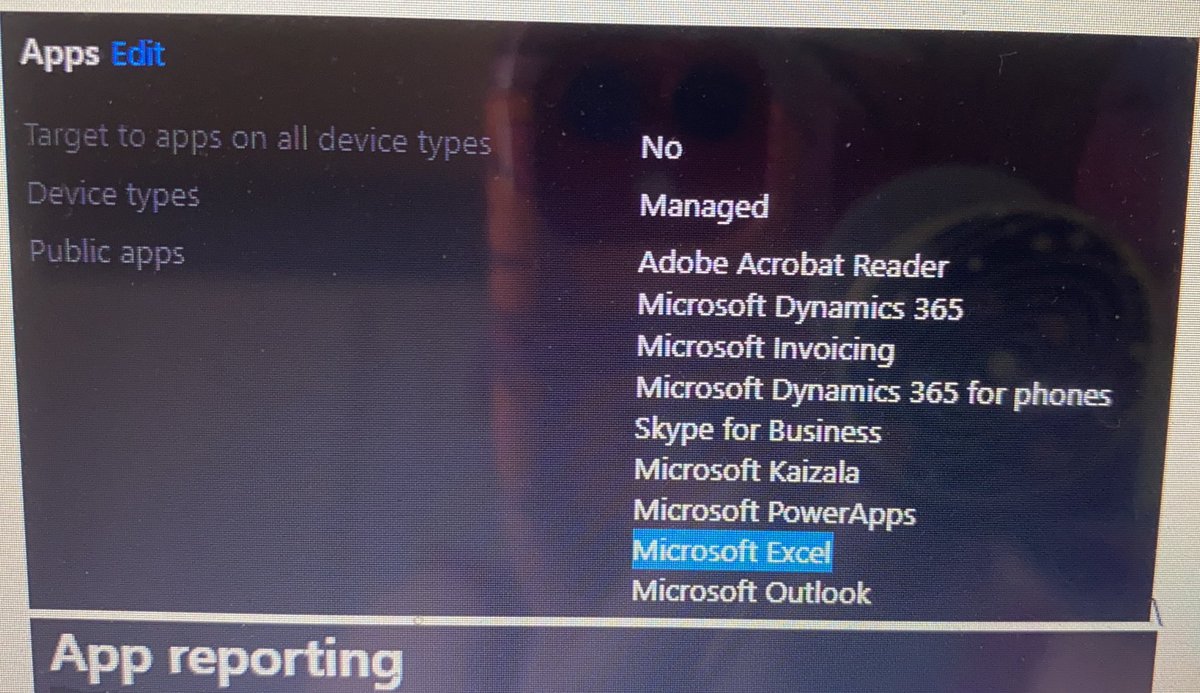
@IntuneSuppTeam Well this is odd... about:intunehelp claims Excel completed a policy check in, the app reporting shows that Excel isn’t even set to get policy, and the actual policy shows Excel is selected as one of the options. (Please excuse low quality screenshots)
@IntuneSuppTeam 2/2 the troubleshoot tool usually provides good info, but I haven’t seen anything that is amiss. The only thing I see if that Outlook appears to be the only app that is abiding by the protection policies. Other apps claim to be waiting on a sync that never seems to occur.
@IntuneSuppTeam 1/2 Approx 20 users I think - everyone with a device in Intune so far. We’ve paused enrollment until we can resolve this. I’ve ruled out CA during testing by excluding individuals from our policies, but I will def take another look using the what if tool.