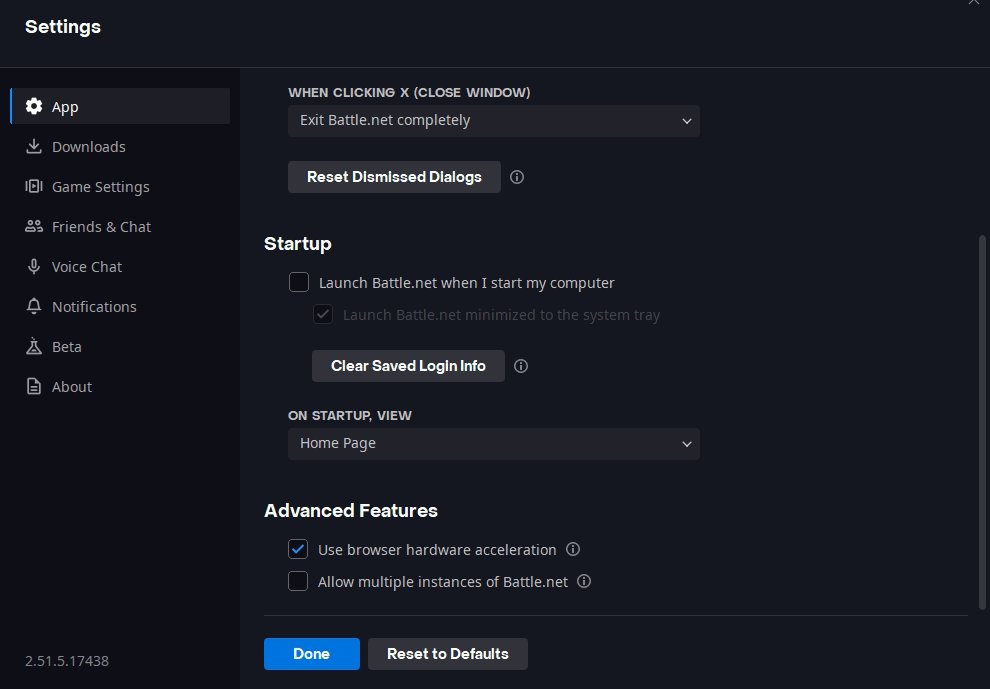
🪄 I prepared very simple Battlenet app settings, so it doesn't hinder your gameplay.
Make Battlenet close itself on game launch which will save a couple hundred MB of RAM and a bit of CPU usage.
Other settings don't really matter since the app is not running while gaming.
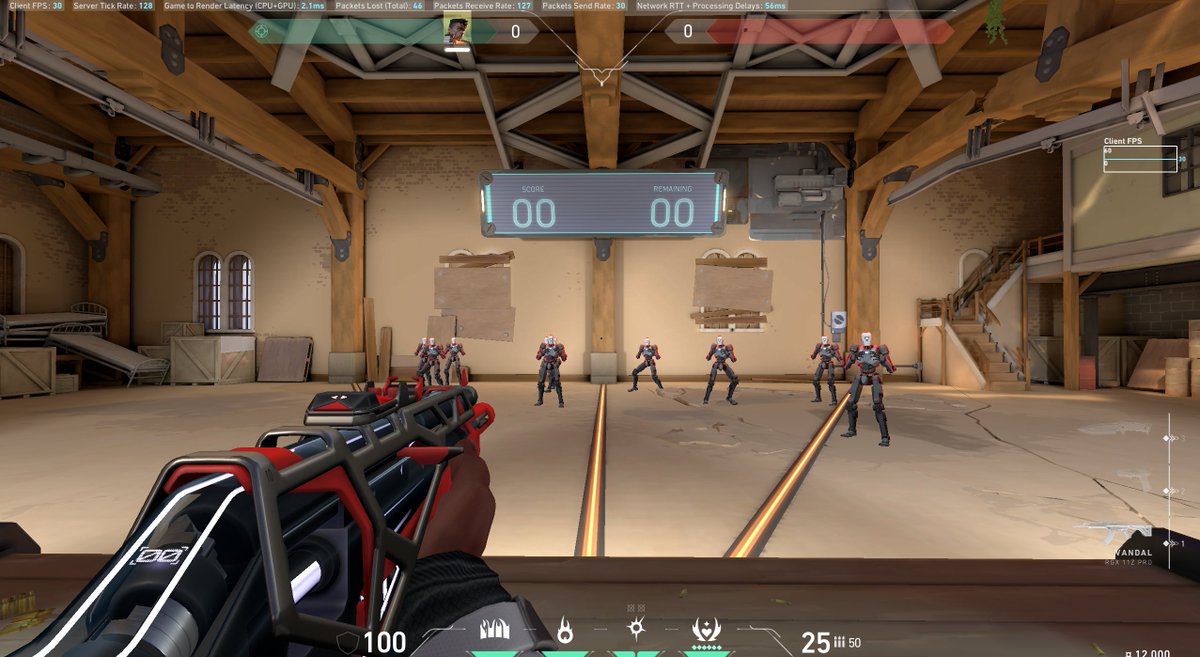
🧐 I tested Valorant settings to find most optimal ones for performance and to be visually pleasing as well.
Settings tested on 2K resolution. If you use lower res, performance impact is even lower.
Comparison below (all low and optimal settings).
A thread🧵(1/5)
🧐 I tested Valorant settings to find most optimal ones for performance and to be visually pleasing as well.
Settings tested on 2K resolution. If you use lower res, performance impact is even lower.
Comparison below (all low and optimal settings).
A thread🧵(1/5)
@sh1suifps yeah, u can experiment urself. The settings I provided are what I personally use, you might not like some of them, for example, msaa x4 can be dropped down to x2 and bloom can be turned off.
Experiment and see what's best for u
@RossDolson@chiawei2001 That’s true. Only time it can give faster framerate is when u have a really old and weak gpu like 1060 that gets to 100% usage only by enabling AA
@lucemech How is it false if u literally have an overlay above ur game. The overlay isn’t injected into the game itself like steam for example. It is above desktop at all times
Distortion - OFF; does nothing
Cast Shadows - Personal Preference; some guns look way better and can see characters shadows right under them on the ground; 1% GPU load increase
@JonTf_ newest oled ones should have crosshairs built-in. On the other hand there's not a lot of variety for the monitor's crosshairs and u can't customize them