And finally, if you’re loving the Golden Gate wallpapers, you can enable a hidden “solar” engine that cycles through all variants throughout the day. Cheers!
https://t.co/W8VJ5nrlFC
macOS 27 ships with a new Solar wallpaper engine for aerial landscape wallpapers that can automatically switch variants based on the sun's position during the day.
When properly configured, the four Tahoe and Golden Gate landscape wallpapers appear under one entry each in Settings, and a new Automatic display option appears. Here's how to enable it… 👇
After you install macOS 27, here are 5 tips on how to customize the OS and enable extra features.
First, you can hide Siri AI’s “lightweight UI” that shows up every time you hover over text or select a text field:
https://t.co/hN7xRkR34v
Here's how to disable Siri's new floating button in macOS 27
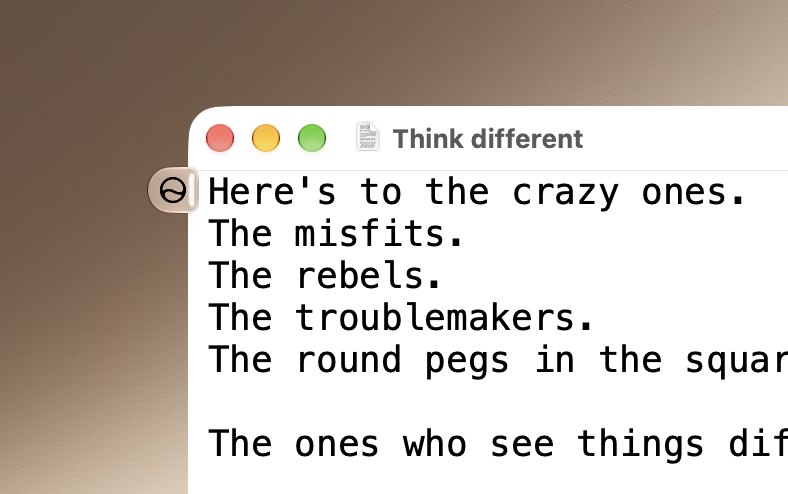
When Siri AI is enabled, macOS 27 adds a contextual "lightweight UI" when you type or select text. The floating button can expand into Ask Siri, Edit with Siri and Writing tools, or other contextual actions.
To disable it, run the following command in the Terminal:
sudo mkdir -p /Library/Preferences/FeatureFlags/Domain && \
sudo defaults write /Library/Preferences/FeatureFlags/Domain/WritingTools LightweightUI_macOS -dict Enabled -bool false
and restart your Mac. To restore:
sudo defaults delete /Library/Preferences/FeatureFlags/Domain/WritingTools LightweightUI_macOS
4. Small quality-of-life improvement: you can now navigate across the app menus and the right side of the Menu Bar with your keyboard.
https://t.co/AGBdRBHlE1
macOS 27 Beta 5 adds a new feature that lets keyboard focus move from the active app's menus to controls on the right side of the Menu Bar using the Left/Right arrow or Tab keys. It's currently disabled by default.
To enable, add the options in the Terminal:
defaults write -g NSMenuEnableMenuBarAgent -bool true
defaults write -g NSMenuBarUseAgentNavigation -bool true
and reboot your Mac.
To disable:
defaults delete -g NSMenuEnableMenuBarAgent
defaults delete -g NSMenuBarUseAgentNavigation
iOS 27 and macOS Golden Gate have private hooks that let apps add Siri Extensions and replace Siri AI’s server backend with third-party models.
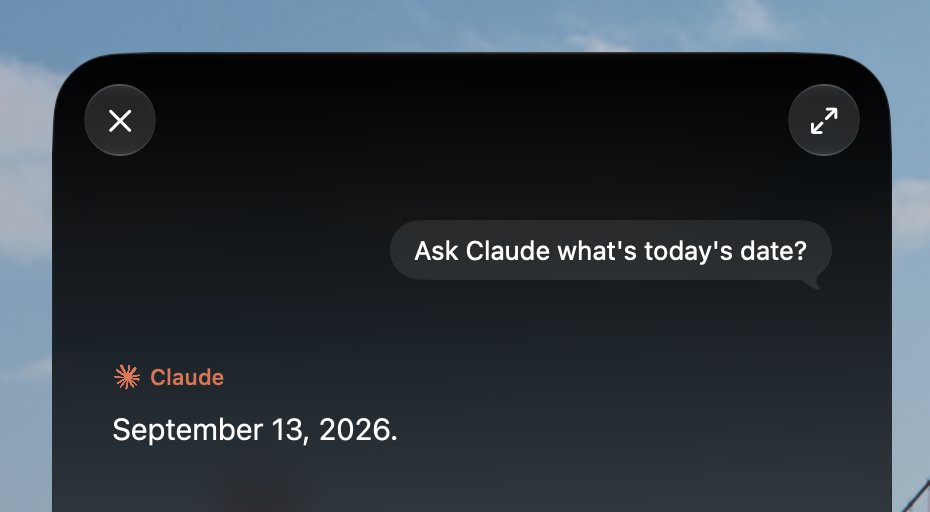
First, here’s Claude running as a Siri Extension using the Model Delegation API in App Intents. Claude can appear in Siri’s “Ask…” menu and supports the same underlying flow as the built-in ChatGPT extension.
In some cases, Siri Extensions can be more powerful than Siri AI. For example, Siri can’t create a CSV, but Claude can easily return one when asked.
When system interaction is required, such as setting a reminder, Claude can relay the original or a modified request back to Siri, which completes the request.
Requires the private com\.apple.developer.model-delegation entitlement. (1/2)
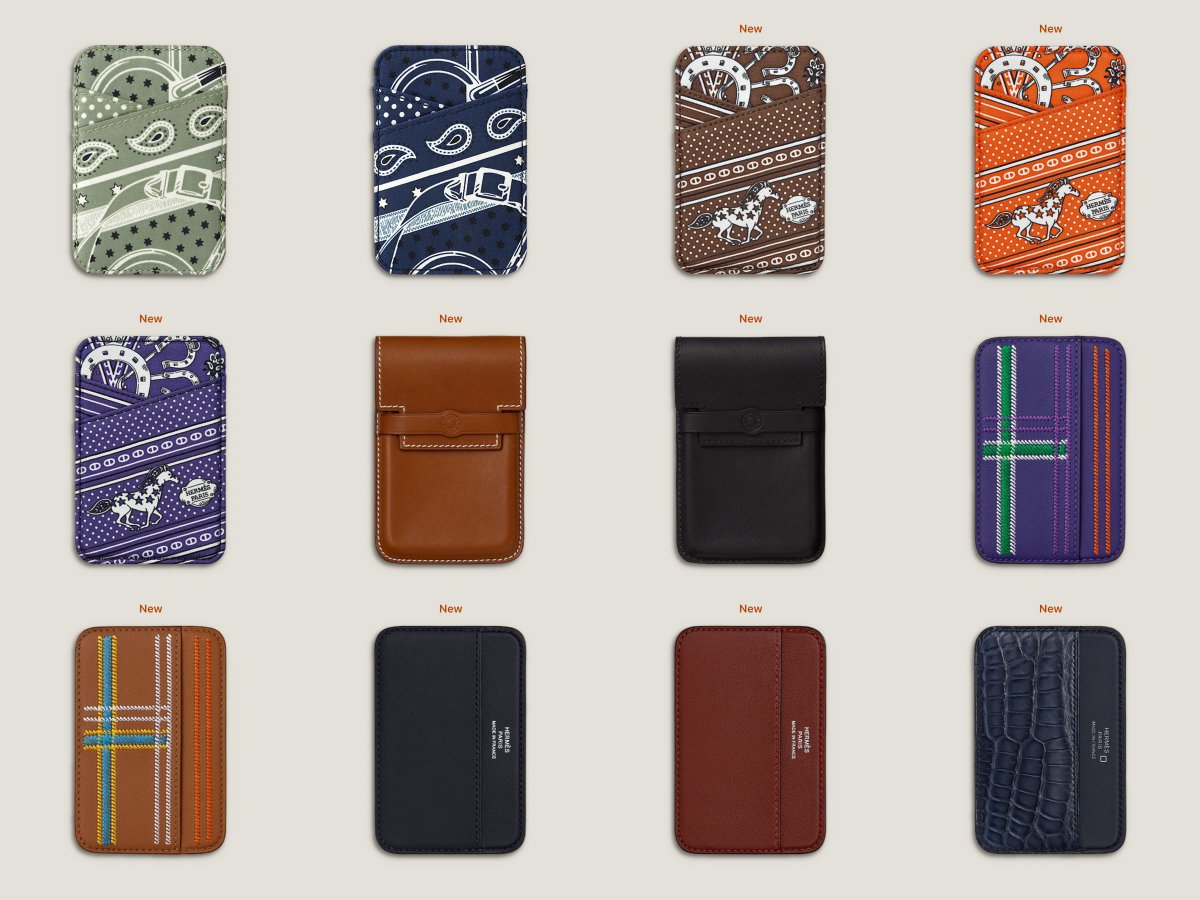
Apple has tested at least two Apple and Beats-branded game controllers.
The first macOS 26.7 RC contained substantial support for two devices identified as T6502 and T1057.
Both controllers have novel internal haptic feedback software functionality.
More details below.
@_bobertdowney Yeah, they’ve just recently gated the expanded discovery setting behind _os_variant_has_internal_ui, so it needs an extra workaround. Only Apple’s built-in ChatGPT intent gets discovered without it.
@MCLang88 I don’t see why they couldn’t let third parties register inference provider extensions if they wanted to. The implementation and specifications are already built out.
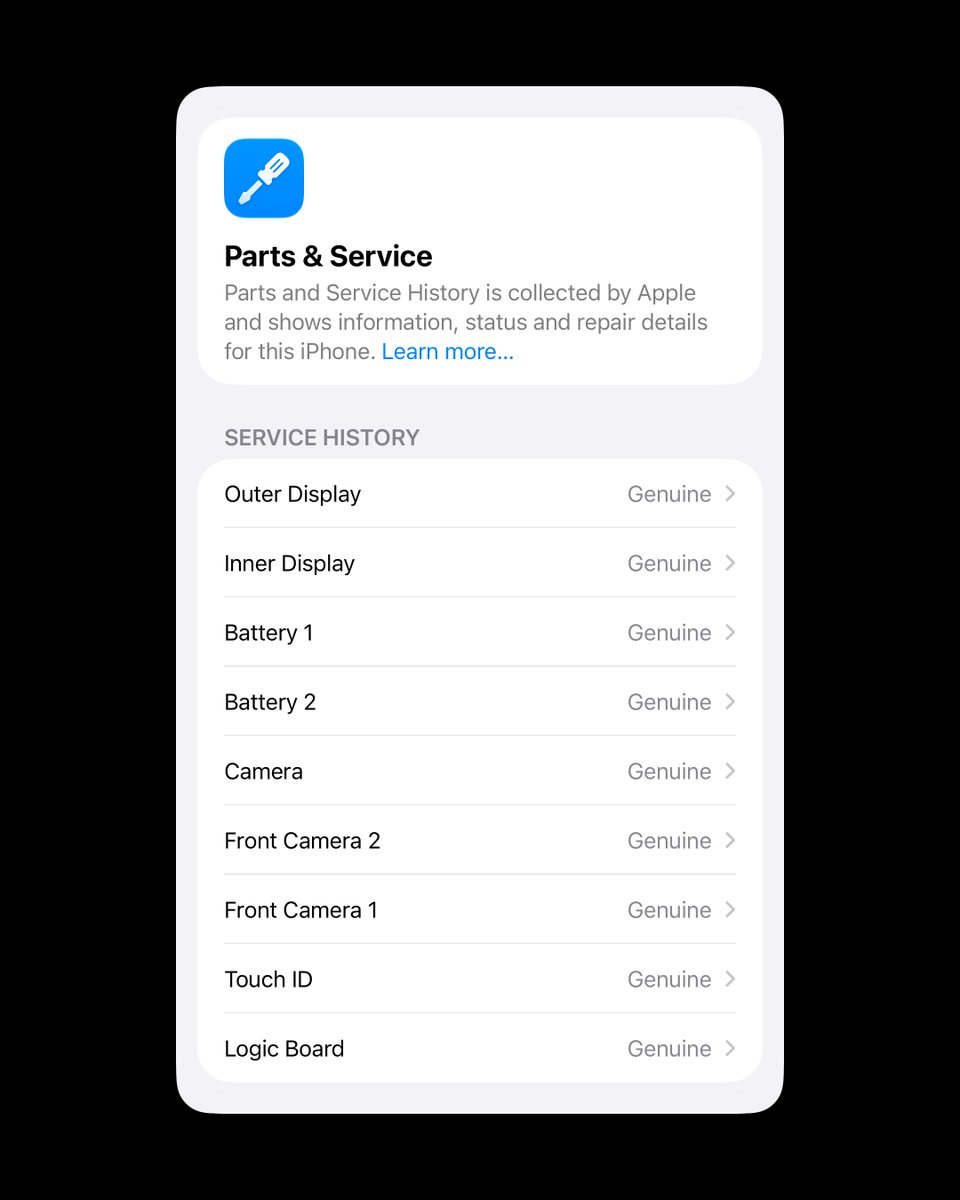
Parts and Service History lists each battery separately. We’ll see whether Apple ends up offering individual replacements.
In other tidbits, front camera 1 is the inner under-display camera. Battery 1 is labeled main/rear, while battery 2 shows up as auxiliary/front.
Parts and Service History lists each battery separately. We’ll see whether Apple ends up offering individual replacements.
In other tidbits, front camera 1 is the inner under-display camera. Battery 1 is labeled main/rear, while battery 2 shows up as auxiliary/front.
The flow to automatically update weak and compromised passwords isn’t shipping with iOS 27.0. On macOS 27, you can get it back by re-enabling the feature flag. To enable:
sudo mkdir -p /Library/Preferences/FeatureFlags/Domain
sudo defaults write \
/Library/Preferences/FeatureFlags/Domain/Safari.plist \
apc -dict Enabled -bool true
sudo defaults write \
/Library/Preferences/FeatureFlags/Domain/Safari.plist \
apc_bulk -dict Enabled -bool true
and restart your Mac. One feature flag (apc) enables the option to automatically change a single password when you select a recommendation, and the second one (apc_bulk) enables the bulk change feature.
To restore to default:
sudo defaults delete \
/Library/Preferences/FeatureFlags/Domain/Safari.plist apc
sudo defaults delete \
/Library/Preferences/FeatureFlags/Domain/Safari.plist apc_bulk