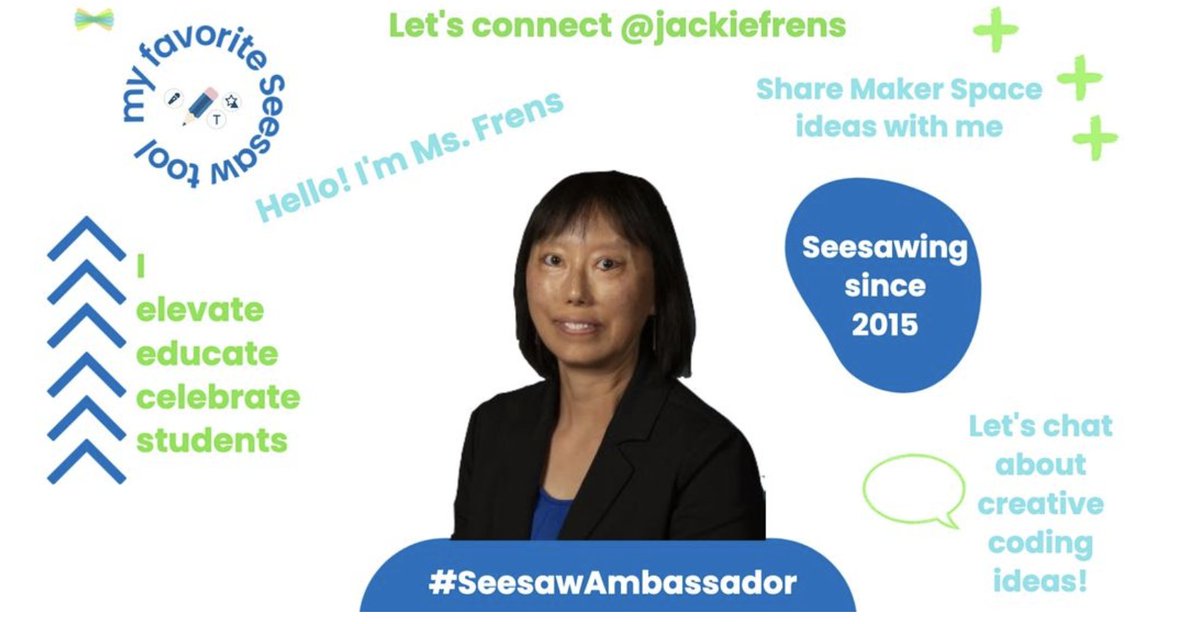
I'm excited about all the ways that students share their learning in the way that @seesaw @seesawlearning encourages teachers to do the same. #Seesaw#SeesawAmbassador
@scratch The embed code did not show up on a wordpress site. I couldn't figure out how to install the oembed. I used this work around: https://t.co/rHsNjqH22P @S4SCoding
Unable to access the Minecraft for Education activities to try this summer: my username and password are not recognized. However, received notice that my school email qualified as an educator account (It is truly generated by my school). Any suggestions? @PlayCraftLearn
Having fun preparing for a Scratch summer class I'm offering for students. I created this quiz (https://t.co/x1UFh2NAGH) in Scratch and posted it to my blog (https://t.co/rHsNjqH22P). Anyone know how to make the links clickable in the Scratch notes? @S4SCoding
Book Creator certification is a stealthy way to promote the new features in this versatile tool. Loved the accessibility features. https://t.co/Tc5GIxkBVX
Excited to share updates in Seesaw with colleagues as we move into the upcoming year having survived trial by fire: implementing various digital tools during virtual learning. #SeesawAmbassador
Big fan of podcast @bambooandglass podcast so was thrilled to discover the connections between Flipgrid and host @sophiasysun (and tangentially co-host @daeunkm)
Basic How-to Google Form video for my G6 students as they collected info for a Infographic project: https://t.co/E8o9capc3G
What are some best practices do you have for inviting students to create an Infographic? #GoogleEDU