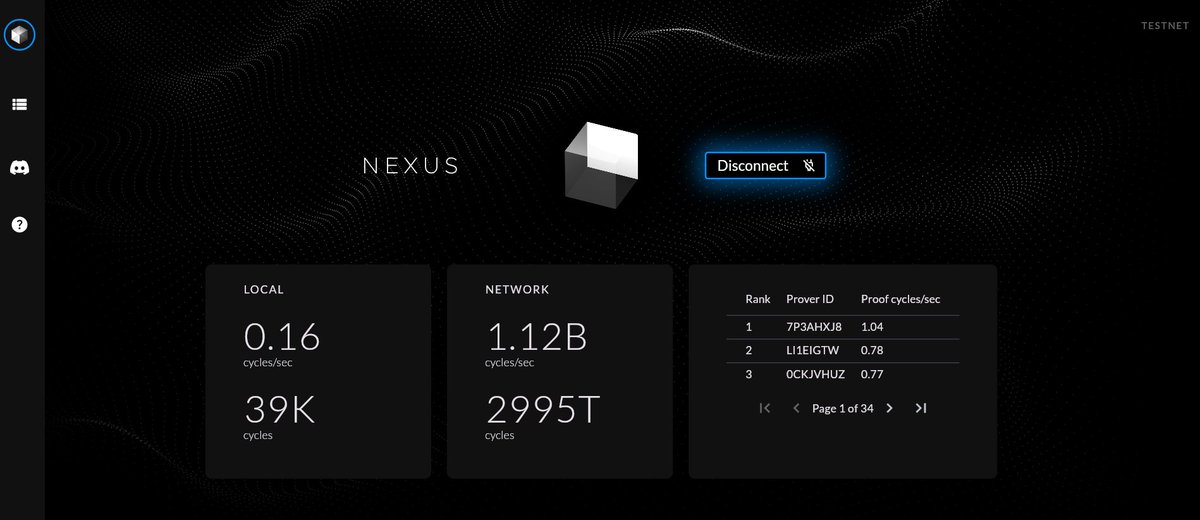
@danielmarinq 0x6B18520Ae0d2B56ba0F58f960927E141c3e4d69a
Send me any point, i will send back exact points also. Just for testing.
1 or .50 is okay if youre afraid.
Comment your address below. Thanks
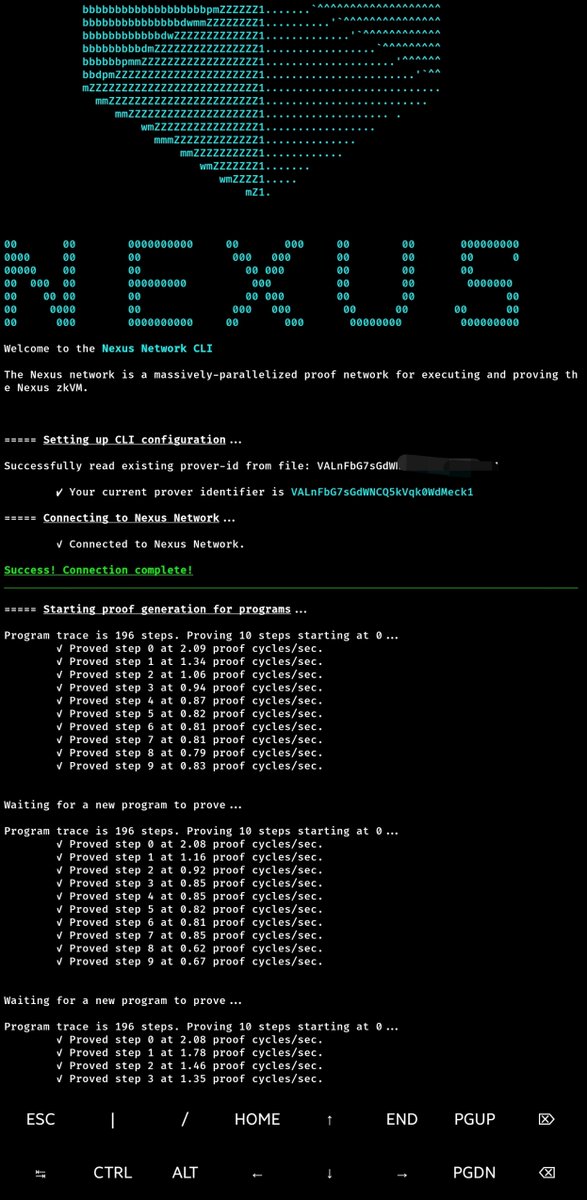
How to Install and Run NEXUS CLI on Android
Prerequisites
1. Android device
2. Internet connection
3. At least 2GB free storage
4. Termux app installed from F-Droid store
Step 1: Install Termux
First, uninstall Termux if you got it from Play Store
Download and install F-Droid from: https://t.co/K2ml6Fx19h
Open F-Droid and search for "Termux"
Install Termux from F-Droid
Step 2: Set Up Termux
Open Termux and run these commands:
# Update package list
pkg update
pkg upgrade -y
# Install required packages
pkg install proot-distro
pkg install curl
pkg install wget
Step 3: Install Ubuntu on Termux
# Install Ubuntu
proot-distro install ubuntu
# Login to Ubuntu
proot-distro login ubuntu
Step 4: Set Up Ubuntu Environment
Once inside Ubuntu, run these commands:
# Update Ubuntu packages
apt update
apt upgrade -y
# Install required dependencies
apt install -y build-essential
apt install -y protobuf-compiler
apt install -y curl
apt install -y wget
apt install -y pkg-config
apt install -y libcrypto++-dev
apt install -y libc6-dev
apt install -y openssl
apt install -y libssl-dev
Step 5: Install the Nexus CLI Program
# Install Nexus
curl https://t.co/z6X0CdS293 | sh
Note: you may encounter error while installing the nexus program, close the terminal with CTRL D , login ubuntu again and paste this again. Link your Browser PROVIDER ID (recommended)
curl https://t.co/z6X0CdS293 | sh
if you do it well, it will work
Follow, turn on 🔔 for more updates
Just deployed my Nexus Testnet II node on @rapidnodexyz! 🎉
Secure your spot now and join the ever-growing family! Let's deploy together 🚀
#Rapidnode#Farmoor 👨🌬