Most people learn Kubernetes commands.
Real production work is different.
You start asking:
❌ Why is the app slow?
❌ Why is traffic failing?
❌ Why is the node unhealthy?
❌ Why did deployment break?
That’s where real Kubernetes learning begins
#kubernetes#k8s#aks#devops
Biggest mistake Kubernetes learners make?
Watching tutorials without practicing troubleshooting.
Real jobs need real-time skills.
Planning a small AKS/Kubernetes practical batch 🚀
Kubernetes troubleshooting is not about knowing commands. It is about knowing where to look.
Here is how I think through a production incident step by step.
1. The first thing I do is stop assuming.
- kubectl get pods showing Running means nothing.
- A pod can be running, and your app can still be broken inside.
- Running means the container process has started. That is it.
2. The second thing I do is separate the layers.
- Is the problem at the node level?
- Is it at the pod level?
- Is it at the container level?
- Is it at the volume level?
- Is it at the network level?
-- Each layer has different failure modes.
-- Each layer has different signals.
-- Events tell you what Kubernetes tried to do.
-- Logs tell you what your app did.
-- You need both. But in that order.
>> Node level first.
- kubectl get nodes -> Are all nodes Ready?
- kubectl describe node -> check for MemoryPressure, DiskPressure, PIDPressure.
- If the node is unstable, everything running on top of it lies to you.
>>Then pod level.
- kubectl get pods is not enough.
- kubectl describe pod is where the real story is.
- Go straight to the Events section at the bottom. That section tells you exactly what Kubernetes tried and where it failed.
-> FailedMount means volume problem.
-> FailedScheduling means node problem.
-> CrashLoopBackOff means the container is dying on startup.
If you skip Events, you are debugging blind.
>> Then container level.
- A container can be running and still be broken.
- Liveness probe passing does not mean the app is healthy.
- It means one endpoint returned 200.
kubectl exec into the pod and test the actual business logic.
-> Hit the real endpoint.
-> Check your database connection.
->Check your downstream APIs.
If your readiness probe checks /health but your app depends on /payment, those are two different realities.
>> Then volume level.
-> If your pod is stuck in Pending, run kubectl describe pod and look for a Multi-Attach error.
-> This means a volume is still locked to a terminated node.
-> The new pod cannot claim it.
->You have to manually clean up the stale attachment before the pod can start.
Storage issues are silent blockers.
Depending on your storage backend (e.g., AWS EBS or other CSI drivers), this may require manual cleanup or may resolve automatically.
>> Then network level.
- kubectl get svc -> is the service correctly defined?
kubectl describe svc -> are endpoints mapped to the right pods?
- Then get inside the pod and run curl and nslookup against your service name.
- Common failures here are the selector not matching pods, the wrong targetPort, and CoreDNS not resolving correctly.
If requests are failing intermittently with no clear pattern, network and readiness together are usually the culprit.
>> Then check your probes.
- An initialDelaySeconds too low means Kubernetes marks a pod ready before the app actually is.
- A slow-starting app with a 10-second readiness probe will pass the check and start receiving traffic before its connection pool is initialized.
- 1 in 50 requests will fail. No clear error. Hours of confusion.
Always test your readiness probe against the real path your app uses in production.
Not just a /health endpoint that always returns 200.
TLDR;
While troubleshooting Kubernetes issues, follow this pattern
Node → Pod → Container → Volume → Network
AND
- Don't assume Running means healthy.
- Read Events before you read logs.
- Never trust a health check that doesn't test real business logic.
Kubernetes does not hide problems. It shows them clearly if you know where to look.
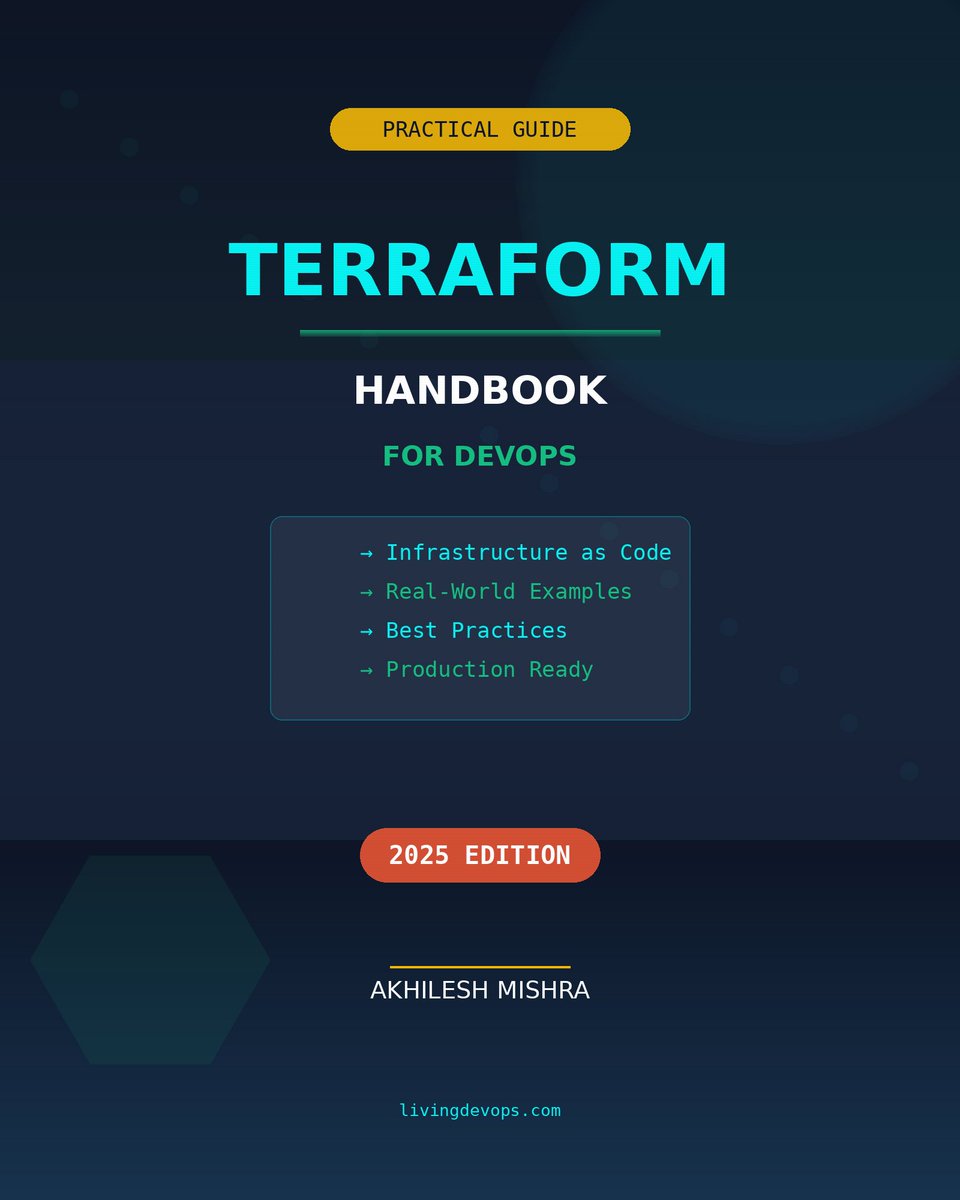
Terraform is the one skill that separates DevOps engineers who click through consoles from those who deploy infrastructure in seconds.
I've had written a comprehensive "Terraform Handbook for DevOps Engineers" ebook that thousands of people loved
and I'm giving it away for free.
To get it for free, just do 3 things.
✓ Follow me (for DM access)
✓ Retweet this post
✓ Comment "Terraform"
And I will personally send you that.
P.S. If i missed sending you due to some issues, just DM me and I will share
“In Him” we live and move (Acts 17:28).
“In Him” we have redemption (Eph 1:7).
“In Him” we are heirs (Eph 1:11).
“In Him” we were sealed (Eph 1:13).
“In Him” we are built together (Eph 2:22).
“In Him” we have boldness (Eph 3:12).
We are nothing without Christ.
Pinterest + ChatGPT + Ideogram = $19,516
And I can prove it works in next 5 sec.
I'm running 6 Pinterest blogs that generates ~$4K each.
Most people struggle with Pinterest traffic, but I've cracked the code.
So I'm giving away my ENTIRE system for free:
• Complete Traffic Guide
• 10 Premium Pinterest Templates
• Step-by-Step Implementation Plan
Want to replicate my results?
• Like & Retweet
• Comment "BLUEPRINT"
& I'll DM it to you for free.
Must Follow Me, 24 Hours Only