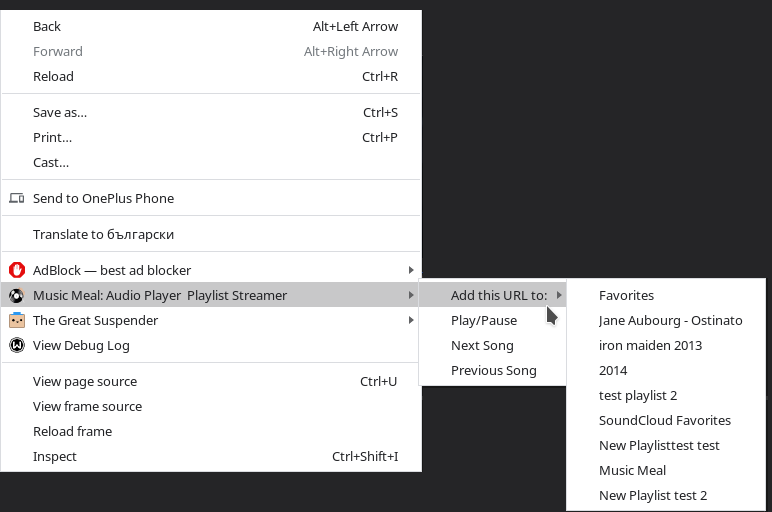
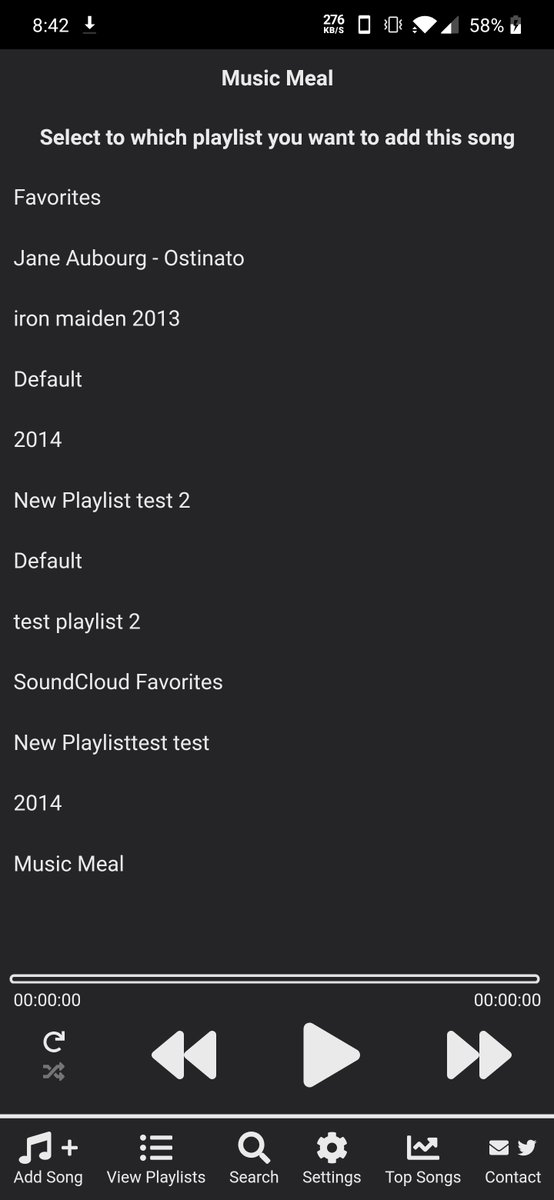
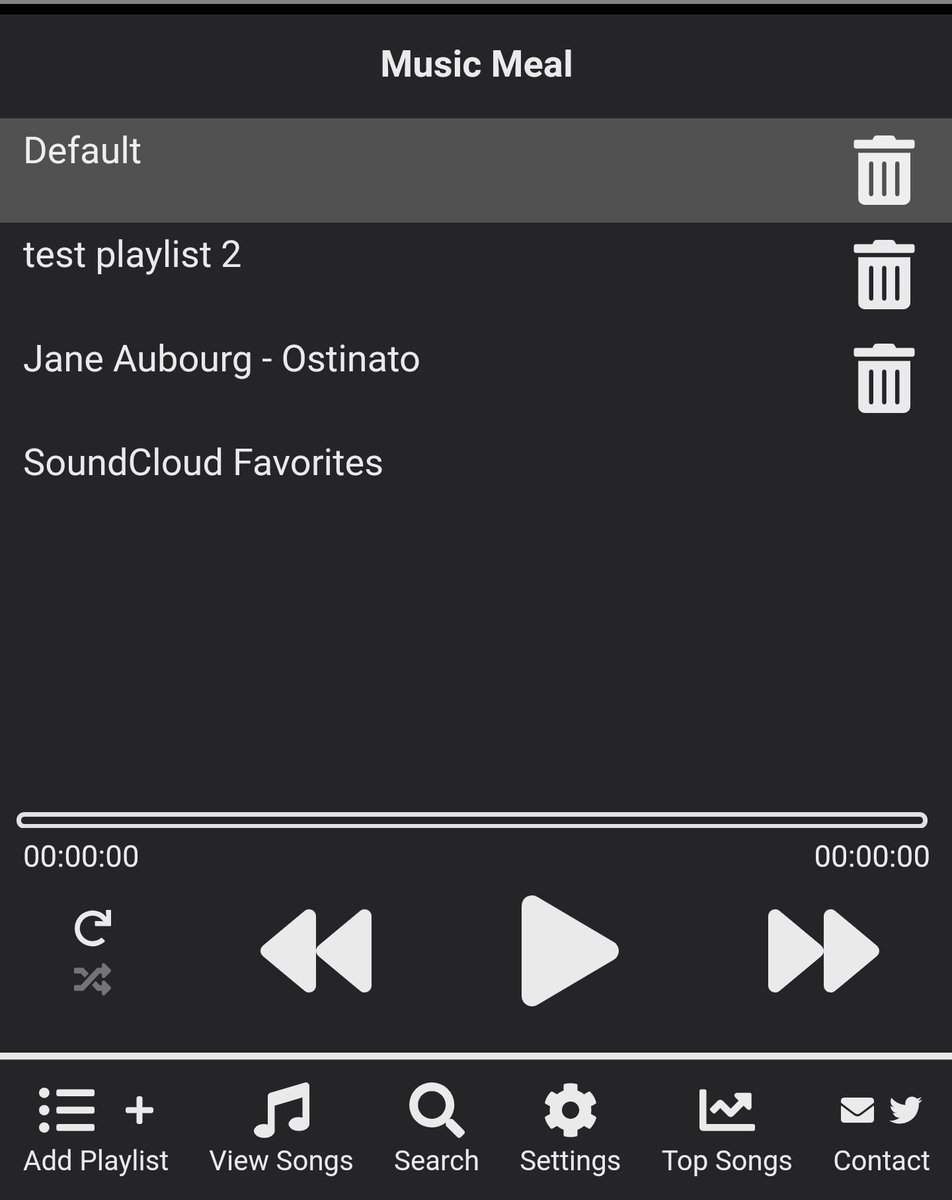
v3.11.0 is now live 🎉 It adds the ability to select to which playlist you are adding the new song from the context menus in chrome and when sharing it from an app to the android version (through an intermediate screen)
v3.10.1 is now live 🎉 It adds the ability to get or update all of your #YouTube playlists in Music Meal. You can read more about it here https://t.co/Z0mzXmO5lo
This was also a user suggestion, so if you have any ideas or feedback, don't hesitate to share them!
v3.8.24 is out now 🎉 it introduces the ability to also sync the liked songs from #SoundCloud
All of them are listed into a separate playlist. Adding or removing songs from that playlist will add or remove them in your #SoundCloud liked list
v3.8.23 is out now🎉 It introduces the ability to connect your #SoundCloud account so all of your #SoundCloud playlists will be in sync with Music Meal
You can read more about it here https://t.co/nrnmJMNKHS
Huge thanks to @MilaChervenkova for suggesting the feature!
v3.8.2 is out for all platforms! It adds a few quality of life improvements, but mainly it adds a sync service🎉
If you register and login it, it will sync the playlists and songs from all of your devices. Check it out in action https://t.co/lCbtcGiO60
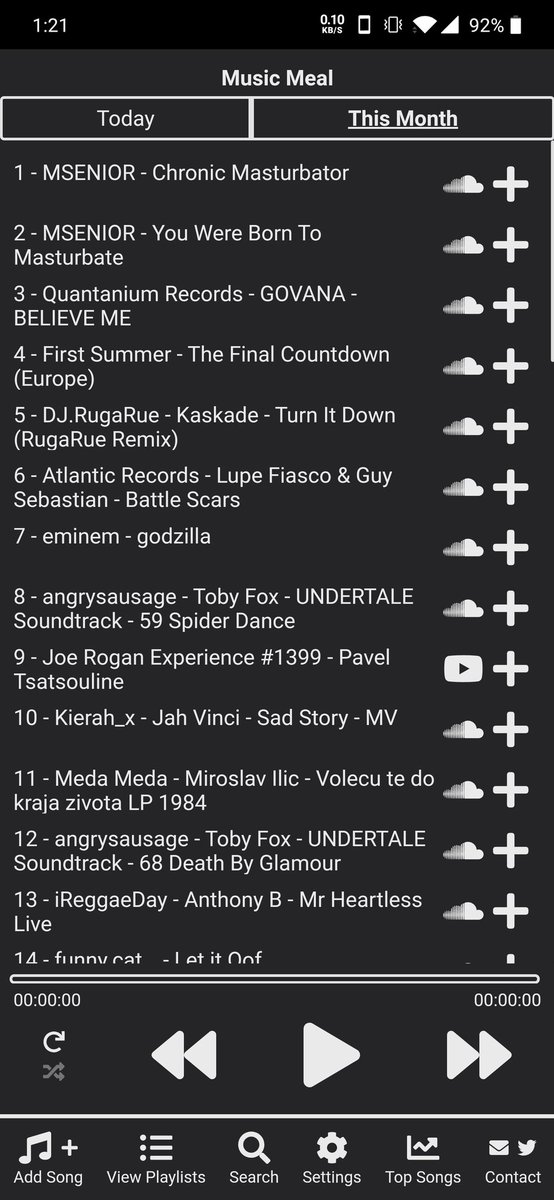
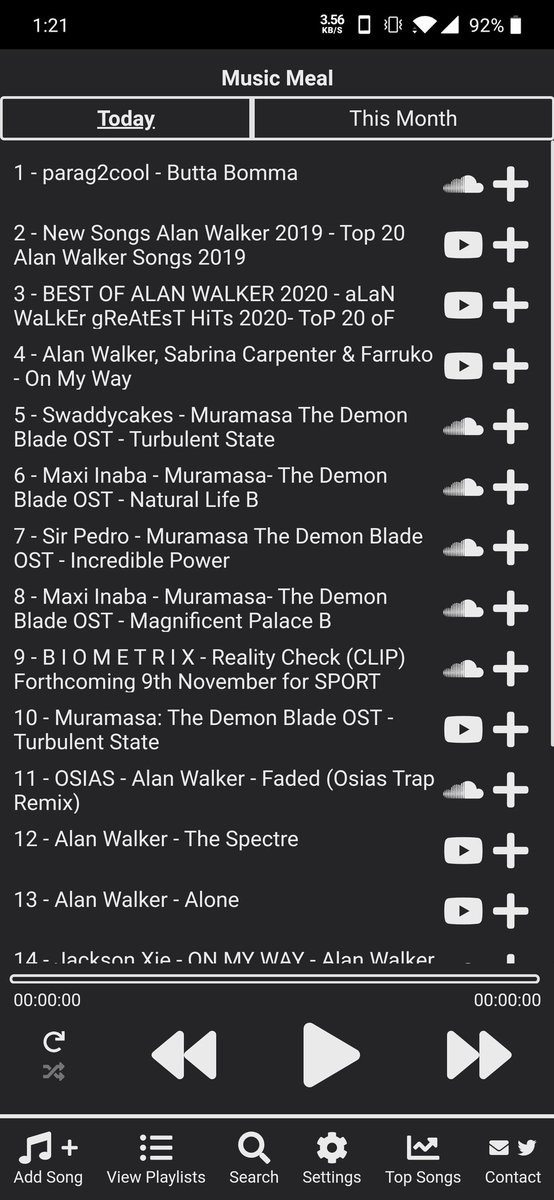
v3.7.13 is out now and adds the best feature we've added yet - a cross platform search. You can find music across #Spotify#SoundCloud and #YouTube and play it or add it to your playlists directly from within the app. Check it out in action https://t.co/1Eyusm2jEU
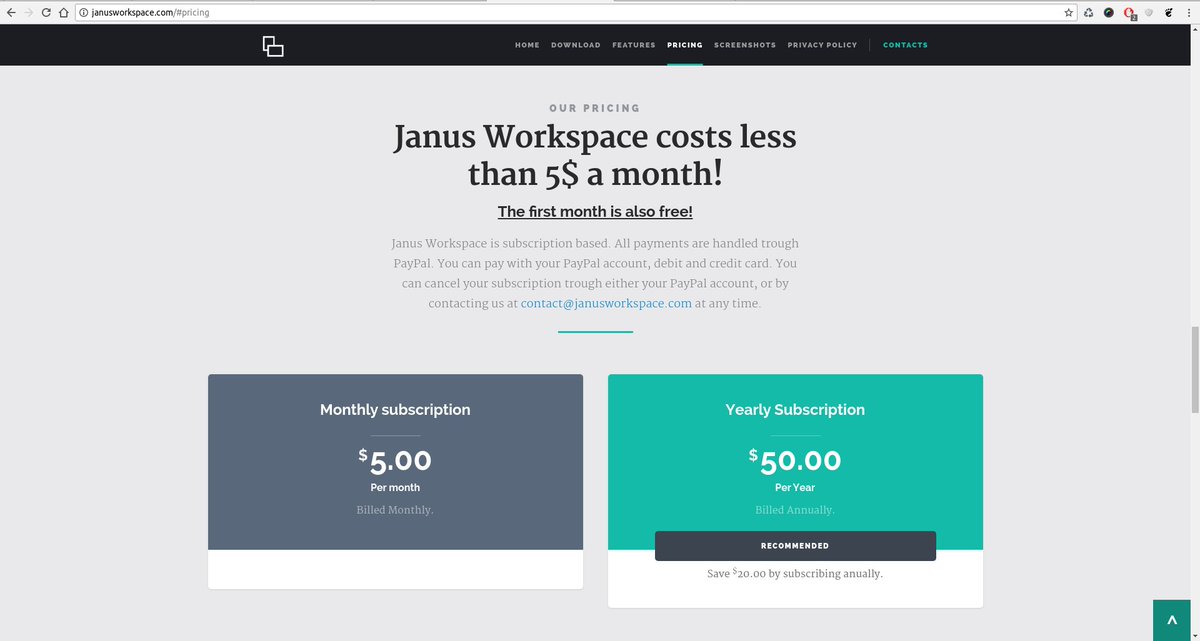
Janus Workspace pricing has been changed. From now on the subscription options are:
$̶1̶0̶ $5 for a monthly subscription
$̶1̶0̶0̶ $50 for an yearly subscription
Or in other words - Janus Workspace just became 50% cheaper!!! 🎉🎉🎉
We hope that we never make any of these mistakes. If you notice any of the problems listed in the article, don't hesitate to tells us https://t.co/x6AkBYQjRQ
Version 5.4.7 is live now for the Chrome Extension
https://t.co/SDYVjurOBU
Added a move arround button, like in the desktop app
Added titles for some of the buttons like in the desktop app
Replaced a few icons to make the style between the Desktop and CHrome apps simillar
@ayushchandra511 If you want to use Janus Workspace as your default new tab you can use this extension https://t.co/SDYVjurOBU Due to restriction for the overwriting of the new tab, the extension is split into two separate ones. If there problem was something else, just let us know :)
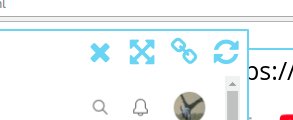
@ayushchandra511 Based on the time of your comment, you are using https://t.co/XTocyzZm5H am I correct? If you are using it have to manually open the Janus Workspace page, by clicking this (indicated on the screenshot bellow)