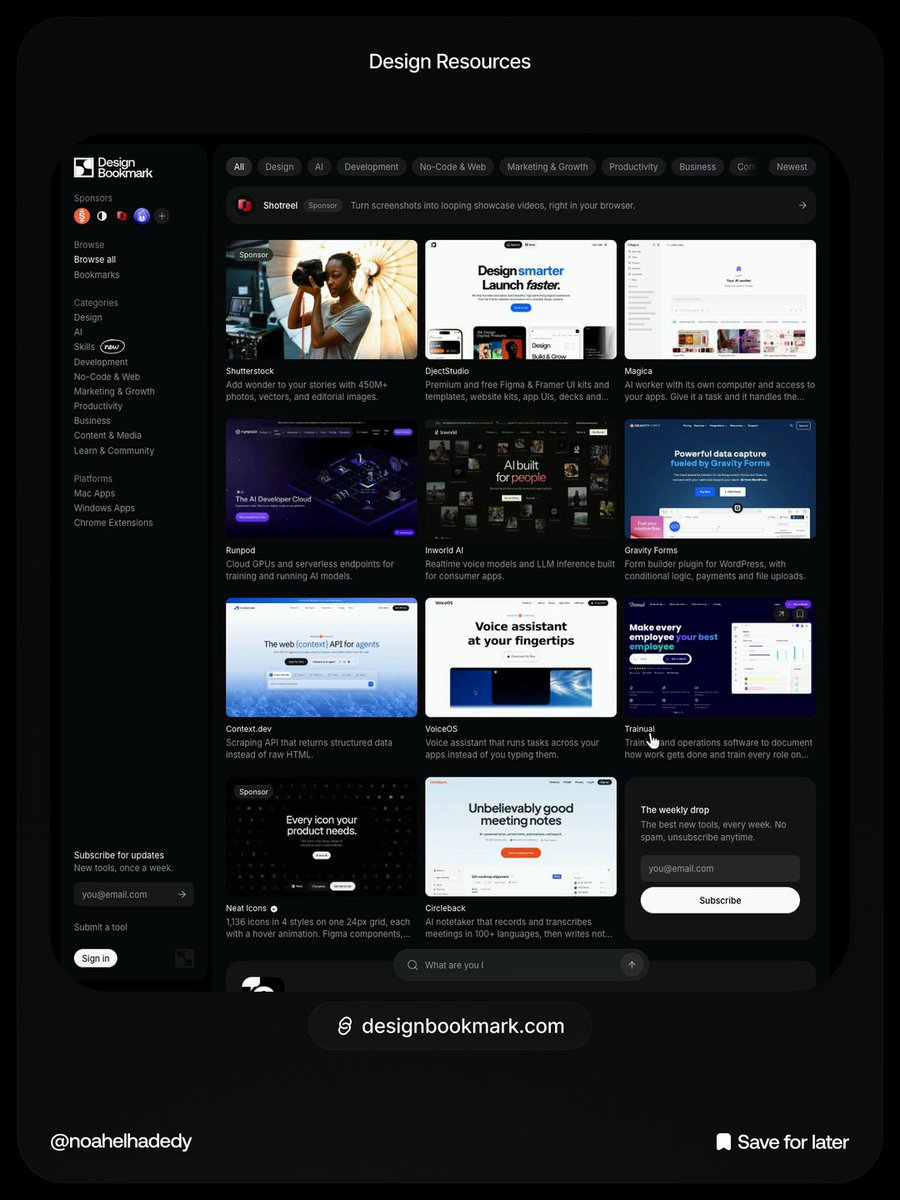
Stop shipping generic AI interfaces. Bookmark these 5 design skills before your next build:
- Impeccable. Shape, critique, and polish → https://t.co/Tus3IeOJnC
- Taste Skill. Dials for variance and motion → https://t.co/3KA2JO2pM8
- Hallmark. 21 themes and 58 checks → https://t.co/ttTKqKIUeB
- UI UX Pro Max. 192 palettes and 119 UX rules → https://t.co/5Q8BGPCfFk
- Craftwork. 114 vetted design skills → https://t.co/5k3rWKSmak
Save this list so your agent actually builds with good taste.
If you’re building with AI, save these 👇
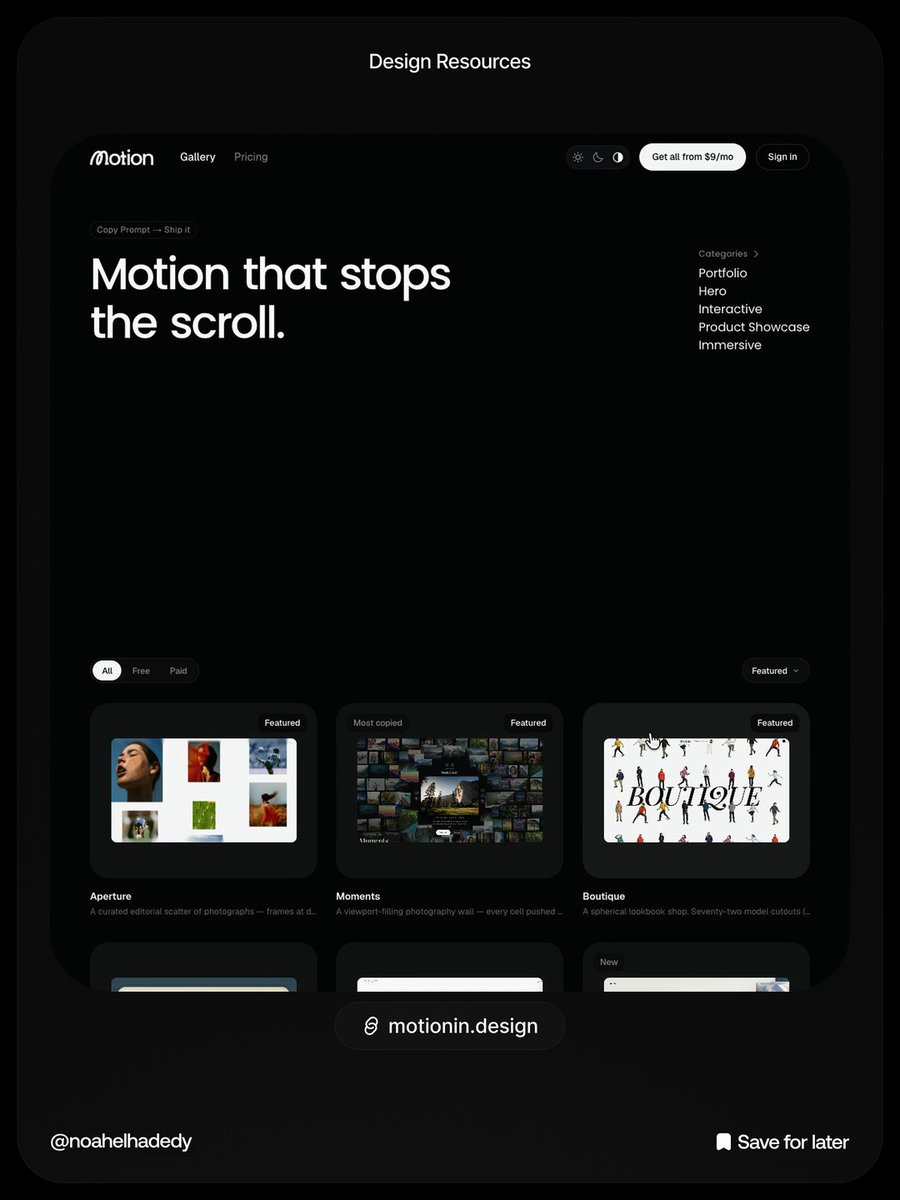
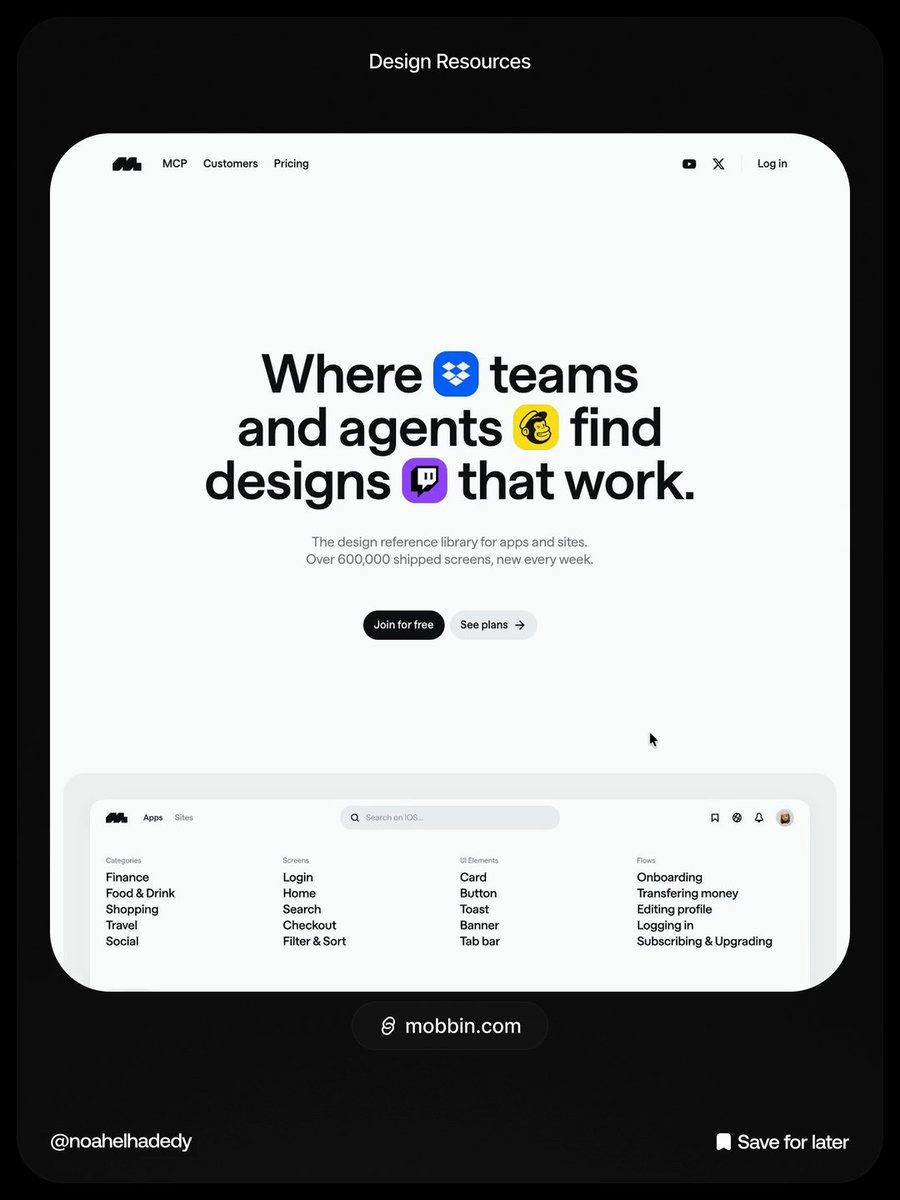
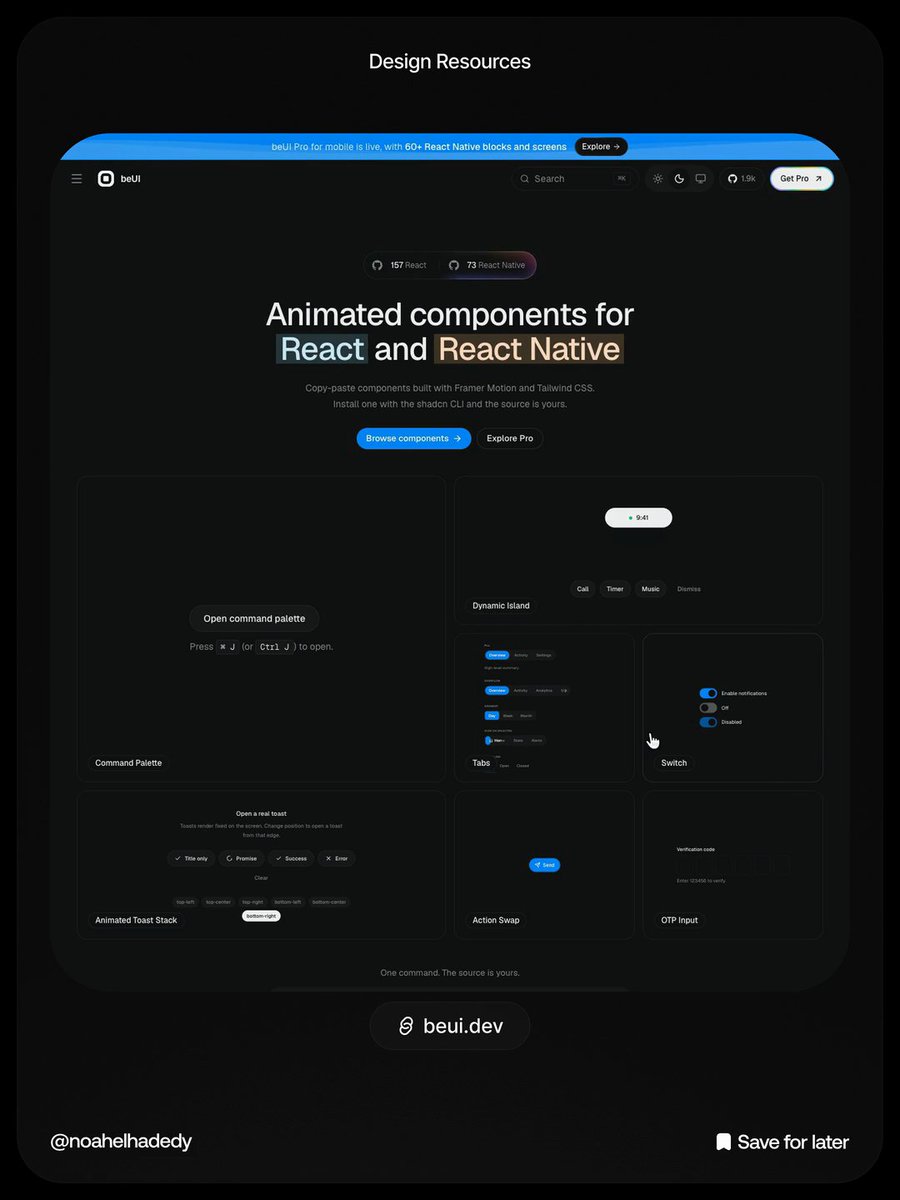
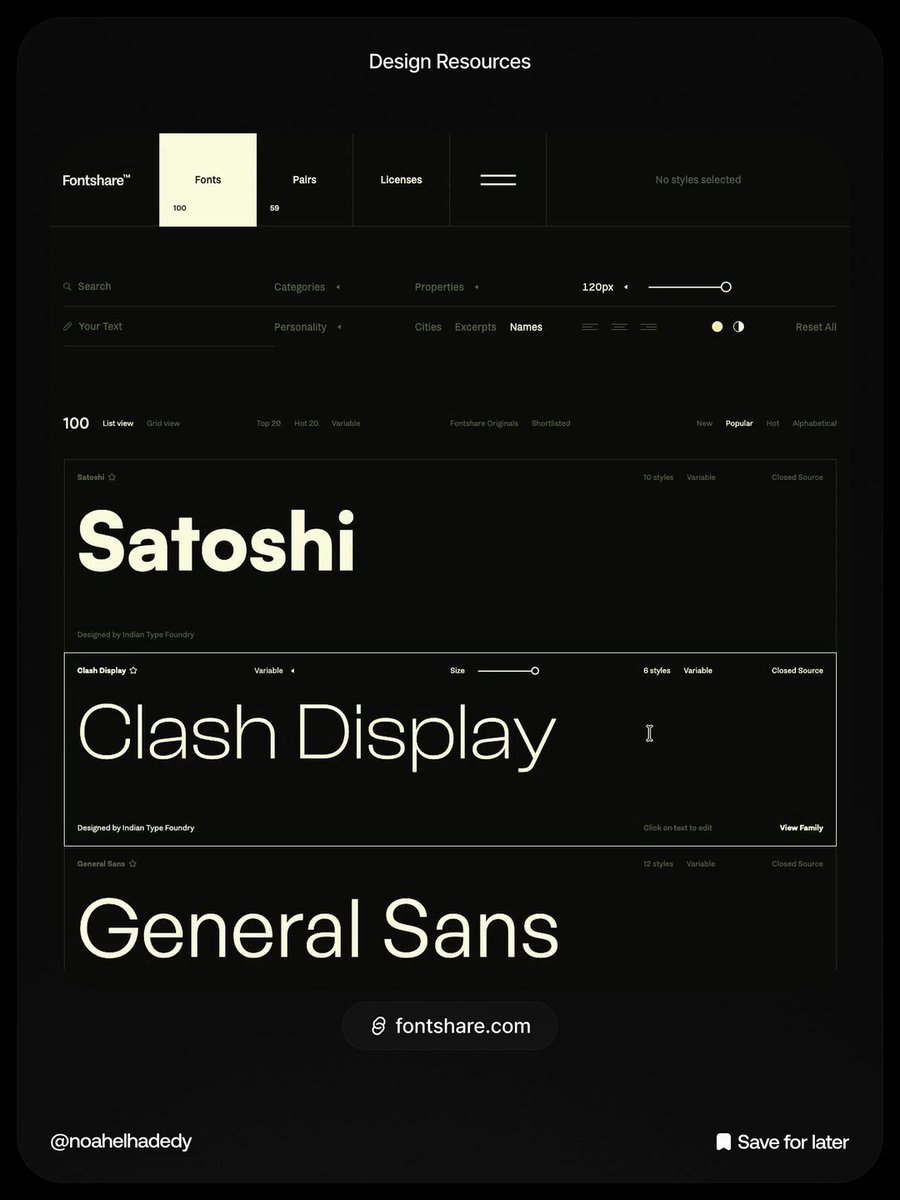
1. https://t.co/SnN1CeM6iR → 192+ website templates with live previews, ready for inspiration or AI-powered builds.
2. https://t.co/1zSdQqN3jC → 70 beautifully designed website sections, with 41 free to copy, including full prompts and source code.
3. https://t.co/i2Pmsx2yC0 → AI explainer video kits to create polished product videos with Claude.
Stop starting from a blank canvas. Give your AI something good to work with.
Save this 🔖
Every vibe coder's security prompt:
Your app might look secure. That doesn't mean your users' data is safe.
Before launching your next SaaS, paste this into Claude Code, Cursor, or your preferred AI coding agent.
PROMPT:
"My web application is live. Act as a Senior Application Security Engineer and perform a thorough security audit.
Don't give me generic security advice. Inspect the actual codebase, trace important code paths, and identify vulnerabilities that could put user accounts, data, or business operations at risk.
1. Authentication & Authorization
Review login, signup, logout, and session handling.
Verify that permissions are checked on the server.
Check whether users can access other users' private data.
Look for IDOR and Broken Object Level Authorization (BOLA).
Test whether normal users can access admin-only endpoints.
Review password reset and email verification flows.
Check session expiration and token handling.
2. API & Backend Security
Inspect every important API endpoint.
Check for SQL injection and unsafe database queries.
Look for XSS, CSRF, and SSRF vulnerabilities.
Check for mass assignment and privilege escalation.
Validate all user-controlled input on the server.
Review file uploads, downloads, and access permissions.
Check whether sensitive endpoints have proper rate limits.
Verify webhook signatures and prevent replay or duplicate processing where applicable.
3. Database & Secrets
Review database permissions and Row Level Security policies.
Check whether RLS is enabled and correctly enforced where required.
Look for exposed API keys, credentials, and private environment variables.
Check whether frontend code exposes sensitive backend information.
Verify that users can only read and modify records they're authorised to access.
Review database functions and privileged operations.
4. Configuration & Infrastructure
Review CORS configuration.
Check security headers and cookie settings.
Look for insecure redirects and exposed internal endpoints.
Review dependency vulnerabilities.
Check production and development environment separation.
Inspect error handling for leaked stack traces or sensitive information.
Make sure application logs don't contain passwords, tokens, or private user data.
5. Business Logic
Check whether users can bypass payment or subscription restrictions.
Look for ways to manipulate prices, quantities, or account privileges.
Test whether users can repeat actions that should only happen once.
Check whether ownership is verified before modifying or deleting records.
Review invitation, referral, and account management flows where applicable.
IMPORTANT INSTRUCTIONS:
Start with a read-only audit.
Only test systems I own or am explicitly authorised to assess.
Use local or staging environments and test accounts wherever possible.
Never expose actual secrets in your report.
Don't delete data or change production configuration.
Don't disable existing security protections.
Don't claim a vulnerability exists without evidence.
Don't automatically change code during the audit.
For every confirmed issue, provide:
Severity: Critical, High, Medium, or Low.
Exact file and code location.
What the vulnerability is.
How it could be exploited.
What data or functionality is at risk.
The recommended fix.
A test to verify that the fix works.
Finally, rank the issues by priority and give me a practical remediation plan.
After I approve the fixes, implement them in a separate development branch, add regression tests, and show me the changes. Never deploy without explicit approval."
A login page doesn't make your application secure.
A hidden admin button doesn't stop someone from calling the admin API directly.
The real security check happens on the server.
Bookmark this before shipping your next SaaS. 🔖