Someone hears about your business today. Their next move? They Google you.
Make sure they find you, not your competitor!
With our AI Website Builder, you can get a professional website online quickly, with AI doing the heavy lifting.
Get started now: https://t.co/gHtEXQwsRa
A website shouldn't feel like a complicated exam you need to study for😊
Simply think of what you want your business to look like online. Tell AI what you need, and let it help you get started.
👉 Try the WhoGoHost AI Website Builder: https://t.co/gHtEXQwsRa
@FiberOne_help my Internet service is so bad. I have logged a ticket and updated the ticket several times about my Internet so bad that it have to reload several times before my browsing pages load. Please look into this asap
Here are 10 FREE platforms/resources to learn cloud security. All are truly free to start and suitable for beginners to intermediate learners.
1. Google Cloud Skills – Cloud Security Training – A broad set of free learning paths and hands-on labs for Google Cloud, including cloud security fundamentals and security roles. 
https://t.co/75Ivkdijg4
2. Google Cloud Cybersecurity Certificate (Beginner) – Free beginner-oriented cloud security training covering security concepts and defenses on Google Cloud. 
https://t.co/rTQIvDddpC
3. Introduction to Cloud Security (Great Learning) – A free self-paced course introducing cloud security basics, shared responsibility model, threats and protections. 
https://t.co/w5NtRwxJV0
4. Cybrary – Check Point Cloud Security Jump Start – Free targeted cloud security course teaching real-world cloud threat challenges and how CloudGuard secures environments. 
https://t.co/tS3UEBvxkL
5. Palo Alto Networks Free Cybersecurity Courses – Includes a free Fundamentals of Cloud Security course covering threats, virtualization, cloud environments and defensive concepts. 
https://t.co/UGJ30xunsE
6. EC-Council Free Cybersecurity Courses – Offers free beginner courses on cloud computing fundamentals and related security topics as part of its free cybersecurity lineup. 
https://t.co/wI7N6z4twq
7. AWS Free Tier + Cloud Security Learning Tools – While AWS itself isn’t a course platform, its free tier and security product docs allow hands-on learning of IAM, network protections, monitoring, and cloud security services at no cost. 
https://t.co/IVi2VM3b2H
8. Coursera (Free Audit Options) – Many cloud security courses can be audited for free (no certificate), including foundational cloud security topics from recognized educators. 
https://t.co/6y5FcYcd0A
9. openHPI (Cloud & IT Courses) – Free online courses on cloud computing and cybersecurity fundamentals from an academic MOOC platform; useful for foundational cloud security principles. 
https://t.co/CyuG13UDy9
10. Reddit & Community Shared Resources (Advent Cloud Security) – Community-curated free video series and talks from cloud security practitioners, covering AWS, Azure, GCP security tips and real-world guidance. 
https://t.co/joMTxKHimf
Here is something that most SOC analysts Miss..
In most post-incident reviews, there’s a moment that always feels the same.
Someone asks: How long were they in the environment?
And the room goes quiet.
Not because the answer is shocking, but because no one is confident it’s accurate.
Most SOCs don’t fail because they miss alerts. They fail because their telemetry can’t tell a coherent story.
1. Logs exist, but they’re fragmented.
2. Authentication logs don’t align with endpoint activity.
3. Cloud actions lack identity context.
4. Network data lives in isolation.
So, responders reconstruct attacks manually, guessing timelines, correlating timestamps, filling gaps with assumptions. That’s how attackers stay undetected, not by being invisible, but by being inconvenient to understand.
High-performing security teams design logging backward:
1. From investigation requirements
2. Legal defensibility
3. Breach reconstruction, not compliance checklists
Detection is important. Narrative is decisive.
If your data can’t answer who, from where, doing what, using which permissions, then speed and tooling won’t save you.
The Most Harmless Looking Thing That Can Hack You!!
A USB cable/drive:
This might look harmless, but it is one of the most overlooked security risks out there.
Not even the fancy malicious ones.
Just a regular cable you borrowed at a party or from a coworker’s desk.
We panic about zero-day attacks and advanced hackers, yet we trust strangers’ charging cables like they're holy objects.
That small moment of convenience can become a very expensive mistake.
Newsflash:
Your phone is more vulnerable while charging than while browsing.
Protect your ports like you protect your peace.
And while you may opt to carry your own chargers, keep in mind that public charging ports could also potentially be infected.
Stay vigilant and stay safe.
Whoop whoop!
GO54 has been named 𝗕𝗲𝘀𝘁 𝗡𝗶𝗴𝗲𝗿𝗶𝗮𝗻 𝗗𝗼𝗺𝗮𝗶𝗻 𝗥𝗲𝗴𝗶𝘀𝘁𝗿𝗮𝗿, 𝟮𝟬𝟮𝟱!🏆
A big THANK YOU to everyone who trusts us! This win is yours too. And shoutout to @niraworks for the honour.
Here's to more wins ahead!✨
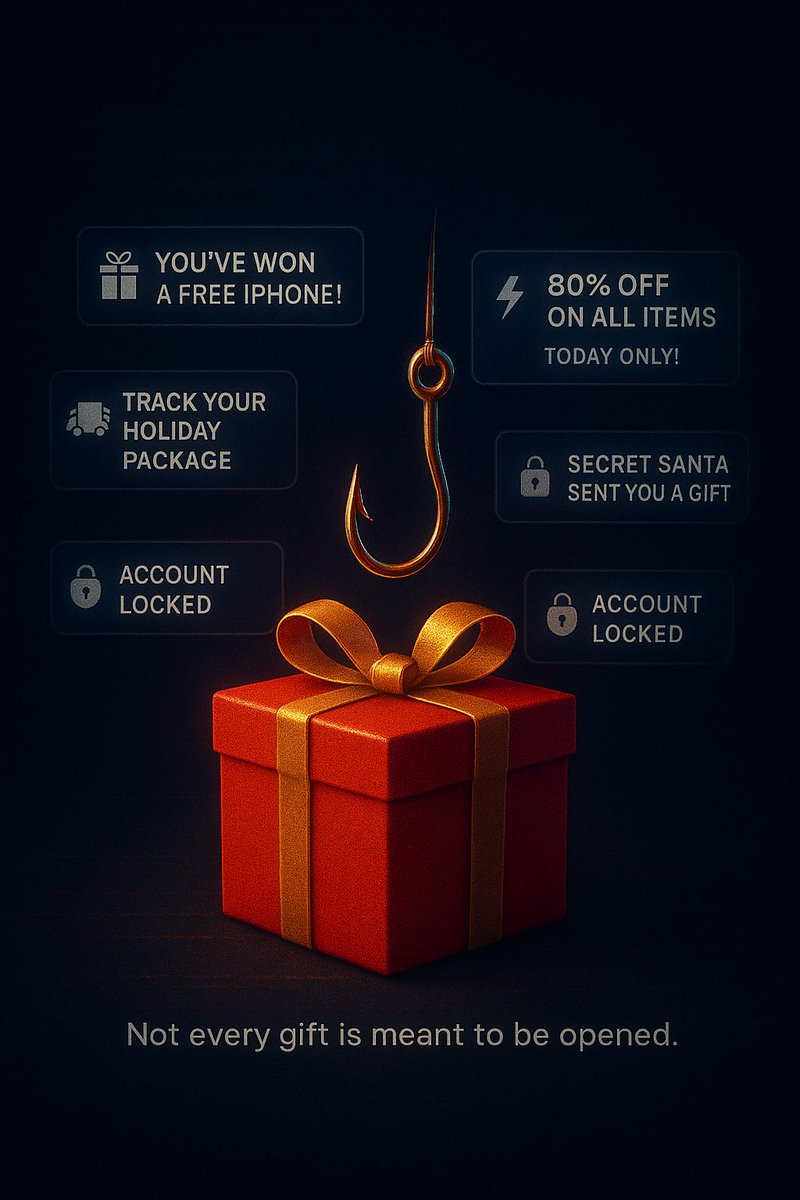
5 Festive-Season Phishing Traps You’ll See All Over Social Media This Month
This is the season when attackers are on high alert, utilizing the festivities to prey on unsuspecting individuals.
1. You’ve won our Christmas Giveaway
The page has 12 followers, the logo is pixelated, and somehow you won without entering anything.
Then they’ll ask you to confirm your identity with your credit card.
2. 90% OFF Holiday Clearance (TODAY ONLY!)
A brand you’ve never heard of suddenly sells iPhones for $49.
Spoiler: they’re not shipping anything except malware to your inbox.
3. Santa is tracking your package click to view delivery status
Fake courier links spike every December.
One tap equals credential harvesting or malware disguised as tracking info.
4. Family Christmas Album 2024 download to view
If the file is a ZIP, EXE, or oddly large PDF
Congratulations, that’s probably a RAT (Remote Access Trojan), not Uncle Mike.
5. Holiday Jobs Hiring FAST, $700/day from home!
These posts target students and job seekers.
They’ll request your ID, SSN/passport, or banking details to “process hiring.”
✨ Survival Rule:
If it creates urgency, triggers emotion, or sounds too good to be true…
it’s probably phishing wearing a Santa hat.
Stay safe online.
share to spread awareness.
Starting out in #cybersecurity?
Here's how you can leverage AI to ease your learning:
1. Use AI to break down complex topics into digestible explanations
. Paste anything confusing (packet captures, RFC snippets, exploit writeups),
and ask AI to explain it like you’re 12, then again like you’re a SOC analyst.
. This cuts hours of googling into minutes.
2. Turn AI into your personalized lab instructor
Ask it to generate:
. Step-by-step labs (MITM attacks, Wireshark filters, privilege escalation paths)
. Custom scenarios (simulate a SOC alert involving DNS tunneling)
. Challenges before interviews (give me 5 blue team exercises to practice today)
3. Use AI to validate your understanding
. After studying something, explain it to AI and ask:
(Explain 'X' back to me and tell me what I got wrong.)
. AI will identify gaps you didn’t even notice.
4. Generate cheat sheets instantly
. Anything you learn, commands, ports, threats, attack chains, turn into a one-page cheat sheet using AI.
. This helps you build muscle memory fast.
5. Use AI to attack and defend (safely)
Ask it to simulate both sides:
How would an attacker exploit this misconfig?
How would a defender catch this in real time?
This gives you the attacker mindset while sticking within the legal boundaries.
6. Turn AI into your study planner
Ask it to build:
. 30-day learning plans
. 1-hour-a-day study schedules
. Skill-based roadmaps (SOC, AppSec, DFIR, Cloud Security)
7. Use AI to clean messy tools output
Paste your:
. Burp Suite logs
. nmap scans
. Wireshark captures
Ask it to extract only what matters and explain why the rest did not.
Huge time saver.
8. Practice communication, the skill 90% of cybersecurity folks ignore
Have AI rewrite your reports like:
. a senior analyst
. a CISO
. a non-technical manager
This improves clarity fast and prepares you for real-world reporting.
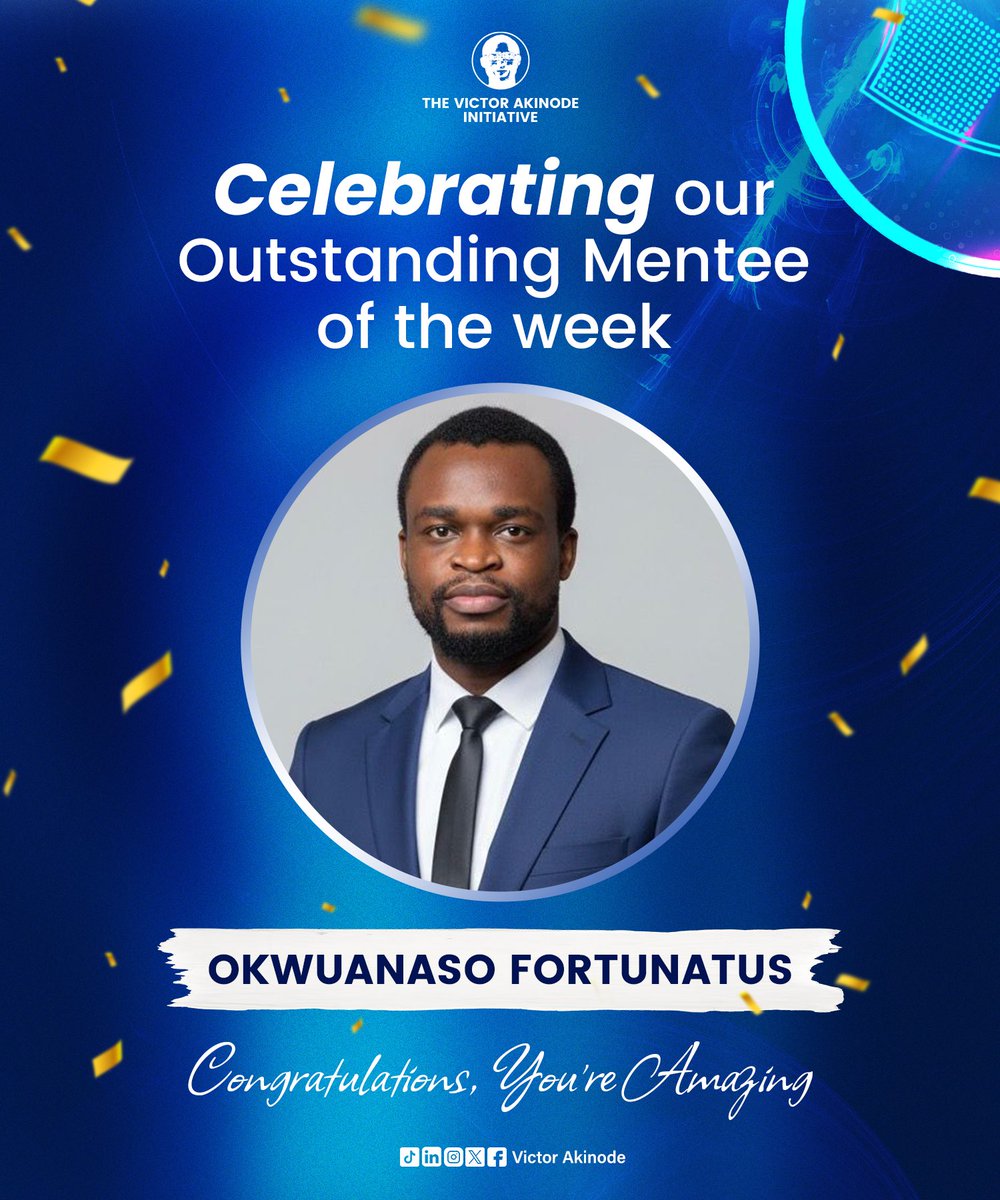
MENTEES OF THE WEEK
Dear Wonderful Mentees,
Over the past week, you have consistently demonstrated remarkable dedication from your active visibility and punctual attendance to the enthusiasm you bring to your learning journey.
Imagine being in charge of cybersecurity in an organization.
Assuring your bosses that you have their data properly backed up.
Only for an attack to happen, they default on paying the attackers knowing you've got a backup.
Then at that fatal hour, you discover your backups are either not working, or they were in the same network the attackers breached.
So, here's the thing:
Backups don’t just mean creating a duplicate of your data and forgetting about it.
The proper way to back up your data is to treat it like a living system, not an artifact.
1. Follow the 3-2-1 Rule
3 copies of your data, 2 different storage mediums, 1 offline/off-site.
If all your backups are in the same place, you don’t have backups, you have decor.
2. Test your recovery, not just your backup
Most backups fail at the worst possible time. Run recovery drills monthly.
If you can’t restore it, you never backed it up.
3. Encrypt everything, twice if you must
Unencrypted backups are just portable breaches.
Keep the keys separate from the data, always.
4. Versioning saves lives (and sanity)
Ransomware corrupts everything.
Versioned backups give you clean time-capsules to roll back to.
5. Automate the Process
Manual backups rely on memory.
Automation relies on math, and math doesn’t forget.
6. Document your recovery process.
At that critical hour of recovery, nobody wants to start figuring it out.
This will save you downtime and have you back up and running in the least time possible.
Stay safe and keep your data safe.
Share to pass the information to more people.