10 Single PC streaming tips:
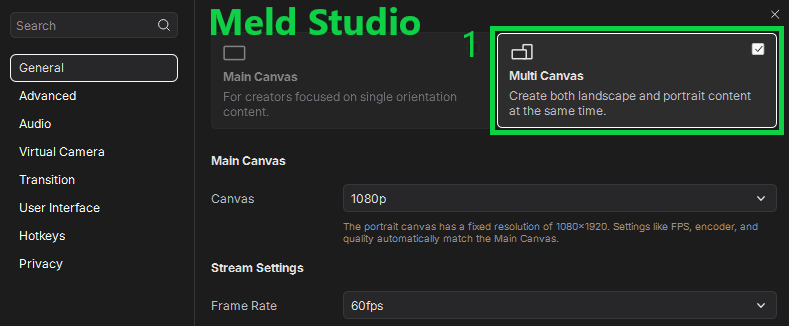
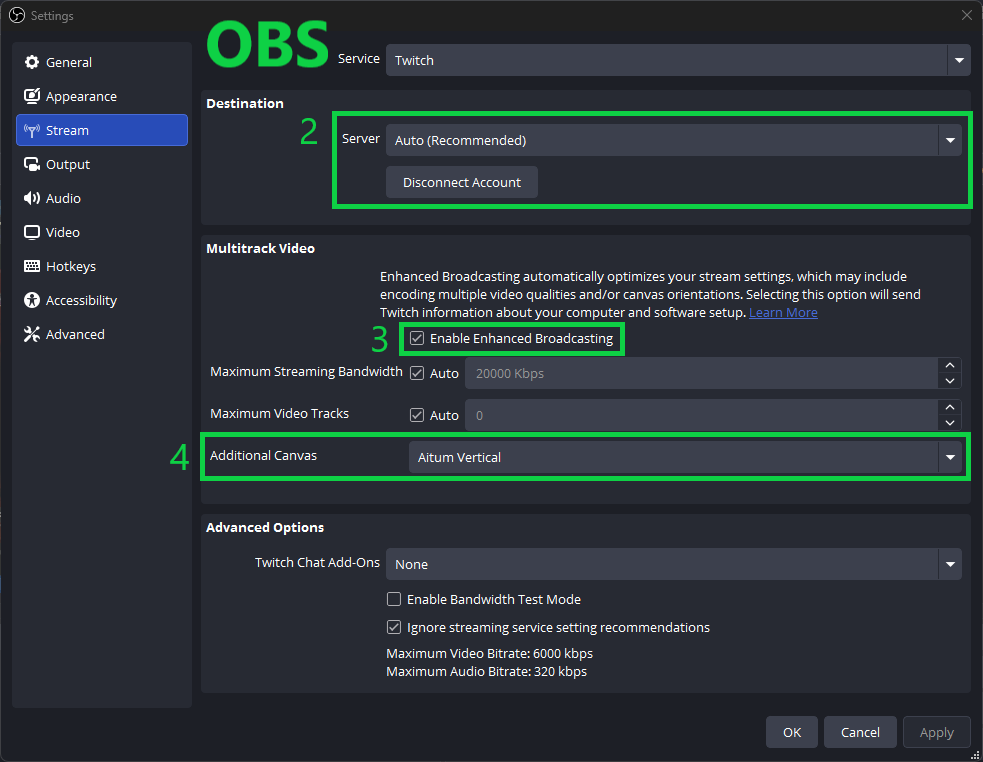
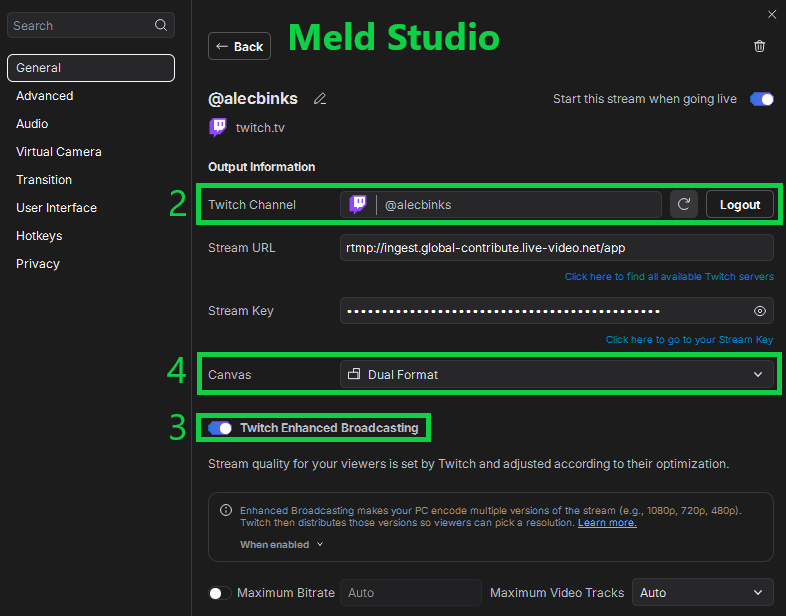
1. Use OBS or Meld Studio over SLOBS
2. Disable preview while in game (OBS)
3. Nvidia GPU (P5 encoder or lower)
4. For graphic intensive content, avoid downscaling (use the same canvas and output resolution)
5. Cap in game fps to your monitor's max refresh rate
6. Set spare monitor(s) to 60Hz
7. Keep animated sources to a minimum. Use hardware decoding and set them to don’t show when inactive
8. Keep browser tabs to a minimum, don't play videos or have streams pulled up while you're in game
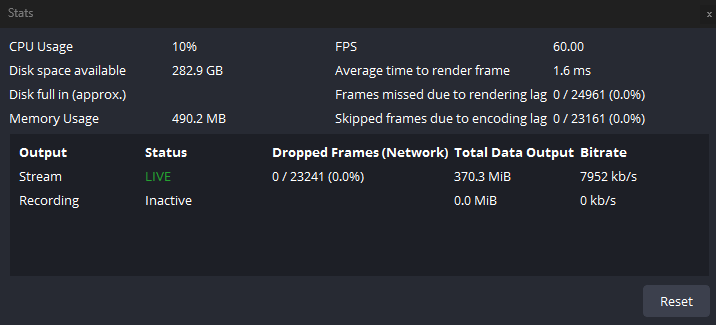
9. Use OBS stats dock or Meld encoder view
10. Always check audio/video before going live
If you're a streamer looking for a cool music widget for your stream — I just launched Universal Now Playing.
Spotify, YouTube Music, Apple Music, TIDAL, Qobuz — pretty much everything works.
Any streaming platform — local music support — no Spotify API crap.
Just open the tool and play your music.
Share it around to your streamer friends.
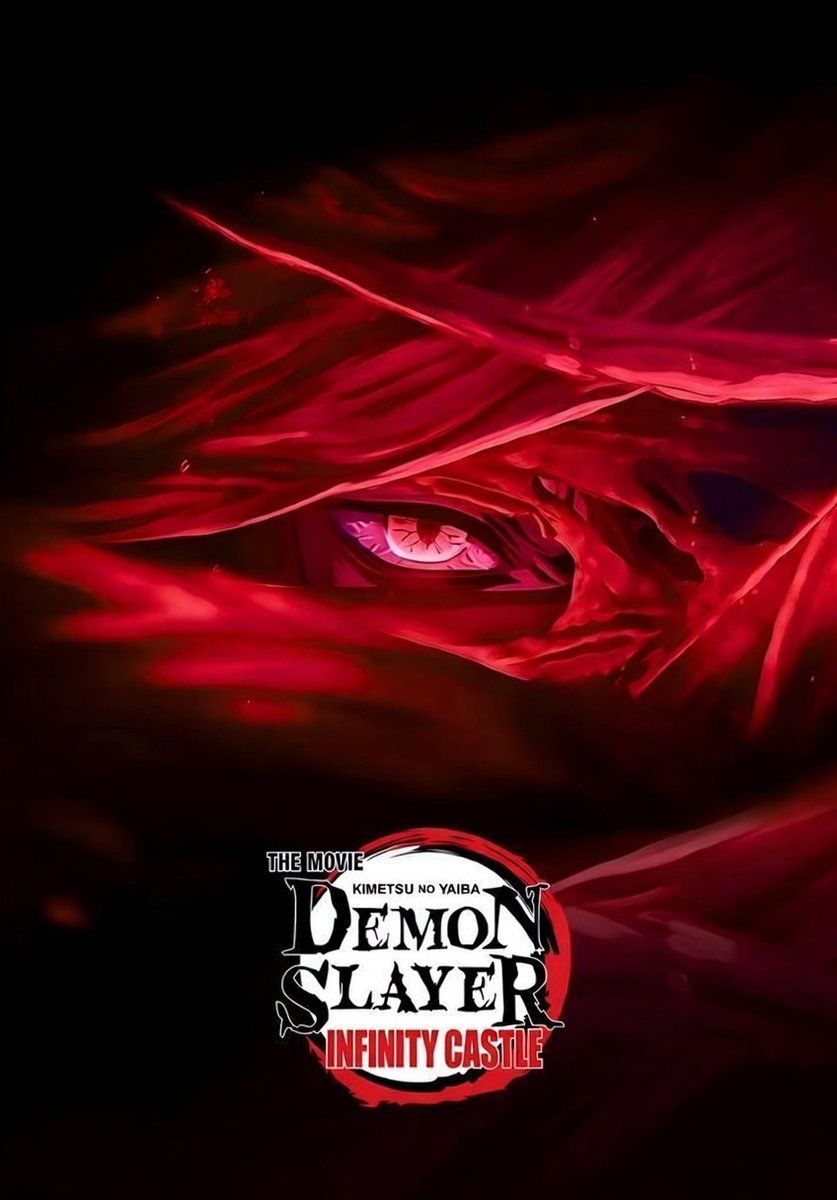
#NEWS Demon Slayer: Kimetsu no Yaiba Infinity Castle I is coming to @Crunchyroll on July 28!
The film will also be available to buy on digital in select territories including North America on July 28!
Pre-orders begin July 4 on select platforms.
#AX2026
If you're a streamer looking for a new music widget but sick of getting cucked by Spotify, I started working on a brand new Universal Now Playing widget.
Some key features:
• Works with (almost) any streaming platform — Spotify, YouTube Music, Apple Music, TIDAL, Soundcloud, Amazon Music — probably way more stuff I haven't even tested.
• No Spotify Premium needed, no API garbage — even Spotify free users will be able to use it.
• Supports local music on your PC.
• Multiple themes + customization options
• Sexy accent colors — I learned new tech and will be abusing this design language with all my widgets going forward.