We’re excited that BurritoDAO will be assisting in the production of @jetlrwilliams’s event
“Dérailler: Sydney’s underground in Paris”
This will be our first time producing an event outside of the US. 🌍
Burrito is going Global! 🌐
RSVP & details about the event below👇
Hey Artist, Collector, and patron friends, I’m working on an exciting curation and I need your help!
Please put me on to some of your favorite Artists in Europe.
You can recommend anyone, they don’t have to have minted their work.
Thank you so much for your help!
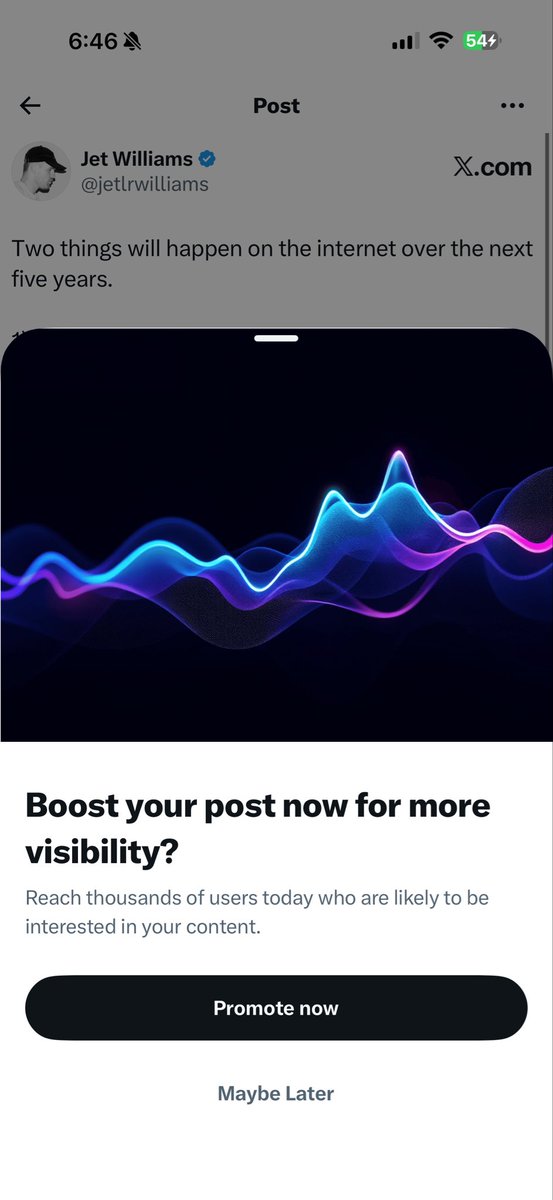
Two things will happen on the internet over the next five years.
1) Bots takeover and AI generated content floods the entire web. (You could argue it already has) This leads to it becoming almost impossible to interact with humans and or find human made content.
2) Companies / governments will try combat this by forcing ID checks and human verification by limiting everyone to creating accounts only attached to their name. If you don’t verify you will be muted by the algorithm and forced to yell into the void.
If you don’t believe me. They’re already doing it on X by encouraging people to subscribe to boost reach. Also, Australia literally has ID checks for when you sign up to social media accounts now. So yeah. This is what’s going to happen across the world.
But… in these restrictions something new will emerge. Perhaps an underground internet…
Claude Cowork out of the box is good, but with the right context structure, it goes from generic assistant to executive-level partner.
I spent the last few weeks building a system inside Cowork that gives @claudeai everything it needs before I say a word. Who I am. How I write. What I'm working on. My team. My calendar. My priorities. All of it.
Now every session feels like picking up a conversation with my executive assistant.
The difference is context. Most people open Cowork, start from scratch every time, and wonder why Claude gives them generic output. It's not a Claude problem. It's a setup problem.
Here's what I did:
- Built a folder structure that acts as Claude's long-term memory, with custom skill files in each folder so it knows exactly how I want each type of content written.
-Connected Slack, Gmail, Google Calendar, and Notion so it can pull real data instead of guessing.
-Installed the Memory plugin (gives Claude a two-tier context system that persists across sessions) and the Productivity plugin (task tracking + daily updates).
That combination changed everything. Content drafts that used to take 3 rounds now land on the first try.
Meeting prep, email replies, task management. All better because Claude already knows the context.
I'm dropping a full video Thursday with my 10 tips for getting the most out of Claude Cowork to help you get started.
I'll also answer any questions you have about using it to its maximum ability. Comment below.
Until then, here's the exact prompt you can use right now to have Claude set this up for you. Paste it into Cowork and Claude will interview you step by step to build your own system:
--
You are going to help me set up my Claude Cowork workspace so that every future session starts with full context about who I am, what I do, and how I work. We're building a "brain" that makes you useful from the first message.
Here's how this works. You're going to interview me in phases. Ask me questions, then build the files based on my answers. Don't rush. Don't assume. Ask before you build.
Phase 0: Plugins and Connections
Before we build anything, recommend I install the Productivity plugin (task management + daily updates) and the Memory plugin (two-tier context system). Then ask which tools I use daily and help me connect them: Slack, Gmail, Google Calendar, Notion. The more tools connected, the more useful this system becomes.
Phase 1: About Me
Interview me to create an https://t.co/yQEiQhITWJ file. Ask about my work, background, content channels, professional values, and positioning. Create the file, show it to me, and get my approval before moving on.
Phase 2: Brand Voice
Analyze any content I've already created. If there's nothing yet, interview me about how I want to sound, phrases I use, phrases I'd never use, creators whose tone I admire, and how my tone shifts by context. Create a https://t.co/AnbCoYDgmJ file with voice rules, tone by context, dos and don'ts. Get approval.
Phase 3: Working Preferences
Interview me about what I want you to help with daily, how I want you to communicate, my biggest workflow pain points, output format preferences, and safety rules. Create a https://t.co/uZHhC2AJnR file. Get approval.
Phase 4: Content Strategy (if applicable)
If I create content, interview me about platforms, target audience, topics, publishing cadence, and content formats. For each platform, ask if I have existing skill files. If not, offer to create them. Create a https://t.co/7ApmATdXbm file.
Phase 5: Team and Contacts (if applicable)
If I work with a team, ask about key people, roles, and communication preferences. Check connected tools for team data. Create a https://t.co/8WV6R4Excn file.
Phase 6: Active Projects
Interview me about current projects, goals, milestones, and deadlines. Create individual project files in a Current Projects folder.
Phase 7: Memory System
Update https://t.co/00cPLRytrb with a hot cache of everything we've built. Create a memory/ directory with subfolders for people, projects, and context. Add a https://t.co/yNvQZr4sZd for acronyms and internal terms.
Phase 8: Skill Files
Review everything. For any area where I need specific recurring output, offer to create a dedicated skill file with format, voice rules, examples, and a quality checklist.
Rules: Interview me one phase at a time. Show each file before saving. If unsure, ask. Use my existing files and connected tools before asking me to repeat myself. Keep files concise. File names: lowercase, hyphens, .md format. Save everything to my workspace folder.
Start with Phase 0.
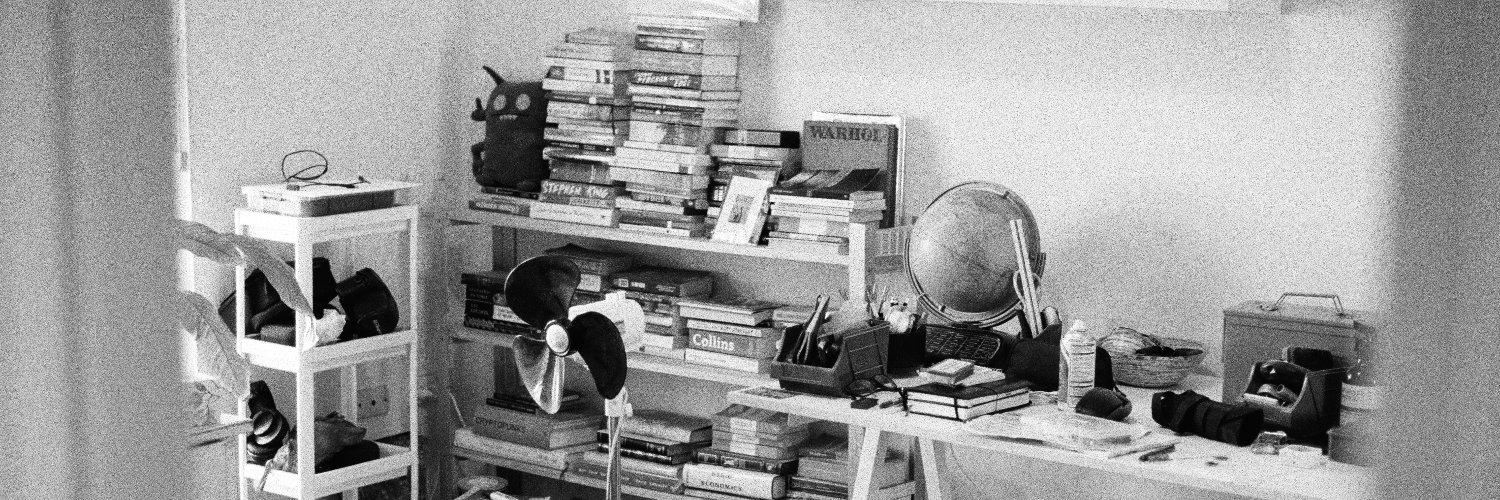
Studio 01: Alex Headlam (@aleqth) is a multimodal artist, technologist, and creative developer whose work reflects on pop culture through technological architecture.
His studio is a two room modular workstation equipped for both painting and digital practice — one half for digital art and music, the other half for painting. And sleeping.
We asked him to show us around.
Peter Thiel just told Silicon Valley it’s automating away its own cognitive moat.
Nobody there is paying attention.
Thiel: “It is striking to me how bad Silicon Valley is at talking about these sorts of things.”
The industry is either arguing over 20% improvements in the next transformer model or jumping straight to simulation theory.
They’re missing the massive real-world shift happening right in the middle.
Thiel: “My intuition would be it’s going to be quite the opposite, where it seems much worse for the math people than the word people.”
For decades, Silicon Valley worshipped quantitative intelligence. Math and coding were the ultimate safety nets.
Thiel: “Within three to five years, the AI models will be able to solve all the US Math Olympiad problems.”
Once a machine instantly solves the hardest math problems on earth, the economic value of being a human calculator doesn’t just decline.
It disappears.
And the historical irony is brutal.
The societal bias toward math over verbal ability started during the French Revolution. Not because math was more valuable. Because verbal ability ran in aristocratic families, and math was elevated as the great equalizer to break nepotism.
A 200-year-old political accident became the foundation of Silicon Valley’s entire hiring philosophy.
AI is about to snap it back.
The people who built the models that can now outperform them mathematically spent their careers optimizing for the wrong skill.
The future belongs to the word people.
The engineers didn’t see it coming because they were too busy calculating.