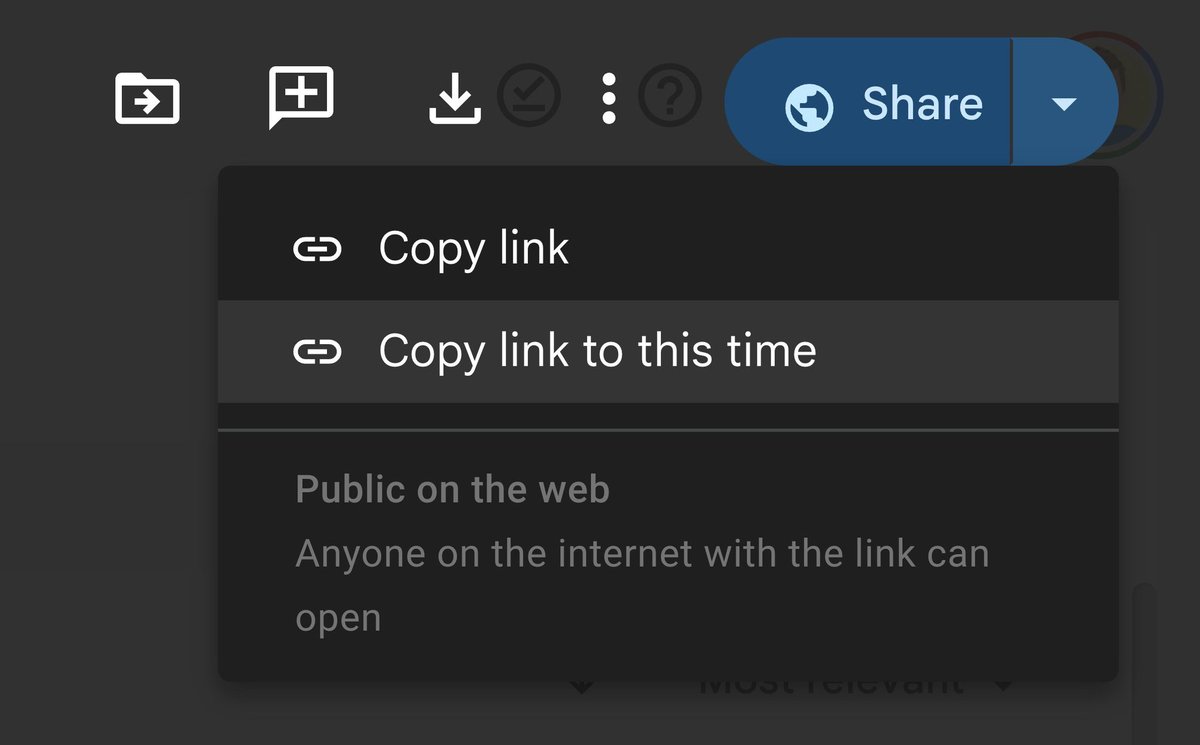
Tip Tuesday! Create a link that takes viewers directly to a specific spot in a Google Drive video. Do this by pausing the video at the desired time, clicking the arrow next to the Share button , and selecting “Copy link to this time.”
It's been 5 days of CES 2024, and the announcements have been wild.
Here are 10 reveals you don't want to miss from CES 2024 (days 4 & 5):
1. A case that gives your iPhone a physical keyboard
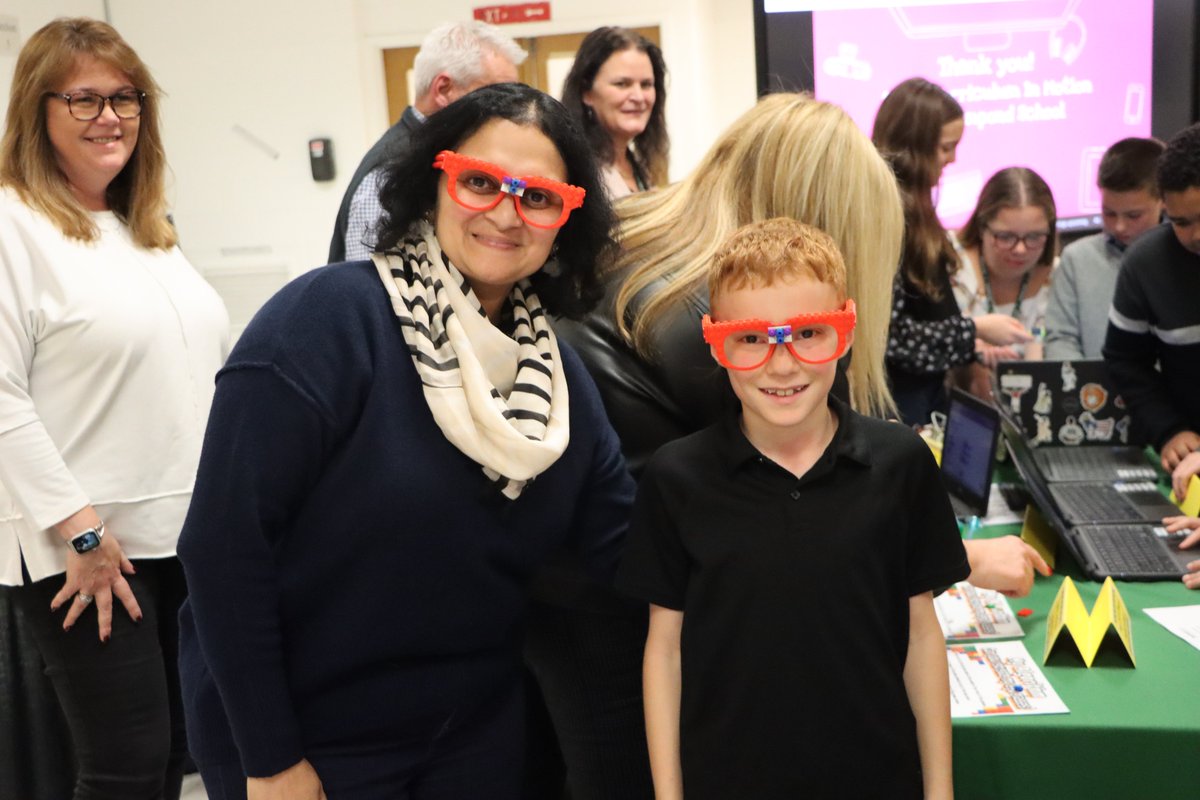
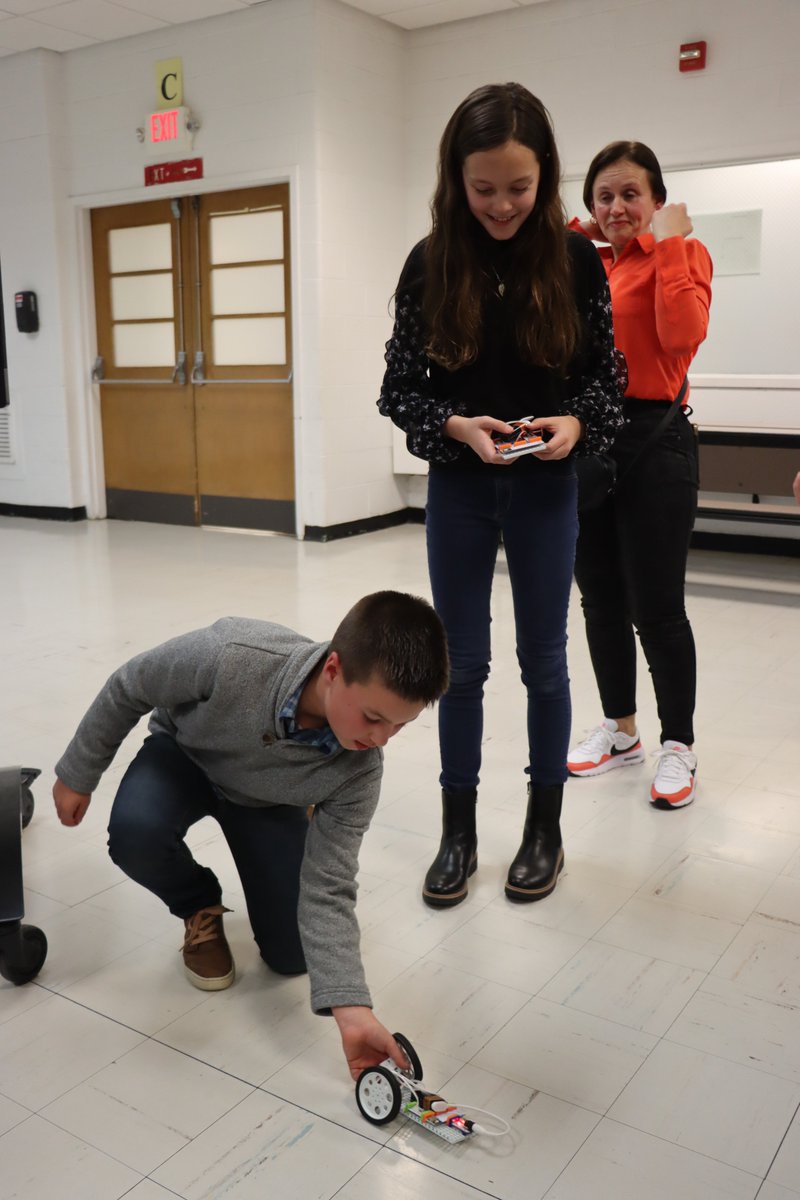
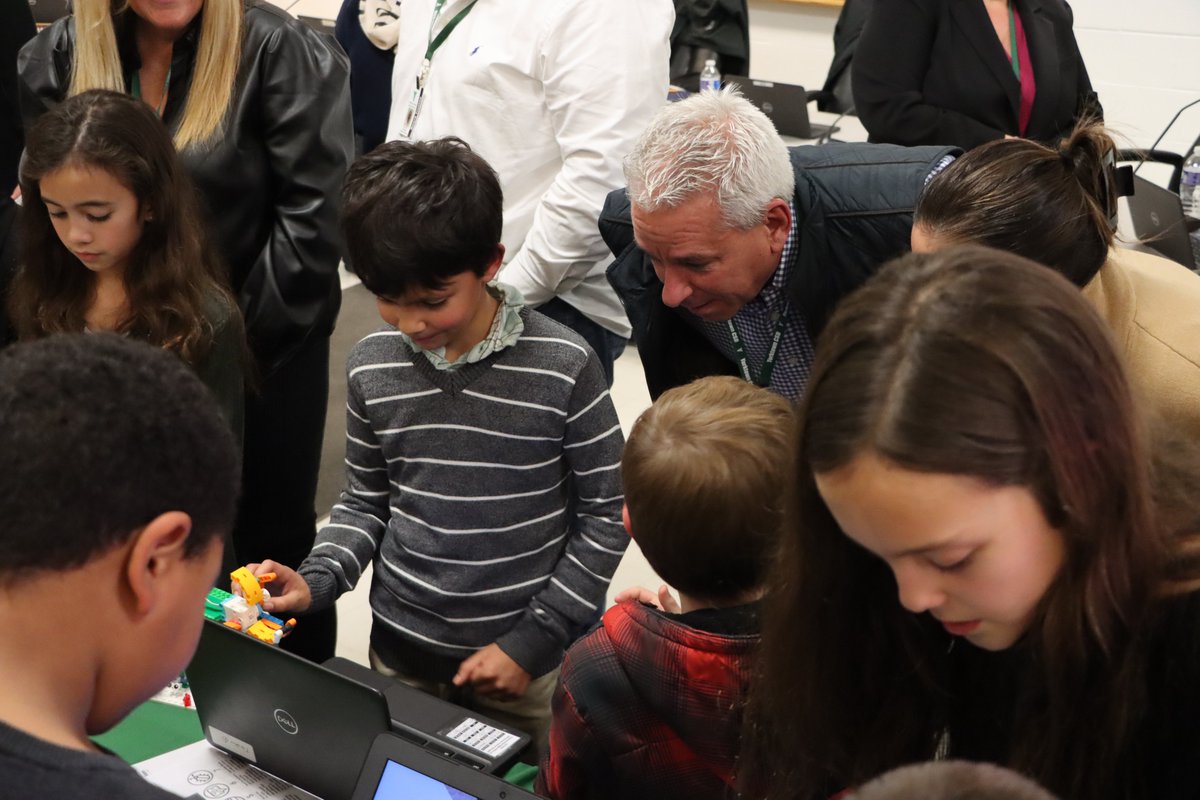
Crompond is buzzing with excitement for Computer Science Education Week (December 4-10)!
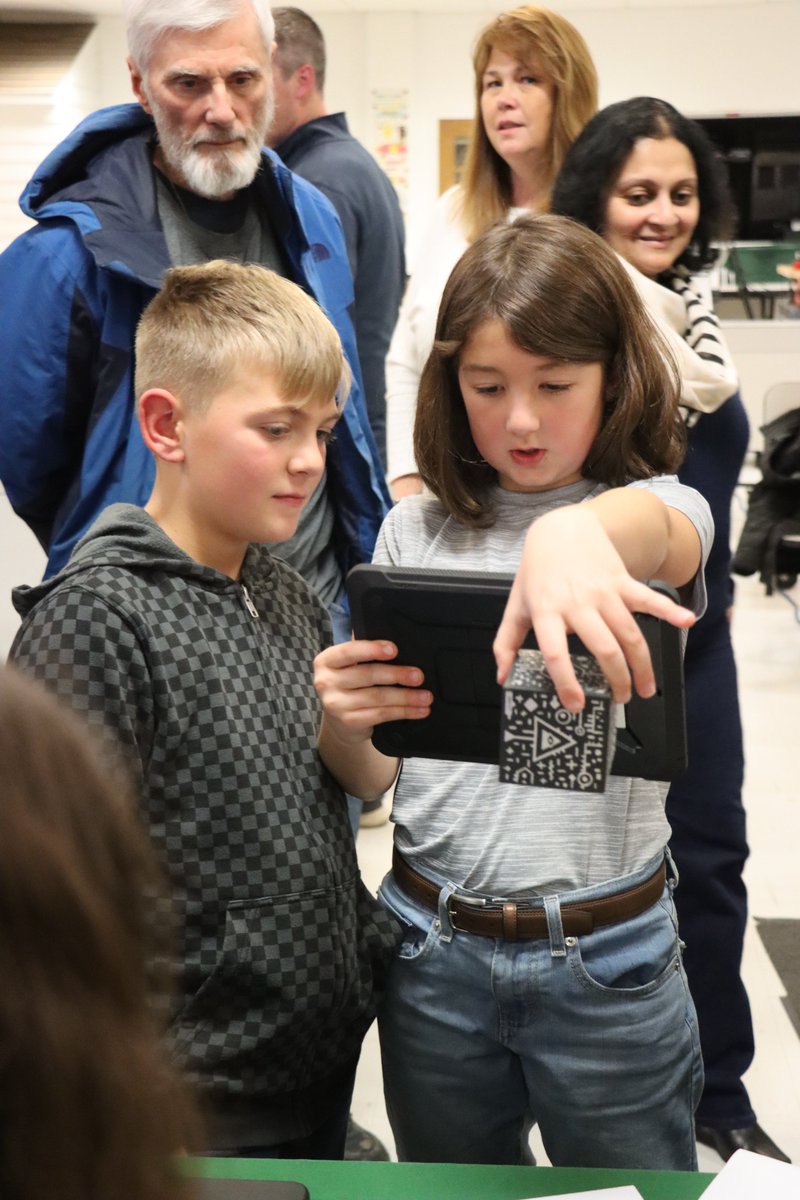
At last night’s Yorktown CSD Board of Education meeting, students and staff showcased their cutting-edge approach to learning and their commitment to ESTEAM.
More: https://t.co/g2fG3mQgDw
#DigitalDaysofDecember Day 5! We have amazing resources to help you plan for #CSEdWeek. Click on any previous days for recourse! Don’t miss out on this unique opportunity to explore and learn new instructional technology tools, tips and resources. https://t.co/fVhVGEMYpF
No Wifi? No problem!
Yes, you CAN use a #Chromebook without wifi! Here's what you need to know to before the Wifi goes down!
#techtips#EdChat https://t.co/9MxFxAP2pO
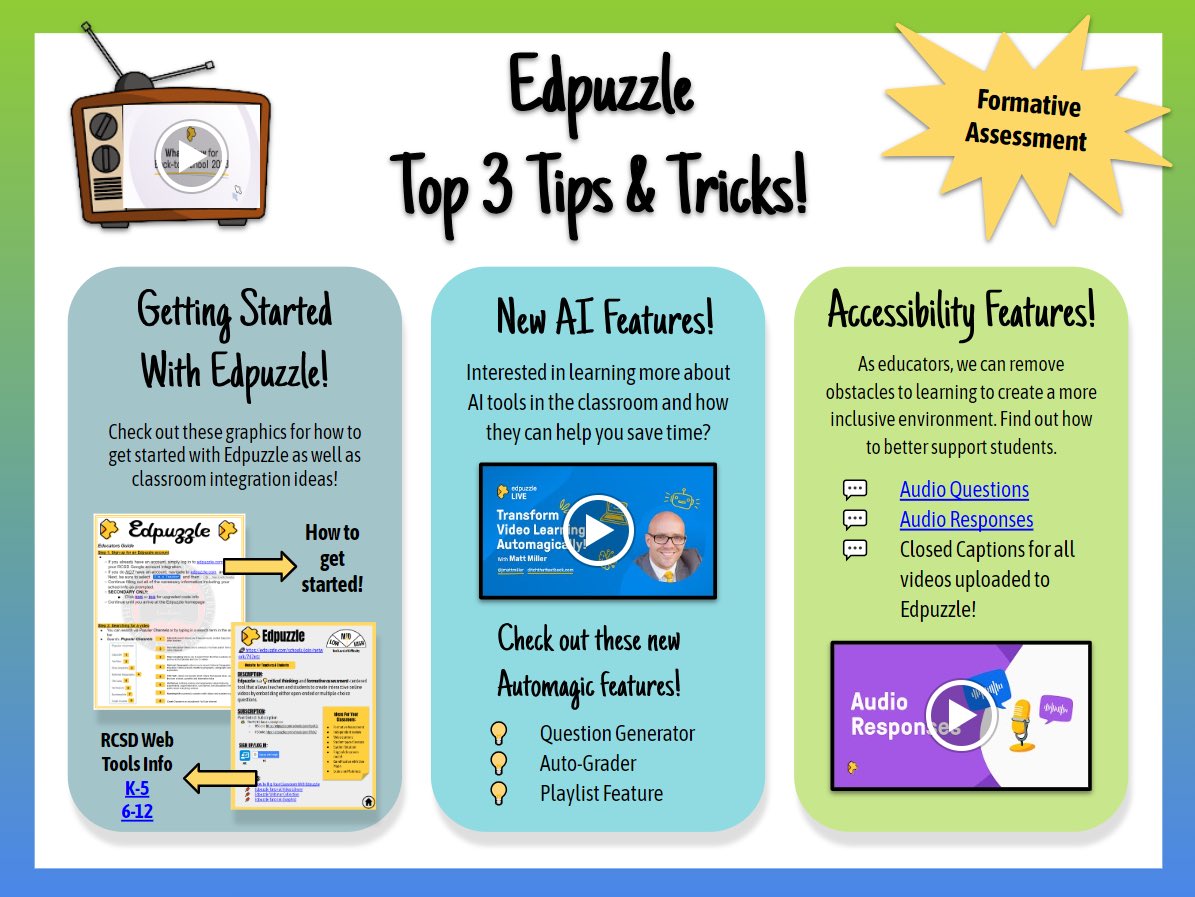
Happy Tech Tip Tuesday from the #TechITOut crew! 🎉💻 @sassonek@_kimberly_p
This week’s tip showcases the tool @edpuzzle - Easily make a video or reuse a Youtube video to create beautiful interactive video lessons for your Ss - you can integrate right into #GoogleClassroom
🆕 Quizizz AI Chrome extension. Got your attention? 🧑💻
Hey, Chrome users. If you want an even faster way to turn any webpage into a quiz, add our Quizizz AI extension to your browser. And then, wowsers. A new quiz for your class in a flash. ⚡
Link: https://t.co/gLuDHBwm3p
Exciting news! #GoogleSlides just got a fabulous update You can now draw and write directly on your slides while presenting! No premium subscription needed!
10 Google Slide lesson ideas: https://t.co/7Uh3NGieU5
#Edtech#GoogleEDU#TeacherTwitter
I finally finished the Halloween Quizizz Escape Room! All the work is already done and you can use it with any @quizizz Quiz. I hope you all enjoy! Here’s the link with directions and resources….https://t.co/7uZIrnd3Wq
#edtech#youcanwithquizizz#edchat
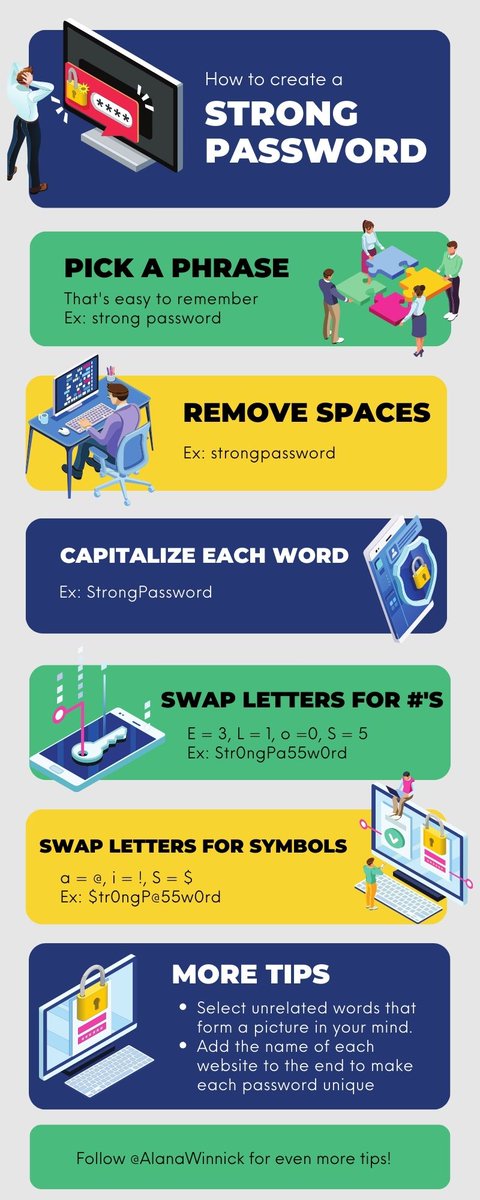
🔐 Stay Safe Online: A Guide to Online Privacy 📖🔍
I got your back with some super cool tips to protect your digital self! You’ll find tips to navigate the online universe like a pro and guard your privacy! 💻🦸♀️
#edtech#internetsafety
https://t.co/R8P9Hq9m8z
Did you know you can now transfer your Jamboards into Kami with a click of a button?
Collaborating with your favorite annotation tools has never been so easy!
Educators can now add interactive questions to YouTube videos within Classroom 🙌. This feature saves time by allowing educators to create interactive video activities to check students' understanding💡. Try this feature out in your next #GoogleClassroom assignment ⬇️.