🖼️ A museum tour
🛍️ Asking for prices
🗺️ Getting directions
Here’s how to use the Translate app for real-time translation with supported AirPods. To learn more, check out our video on YouTube: https://t.co/fGFP0o8g6U
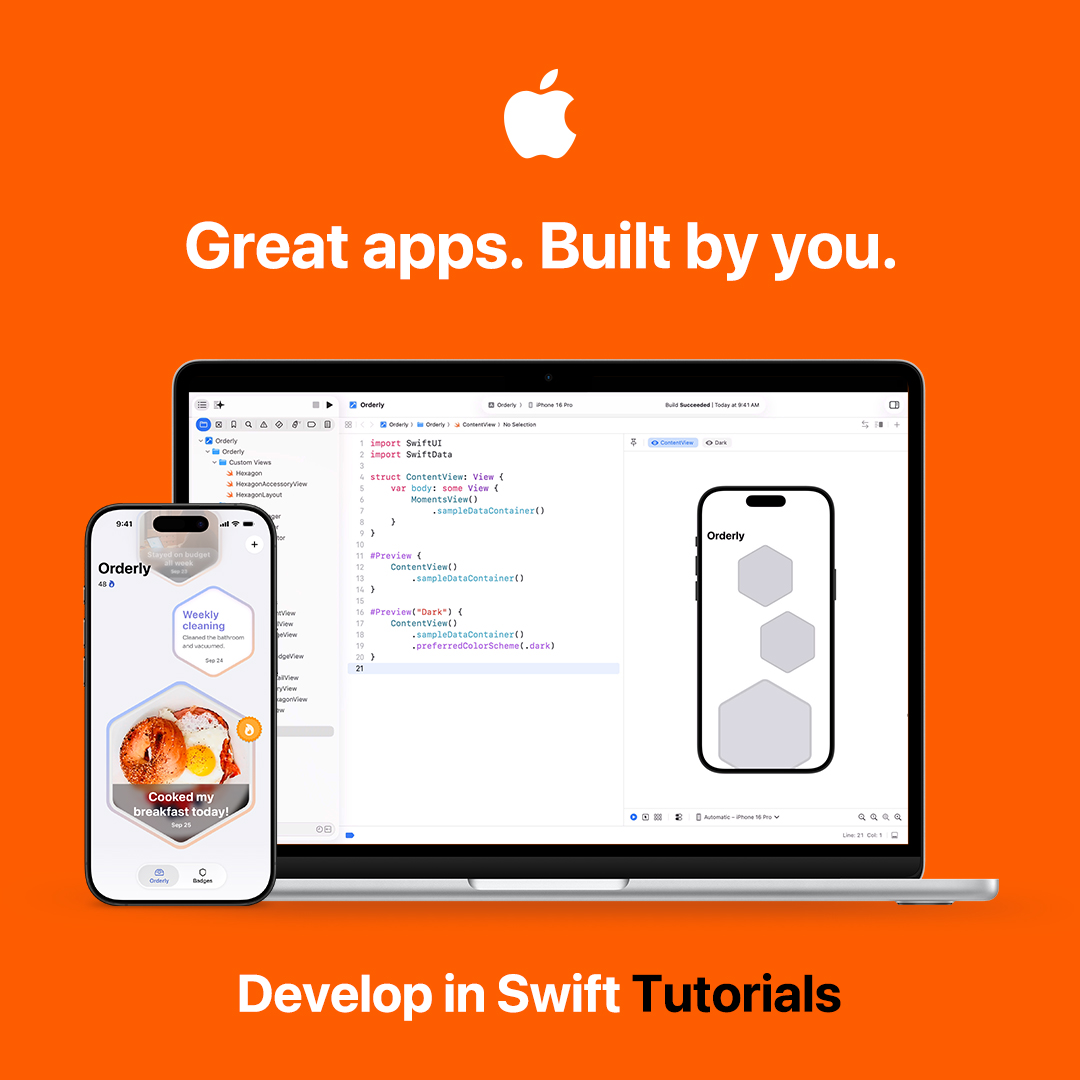
👩💻 New Develop in Swift Tutorials are here! Learn to design, build, and share your apps with the world.
Educators can explore the supporting Educator Guide. https://t.co/f4lVcXSWiE
Send important details about your location and situation when contacting participating emergency services with Emergency SOS Live Video.
Here’s how it works on iPhone 14 and later: https://t.co/1k1eeKucii
If you’re having trouble hearing what’s being said in a TV show or movie, don’t just turn up the volume.
Use Enhance Dialogue in the Apple TV app to increase the clarity and make dialogue easier to hear. Here’s how to turn it on in iPadOS 18. Learn more: https://t.co/vUCElw1xqV
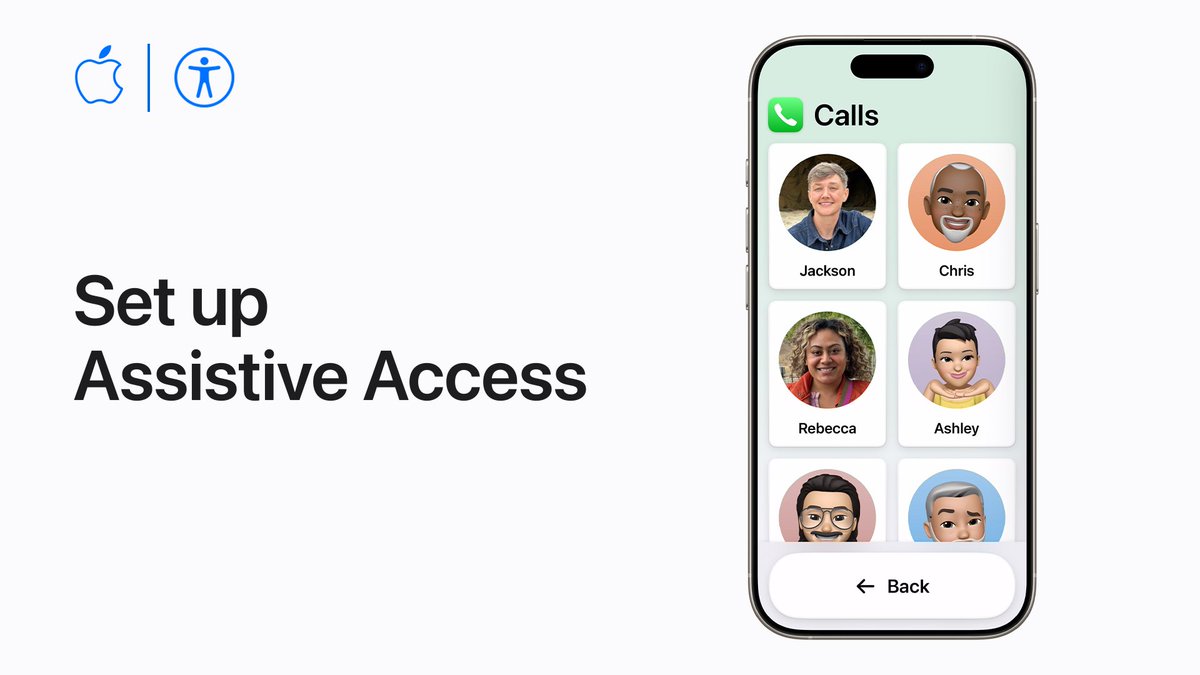
Turn on Assistive Access for a distinctive iOS or iPadOS experience with more focused features and a simplified user interface. #AppleAccessibility
Watch our video on YouTube to learn more: https://t.co/POb212mx5D
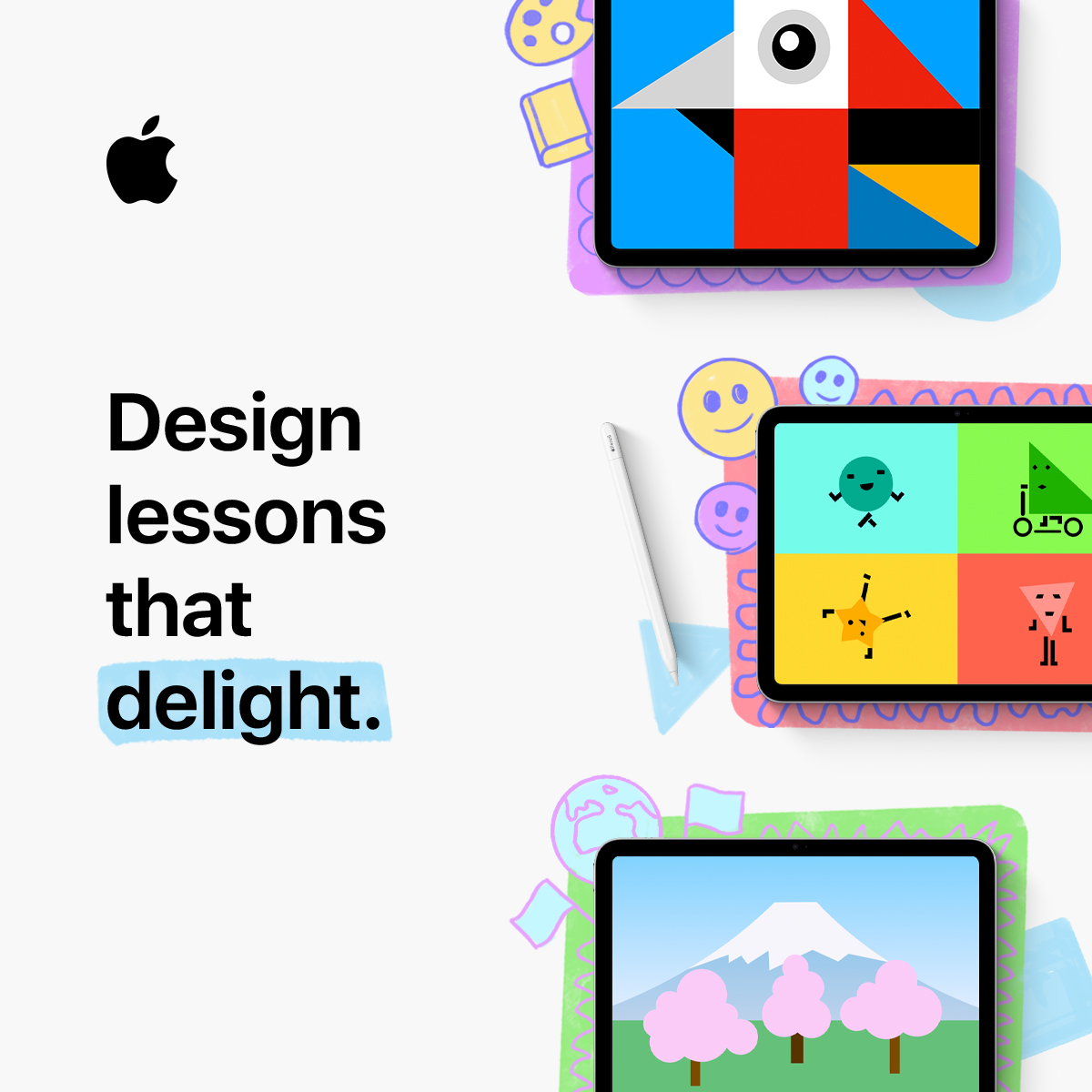
Get ready for World Creativity and Innovation Day by bringing color to any lesson on iPad. Try this fun activity with your students today! #WCID https://t.co/Ym1Pltoj8b
You can set your home and work address in Contacts and Maps so you can get directions, weather forecasts, and more. Here’s how, in iOS 18.
Learn more: https://t.co/iEENOkdvsL
☃️ Photos of the kids playing in the snow
🏔️ Photos of my hiking trips in the mountains
🦬 Photos of animals I’ve seen on my vacations
Here’s how to create a custom memory movie with #AppleIntelligence in Photos starting in iOS 18.1.
Open apps, browse websites, type messages, and more, with just your eyes.
Here’s how to set up Eye Tracking in #iOS18 and #iPadOS18. #AppleAccessibility#IDPD
Make it part of your travel checklist. ✅
You can download maps for offline use to get directions, view business info, and more, even without a cellular or Wi-Fi connection. Watch our video on YouTube to learn how: https://t.co/l1W3cmMnek
Need to free up some space on your Mac? It’s easy to delete the apps you don’t use anymore.
Here’s how to free up storage by deleting apps, files, and more: https://t.co/Yxndn7VoxK
.@AppleEDU's Apple Teacher obtained the #ISTEseal based on its evidence-based, high-impact pedagogy design for scalable, equitable learning experiences.
Learn about the ISTE Seal: https://t.co/Caem32v5XQ
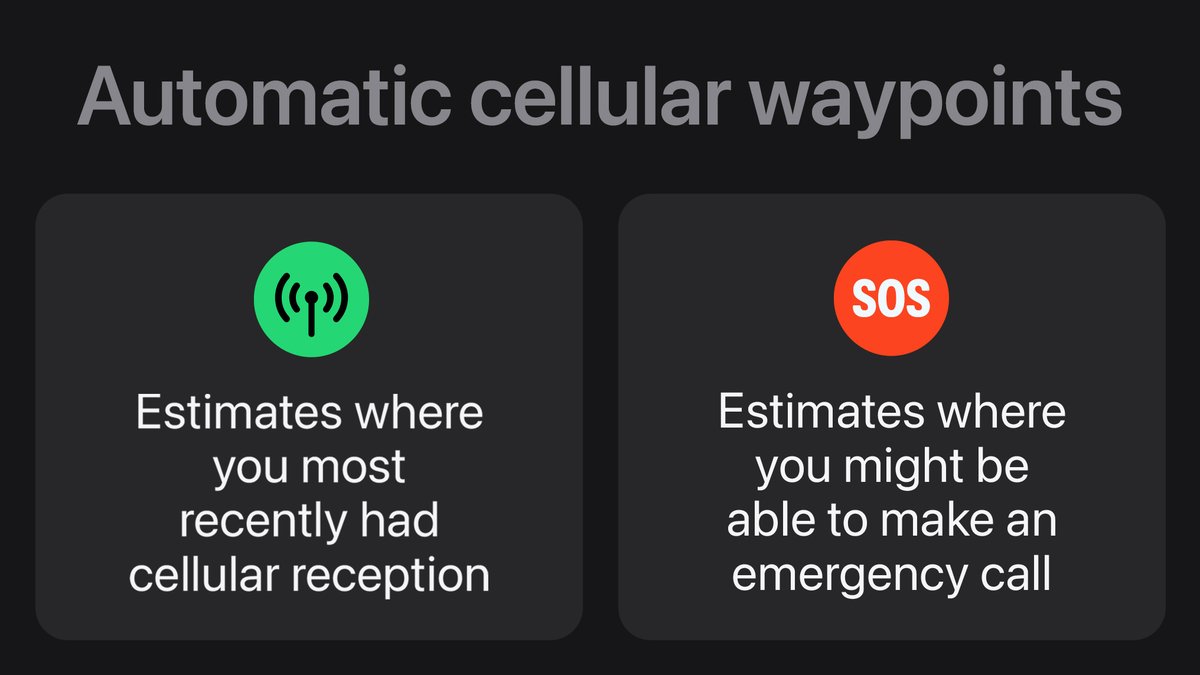
The Compass can show your elevation, plus automatic waypoints for approximately where you last had cellular reception and where you could make an emergency call.
Here’s how it works.
Assistive Access provides a simplified interface for iPhone or iPad, enabling people with cognitive disabilities to focus on the activities they love.
Here’s how to set it up for yourself or for someone you care about. #AppleAccessibility