@abidsensibull Do not be emotionally by such kind of post. Just take home if you want and have peace of mind. Market can f you any day but house where you are living may not.
@manujjindalIAS@Jakhar_ankit_ Sir
In one UT without naming that UT, People know by name which IAS officer takes bribe. You also know so many things in the system and definitely better than me but just appreciating the system won't help.
@SwiggyCares I ordered cake with some instructions. But when I recieved that cake, instructions were not respected. Now I am asking for replacement only. Is it wrong to ask for replacement for cake which have some purpose expect just eating ?
@ipsvijrk There can't be unbiased view. You are assuming that judge take baised view so if we train AI model with the same data set in this case judgement how you expect the unbiased view from AI ?
@ips_mridul I am 100 per sure that above content is generated by AI by some input as - is used by AI. In general English hardly I have seen uses of this -.
@entravert@amitkilhor@spvaid Not it's about that,
it's about not to tell such things which shows our weakness to our enemy, which may impact our national security in future and sovereignty of our country. Also I am not defending any one action. Just giving my opinion which may or may not be accepted.
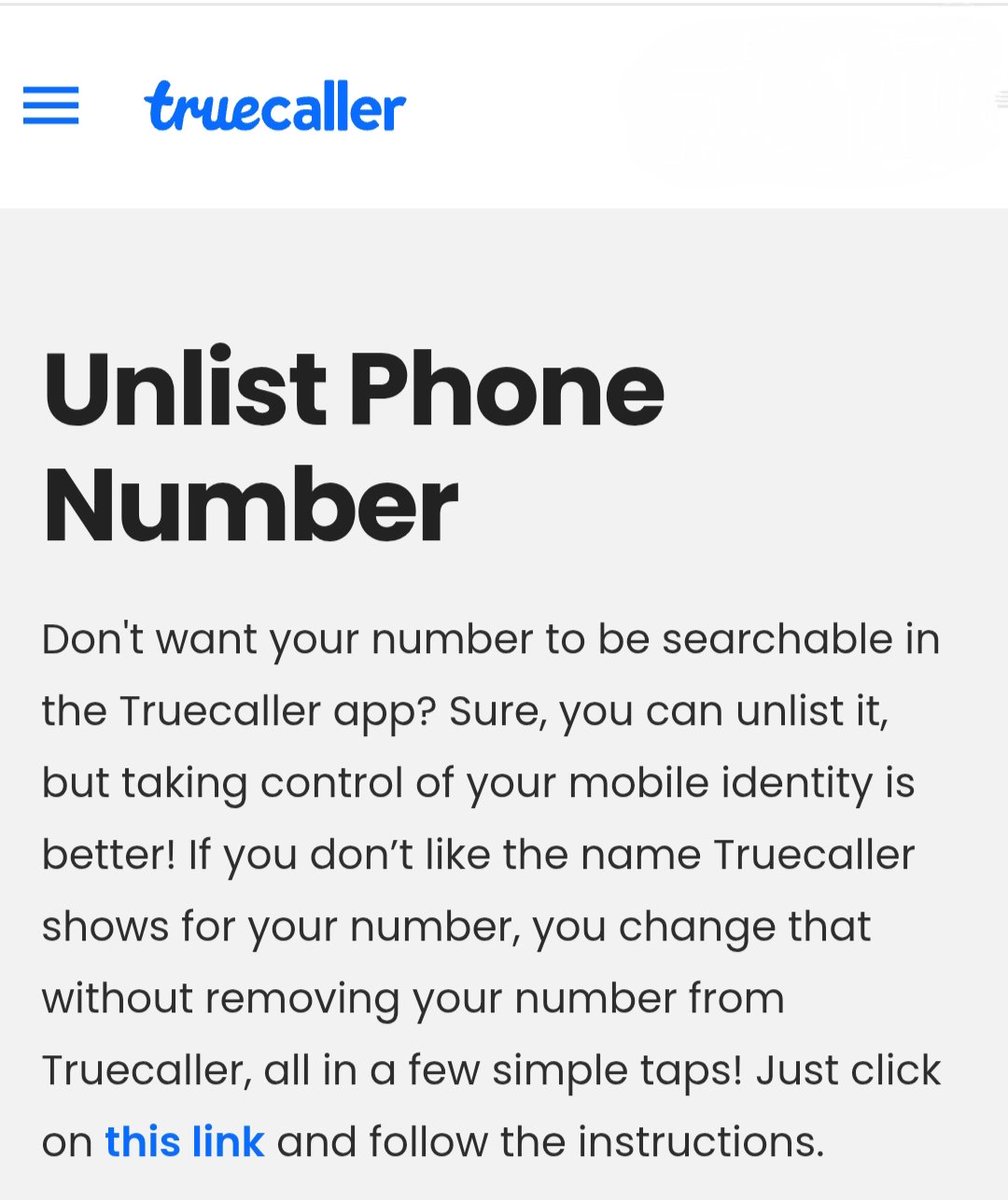
Why Your Name Still Appears on Truecaller After Uninstalling ?
Most people believe that deleting the Truecaller app automatically erases their data. However, your name and number remain stored on Truecaller’s servers even after the app is gone from your phone.
To truly scrub your identity from their database, you must follow these two essential steps:
● Step 1 : Deactivate Your Account
Simply uninstalling isn't enough; you must first tell the app to stop using your profile.
Open the Truecaller app.
Go to Settings > Privacy Center.
Tap on Deactivate.
Confirm by selecting Yes and Continue.
Note : This deactivates your profile, but your number is still searchable in their database.
● Step 2: Unlist Your Number (The Most Important Step)
To remove your number from the public directory so no one can search for you:
Open your browser and search for "Truecaller Unlist".
Go to the official Truecaller Unlisting Page.
Scroll down to the "No, I want to unlist" section.
Enter your mobile number with the correct Country Code (e.g., +91 for India).
Select a reason (e.g., "I don't use this number anymore" or "Privacy concerns").
Solve the CAPTCHA and click Unlist.
👉 The Result : Within approximately 24 hours, your number will be removed from Truecaller’s public listing, and your name will no longer appear when someone searches for your number.
Bottom Line : Uninstalling is just the start. Deactivation and Unlisting are the only ways to reclaim your privacy.
👉 Disclaimer : This information is for general digital privacy awareness. Processes may change according to Truecaller’s updated policies.
@NalinisKitchen Inspector in Police & Section office have the same grade pay how the basic can be different. Just copy paste the content and people on x are C.