GM 🌴
Today is a good day to stake $PALM.
We've incorporated a "staking bot" to our Telegram at https://t.co/pVHlIJgnbo that keeps track of what's being staked, when and announces eligibility for rewards.
An upcoming feature will even more firmly tie token rewards to activity. The $PALM Raid Army will be re-formed as an automated system through the bot with tasks and goals in exchange for rewards.
Rewards, payouts and other expenses can be tracked transparently on https://t.co/8Yucn27dbE —> Panel.
Stay tuned for more!
Ahead of the @rootsh Public Release, we want to demonstrate clearly where /root fits within the current AI landscape.
Harnesses are software layers that connect AI models to tools, files, memory, workflows, and interfaces so they can perform useful work in the style of @claudeai, @Cursor and @ChatGPTapp.
Simple work and chat tools like the web versions of the forementioned ones or @ollama provide an open runtime, and they can be either local or hosted, @AskVenice as an example of the latter. Some local harnesses on the market, like Odyssey move close with the hosted ones to achieve the same result.
/root is being built to combine all these capabilities into one complete environment and exceed them. It is a full-suite harness with encryption and true privacy.
It brings frontier-level intelligence, agents that can edit files, run tools and ship work, a full creative and productivity suite, an integrated coding experience, complete telemetry control and an open model runtime you own. It is local and private by default, your codebase stays on your machine, and it can operate without ongoing token costs.
The goal is not to become another isolated AI tool, rather it is to deliver the complete private AI harness for coding, creativity, productivity and everything in between.
Privacy is a right, and so is proper access to performant AI without a dependency expense.
The Public Release is getting closer. $PALM is working.
We do not simply tell you to cancel your dependencies on @claudeai, @cursor_ai & other platforms.
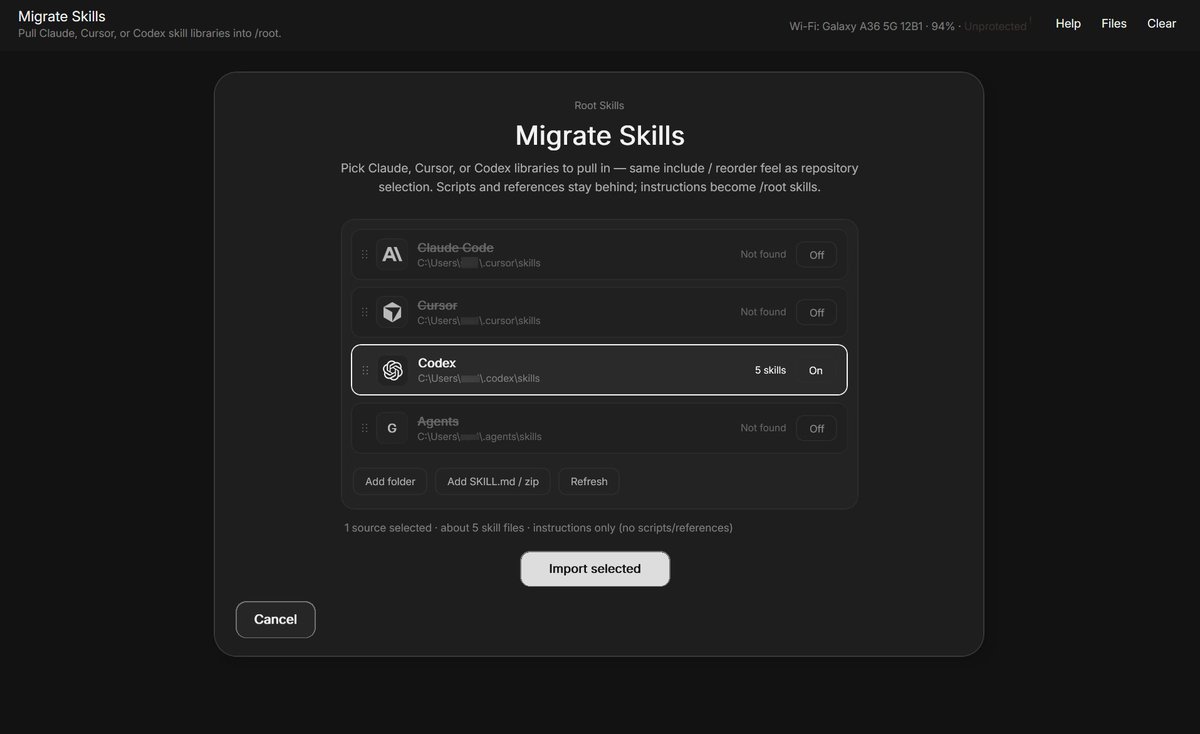
We help you migrate from them to a private, encrypted, same-or-better performance solution.
@rootsh will now scour your entire computer for your established .agents files and it can also import the repositories from those within root.
You can essentially continue your work without any pause in-between while you switch to something that keeps things actually between you and your work and costs you $0 to run.
This and more, soon on the FREE Public Beta Access of https://t.co/3s0MYGBVrd by $PALM 🌴
$PALM is officially back 🔥
The largest distribution thus far in the history of the project has been completed, with yields up to 4.63% percent for the top percentile of Stakers!
👉 Remember to compound your rewards at https://t.co/NZk68Naghy.
The math for this distribution, as always, is transparent and clear:
Tier 1 (Highest Percentile) - 4.63% on staked amount
Rank range: #1 – #70
Min to qualify: 26529.75 PALM
Stake range: 26529.75 – 950000.0 PALM
Tier 2 (Median Percentile) - 3.08% on staked amount
Rank range: #71 – #139
Min to qualify: 2506.4 PALM
Stake range: 2506.4 – 26200.0 PALM
Tier 3 (Lowest Percentile) - 1.54% on staked amount
Rank range: #140 – #208
Min to qualify: 0.0109 PALM
Stake range: 0.0109 – 2202.21 PALM
Thank you for your trust! TX: https://t.co/skCKhJ2wl9
- Dev2
AI without accessibility is objectively less valuable.
There are a million ways to understand one matter. Only the right conclusion and take-away matters.
@rootsh supports Skills files, including ones designed to unbury answers in junk and even toggles a few on by default.
Full responses with extreme detail are delegated to produced report files in Markdown, so if you want, you can always come back for the full answer - and importantly, the AI remembers and uses it!
Accompanied with Auto-Prompting that helps anyone to turn their mess into a perfect prompt.
Try it 👉 https://t.co/3s0MYGBnBF
Update:
The Panel tab on our website, where you can view our buybacks & treasury transparently with links to the blockchain for data verification, is now patched up with the correct numbers based off of the $ETH / $PALM TX value at the time of sending.
Statistics:
Total $PALM Buybacks: $627,105
$PALM Burned: $929,692
Revenue Sent in $ETH: $1,840,169
$PALM Rewards Sent: $151,175
Funding (Listings, etc.): $112,437
= Total Spend on $PALM: $3,660,578
$PALM Treasury Outflow: $4,046,512
Most $PALM Rewards received in single distribution: $11,043
Most $ETH Rewards received by single wallet: $72,333
It is important to note that $PALM AI is still a decentralized start-up and we are only getting started.
See for yourself:
👉 https://t.co/B1ms2poETz
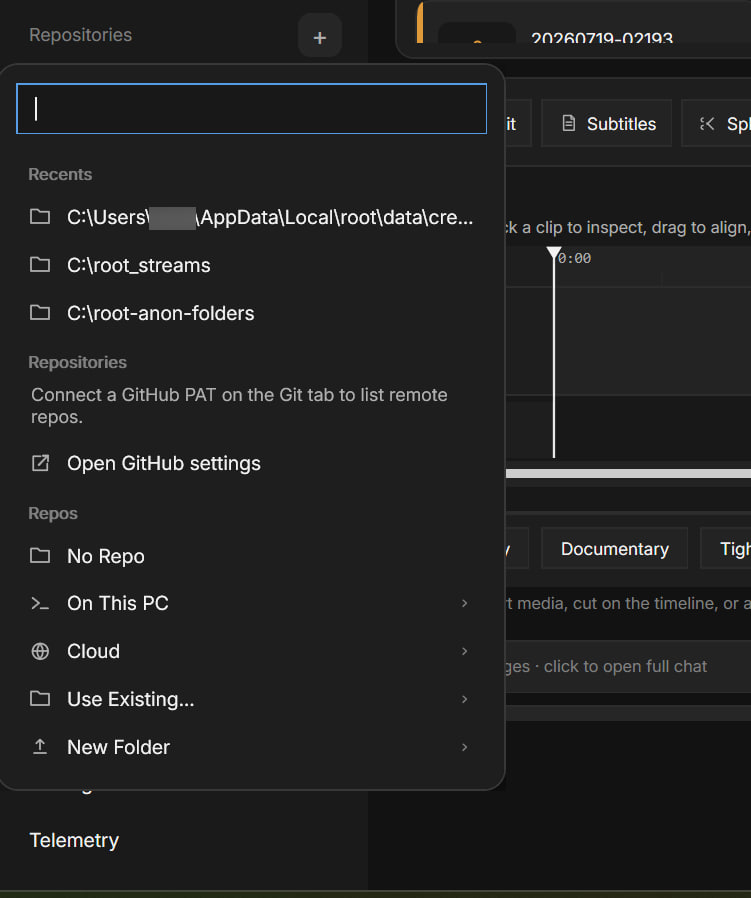
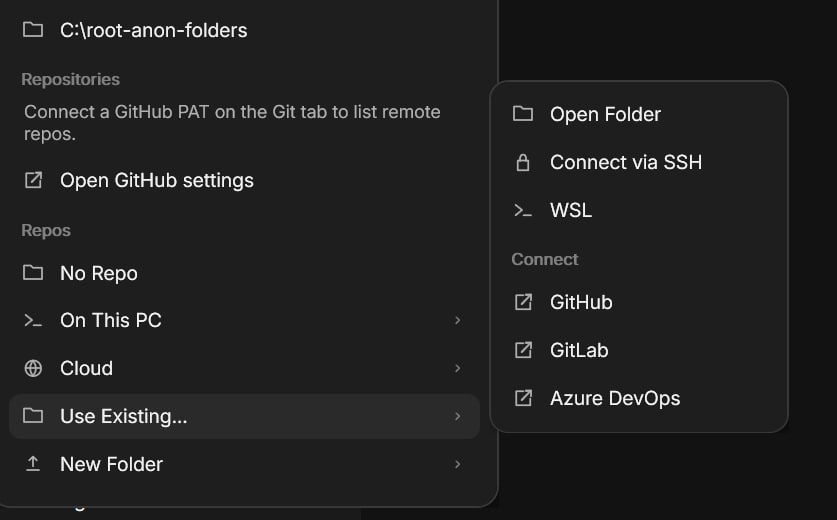
To highlight an important Quality of Life update: the way you bootstrap a repository in @rootsh now offers a ton of options and a tailored experience.
It is possible with 1-click to clone a repository directly from @github, use SSL or WSL connections to copy directories and to connect your cloud accounts, like @Azure and @gitlab.
Final touches have been added to the Creator Studio within @rootsh to finalize everything for our Public Release.
Public Release users will be able to make videos and clips with the latest AI-powered MCP tools that work seamlessly within the harness to enhance, edit or even create from scratch video and audio.
Progress is coming along daily with every other feature as well with our dev team working around the clock and with no notion of a "weekend".
For immediate insights, remember to join our Telegram: https://t.co/pVHlIJgnbo.
Dear $PALM Community,
Remember when we claimed in our Q3 update that we are going to increase the quality of life for all of $PALM and going more transparent?
Unlike 99% of what you might have seen in the space, that was not just words. You can now trace the teams every move on our official page, https://t.co/8Yucn27dbE.
🟢 We have now added a full Buybacks Tracker (that is missing a ton of buybacks, we will be tracing the wallets during Sunday!) and more importantly it is accompanied by a Treasury tab that shows every single outgoing, ingoing transaction from the Treasury and flags it.
For now, all transactions are auto-flagged so there will be some mistakes, we will be going thru all the thousands of transactions one by one in the future.
If there is an unclear transaction, holders are entitled to know about its nature. Addresses that hold more than 60,000 $PALM can demand a direct answer from the Treasury Manager, which will be posted in full to the page.
A new era of transparency & cooperation. Tracker is live here: https://t.co/mB8WpMoIcv
Development Update 🌴
Accessibility Features for root
Developers and designers often want to show their best craftsmanship when shipping out UIs, which is something we do as well - but for the impending public release of root, we have also paid a ton of attention towards accessibility.
In simple: accessibility is layered support (perception → interaction → cognition) so everyone can use the product with equal agency.
Concretely, the @rootsh application supports:
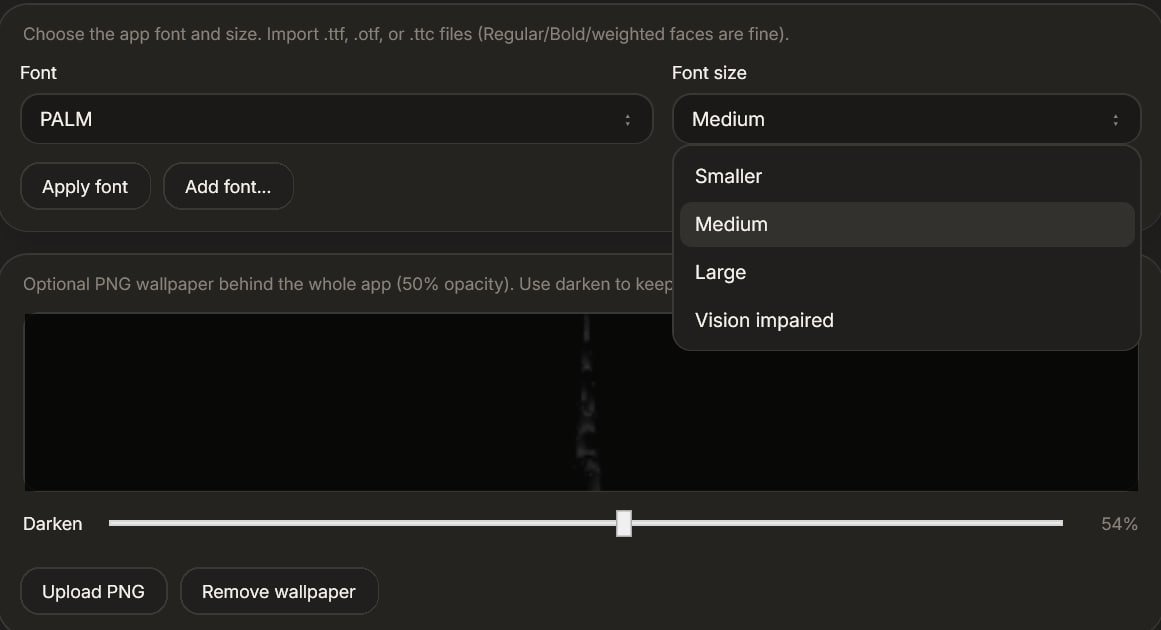
- Custom Fonts and Font Sizing, including fonts for dyslexia.
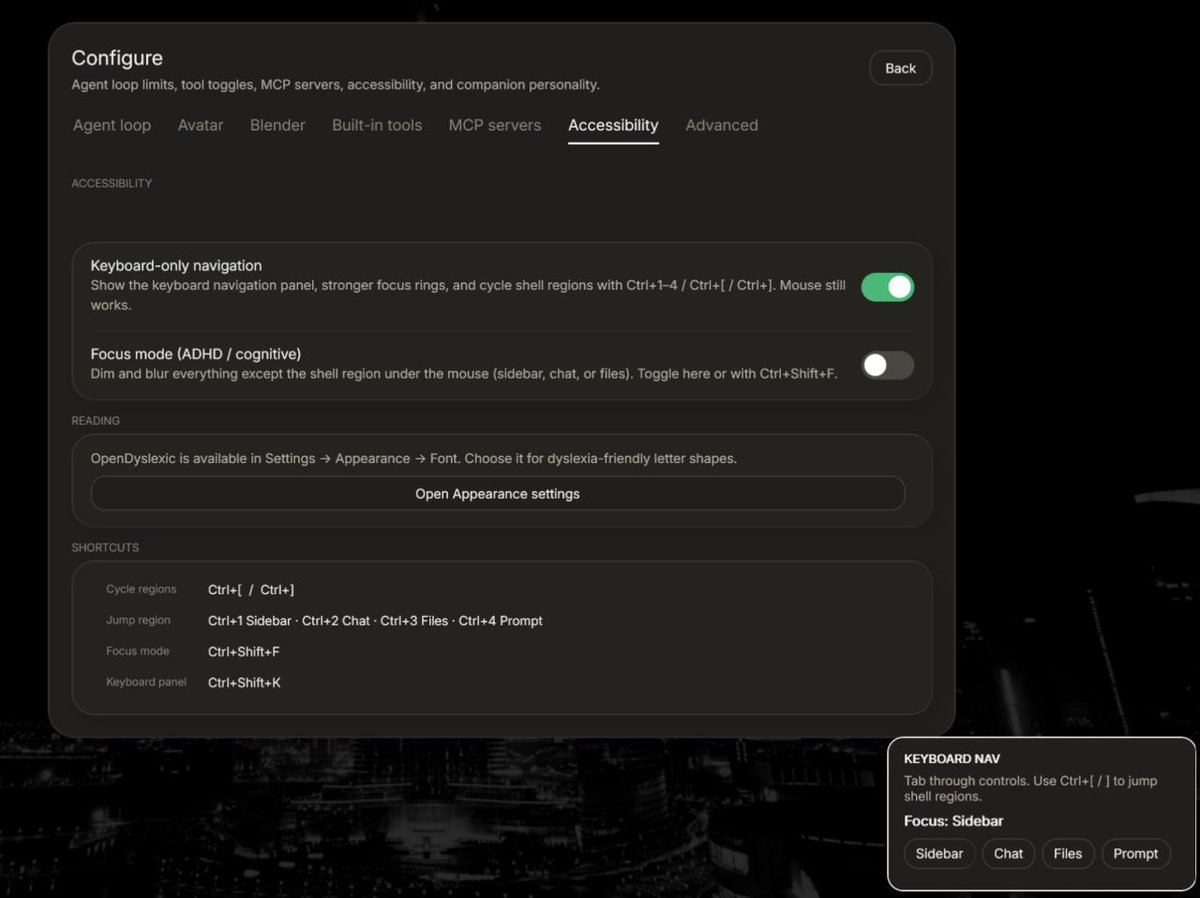
- Keyboard-Only navigation is supported. You do not need to be able to use a mouse to use root.
- Experimental ADHD/Cognitive focus mode that highlights and travels. Allows a sort of tunnel vision for people who have problems focusing and / or intellectual disabilities of any weight.
- Predictability and Consistency is enforced in all of the UI. This means that if you can use one feature, you can use another because it functions the same way even though results are different.
- Icons and visual cues wherever possible and they do not cause bloat.
There is a separate tab in the Settings Configuration Panel where you can enable or disable these features. Users will be able to make their own customizations and publish them to the Plugins store.
More to come. Thank you for the support!
GM $PALM 🌴
We're finishing up some videos and will be posting visualized updates today.
Here is the first one: a little demo of our fully root MCP-built @unity scene / game.
Note that things may not be perfect yet, nor do they have to be. It is an iterative process.
Throw your feedback in the replies below 👇
We are happy to announce some massive progress on the @unity MCP front.
$PALM is cooking many things at once, with members of the team spread but coordinated to ship features in for a maximal audience.
We have now finalized rigging, animating, collisions & much more.
Built with @rootsh MCP for Unity.
3/3
What makes the system interactive is that it truly can interact with you in the same way that you would with a co-worker or an assistant.
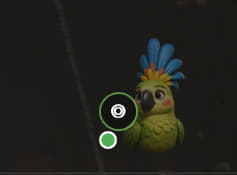
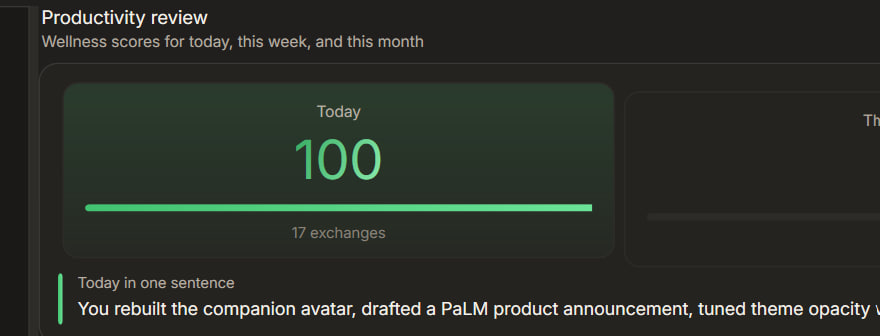
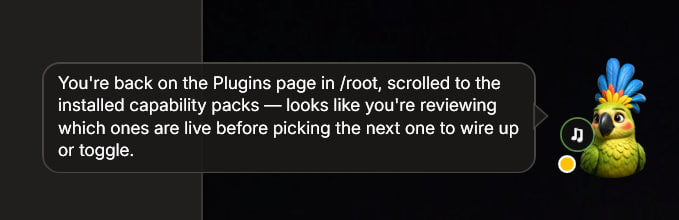
The Avatar hears (ear), observes (eye) and speaks (note). It replies when talked to and jumps in if it sees anything worth commenting. Observations, conversations and recorded audio is turned from raw data into a note on the daily note.md file for the day, and then used to determine if certain tasks are completed or being worked on.
The Interactive Avatar feature can be turned off and is highly experimental.
To use it, study & get root here: https://t.co/3s0MYGBnBF by $PALM.
🌴 A new record of 10.25 million $PALM tokens has been staked in total, climbing up around 350,000 tokens within the past 6 hours.
Minutes after the recent distribution, virtually every single staker chose to compound their rewards at https://t.co/NZk68NaO76.
We are humbled and thankful for your trust in the team.
More updates and announcements on the way as a special treat to the $PALM community that knows no equal.
Teaser: Interactive Avatar Agent powered Notes feature within https://t.co/3s0MYGBnBF
🗒 You no longer need to manually remember, plan and keep track of your progress. Nor set the goals either.
Root can do all of that for you, based on your productivity levels. Once your levels are up or down (which root in itself cannot affect), you can easily recalibrate the amount of tasks for the day.
A private, local and encrypted AI serving a good purpose to make your life easier and adapt to it.
v. 0.0.6 @rootsh
2/3
The Interactive Avatar Agent is best defined as an internal notepad powered by agentic intelligence, represented as an avatar.
It plans your day, tracks your goals and rates your productivity. Every single day has a notes.md file that tracks the goals planned for that specific day in four separations: morning, afternoon, evening and night.
It then tracks whatever you do, minute by minute by using a combination of vision, local conversational processes and access to the workspaces and chats you have open with @rootsh.
Introducing: the Interactive Avatar Agent
There is an overlooked reason why AI must be both local and private.
Not simply for privacy as an intrinsic value, but also for the sake of enabling technology.
An assistant that sees your screen, hears your environment, listens to you, plans your day, manages your notes, reviews your productivity, understands your mood, and steps into every situation can only be trusted when it handles everything in full confidentially, with you having full control.
This is only safe and possible if the AI powering it is running locally and if no one will have access to the runtime or files generated by it other than you. A local harness, like @rootsh, becomes the tool to use this newly unlocked power.
1/3
$ETH is up nicely.
But what's really up is the @rootsh 3D @unity MCP that works with procedural tools and an advanced mathematical model to create and animate meshes.
Dropping to the Plugin Store soon.