If you’ve been following the build up to V2.5 and you want to understand what’s changing, what’s improving, and where EduLearn is heading next, tomorrow is your chance to be part of that conversation💚
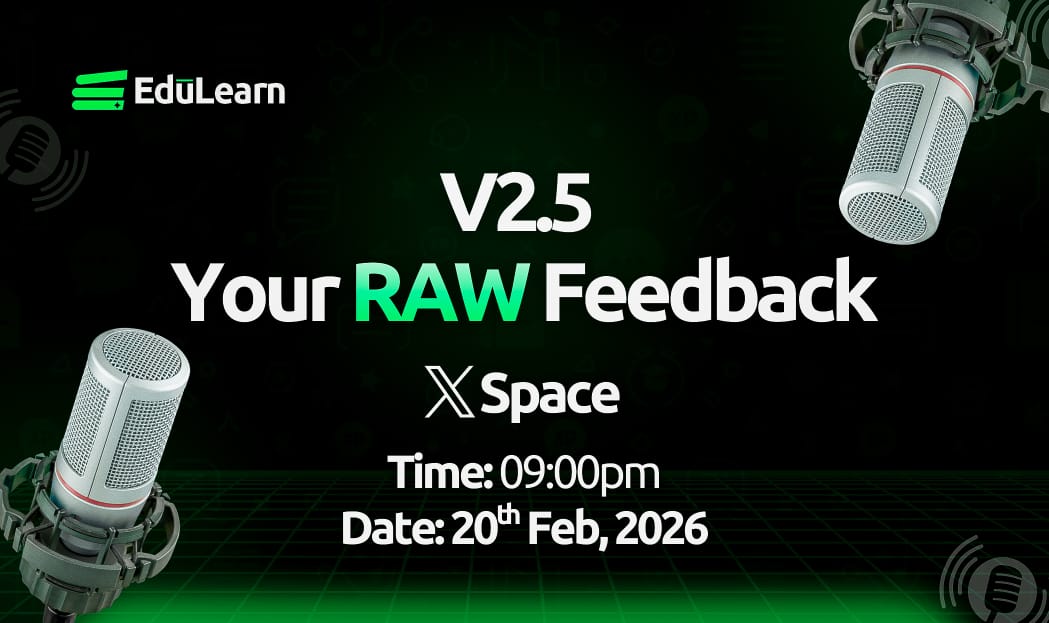
We’re hosting a V2.5 Your RAW Feedback X Space where we’ll walk through the updates , how learning and earning connect inside the system, and what this phase means for everyone building with us.
We’ll be live tomorrow at 9:00 pm
Save the time and be there 💚
We’re hosting a space this week to talk about V2.5, its new exciting updates and features, how to get in early, how to learn and earn, and so much more!
Come ready with your questions💚
Repost and tell a friend if you like!
See you there.
Some advanced VLC tricks most people never use:
1. Play & Download YouTube Videos Inside VLC
VLC media player can stream YouTube videos directly.
How:
1Media → Open Network Stream
2Paste the YouTube link
3Click Play
You can even extract the direct media link and download it.
2. Increase Volume to 200%
VLC lets you boost audio up to 200% ; very useful for quiet recordings or forensic audio reviews.
3. Fix Broken or Corrupted Videos
VLC can attempt to repair damaged AVI files automatically when you open them.
Go to: Tools → Preferences → Input/Codecs → Set “Damaged or incomplete AVI file” to Always Fix
4. Record Your Screen (Without Extra Software)
1Media → Open Capture Device
2Select Desktop
3Choose frame rate
4Click Play → Record
Perfect for quick demos or capturing evidence during analysis.
5. Convert Audio/Video Formats
Media → Convert/Save You can convert:
•MP4 → MP3
•MKV → MP4
•WAV → FLAC
Great for preparing files for different devices.
6. Stream From CCTV / IP Cameras
You can open RTSP streams like:
rtsp://username:password@IP:port/stream
Very useful in network monitoring and digital forensics work.
7. Frame-by-Frame Analysis
Press E on your keyboard to move video one frame at a time.
Perfect for:
•Investigations
•Timestamp verification
•Motion analysis
8. Add Watermarks & Logos
Tools → Effects & Filters → Video Effects → Overlay You can add a logo or watermark during playback or recording.
9. Adjust Video Effects Like a Pro
You can tweak:
•Brightness
•Contrast
•Gamma
•Saturation
•Crop
•Rotate
Good for enhancing low-light footage.
10. Play ASCII Mode (Yes, Really 😂)
VLC can convert your video into ASCII art in real time. (It’s under Video Effects → Advanced → Color ASCII Art)
and most people still believe AI is just ChatGPT for assignments and answering basic questions, smh.
but very crazy to see the state of confusion this tech is putting us in, but glad for us already ahead.
Gm EduFam💚
Here’s a sneak peek at the current view and status of v2.5.
What do you think? 🦊
The focus is shifting toward a much more connected experience, and seeing the new UI finally come together is huge!!