this guy just recreated a huge chunk of Adobe’s creative suite in Rust...
then open-sourced it.
the ArtCraft team just dropped 7 native creative apps, including:
→ PhotoCraft for image editing
→ VectorCraft for illustrations
→ FilmCraft for video
and there’s no subscription.
they run on macOS, Windows, Linux and the web.
you still get the stuff people actually expect:
→ layers
→ masks
→ familiar keyboard shortcuts
→ PSD support
it’s still early.
there are bugs.
some pro features are missing.
it’s not a full Adobe replacement yet.
but that’s almost beside the point.
for years, creative software has been moving toward more subscriptions, more lock-in and higher prices.
now a team is basically saying:
“what if we just built the tools again... and gave people the source code?”
this is the kind of open-source project that could get very interesting, very fast.
https://t.co/Nr6gF4rziN
so let me get this straight...
i can:
- create my own AI character
- take a format that’s already going viral and adapt it with Genjutsu
- submit the video to a campaign with money already allocated
- earn $1 CPM, up to $2,000 per qualifying video, based on the campaign rules
and i don’t have to cold email brands, chase sponsors, or pitch anyone?
the demand is already there.
the budget is already there.
you just have to make content that performs.
crazy time to be a creator.
To get this:
- Like + repost
- Reply "CHARACTER SET"
- Follow so I can send you the message.
Born in Higgsfield. All over your feed.
Introducing Higgsfield AI Influencer.
Create your own AI influencer and bring them into any trend.
Try now with up to 5 FREE generations on Higgsfield and in the ChatGPT extension.
Powered by Genjutsu.
Credits: @JeanPhilMadame
AI influencers are everywhere right now.
let me break down how this actually works — and how you can turn the whole process into a mostly automated content engine that can generate income 👇
high level:
- create one character and lock in the face, hair, proportions, wardrobe + overall look
- build a reference set so the character stays consistent across scenes
- generate short-form concepts around situations people understand instantly
- turn those concepts into image/video prompts with camera movement, action and timing
- generate the shots in Higgsfield
- stitch the best outputs together, add sound, captions and pacing
- automate the content pipeline so ideas, prompts, generations and posting can run with minimal manual work
the goal isn’t one viral clip.
it’s a system.
same character.
new scenario.
new hook.
new video.
once the character starts getting recognised, you’re no longer starting from zero every time you post.
you’re building a repeatable content machine around a digital personality.
and if you layer in monetization properly, that audience can turn into real revenue.
To get this:
- Like + repost
- Reply "WORKFLOW"
- Follow so I can send you the message.
Officially, every viral AI influencer was made on Higgsfield.
Make one with your face or from scratch. Then jump on viral trends with Genjutsu.
Try up to 5 generations free.
Available now in Higgsfield and via ChatGPT Extension.
Credits: @JeanPhilMadame
this is f*cking insane.
i still don’t understand why more people aren’t paying attention to what’s happening here.
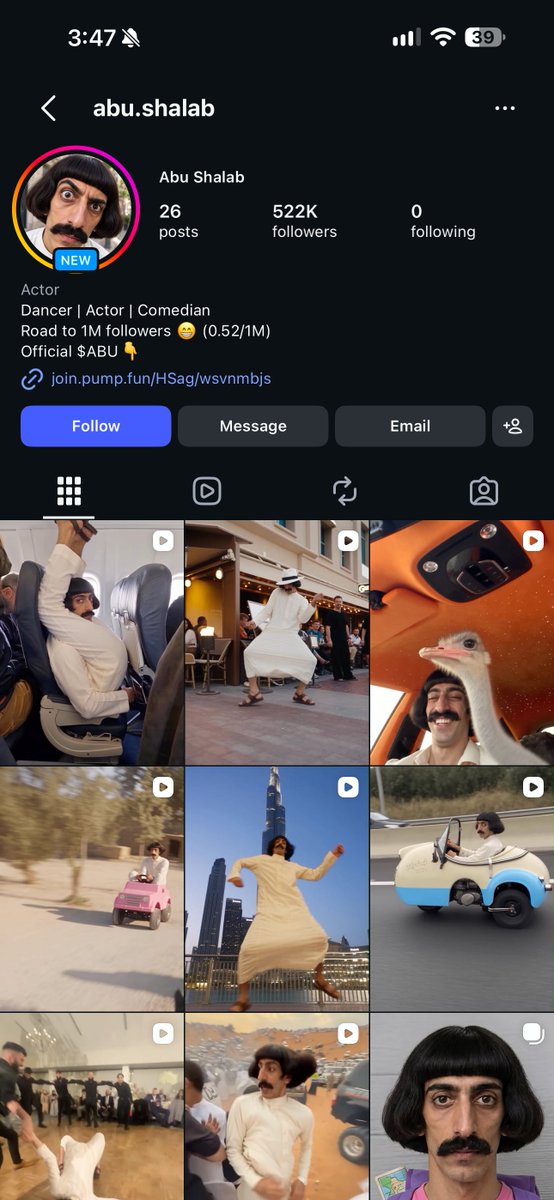
this Harold account has roughly 6.5M views across the 7 reels shown.
→ 3.7M on one video
→ 2.4M on another
and the formula is almost stupidly simple:
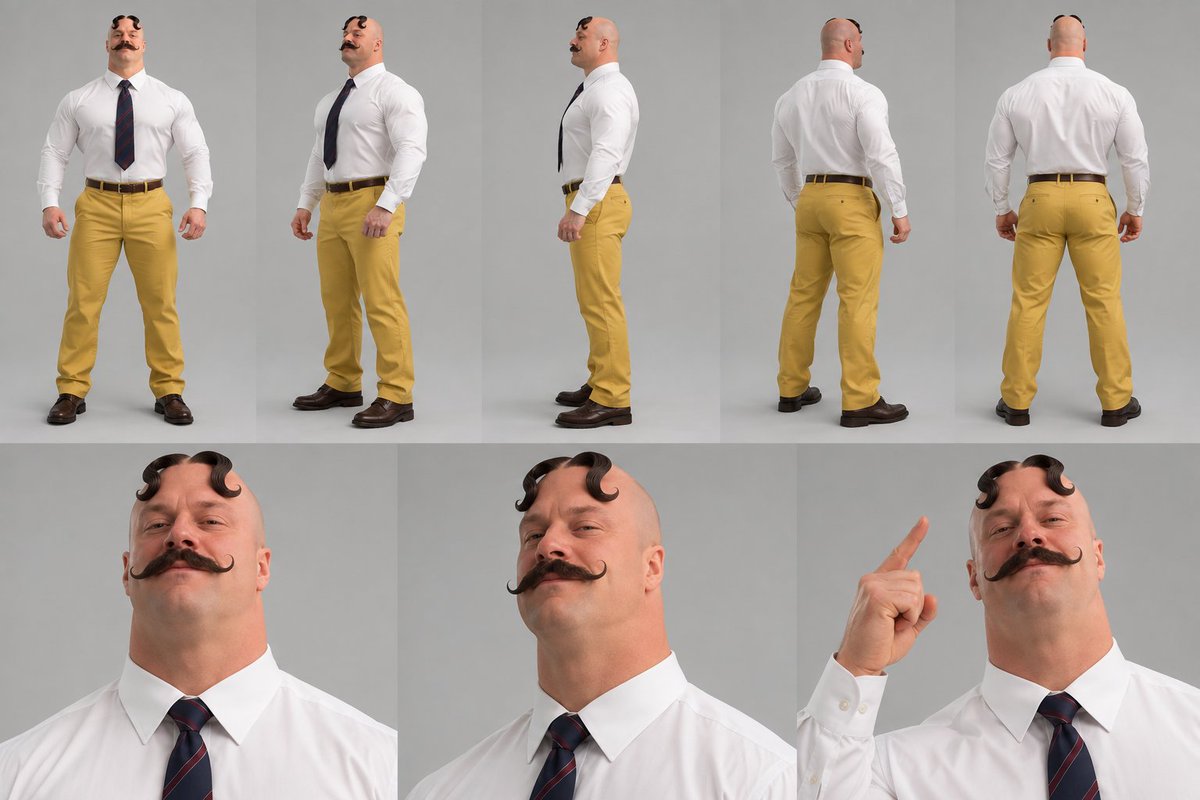
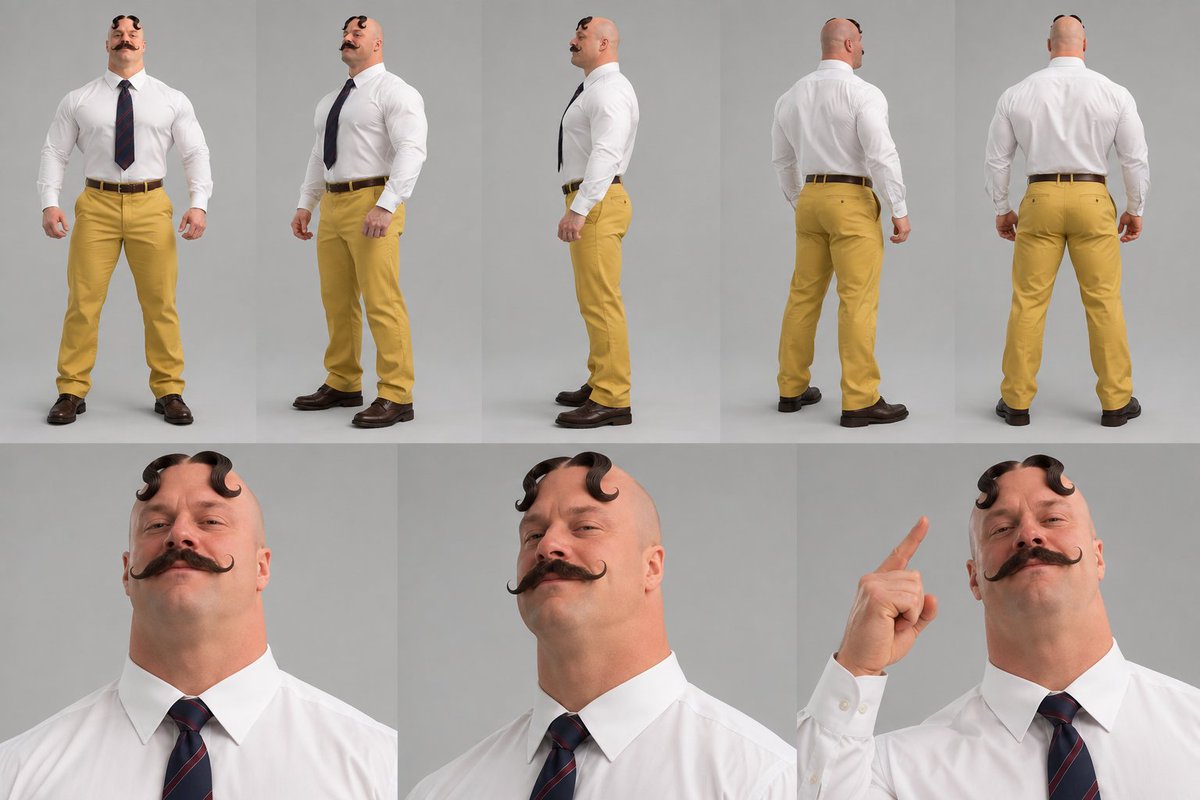
one recognisable character. endless situations.
that’s the part people are missing.
you don’t need a completely new idea every time.
you need a character people recognise instantly, then you keep throwing him into different situations.
Napoleon at the beach.
Napoleon refusing to pay the bill.
Napoleon starting an argument.
Napoleon losing it over a height joke.
same character. new chaos.
here’s how i’d test it:
→ ask ChatGPT for one strong character concept + 10 short scene ideas
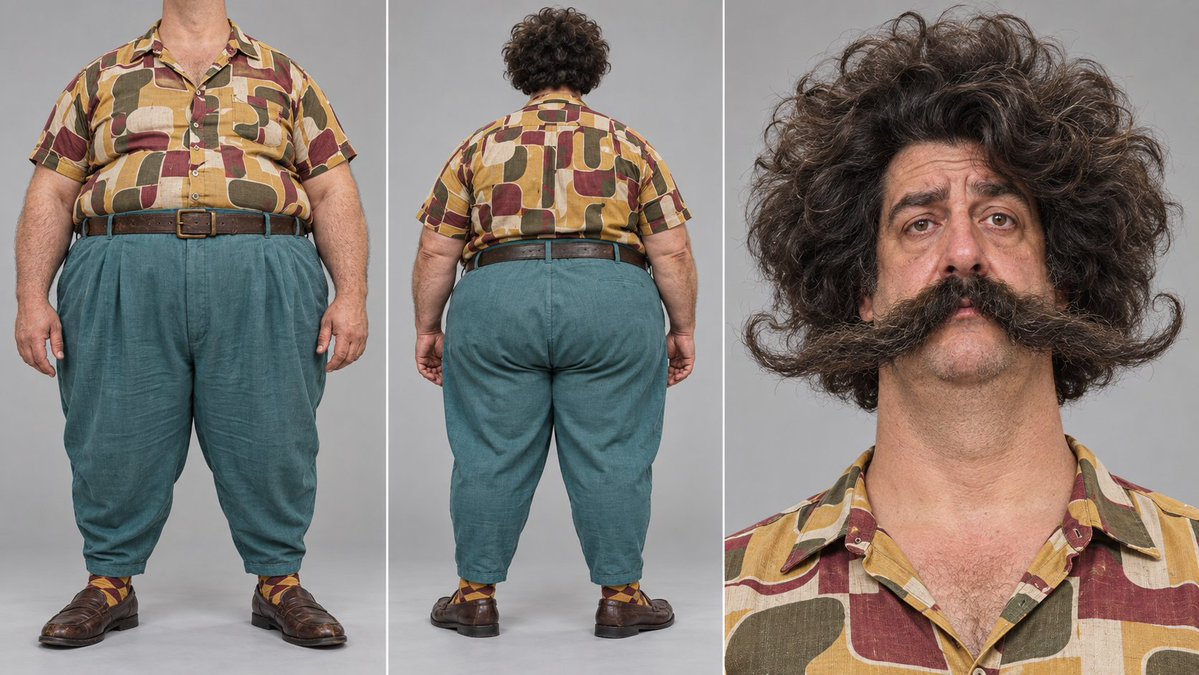
→ create a character sheet so the face, outfit, hair, hat and proportions stay consistent
→ use ChatGPT to turn each scene into a detailed video prompt with action, camera movement and timing
→ animate it using a video model that accepts character images or motion references
the goal isn’t to make one viral AI video.
the goal is to make a character people recognise before the punchline even lands.
because once they recognise the character, you’re no longer starting from zero every time you post.
you’re building familiarity.
then familiarity becomes attention.
attention becomes an audience.
and an audience can become a business.
your first goal is simple:
make someone watch one video and think...
“what the hell is this guy going to do next?”
To get this:
- Like + repost
- Reply "harold"
- Follow so I can send you the message.
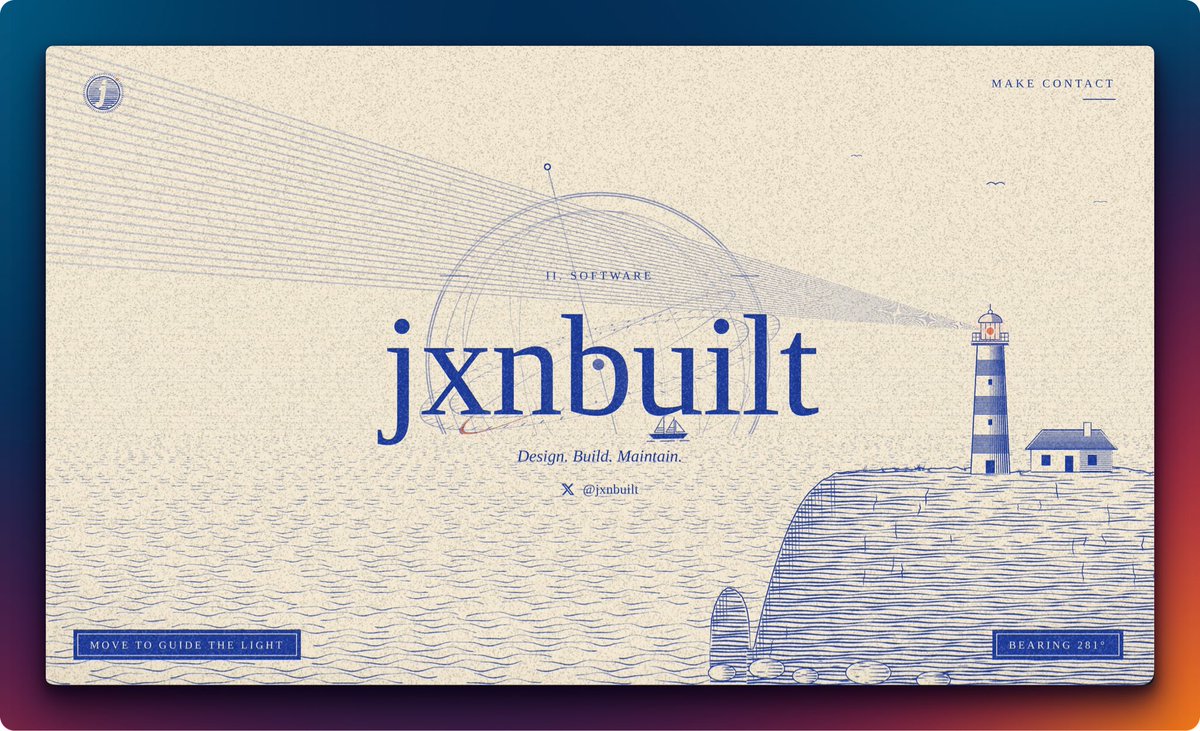
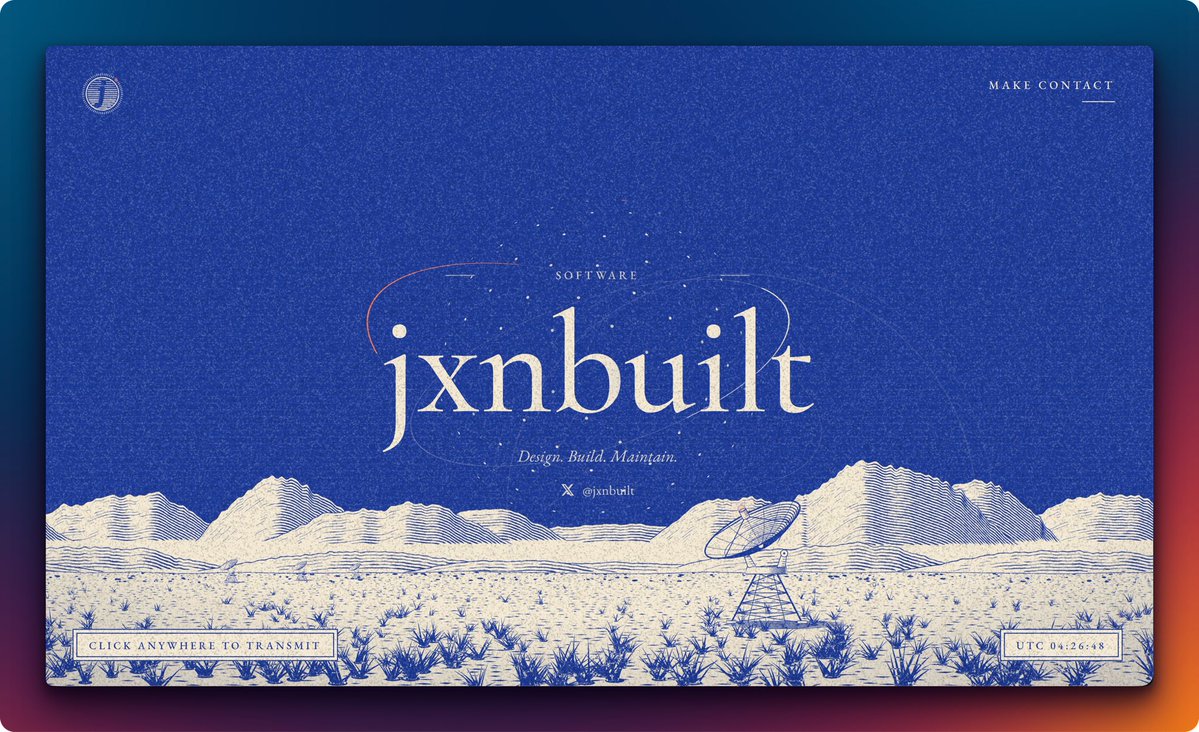
Build a single-screen landing page for [brand name], a [category, e.g. "software studio"], styled like a two-color engraved print: a vintage scientific illustration crossed with a risograph poster.
Overall feel: quiet, crafted, a little mysterious. Think old banknote engraving, 1960s radio-astronomy field station, and letterpress. Full viewport height, no scrolling on desktop.
Color (two inks plus one accent):
- Background: saturated cobalt/ultramarine blue (~#2A3AA6).
- Second ink: warm cream (~#F1EBDD), used for type and the illustration fill.
- Accent: burnt orange (~#E2733A), used in only one or two tiny places.
- A fine, slightly animated film-grain/noise texture over the entire page (SVG feTurbulence overlay at low opacity) so everything feels printed on paper.
Typography: one classic old-style serif family (EB Garamond or Cormorant Garamond).
- Wordmark: huge, lowercase, roman weight, cream, centered.
- Tagline: italic, mid-size.
- All labels and UI text: small caps with very wide letter-spacing (~0.3em).
Layout:
1. Top-left: a circular seal logo, the brand's first letter inside a circle filled with fine horizontal line hatching, ringed by tiny tick marks like a coin or compass edge, with a small orange dot on the rim.
2. Top-right: a "MAKE CONTACT" link in spaced small caps with a short cream underline aligned to its right edge.
3. Center: a small eyebrow label "[CATEGORY]" flanked by short horizontal rules, then the giant "[brand name]" wordmark, then the italic tagline "[Tagline, e.g. Design. Build. Maintain.]", then a small X/Twitter icon with "[@handle]".
4. Behind and around the wordmark: two or three thin tilted elliptical orbit lines crossing over the letters (one partly in orange), plus a loose ring of scattered small dots like a constellation or radio signal pattern. Dots twinkle softly.
5. Bottom 40% of the screen: an engraved line-art desert landscape in blue ink on cream. Layered mountain ranges shaded entirely with dense parallel contour/hatching lines, a flat plain stippled with tiny marks, and clusters of spiky desert grass and agave tufts getting larger toward the foreground. On the right, a large radio-telescope dish on a lattice steel tower, tilted toward the sky. On the left in the distance, a row of three or four tiny dishes. Generate all of this procedurally as inline SVG (stacked offset polylines for the mountain hatching, randomized stroke clusters for the grass) rather than using images.
6. Bottom-left: a boxed label "CLICK ANYWHERE TO TRANSMIT" with a double-rule cream border (thin outer line, thin inner line).
7. Bottom-right: a matching boxed live clock "UTC HH:MM:SS" that ticks every second.
Interaction:
- Clicking anywhere sends a "transmission": concentric cream rings pulse outward from the big dish's focal point up into the sky and fade, the dish nudges slightly toward the click position, and nearby constellation dots brighten briefly.
- Hover on "MAKE CONTACT": underline extends to the full word width.
- Respect prefers-reduced-motion (no grain animation, twinkling or pulses).
Technical: one self-contained HTML file with inline CSS and JS, Google Fonts only. Wordmark scales with clamp(). On mobile (375px), the landscape stays anchored to the bottom, the two boxed labels stack or shrink, and nothing scrolls horizontally. Semantic HTML, accessible contrast for all text, visible focus states.