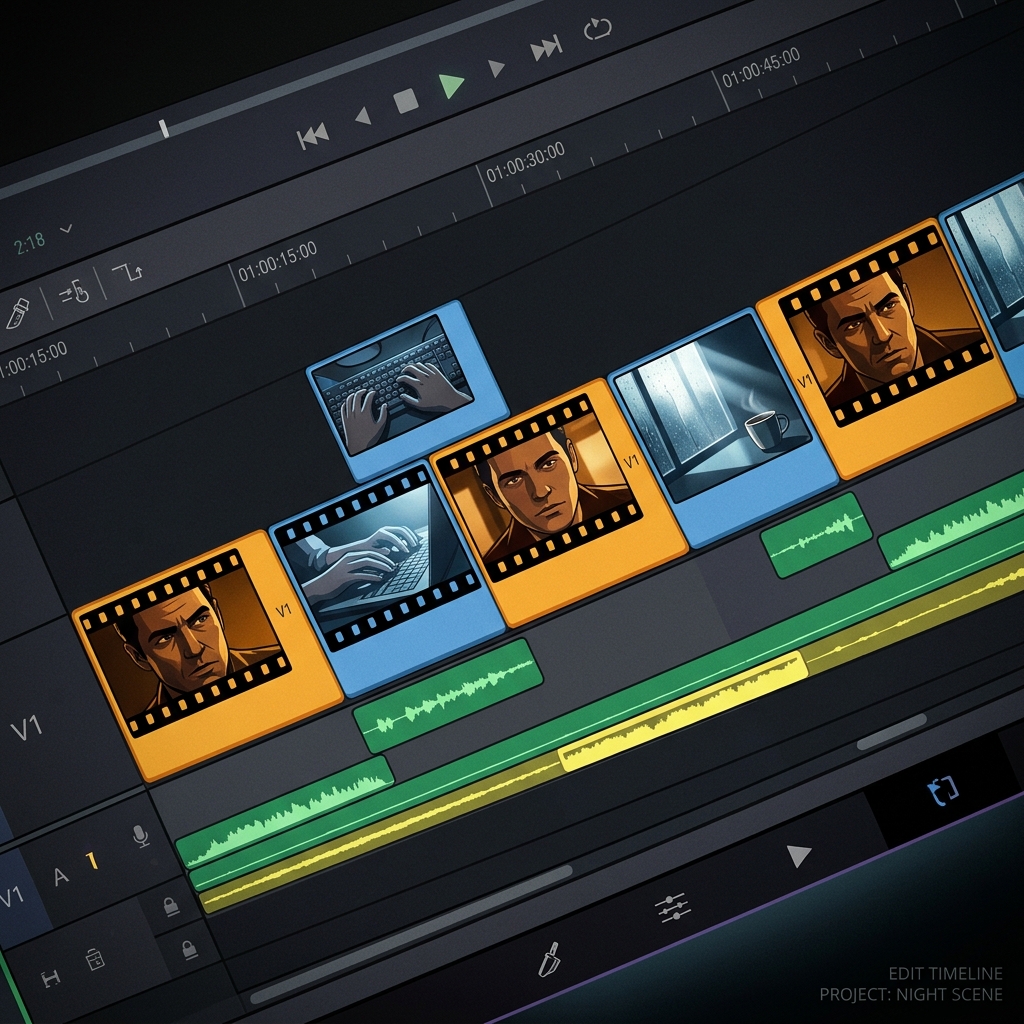
Two weeks of GPT Image 2 + Seedance 2.0 demos hit Twitter.
Everyone showed what the workflow looks like. Almost nobody named why it works.
The storyboard isn't the workflow. The anchor frame is.
Once shot 1 is locked as an image, every clip downstream inherits the character, the lighting, the lens. Animation becomes a constraint problem, not a generation problem.
One good reference frame outperforms a longer prompt.
OpenAI launched GPT Image 2 two weeks ago.
API live on VicSee this week, paired with Seedance 2.0. storyboard to animation, both models native, no agent chain.
what surprised me wasn't the integration. it was how fast the workflow narrative locked in around this combo on twitter.
@HBCoop_ the reference is doing more work than the storyboard. that one image carries identity through 8 panels and 8 clips. get the ref right and consistency is mostly solved before you prompt.
@venturetwins@heyglif the chaining logic is the moat once the models commodify. picking which storyboard layout fits which animation style is where the actual control lives, not the gen step.
@DejiBigBag@ZARGATES the storyboard's real job isn't visualising the cuts, it's locking them in before generation. once shots 1-8 are images, every clip is anchored to a fixed frame. that anchor does more for sequence consistency than the model combo does.
the #1 AI character consistency mistake: using your best looking scene as the reference image.
neutral lighting, front facing, no hard shadows. that scales. a dramatic scene carries its lighting and camera angle into every generation after it.
19 episodes taught me this the hard way.
AI filmmaking tip most people skip: reference images solve character generation. that's the easy part.
the editorial layer is what actually holds sequences together. B-roll at transition points, cutting on action instead of mid-pose, reducing visual axes between shots. without that, consistent characters still feel like a slideshow.
@dvorahfr the single pipeline is the real unlock here. generate, edit, and animate without exporting between tools means your iterations compound instead of resetting every time you switch apps.
@DejiBigBag the client reaction tells you more than any benchmark. when they stop asking 'is this AI' and start asking 'can you do 10 more like this by Friday,' that's when consistency becomes a business model, not just a feature.
the #1 character consistency mistake in AI video: using your coolest scene as the reference image.
neutral lighting, front facing, no hard shadows. that's what scales. a dramatic scene carries its lighting and camera angle into every generation after it.
generate the reference first. test it. then build scenes from it.
@VraserX lite tiers aren't the final output, they're the iteration layer. you test compositions, timing, and camera moves at $0.05 before committing to a quality render. the wow moment comes from being able to fail 20 times cheaply, not from one expensive generation that might miss.
"character sheets solve AI consistency"
wrong. sheets give you a face lock, not a performance lock. the model can reproduce the same face in one batch. maintaining that face across different lighting, expressions, and environments is where it breaks.
same prompt, two generations. two different people.
open sourcing this is a big deal. the part most people miss with "train once" workflows is that the quality of the reference image matters more than the model. a clean, front facing portrait with neutral lighting scales across scenes. a cool looking scene still carries lighting and angle artifacts into every generation.
the consistency problem almost always comes from regenerating the same prompt and hoping for a match. what works is generating one clean reference portrait first, then using that as the input image for every scene. the model stops guessing what the character looks like because you already showed it.