if anyone's curious, my PNG's screaming toggle is automatically triggered by my mic's audio level using the advanced scene switcher plugin
https://t.co/3aXhNo8UXd
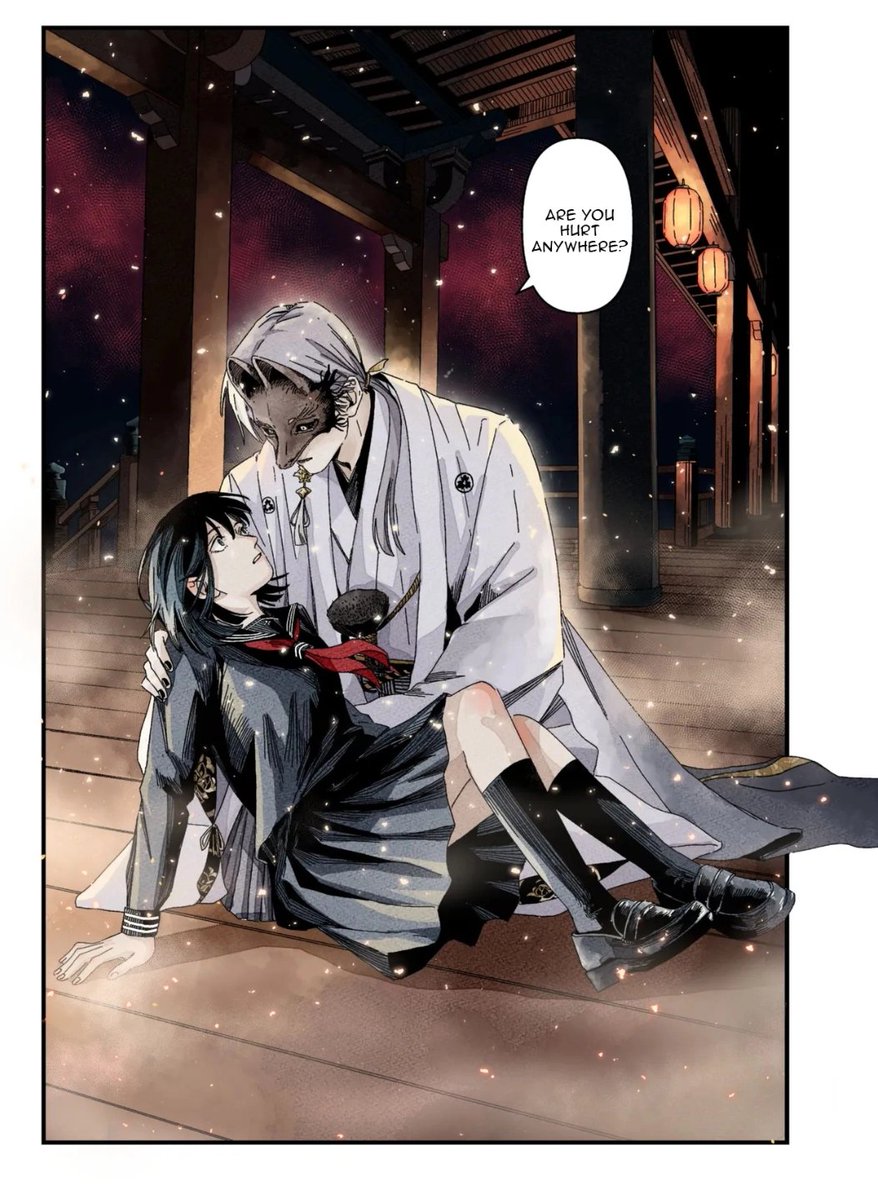
CANDY BRAINS CHAPTERS 1–10 IS GETTING AN ANIMATIC AND VOICE ACTORS ARE NEEDED!
This is a volunteer, for-fun voice acting project that is being put together to create a fully voice-acted animatic of my webtoon for YouTube!
The project will cover Chapters 1–10 of Candy Brains, brought to life through voice acting and animatic animation. The finished product will be edited together into a full YouTube animatic featuring the cast.
Whether you’re an experienced voice actor or you’ve never acted before and just want to have some fun, ANY level of experience is accepted! This is a professional project so please respect the privacy of Prim, and other cast members.
SUBMISSION DEADLINE: Wednesday, September 20th, 2026 (12:00am EST)
Google Form will be posted in the comments!
PLEASE DO NOT DM ME YOUR DEMO REELS IT WILL NOT BE REVIEWED OR BE CONSIDERED A SUBMISSION.
All auditions and information must be submitted through the Google Form so we can keep everything organized and ensure everyone gets a fair shot.
Have a question about casting? Please reach out in my Discord, where my mods and I will be happy to help! Discord link in bio.
Good luck, and I can’t wait to hear your voices bring Candy Brains to life!
I just started using this, grabbed one of my VODS, And it take about [Roughly] 30-40 Minutes to scrub through every 2 hours of the vod
I use the program, and it sectioned out 2 hours each
providing me a number of clips to review
So far gone through 10 clips, got 3 out of it, and adjusted the timeframe for them.
Malummii, thanks for sharing this! Helps scrubbing through vods more efficient for me :D!
𝐇𝐨𝐰 𝐭𝐨 𝐆𝐞𝐭 𝐚 𝐓𝐫𝐚𝐧𝐬𝐩𝐚𝐫𝐞𝐧𝐭 𝐏𝐍𝐆 𝐨𝐧 𝐆𝐨𝐨𝐠𝐥𝐞 𝐄𝐕𝐄𝐑𝐘 𝐓𝐈𝐌𝐄‼️
Tired of getting baited with white backgrounds or checkerboards when you search for transparent images?
This 5 second trick means you NEVER get baited again, it is a real content LIFE SAVER!!
shares apprecaited!
How to set up End of Stream Credits for your stream!
A way to thank your viewers, followers, subs, mods & raids at the end of every stream! ↓
1. Log into Streamlabs
2. Find the End Credits widget
Go to All Widgets in the left panel → search “End Credits”
3. Customise your credits
Edit the settings to your liking, then make sure to click Save Settings!
4. Copy your widget URL
5. Add it to your stream
In your streaming software, add a Browser Source and paste in your widget URL
When you’re ready to end stream ↓
6. Switch to your End Screen
7. Open your Streamlabs dashboard → Recent Events
8. Click “Roll Credits”
And that’s it! 🤍