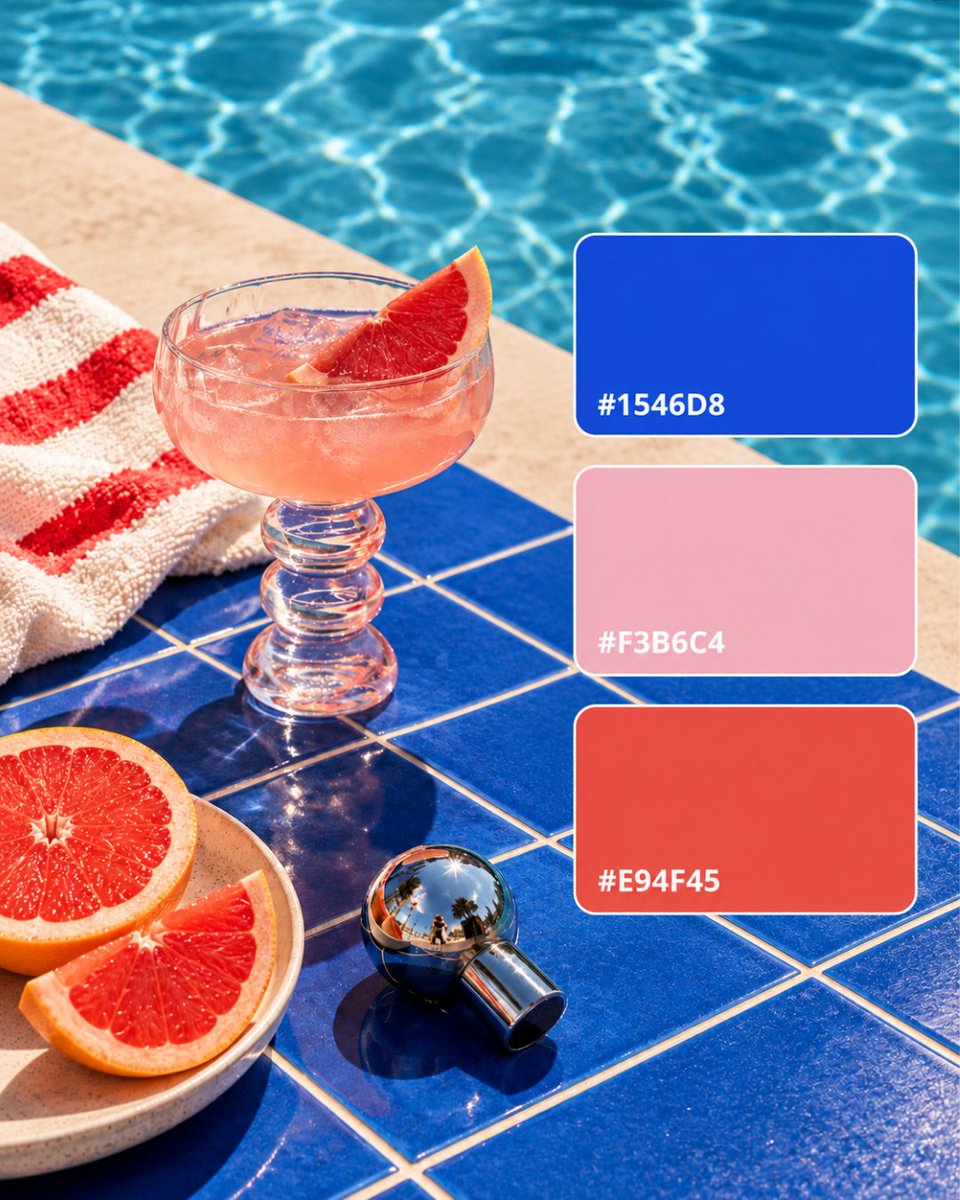
Love the colors in a photo?
Here’s how to find its color palette:
- Save the image to your library with Keep Mates.
- Open the image in your library.
- Instantly access its color palette and HEX codes.
hey, a new update for Keep Mates is live!
Based on your feedback, we’ve taken the experience to the next level:
Simplified UI: A cleaner, minimalist and faster experience that's easy on the eyes.
GIF & Video Support: You’re no longer limited to images, GIFs and video content are now fully supported.
Chrome Web Store : https://t.co/RJZdaXYlxv
Too many tabs, too many things worth saving.
Keep Mates is your personal library for the web save, organize, and find your inspiration whenever you need it.
https://t.co/wYSjaJUWJ6
saving inspiration is easy.
finding it again is the hard part.
Keep Mates helps you save and organize images, websites, PDFs and ideas without leaving your browser.
https://t.co/wYSjaJUWJ6
saving inspiration is easy.
finding it again is the hard part.
Keep Mates helps you save and organize images, websites, PDFs and ideas without leaving your browser.
https://t.co/wYSjaJUWJ6
Found a great image but can’t figure out its colors. Upload it and instantly extract its color palette with HEX codes.
Try it free:
https://t.co/kFBhtUQXd6
Save useful links before they disappear into endless tabs.
With Keep Mates, you can save links in one click, organize them with folders, tags, and notes, and easily find them whenever you need them.
#chromeextension#bookmarkmanager
You can now save PDFs directly to Keep Mates.
Save useful guides, reports, research papers or any PDF you find online with a simple right-click. Add notes and tags, organize them into folders, and find them easily whenever you need them.
No more downloading PDFs and forgetting where you saved them.
New feature in Keep Mates: Screenshot support.
You can now capture any part of a webpage and add it directly to Keep Mates.
Save it. Keep it. Organize it.
https://t.co/wYSjaJUWJ6