We're aware players may be having trouble loading into the Shattered live event playlist, and are working to resolve this as soon as possible.
Please stay in your current client and refrain from restarting.
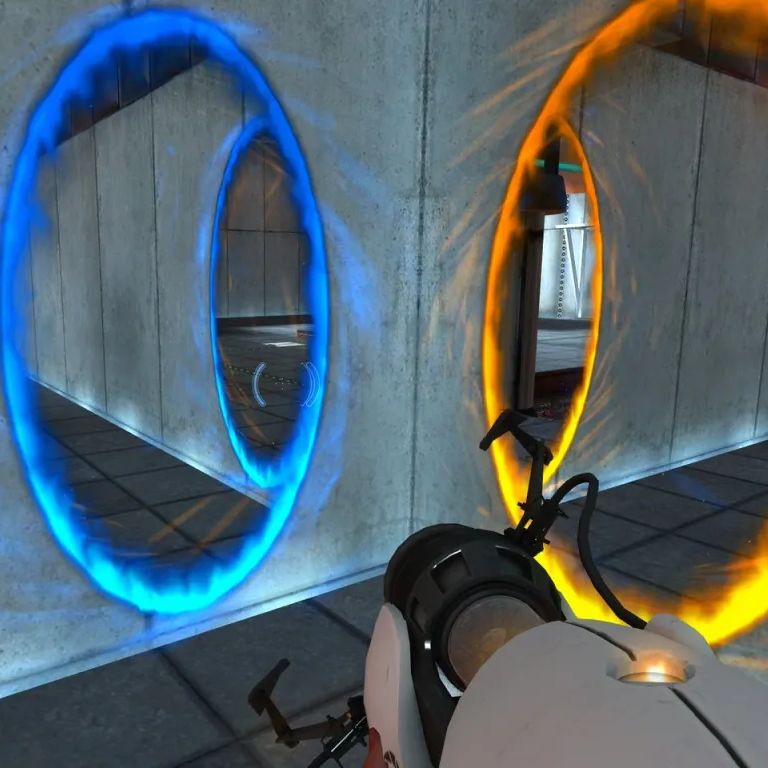
Backrooms director Kane Parsons says he wants to make a movie adaptation of the game Portal
He's looking into the possibility with “a lot of caution and a lot of curiosity”
Massive shoutout to @timelessorder for his love and constant commitment to the lore community. Check out https://t.co/jHeowThy3K for more to come 👀
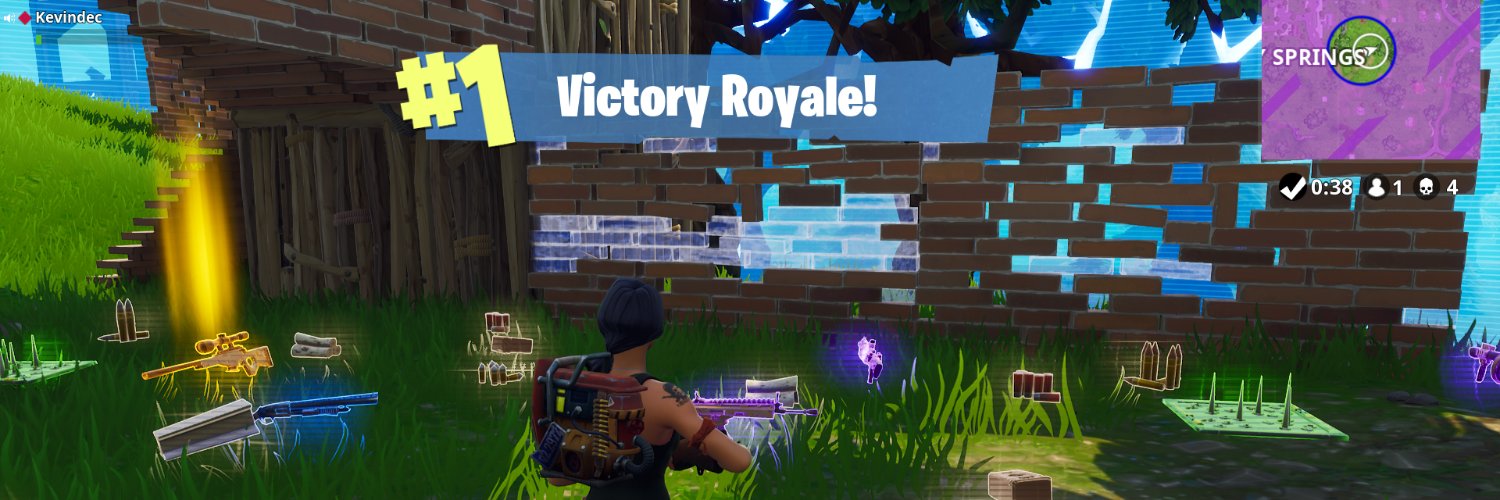
And FINAL shoutout to #TEAMICEKING for our 5% lead in the epilogue. WE DID IT, LET’S GO!!! IT’S OVER #TEAMFRAUDATION, GO HOME! 🧊
It was such an honor to work with @FortniteDotGG on Puzzle Solvers. Thanks to the https://t.co/2fYgdTMdgG team for the wonderful idea! Y’all are the true GOATS 🙌
Should we do it again? What would you like to see next? Let us know!
Season 2 comes to a close. See you next week!!
A new ‘ADVENTURES OF TINTIN’ movie is officially happening.
Peter Jackson is currently writing the script with plans to direct the film himself.
(Source: @Variety)
Windows 11 has been quietly lying to your games since 2020 capping timer precision and causing random micro stutters, heavy aim feel, and surprise 64 FPS soft caps in competitive titles. 99% of gamers still don’t know the fix.
Here’s the single safest, bulletproof 2026 tweak that actually works: one registry change (no tools, no risk, fully reversible) that restores the old global timer behavior Microsoft broke.
✅ Real benefits (not placebo):
- Smoother frametimes & 1% lows
- Snappier mouse/aim feel (lighter, more responsive)
- Fixes micro stutters in busy fights
- Eliminates random 64 FPS caps in older engines
Perfect for: Fortnite (build fights feel buttery), Valorant & CS2 (peeks & flicks feel weightless), Apex Legends & Rainbow Six Siege (movement consistency), League of Legends (cleaner teamfight spikes).
It shines in any timer-sensitive competitive game (especially Unreal Engine & Source 2 titles). Works on ANY GPU, CPU, or RAM pure OS level fix.
Windows 11 only. (Windows 10 post 2004 versions don’t support this registry key the same way upgrade or skip.)
90-second steps (copy-paste ready):
1. Press Win + R → type regedit → Enter
2. Navigate exactly to:
HKEY_LOCAL_MACHINE\SYSTEM\CurrentControlSet\Control\Session Manager\kernel
3. Right-click in the right pane → New → DWORD (32-bit) Value
4. Name it exactly: GlobalTimerResolutionRequests
5. Double-click it → set Value data to 1 → OK
6. Reboot
✅ Done. Want it gone? Delete the value + reboot = 100% stock again.
Pro tip: Create a quick System Restore Point first (search “Create a restore point” in Start). Takes 10 seconds. Zero side effects reported in 2026 this is just Microsoft’s own backdoor to undo their change.
This is the cleanest hidden Win11 gaming tweak still delivering real feel improvements in 2026. No hardware requirements, no third party apps, no instability.
Drop your game + Win11 version + before/after feel below 👇 (Fortnite? Valorant? CS2?) let’s see who notices the difference.
(Works on every setup RTX 50-series to low end rigs. Tested and recommended by competitive players right now.)
Your GPU has been talking to your CPU the wrong way since you built your PC.
By default, Windows puts your GPU on "Line-Based Interrupts" — a legacy method where your GPU queues signals to the CPU in a shared line like it's 2003. This creates DPC latency, which is the actual root cause of microstutters, inconsistent frame pacing, and audio crackling mid-game.
The fix is called MSI Mode. It gives your GPU a direct, modern communication path to your CPU over PCIe — the way the hardware was designed to work.
How to do it:
→ Search "Sathango MSI Utility v3" on GitHub (free, open source)
→ Run as Administrator
→ The tool shows your current mode instantly — check before assuming
→ If you're on Line-Based, switch to MSI
→ Leave priority at Normal — do NOT set it to High
→ Reboot
Who this actually helps:
GTX 1000/2000/3000 series and older AMD cards see the biggest gains. RTX 4000+ and modern AMD have less to gain but it still doesn't hurt. Most valuable if you're experiencing microstutters or frame pacing issues in Warzone, Valorant, or CS2. Note: NVIDIA driver updates can reset this — re-check after major driver installs.
You won't get +50 FPS. You'll get cleaner, more consistent frame delivery and a tighter feel. Free. 2 minutes. Fully reversible.
Test it in your games for a day. Fully reversible — just uncheck MSI and reboot if it doesn’t feel better.
This won't stop Chrome from downloading the same thing again... do this instead
1.Close Chrome
2.Delete weights.bin
3.Create an empty file named weights.bin in that same location
4.Go to the file's properties, and Deny permissions from the OS to touching that empty file