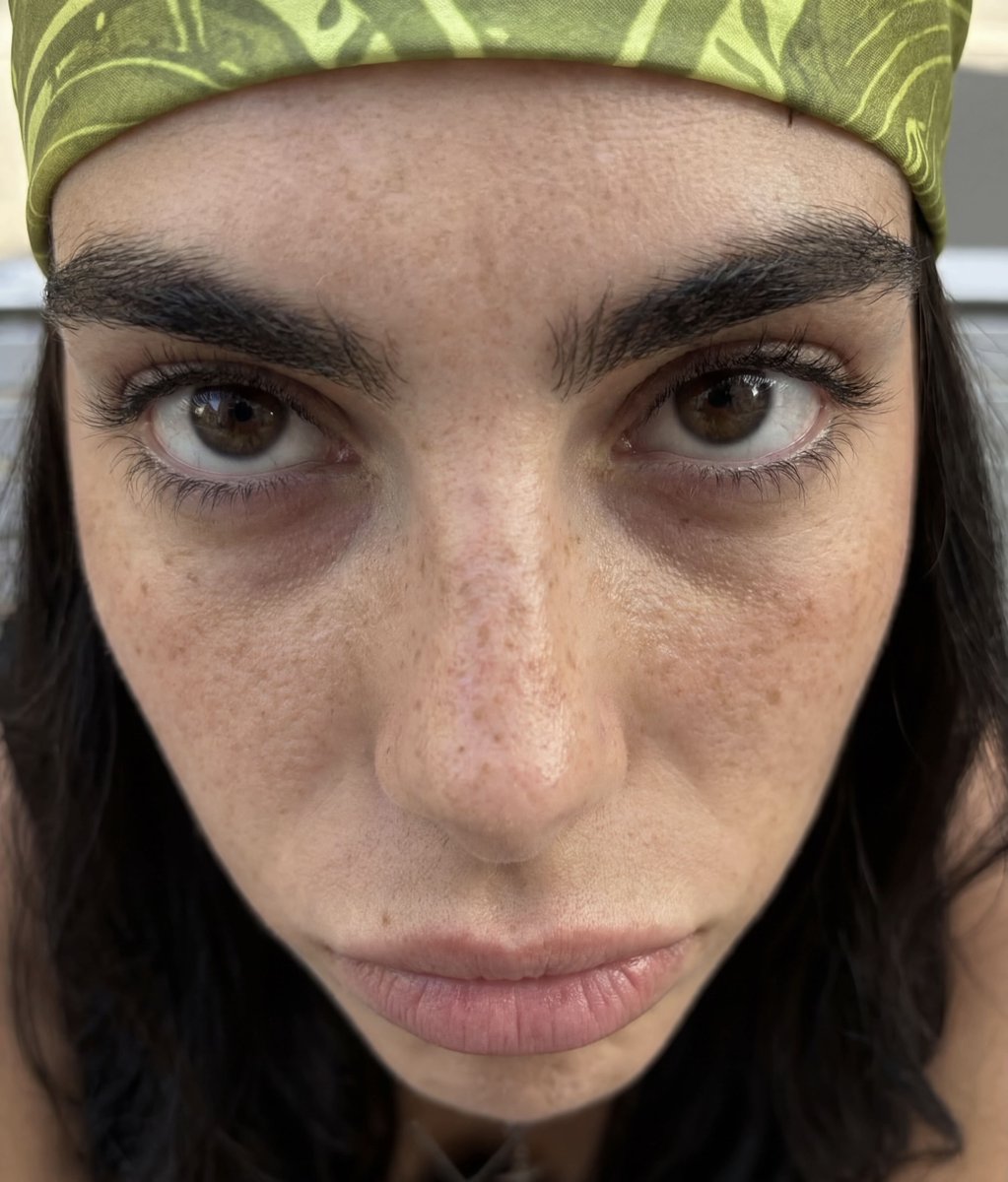
how to generate ai photos that look 100% real with gpt-image 2.5
2.5 is a step up from 2 but it carries the same tells
straight out of the box with no reference you still get that ai look
so stop describing the aesthetic and start stealing it
find a photo that already has the look you want
drop it into gpt-6 astra and ask this
"analyze this photo and give me a very detailed json prompt describing its visual style. break down the color grading, the lighting and the exact colors so i can apply that look to my own images"
astra reverse engineers the reference into a prompt
you were never going to describe that grade yourself
take the json into gpt-image 2.5
attach your product and prompt
"using this json as reference, generate a person holding my product"
then generate the same thing without the json and put them side by side
the lighting and the grade are the whole difference
save the character you like
attach that photo on every future generation and ask it to preserve the same facial features
now you have a consistent person across your entire product library
want a different mood
go back to astra, iterate the json, run it again
the tells are almost always the same two things
flat default color and that plastic grain
so grade on purpose and check those first
the json controls the light
the character controls consistency
you control the product
that is a repeatable ugc pipeline instead of rolling the dice every time
Disney+ has released a list of essential projects to watch before ‘AVENGERS: DOOMSDAY’:
• X-Men
• X2
• Captain America: The First Avenger
• The Avengers
• Avengers: Infinity War
• Avengers: Endgame
• Loki
• Shang-Chi and The Legend of The Ten Rings
• Spider-Man: No Way Home
• Doctor Strange in the Multiverse of Madness
• Black Panther: Wakanda Forever
• Deadpool & Wolverine
• Captain America: Brave New World
• Thunderbolts*
• The Fantastic Four: First Steps