@joshwoodward@GeminiApp Please fix the fact that the code and preview buttons in Canvas magically disappear, forcing you to copy the code and paste it outside to view what it has generated!
@joshwoodward@GeminiApp Please fix the fact that Gemini constantly refuses to "read" information from Google Sheets and insists that you provide the information in CSV or Excel format!
Google is working on Collections support for NotebookLM.
> Users will be able to group multiple notebooks into a single collection.
> Collections will appear in a separate tab in the NotebookLM main menu.
Since Notebooks now also function as "projects" in Gemini, this may help users organize them more effectively.
📰 Más de 400 docentes se registran en las acciones formativas online de #ZinkersFP durante el primer semestre
🔹La iniciativa de @FundacionRepsol acerca recursos y herramientas para trabajar la sostenibilidad aplicada al sector productivo.
Lee más⬇️
https://t.co/kRkBgT0yLW
The Gemini app is now on Mac.
With this new desktop app, you can access Gemini from any screen with Option + Space and share your window to get answers based on the documents, code, or data you're working on.
Project organization is here: Introducing notebooks in Gemini.
You can now keep multiple projects organized and even add past chats and relevant files as sources, so you have a dedicated space to focus on the task at hand.
Select “New notebook” in the side panel to get started.
Here’s how to go from basic to fluent with Gemini AI:
🏠 Step 1: Build solid Gemini/prompt foundations
→ Understand the Gemini ecosystem and which tool to use for which job
→ Better prompts = Better responses
→ Never write a vague prompt again by utilizing frameworks
→ Learn advanced techniques like meta prompts, chain-of-thought, logic, QA checks
💎 Step 2: Systemize your AI usage with Gems, a game changer
→ Stop rewriting the same instructions
→ Add your tone, rules, and workflows into Gems
→ Build specific gems for specific scenarios, use them on repeat
🧑💼 Step 3: Get the most out of Gemini inside Google Workspace
→ Gemini is baked into Workspace
→ Use gemini sidebar, with context of your current file
→ Use “@” to reference other files in your workflows
→ AI function in Google Sheets is 🔥 e.g. classify hundreds or thousands of survey responses in seconds
🔬 Step 4: Do deeper research with NotebookLM, another game changer
→ Use it to deep dive on any topic
→ have Deep Research curate sources for you
→ Make mind maps, questionnaires, even podcasts from your source docs
🧬 Step 5: Write code with plain English using Vibe Coding
→ Build real working tools without a technical background
→ Use Frameworks to build high-quality Specification prompts
🤖 Step 6: Build agents that work without you
→ Move to the big leagues and build agents that work when you’re not
→ Stop doing tedious work
→ E.g. an Apps Script agent that reviews PDF contracts against your checklist
→ E.g. an expense receipt agent that logs receipt photos into Sheets and flags policy violations
🛠️ Step 7: Okay, so vibe coding has you hooked…
→ Level up with a proper developer workflow
→ Use Clasp to connect your local files to Apps Script
→ Use Git and GitHub to keep version histories of all your code
→ Use AI Studio and/or Antigravity to build with Gemini
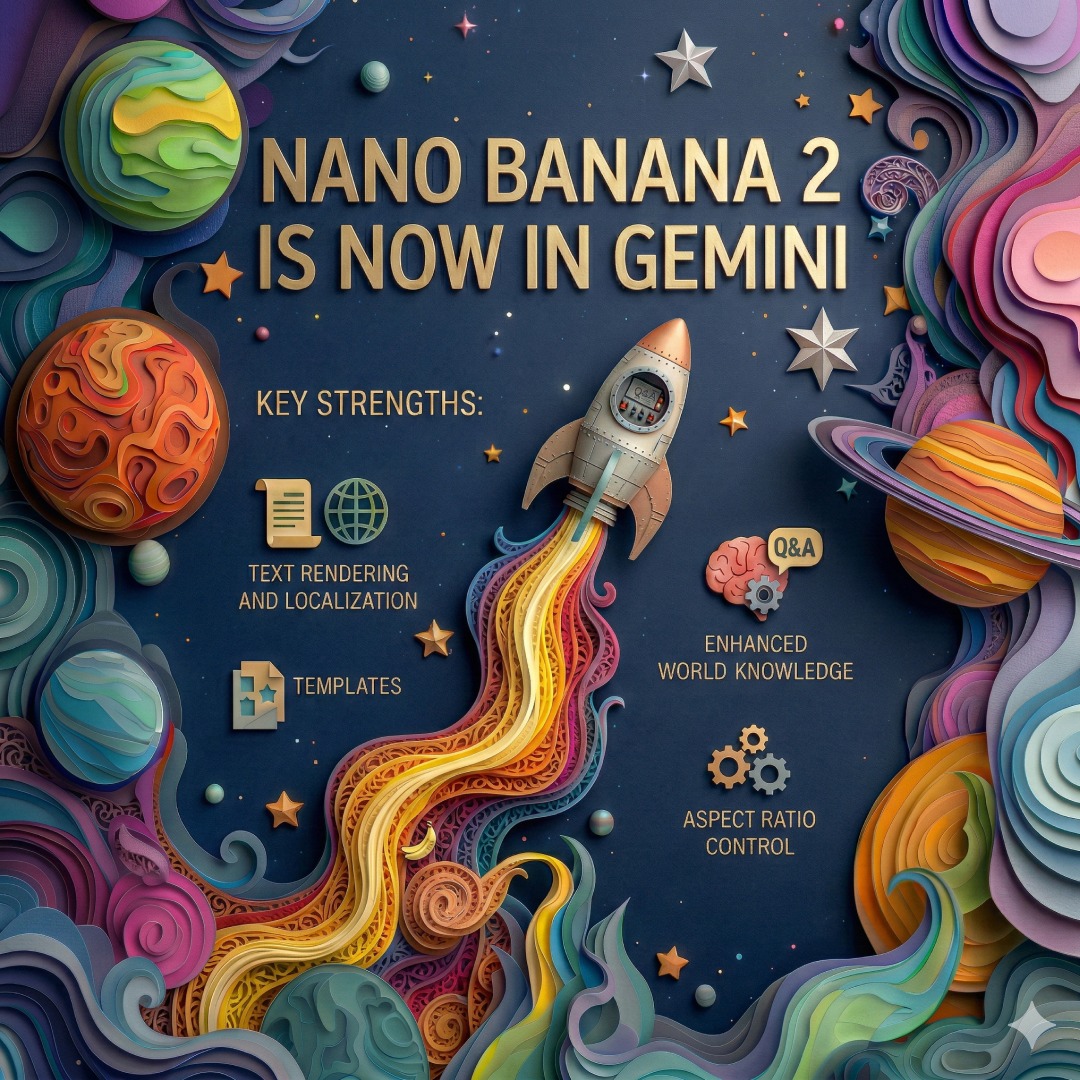
Nano Banana 2 is here.
Our latest image model gives you the power of Pro at the speed of Flash. You can create images with real-world accuracy, add text in many languages, and bring your wildest ideas to life faster with vibrant lighting, richer textures and sharper details. 🧵
@benlcollins I have a script that I run in Google Sheets that makes copies of a pre formatted template sheet and renames the sheets copies according to a list of codes and names. There are usually quite a lot of them, and many times I need to check the number of sheets.