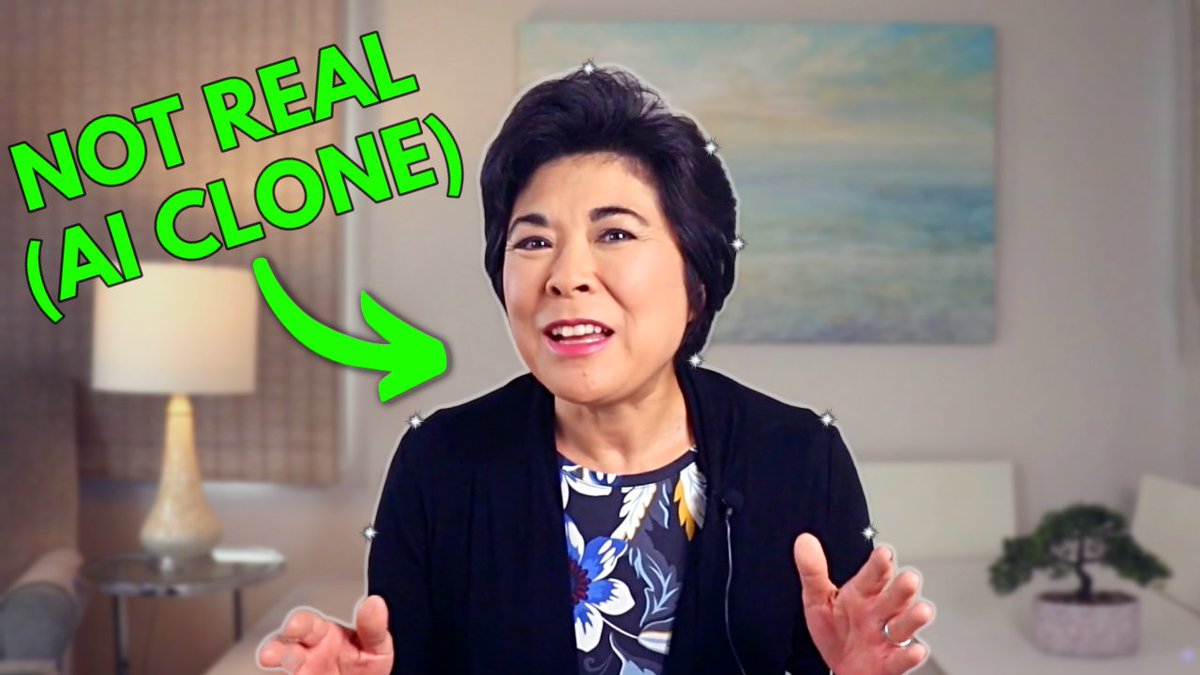
My HeyGen AI clone talks for the first 45 seconds of this video, before I show up in person. Can you tell the difference between my clone and the real me? https://t.co/1TWFQlEvjn #aivideo#aiavatar
Here's how to get started with Pictory, a easy-to-use text to video generator. To try Pictory for FREE, just click this link 👉 https://t.co/CpeIGJUuhE
Watch this video to learn about Pictory in under 3 minutes: https://t.co/MeJS89Ivuu
Do you use storytelling in your instructional design work?
Discover the power of interactive storytelling why it's often more effective than traditional eLearning.
https://t.co/6SE8yIcugA
#instructionaldesign#elearning#learninganddevelopment
How do you add interactive elements like buttons, decision screens, and branching to Vyond videos?
In this quick tutorial, I share 5 tips that I use when creating interactive videos for my clients. https://t.co/BxiVuMlaJR
#instructionaldesign#elearning#learninganddevelopment
Got workplace photos, graphics and training videos? Once you learn this trick, you’ll be able to seamlessly blend realistic elements into an animated environment. https://t.co/a6YgphF5MN
#instructionaldesign#elearning#learninganddevelopment@Vyond
This HACK will help you create Branching Scenarios that have a real impact in the workplace.
Here's an animated interactive story that shows how effective this simple hack can be: https://t.co/ZiZ0wo9h5t
#instructionaldesign#elearning#microlearning
Branching scenarios can have a huge impact on learner behavior. But if you're not careful, they can quickly become an #instructionaldesign nightmare.
Here's the secret to managing project scope: https://t.co/cdrqDcn2BM
#elearning#LearningAndDevelopment
How does microlearning fit into your #instructionaldesign work?
These #microlearning examples can help you achieve better business results. They’re easy to access, quick to consume, and designed to fit into the natural flow of work. https://t.co/B4hrHk02QL
#elearning
If you’re tired of creating “information dump” eLearning, try Action Mapping instead. Yes, it’s a paradigm shift and adopting a new approach does require some courage.
But is it worth the effort? Absolutely! https://t.co/f77hqQNb3F
#instructionaldesign#elearning#microlearning
Decisions are a critical part of eLearning scenarios.
Here are three decision screens for an eLearning scenario. Can you tell which one is best? https://t.co/AVPaKzLG6d
#instructionaldesign#elearning#microlearning
Here’s the best way to boost audience engagement:
This simple strategy works in virtually any format - eLearning, video, or live training https://t.co/LQ6RGiP21e
#instructionaldesign#elearning#microlearning
[QUICK VIDEO TIP] How do you create branching scenarios in Articulate Storyline 360?
Here’s a behind-the-scenes look at how I created an #eLearning scenario with 12 alternate endings: https://t.co/74CniquGfG #instructionaldesign@Articulate
[NEW VIDEO] How do you Build Branching Scenarios with 7Taps Microlearning?
To watch the Branching Scenario demo, jump to timecode 10:15. For an overview of #microlearning and 7Taps, watch from the beginning --> https://t.co/pZyN03Wdku
#instructionaldesign#elearning@7tapsHq
If you’re an instructional designer or someone who’s transitioning into the field of #instructionaldesign, you need to know about branching scenarios.
Here are 7 tips to help you become a more effective branching scenario creator, plus a FREE Swipe File.
https://t.co/ItQyCE2vw8








![kgohinteractive's tweet photo. [QUICK VIDEO TIP] How do you create branching scenarios in Articulate Storyline 360?
Here’s a behind-the-scenes look at how I created an #eLearning scenario with 12 alternate endings: https://t.co/74CniquGfG #instructionaldesign @Articulate https://t.co/CmQfS7j6b4](https://pbs.twimg.com/media/FmSnTYAakAIAhZA.jpg)
![kgohinteractive's tweet photo. [NEW VIDEO] How do you Build Branching Scenarios with 7Taps Microlearning?
To watch the Branching Scenario demo, jump to timecode 10:15. For an overview of #microlearning and 7Taps, watch from the beginning --> https://t.co/pZyN03Wdku
#instructionaldesign #elearning @7tapsHq https://t.co/Fd3SD0VQYI](https://pbs.twimg.com/media/FbbfokjUUAErwja.jpg)