Quick Tip 💡
Make "next slide please" a thing of the past with the new Remote Control feature for presentations! Move freely around the classroom while delivering engaging presentation.
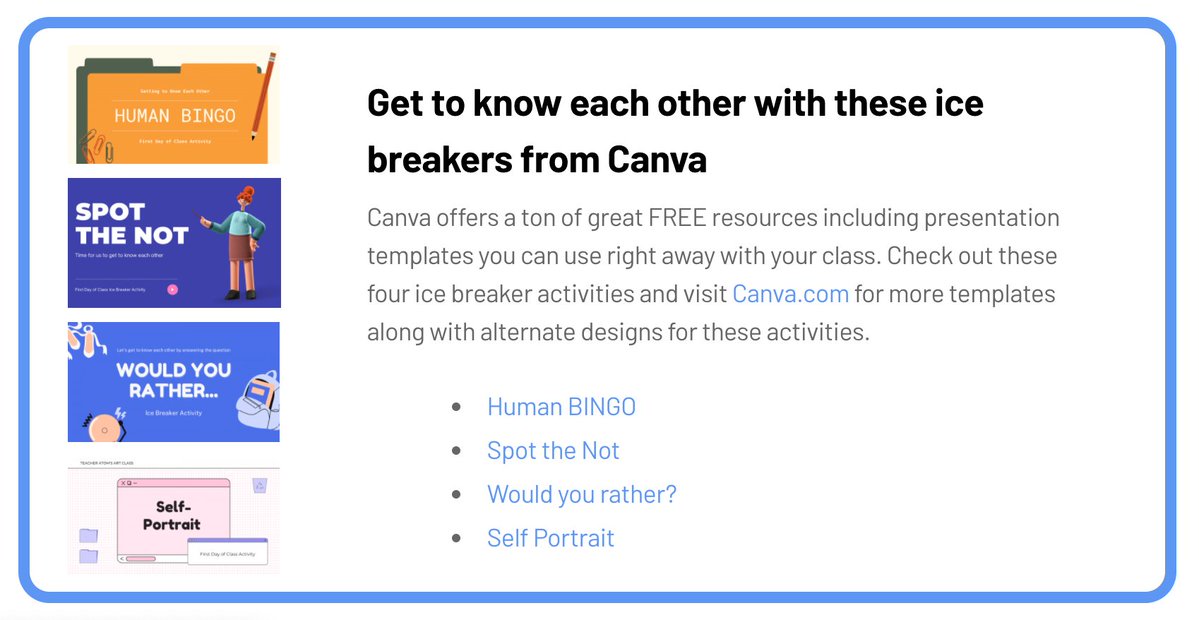
Looking for some ice 🧊 breakers for those first few days of school?
Canva has some fantastic, customizable, ready-to-use activities for you!
Get links to these four 🧊ice breaker activities along tons of other ideas in our Back to School post⬇️
https://t.co/KkEkzuwPyB
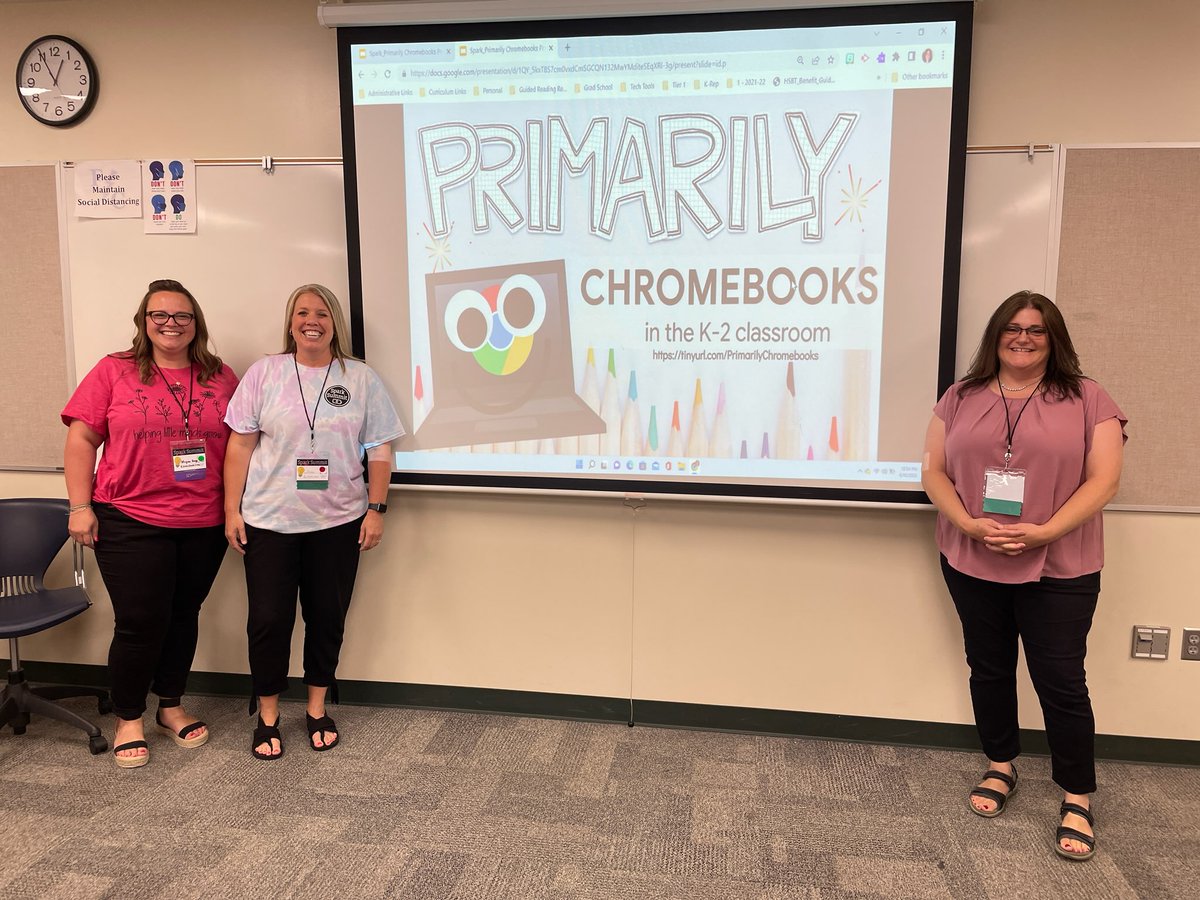
I'm excited to announce that I will be speaking at the Spark Summit! I'll be presenting on Primarily Chromebooks along with Gerry Brooks as our keynote! Cost includes lunch, swag, and access to our student LUME creations and selfie museum. Join us!
https://t.co/SdV64iGg9k
It's time to start preparing for a new year. Check out my classroom on @DonorsChoose! I'd love your help to bring my project to life: https://t.co/zmWNCdTbMr
#iteachk#Kindergarten#DonorsChoose
📢 BIG NEWS 📢
Teachers: we'd love to record audio directly into slides 🙏
Us: we're launching Mote for Google Slides! 🚀
It's super easy to use 👇
Please let us know how you will be using our latest feature - we'd love to know! 🗣️
📣 @KSzajner leads a hands-on Activity Academy focused on creating engaging activities for all students!
✅ Access it through the Seesaw Community Learning Hub
🚀 Not in the free Seesaw Community? Become a #SeesawPioneer for this course & more: https://t.co/AuvWFp5uar
@nadinegilkison Any suggestions on an easy way to communicate individual student zoom times and links? It looks different for each student. We only have 2 zooms that are the same for whole group. The rest are split into different groups with different teachers.
I emailed the families at the beginning with their schedule, then posted the individual group schedule and links under a topic for only that group in Google Classroom. I assign them to only those group members so they can only see their group.