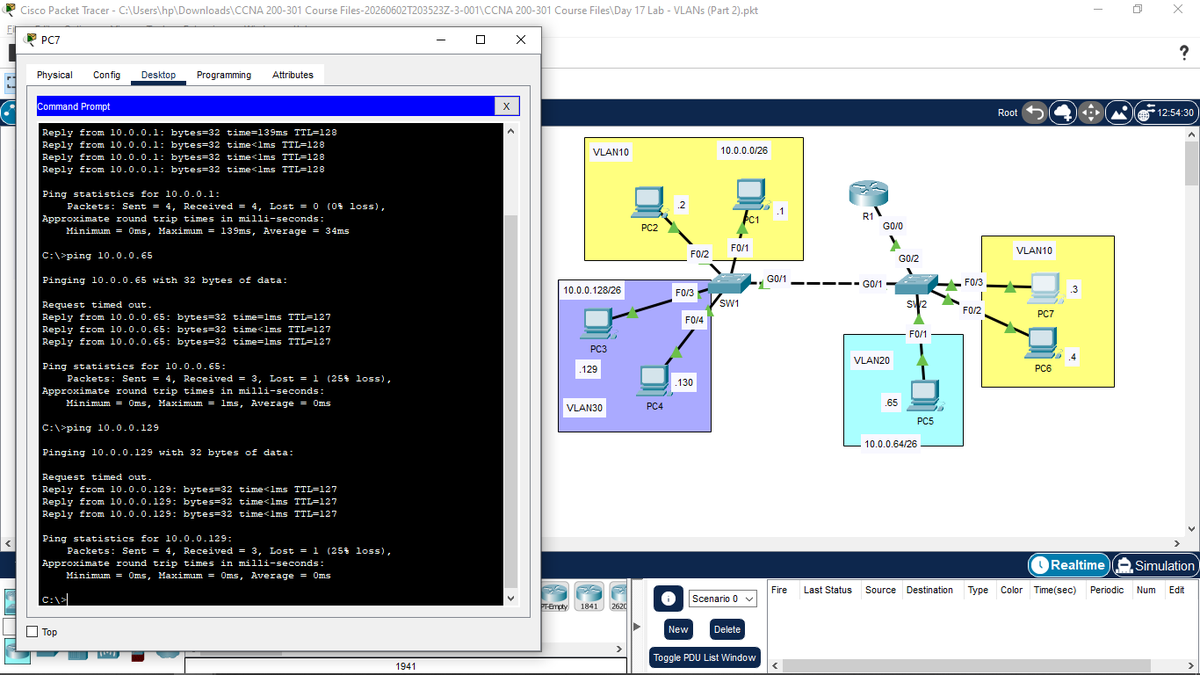
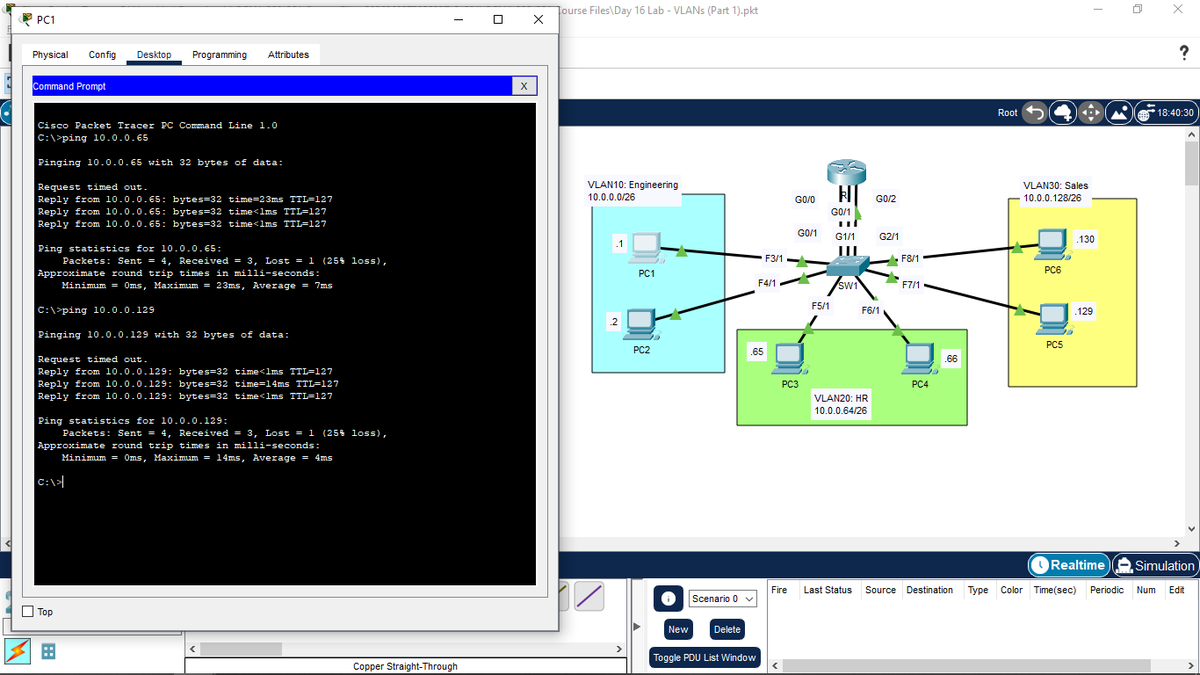
Finally, I put everything into practice in Cisco Packet Tracer. I configured the trunk links and the ROAS setup, and to verify inter-VLAN routing was working perfectly, I successfully pinged PC1 from PC7, and PC5 from PC7, getting replies from both.
Day 15 of taking Jeremy's IT Lab CCNA course.
Today, I started by doing a bit more review on subnetting to make sure the calculations are fully locked in.
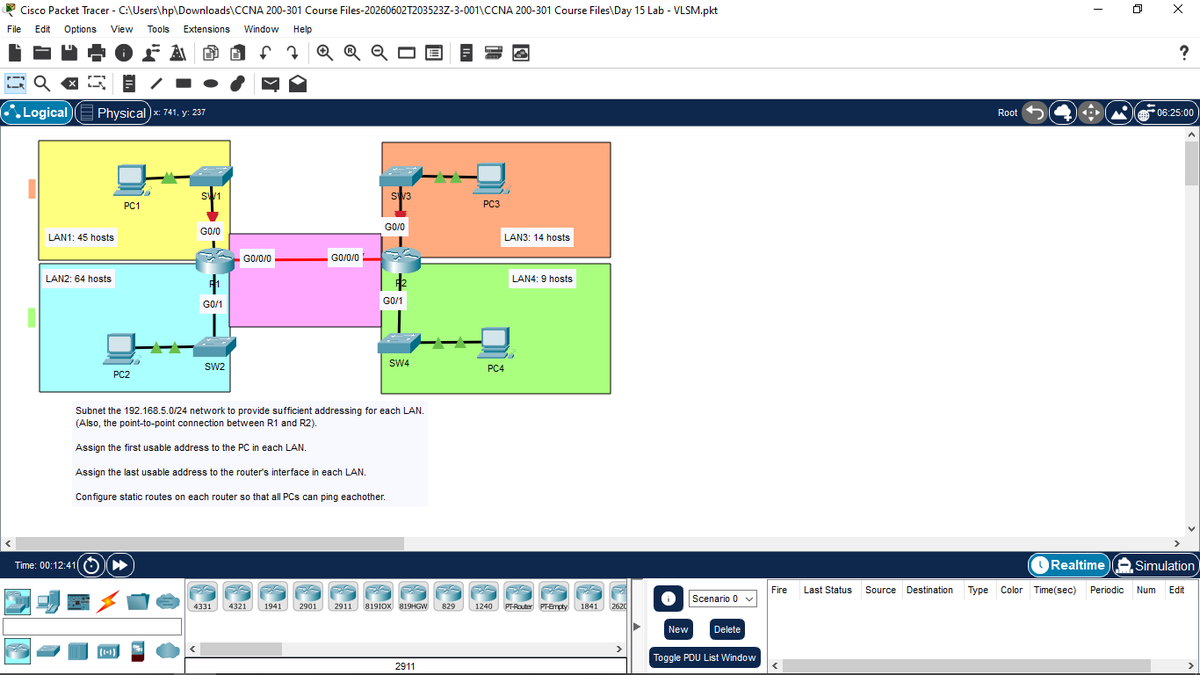
From there, I learnt about VLSM, which stands for Variable-Length Subnet Masks.
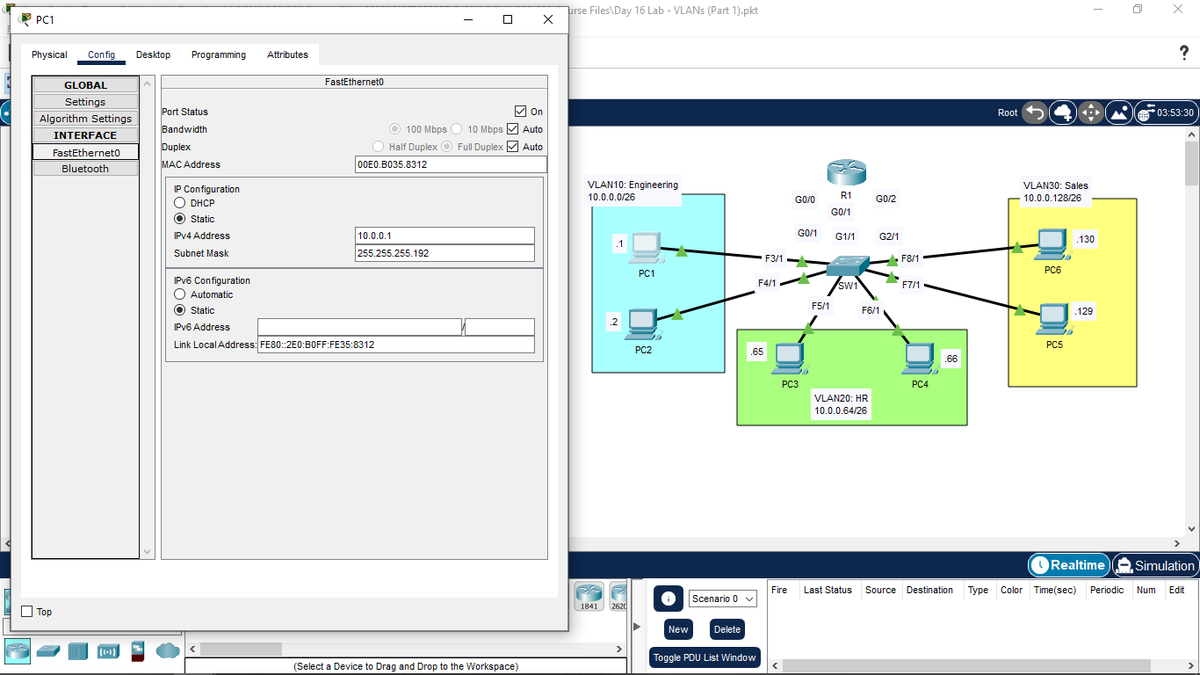
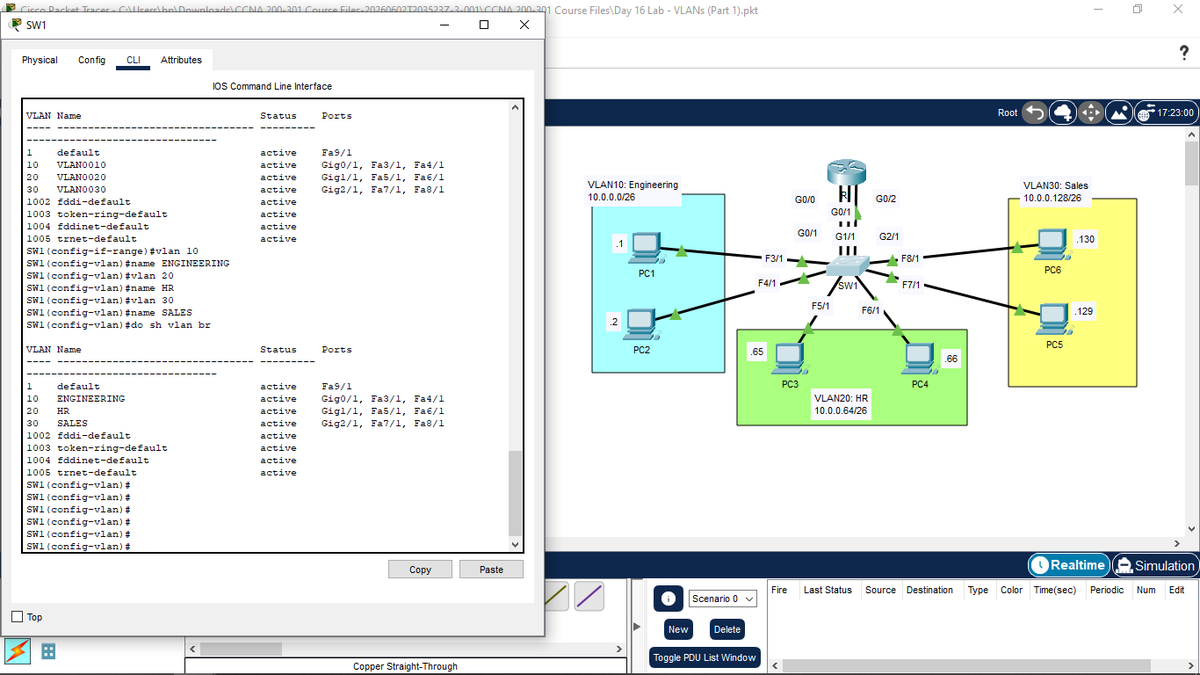
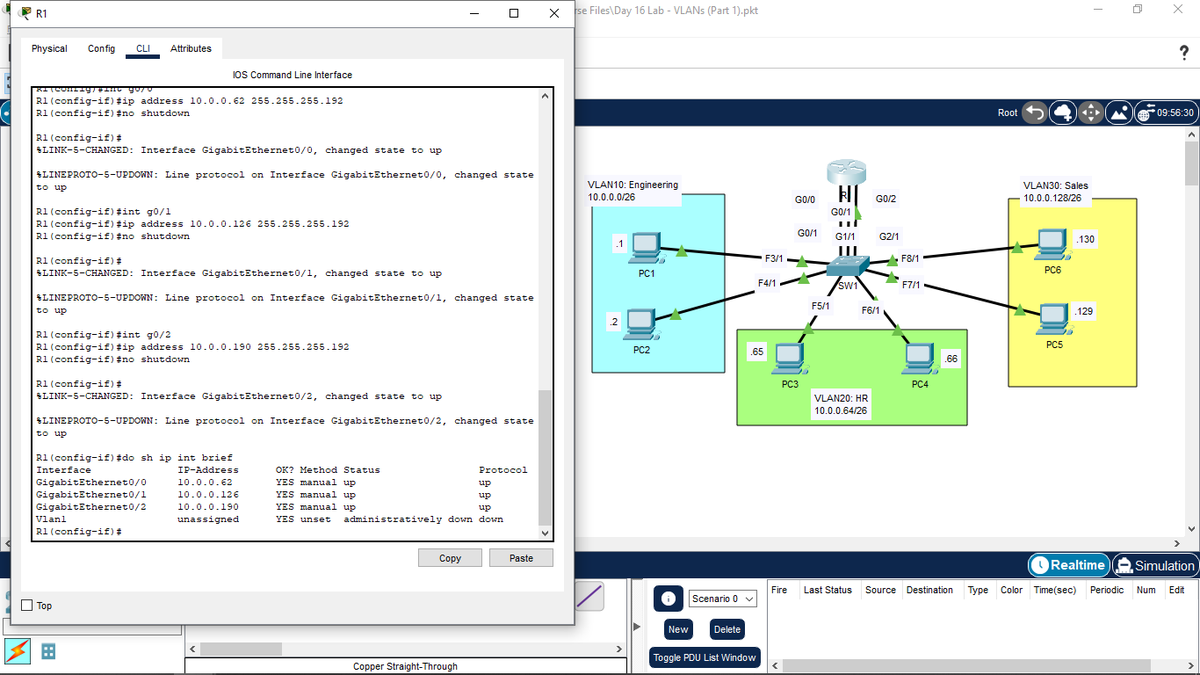
Finally, I opened up Cisco Packet Tracer to practice everything I learnt. I configured 3 separate VLANs across the network. To verify my configuration was working perfectly, I pinged PC3 and PC5 from PC1 and successfully got replies.
Day 15 of taking Jeremy's IT Lab CCNA course.
Today, I started by doing a bit more review on subnetting to make sure the calculations are fully locked in.
From there, I learnt about VLSM, which stands for Variable-Length Subnet Masks.
Day 14 of taking Jeremy's IT Lab CCNA course.
Today, I started by reviewing how to subnet a Class C network to make sure I had the foundational math locked in.
To wrap things up, I opened Cisco Packet Tracer to practice my subnetting. Applying the math directly into a lab environment and assigning those subnets to actual interfaces really helps cement the concepts.
Day 14 of taking Jeremy's IT Lab CCNA course.
Today, I started by reviewing how to subnet a Class C network to make sure I had the foundational math locked in.
Day 13 of taking Jeremy's IT Lab CCNA course.
Today, I started getting into a very important topic: subnetting.
I started by reviewing the IPv4 address classes to refresh my memory. From there, I learnt about CIDR, which stands for Classless Inter-Domain Routing.
I also learnt a few really helpful tricks to help me identify the subnet of a network much faster. Being able to calculate these subnets quickly without having to write out all the binary is definitely going to be a huge advantage moving forward.