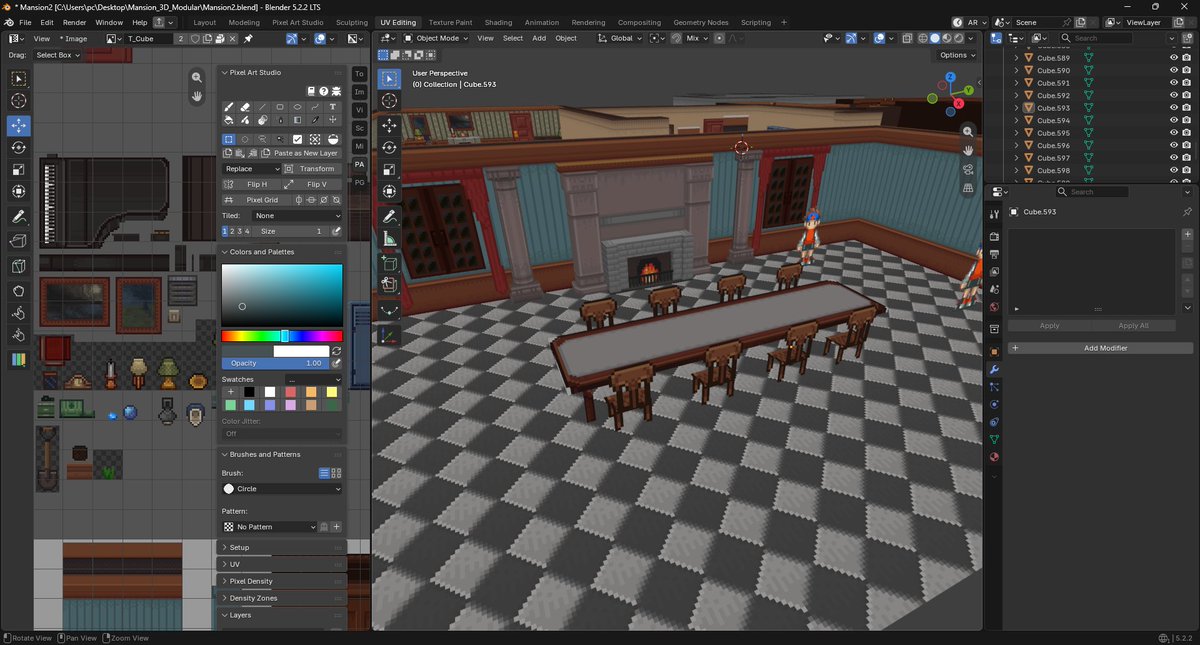
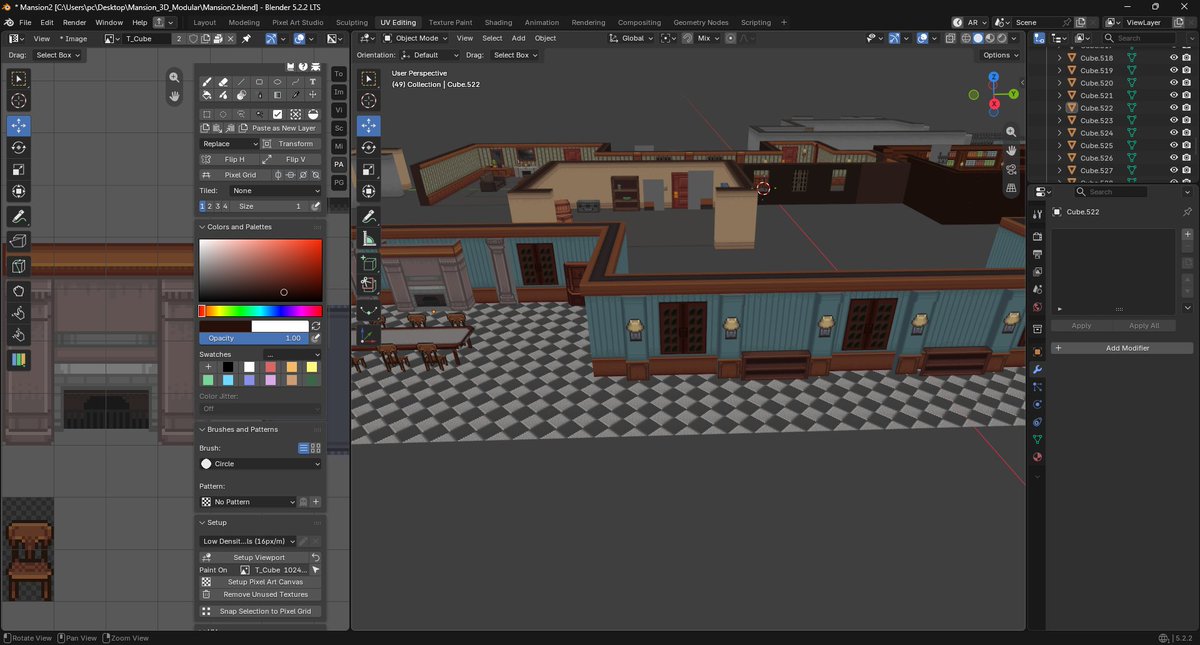
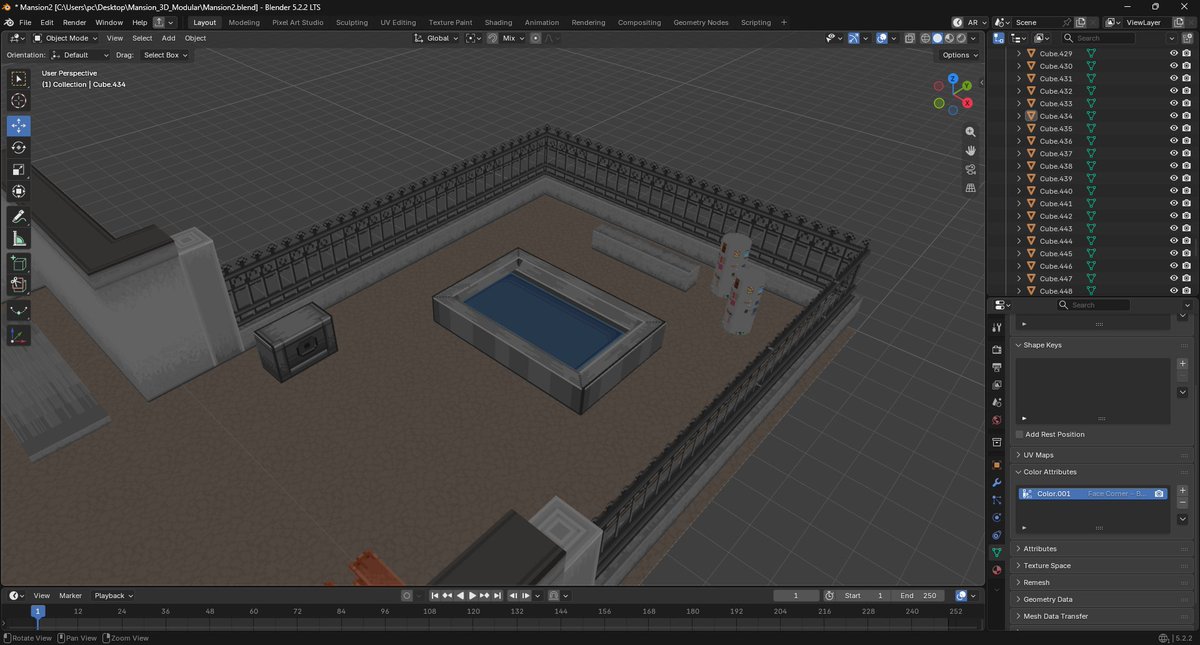
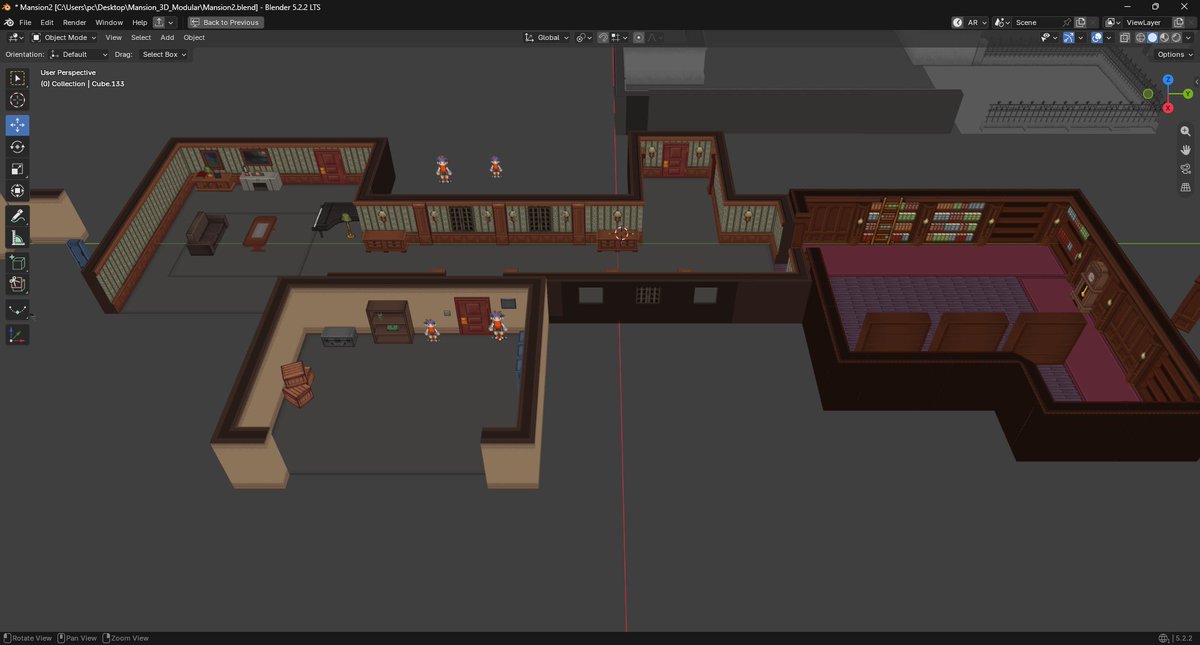
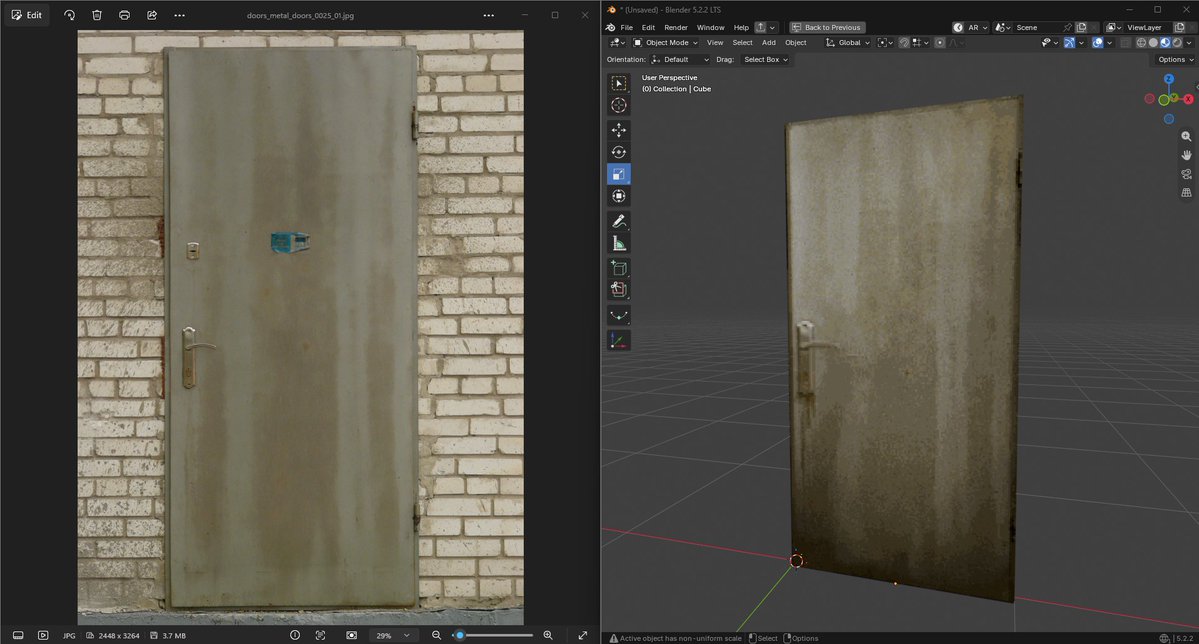
@AViewer6ujt Yes, it has everything you need for pixel art in blender. In V2, it will also support Smooth Brush.
developed by @AlfredBaudisch
https://t.co/EMMiBt5BcZ
Get it from your favorite marketplace:
Superhive https://t.co/RFwp2fK6Io
Gumroad: https://t.co/UBhWrXhuqA
Hotmart: https://t.co/ERzlVzoNP5
itch: https://t.co/cGPL4moa0d
#blender3d#pixelart
Thank you for all the likes and shares! I will soon add this one on my Patreon + how I achieved this result.
Feel free to join as a free member or as supporter for my work!
All tutorials I post are free, with no signup required.
https://t.co/YjrjZ6gjlY
@phonoity :/ games all about optimizing not just polygons same with textures and shaders etc...
and yes as good practice use one texture for multiple props specially in environment like using Trimsheet.
its case by case.
@tramstalker@JestertheIVth depend on your style if you want to achieve perfect then continue.
try to find tools that helps you speed your work like
https://t.co/cAW1mcjaQw
this will help you with UV unwrap
or other tool which also include UV unwrap, if your goal pixel art
https://t.co/qkFlgvVJLc
@tramstalker@JestertheIVth For this project, yeah I make all Texel density equal.
I use Pixel art studio to do UV unwrap and sometime I use Pixel-Unwrapper.
if I do like psx style I don't think I will focus to be all perfect instead to make it looks nice and fit in 256 texture.