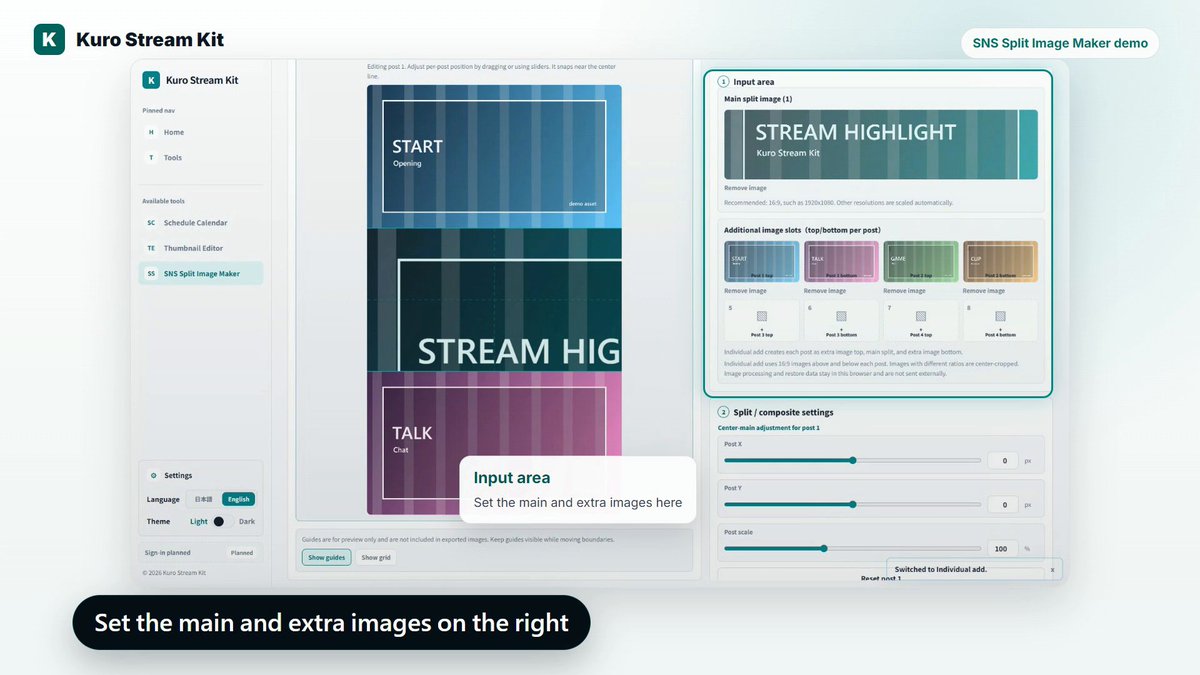
Use the right input panel to set the main image and extra images.
Image processing stays in the browser, and the results can be saved as individual PNG or JPEG files.
Here is a quick demo of SNS Split Image Maker in Kuro Stream Kit.
Choose 2-split, 3-split, or 4-split, add your main image and extra images, then save X-ready split images as PNG or JPEG.
The common 4-split preset supports both individual extra images and frame-based extras.
#KuroStreamKit #VTuber #ContentCreator
The preview area has Edit, Order, and Final tabs.
Use Edit to adjust the main image, Order to check the full saved sequence, and Final to check a thumbnail-like posting view.
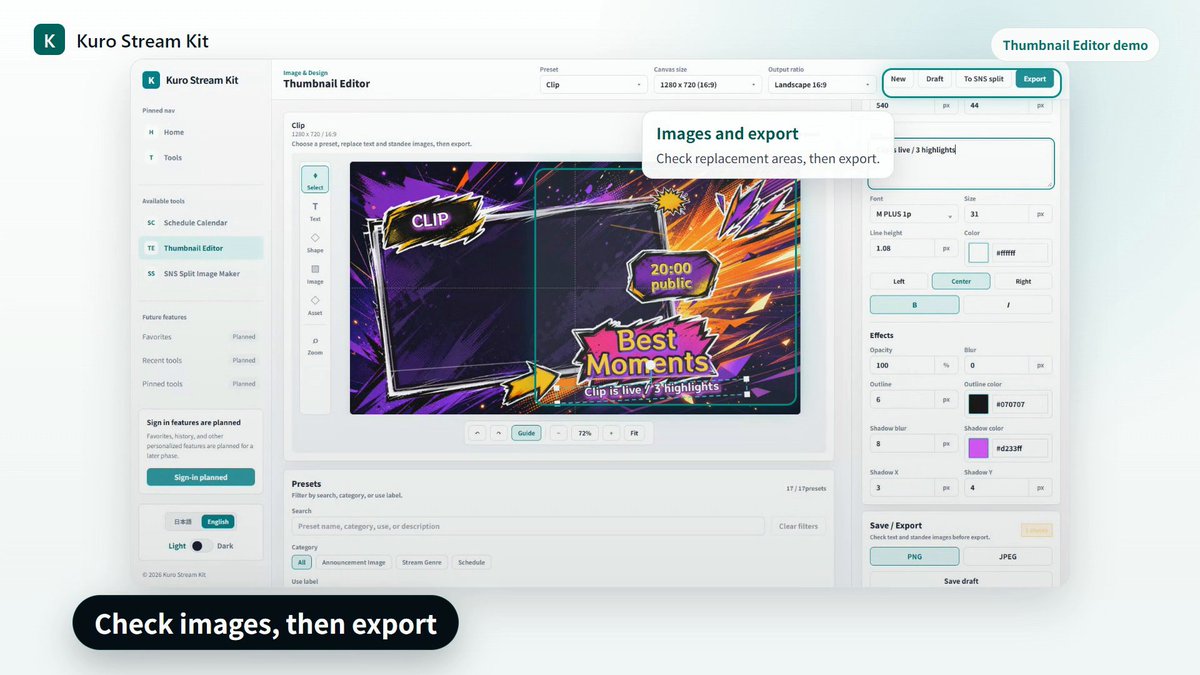
Image and standee replacement areas can be checked in the same editing screen.
When the thumbnail is ready, export it as PNG or JPEG and use it for stream announcements, clip posts, or cover uploads.
Here is a quick demo of Kuro Stream Kit's Thumbnail Editor.
Choose a preset, replace the text, check images and standee areas, then export a thumbnail for your stream or clip post.
You can export the finished image as PNG or JPEG.
https://t.co/GifnJD5LLK
#KuroStreamKit #VTuber #ENVtuber #Thumbnail