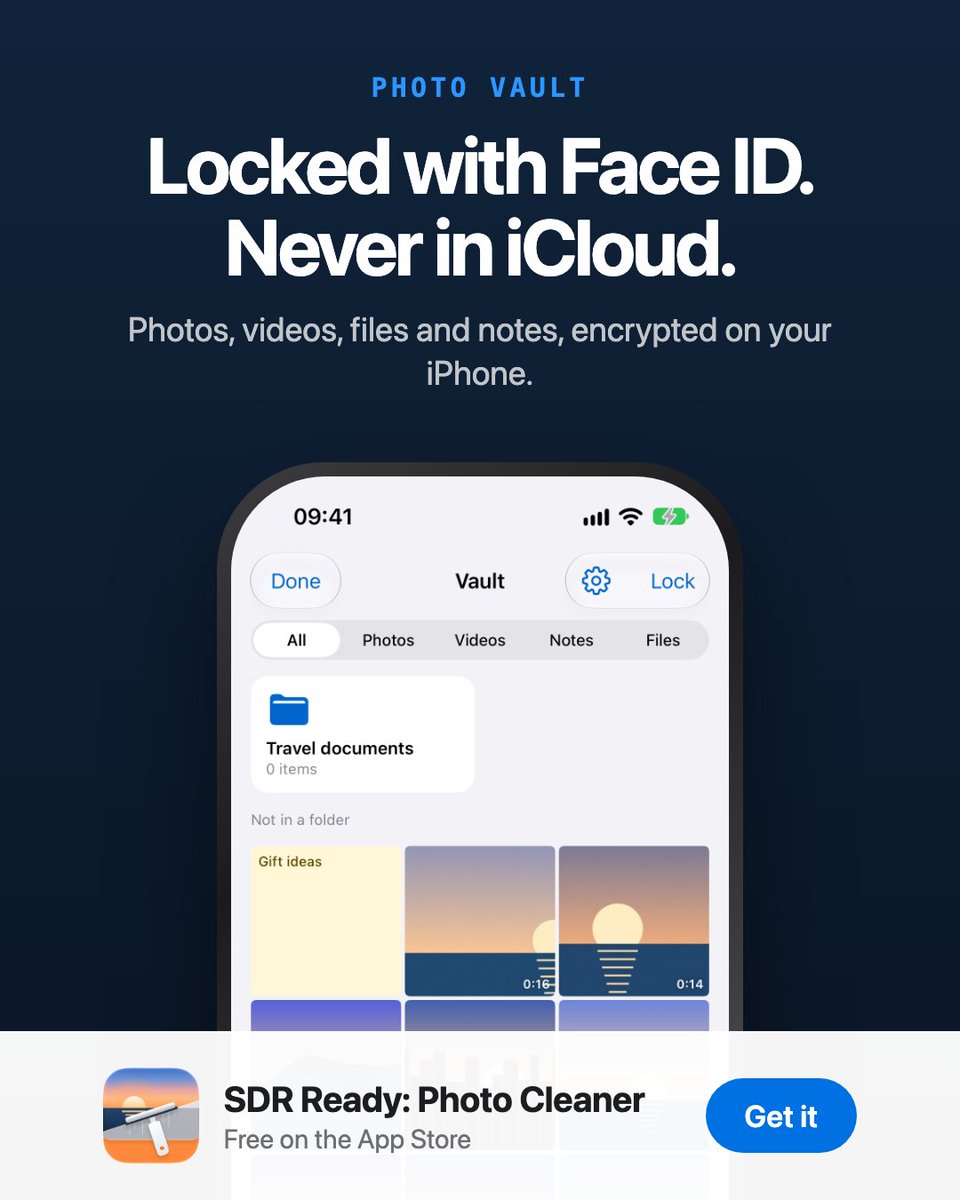
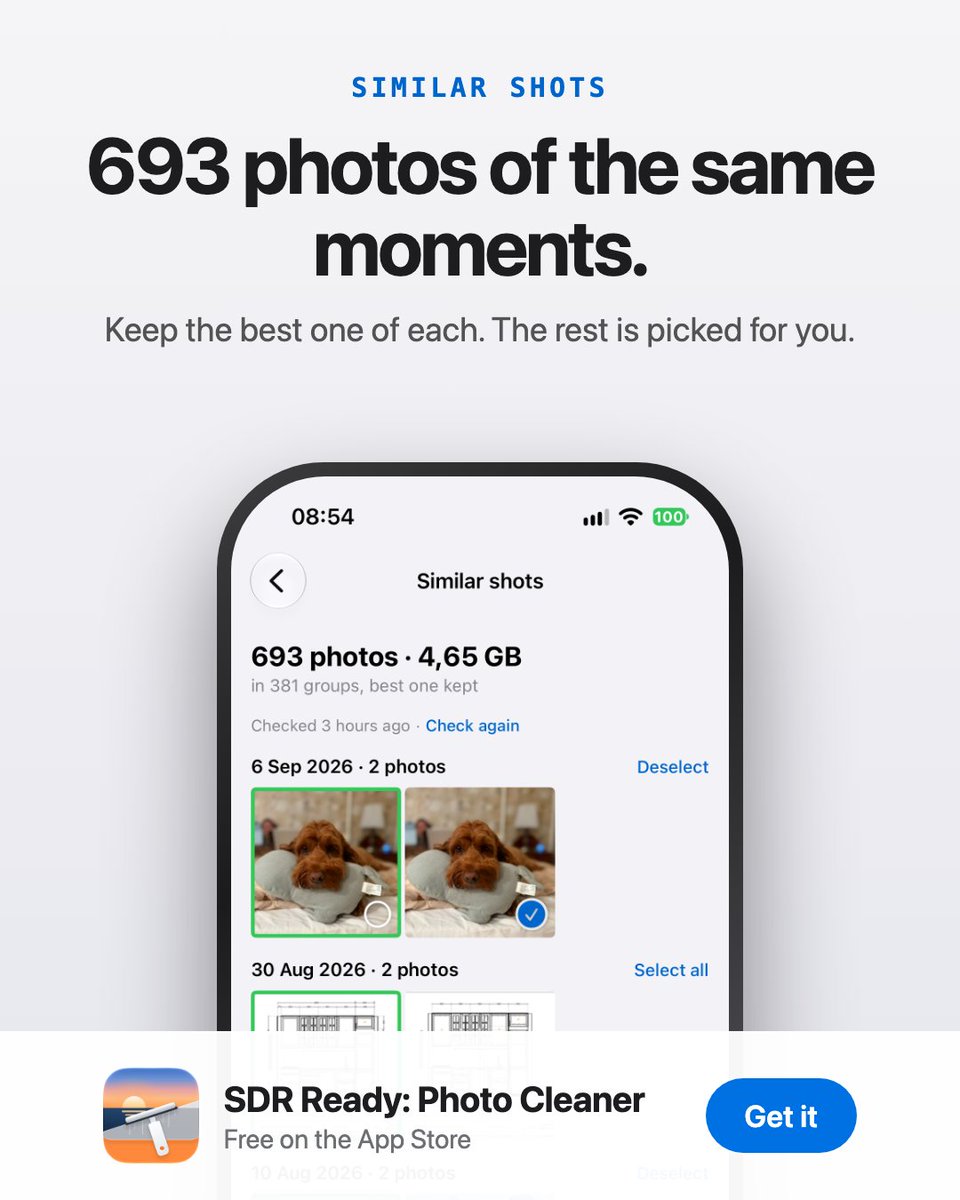
SDR Ready 3.0 is out: a photo cleaner and private vault for iPhone.
Similar shots, duplicates, junk and big videos, cleaned. IDs and cards in your camera roll, locked behind Face ID. Albums that make themselves.
Everything stays on your iPhone. Free.
https://t.co/V99axCSzbD
@leafyvegetabl More iCloud won't free the phone by itself. Settings > General > iPhone Storage shows what takes the room, usually videos and near-identical photos. SDR Ready (we make it, free) finds those similar shots and duplicates: https://t.co/V99axCT71b
@brejonnnnn Turn on Optimize iPhone Storage in Settings > iCloud > Photos. Then the full photos sit in your 2 TB and the phone keeps small copies. SDR Ready (we make it, free) also shows the duplicates and similar shots eating space: https://t.co/V99axCSzbD
Your private photos don't belong in iCloud. SDR Ready locks photos, videos, files and notes behind Face ID, encrypted on your iPhone. Free on the App Store. https://t.co/V99axCSzbD
Took 14 shots of the same sunset? SDR Ready groups similar photos, keeps the sharpest one and clears the rest. Free on iPhone, everything stays on your phone. https://t.co/V99axCT71b
Your passport photo sits in your camera roll next to 400 cat pics. SDR Ready finds IDs, cards and documents in your photos and locks them in a vault behind Face ID. Free on iPhone. https://t.co/V99axCSzbD
@kanonzaka_maira Vlogs fill an iPhone fast. Settings > General > iPhone Storage > Photos lets you review your largest videos, start there. We make SDR Ready, it lists your big videos and shrinks them instead of deleting. The scan is free. https://t.co/V99axCSzbD
@stevencoder9 One more for the list: screenshots and screen recordings. Photos > Media Types > Screenshots, select all, delete. Often a few GB. We make SDR Ready, it finds those plus similar shots and big videos in one scan. The scan is free. https://t.co/V99axCT71b
@mmariahmichelle If Optimize iPhone Storage is already on and it is still full, it is usually duplicates, near identical shots and long videos. SDR Ready finds those and clears them in a few taps, all on the phone (we make it, free) https://t.co/V99axCSzbD
@ryrytoofye2 Settings > General > iPhone Storage shows what is eating it, usually photos and videos. SDR Ready finds the duplicates, near identical shots and huge videos and clears them in a few taps, all on the phone (we make it, free) https://t.co/V99axCSzbD
iPhone Storage Full again? SDR Ready finds the duplicates, similar shots, old screenshots and huge videos eating your space and clears them in a few taps. Runs on your phone, nothing uploaded. Free. https://t.co/V99axCT71b
@mslit7 SDR Ready can be that someone on iPhone: it groups old screenshots and saved pics by age, finds duplicates and blurry shots, and you clear them in a few taps. Free, nothing uploaded (we make it).
https://t.co/V99axCSzbD
@guncherholic Classic. If you're on iPhone, SDR Ready's Duplicates finds exact copies like those and clears them in one go (we make it, free, runs on the phone).
https://t.co/V99axCT71b
@IKPctEra Same, so we built SDR Ready: it finds duplicates and similar shots, keeps the best one of each and picks the rest. You just tap Delete. Free on iPhone, nothing leaves the phone.
https://t.co/V99axCT71b
@SkyXFunNext Only if it can't do it behind your back. In SDR Ready (we make it) the check runs on your iPhone, you pick what goes, Apple's own prompt confirms, and deleted photos wait 30 days in Recently Deleted. Nothing is uploaded.
https://t.co/V99axCSzbD
🏆CAEDREL'S MSI 2024 GIVEAWAY🏆
24 Prizes including a 3000$ Gaming setup, Steelcase Chair, Sony Monitor and many more
🌐Worldwide🌐
https://t.co/e9se1fJy8w
Examples of ways to enter:
✅RT this tweet
✅Follow @Caedrel
✅Subscribe to @Caedrel on YouTube
Good Luck❤️