10 GitHub repositories that feel almost illegal to be free.
And yes — they're all open source.
1. Archify
Turn your codebase into beautiful architecture, workflow, sequence and data-flow diagrams with AI.
Perfect for developers who want system design without manually drawing everything.
https://t.co/FCv7b8YlQP
2. OpenMAIC
An open-source multi-agent environment built around interactive AI workflows.
It shows what happens when multiple AI agents can collaborate inside the same environment.
https://t.co/YmoEeurwr1
3. DeepSeek Harness
A powerful open-source harness for building and running AI coding workflows.
Built for developers who want more control over how AI agents work with real codebases.
https://t.co/R6bhDirKV3
4. Ponytail
Makes AI coding agents follow a surprisingly simple principle: write less code when you don't need it.
A fascinating approach to making agents behave more like experienced senior developers.
https://t.co/HBMfFxQZBr
5. Agent Skills
A collection of reusable skills that upgrade what AI coding agents can do.
Plug these into your agent workflow and give your AI much more specialized capabilities.
https://t.co/iyWBG5buKJ
6. OmniVoice Studio
An open-source AI voice generation and processing studio.
Useful for experimenting with modern voice workflows without depending entirely on closed platforms.
https://t.co/BXTpGydT9w
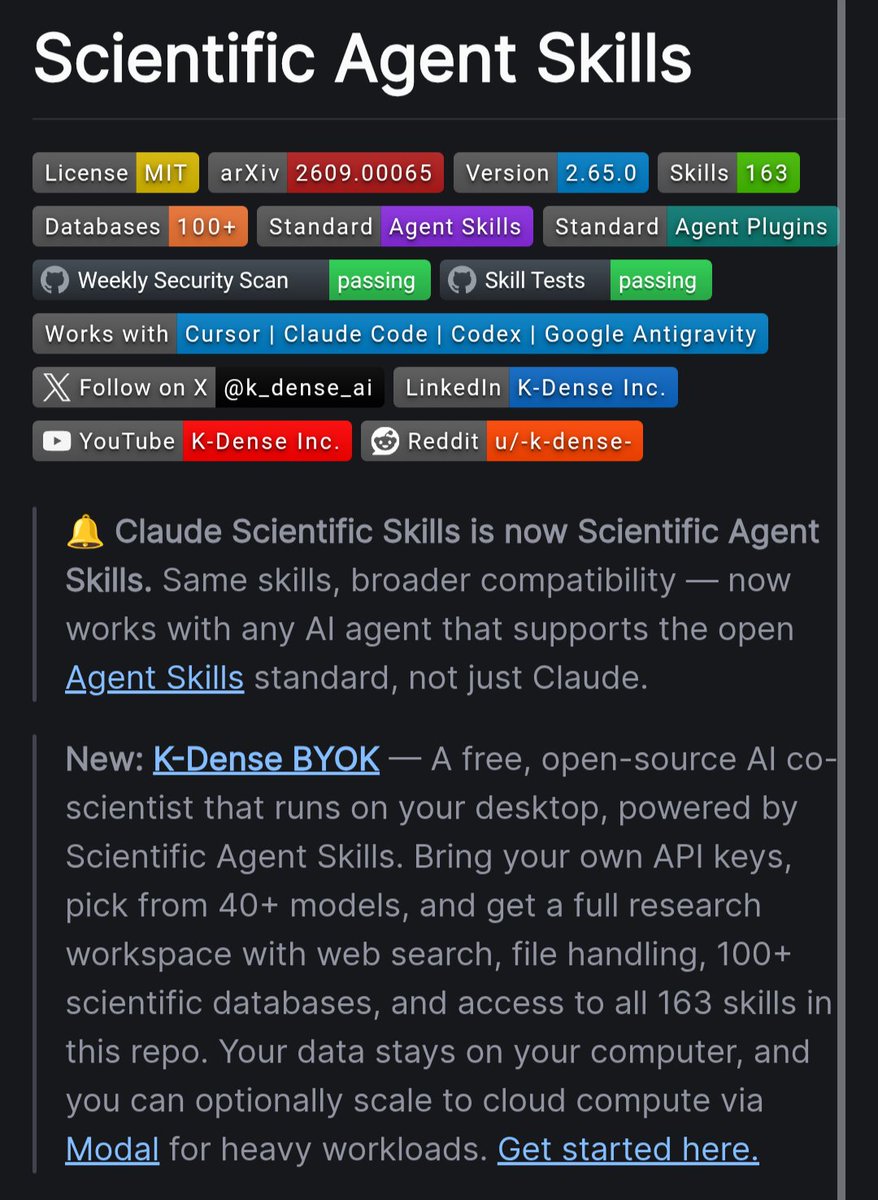
7. Scientific Agent Skills
A collection of specialized skills designed to help AI agents perform scientific research.
One of the more interesting projects if you're exploring AI agents beyond coding.
https://t.co/lVnFW0GysU
8. Orca
An agentic development environment for running multiple coding agents in parallel.
Think of it as giving your development workflow a whole fleet of AI workers.
https://t.co/GsA7Xbsjp0
9. MiniMind
A surprisingly compact project for understanding how modern language models work.
Great for developers who want to learn by actually building instead of only reading theory.
https://t.co/36mwVOOYPl
10. God's Eye View
A visual project exploring how AI can understand and represent complex systems.
A very interesting repository for anyone working around AI visualization and agent workflows.
https://t.co/EYSzVX5HEV
All open source.
Some are useful today.
Some are worth studying.
And some might become huge.
Bookmark this list and save it for the weekend.
ripwire, from Red Hat Emerging Technologies, is a remarkably substantial new approach to giving coding agents repository context without embeddings, a vector database, an LLM indexer or a daemon. The zero-dependency C++23 binary parses 21 languages with Tree-sitter and builds a deterministic structural map of a codebase, ranking symbols for the task while attaching call relationships, complexity, git churn, change amplification and test coverage.
An agent can ask what matters for "incremental cache invalidation," for example, and receive the relevant symbols, their callers, likely blast radius and tests to run in a token-budgeted response instead of grepping and opening files repeatedly.
GitHub Repo: https://t.co/EHfXTtUssS
context_forge — two shell scripts that keep Claude Code's context small: a status line (context %, CLAUDE.md tokens, your tmux palette) and a session-start hook that warns past 600 words. 11 skills; 6 run on Codex & Gemini CLI too. Zero deps.
https://t.co/SDUSRQEMLK
NyanPhotos: a macOS app that sorts your Apple Photos library by what the pictures are — screenshots, documents, anime art, duplicates, bursts.
100% on-device Vision, nothing leaves your Mac, every change reviewed before it touches Photos.
Beta 43 → https://t.co/LLJIyFNR3A
The easiest way to find out which models you can run on your computer:
Just run:
- 𝗻𝗽𝗺 𝗶 -𝗴 @𝗺𝗮𝗴𝗻𝗶𝘁𝘂𝗱𝗲𝗱𝗲𝘃/𝗰𝗹𝗶
- 𝗺𝗮𝗴𝗻𝗶𝘁𝘂𝗱𝗲 𝘀𝗲𝘁𝘂𝗽
It profiles your machine and ranks the models across:
- Speed
- Accuracy
- Intelligence
- Memory required
Finally, you can choose your favorite harness (Pi, OpenCode, Claude Code, Codex, etc.) to run with it.
Get started here: https://t.co/gpwU34NFlw
(don't forget to star 🌟)
I also wrote a detailed article on running your favorite harnesses with local models. The article is quoted below.
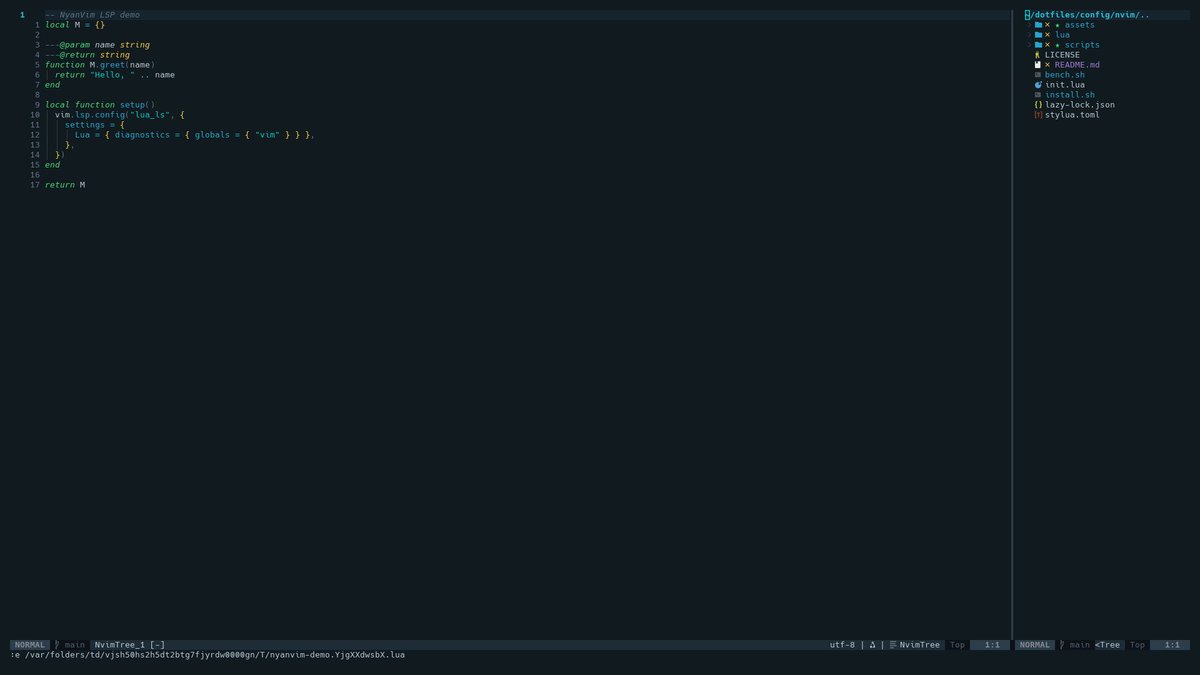
🐱 NyanVim
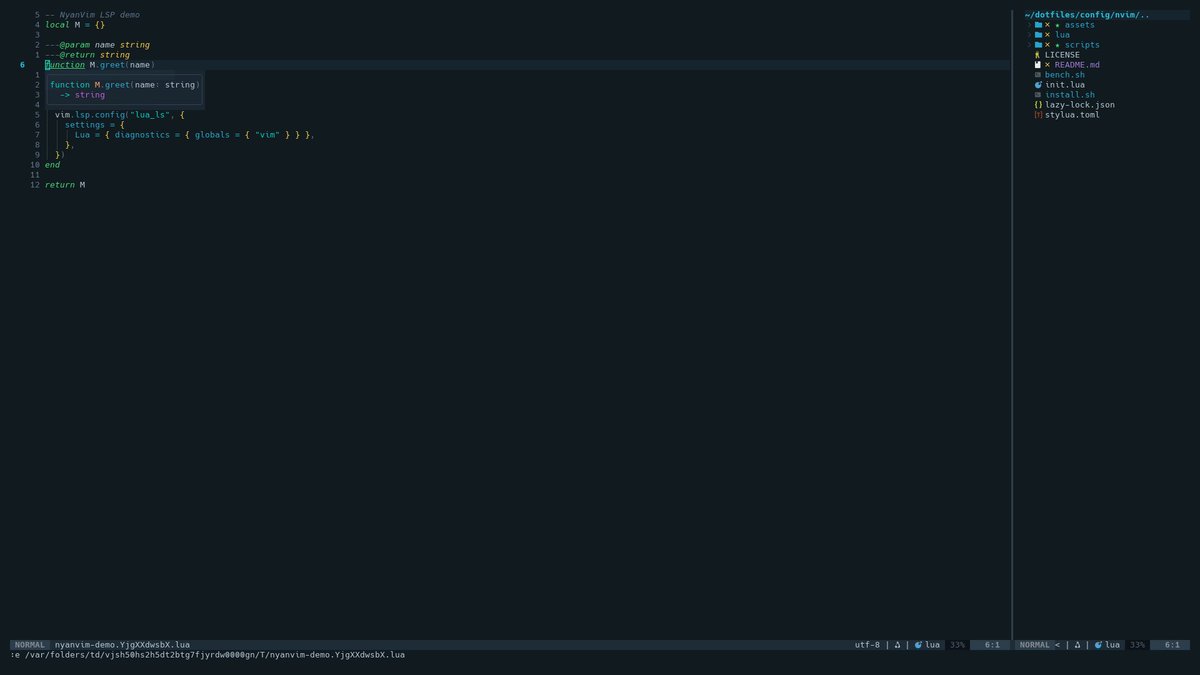
A small, fast Neovim setup you can actually understand and make your own.
⚡ ~30ms startup
🤖 Claude / OpenCode / Ollama
🌙 ~1,200 lines of Lua
https://t.co/d0vVBCNvvh
https://t.co/Q5QSUNdfj2
#neovim#opensource
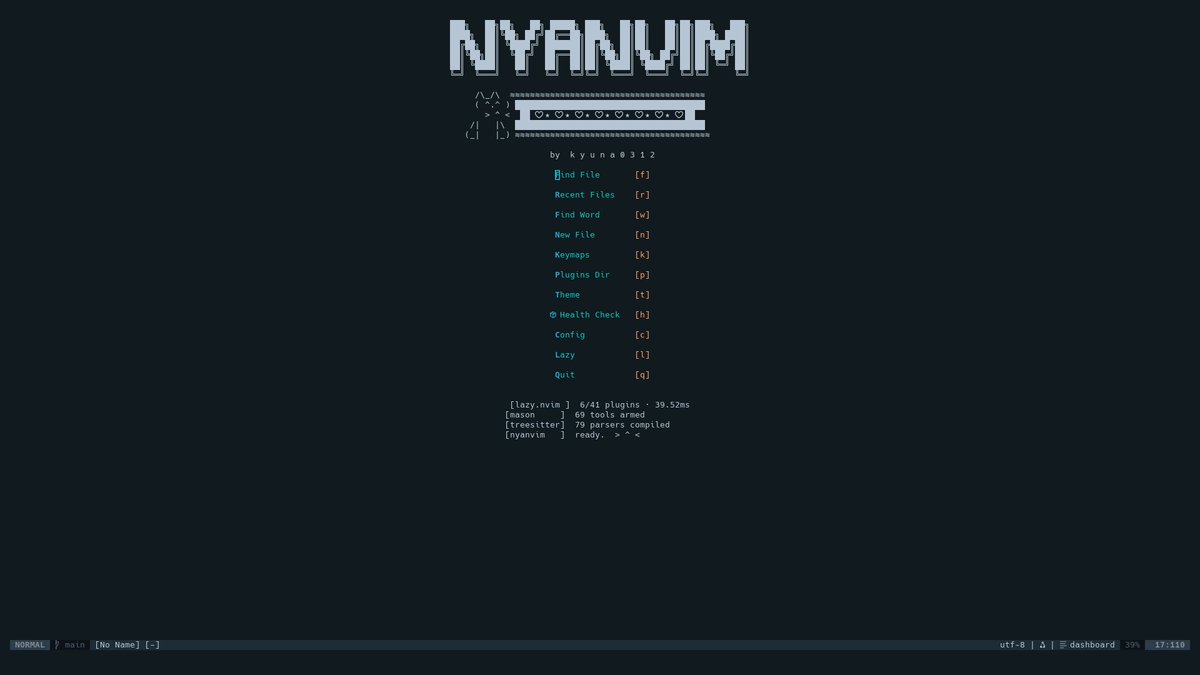
🐱 Introducing NyanVim
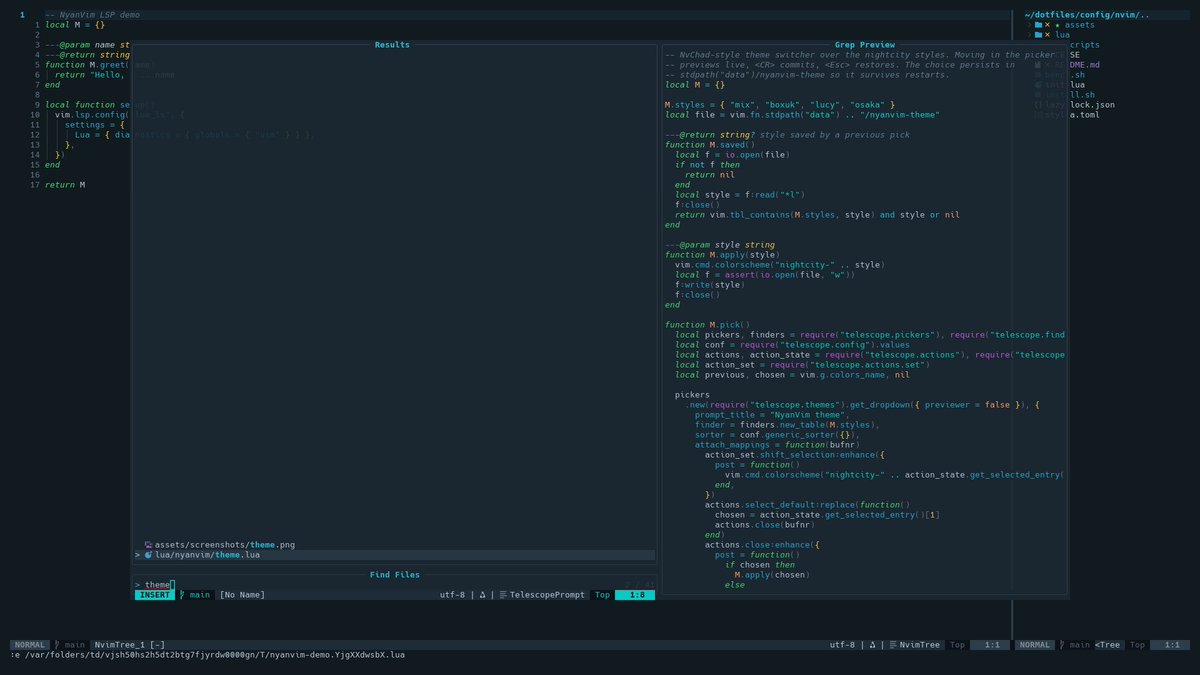
A fast, hackable Neovim setup you can actually understand.
⚡ ~30ms startup
🛠️ LSP, Git, Telescope
🤖 Claude / OpenCode / Ollama
🌙 ~1,200 lines of Lua
Built to read, fork & make yours.
https://t.co/d0vVBCNvvh
https://t.co/Q5QSUNdfj2
#neovim#opensource
I wanted my editor, terminal, shell, window manager and status bar to feel like one environment instead of 10 unrelated tools.
So I built one NIGHT CITY palette across all of them.
Neovim, Tmux, Ghostty, Starship, AeroSpace, Zellij
https://t.co/PBzYhRneKJ
One of my favorite parts of my NIGHT CITY dotfiles:
C-Space + y → Claude Code popup
C-Space + o → opencode popup
No leaving tmux.
No context switching.
Just open AI exactly where I'm working.
https://t.co/PBzYhRneKJ
#tmux#neovim#dotfiles
Built a Cyberpunk: Edgerunners-inspired development environment for macOS + Linux 🌃
One NIGHT CITY palette across: Neovim · Tmux · Zsh · Starship · Ghostty · AeroSpace · Zellij
Still evolving it, but I'm finally happy enough to share it.
https://t.co/PBzYhRneKJ
#dotfiles#macOS
Found this ThinkPad T480 in the garage. I just set it up with:
Omarchy: https://t.co/F7QIMmDkC0
OpenCode: https://t.co/pSxYHhQ7R1
Local AI Grid: https://t.co/Bdu1zyJUTj
Together they run great on old hardware.
I'm coding locally with DeepSeek V4F at ~300 tok/s on this potato.