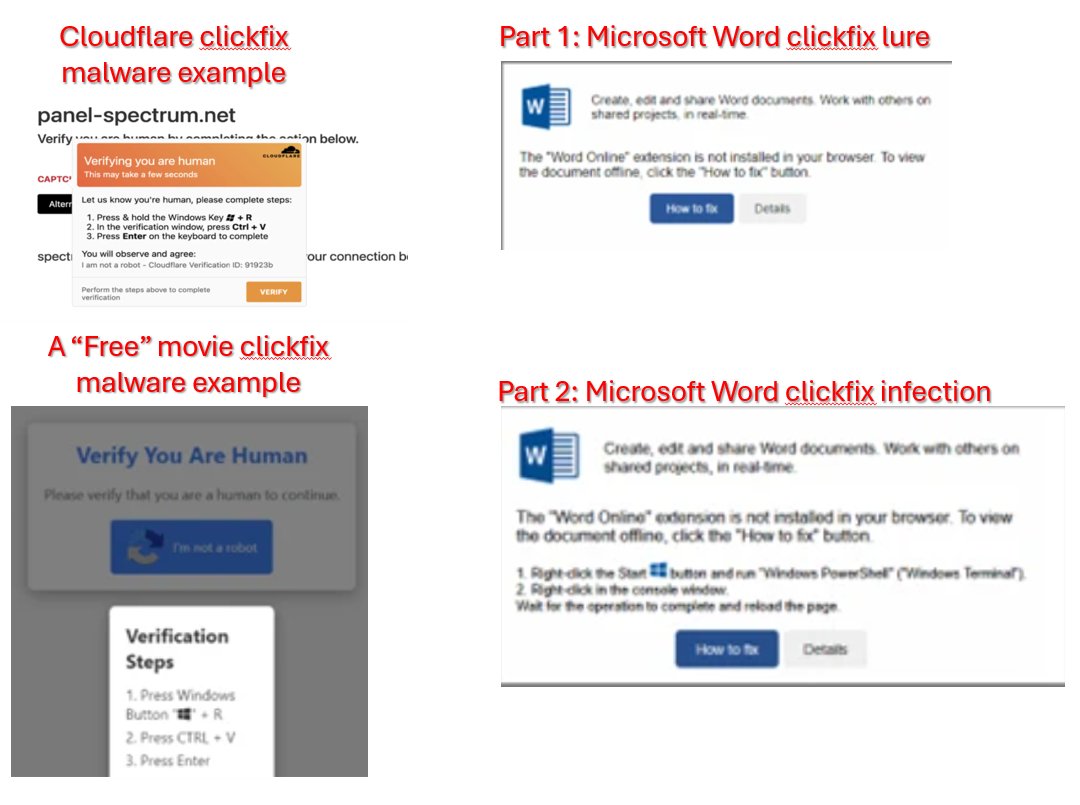
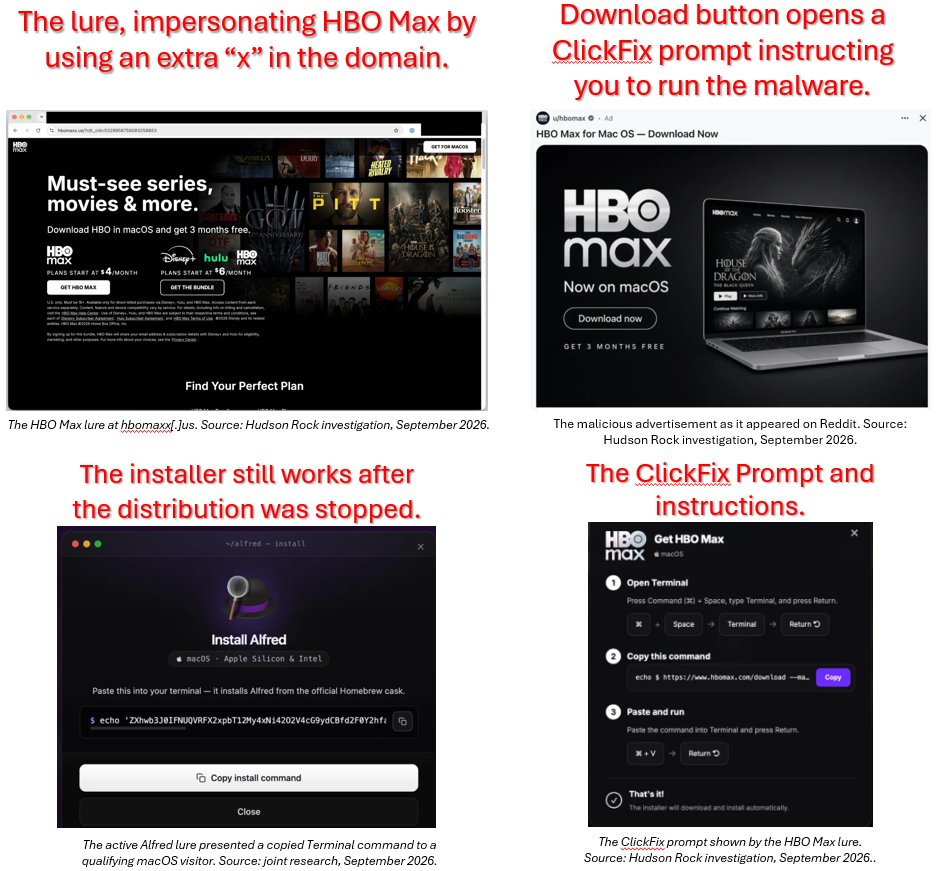
Additional clickfix examples to avoid. Remember even legitimate looking sites are used by the baddies to catch you unaware. Avoid the ongoing trend of becoming another victim by using Wise Trust and thinking before clicking. See more examples at https://t.co/zrErDLb1Aq
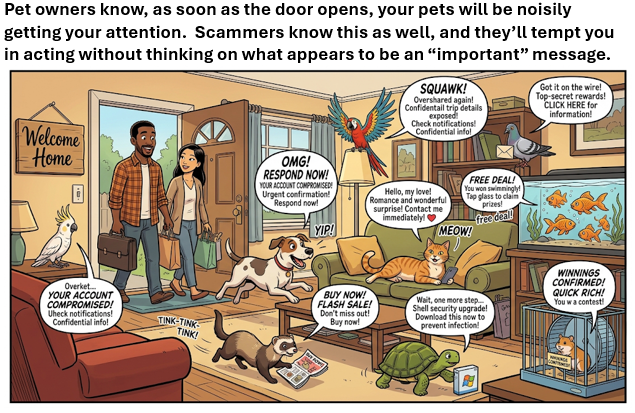
Pets #Cybersecurity tips 15 of 15; not all “important” messages are what they say they’re. Like coming home to a house full of pets, scrambling for your attention, take a moment to calmly decide what your response is. https://t.co/0rfFNtszLa
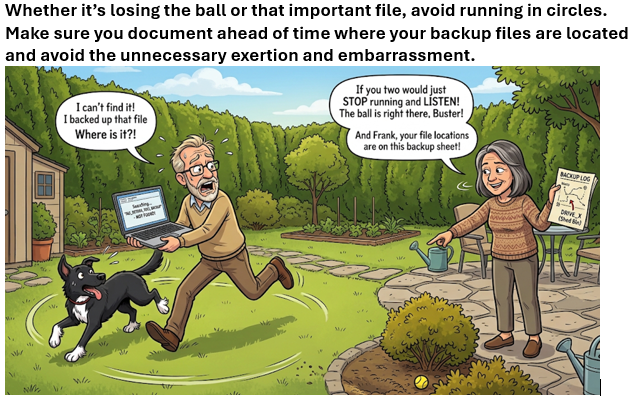
Pets #Cybersecurity tips 14 of 15; finding yourself running in circles, like a pup looking for its favourite ball? Avoid it by carefully noting down where your backups are stored ahead of time. https://t.co/0rfFNts1VC
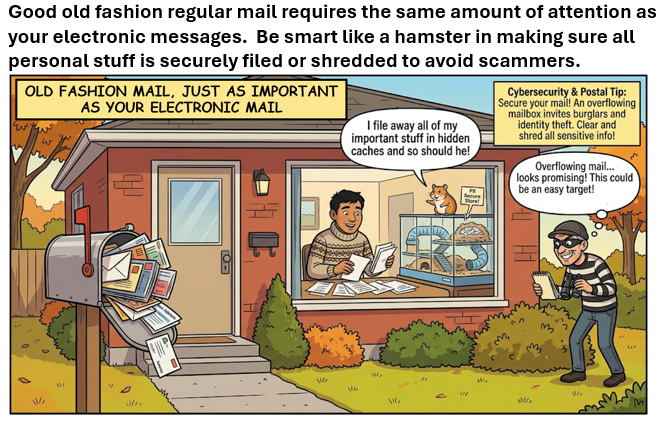
Pets #Cybersecurity tips 13 of 15; your old fashion physical mail is just as risky as your electronic files. Be like a hamster and consistently file important papers away and shred what’s no longer needed. https://t.co/0rfFNts1VC
Pets #Cybersecurity tips 12 of 15; being a responsible dog owner involves making sure you “bagging the business” and properly disposing of the waste. Same to be said about properly & safely recycling your electronics and deleting your data. https://t.co/0rfFNts1VC
ClickFix malware campaigns continue to grow and legitimate looking campaigns are driving its success. Thanks to the coverage from https://t.co/wbNwwdG63Y we have the below examples of WHAT NOT TO DO if you happen to come across an add that is of interest. Be aware & stay safe.
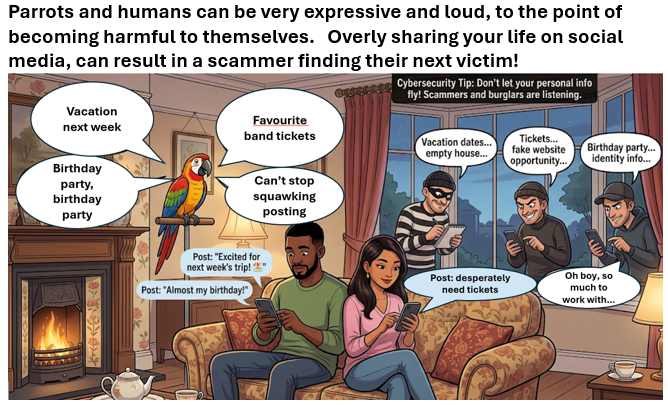
Pets #Cybersecurity tips 11 of 15; parrots can be very expressive in repeating everything they hear. Similarly posting - sharing everything we encounter and exposing the poster to harms from others. Don’t mimic a Parrot and be mindful on what you post. https://t.co/0rfFNts1VC
Pets #Cybersecurity tips 10 of 15; you should be just as skittish when using public Wi-Fi as your pets our in new environments. VPN won’t save you from selecting a baddie Wi-Fi offered connection! https://t.co/0rfFNts1VC
Helping spread the word https://t.co/T8N1gy9WDZ, if someone insists that you need to download a program to continue a video call, STOP & DISCONNECT. The scammers don't care what harm they'll cause you and once you download the requested program, your system is owned / infected.
Pets #Cybersecurity tips 9 of 15; similar care in buying cat food is just as important when it comes to selecting new software. A cat will let you know it isn’t happy with the new food choice, same should go when reviewing software before you download it. https://t.co/0rfFNts1VC
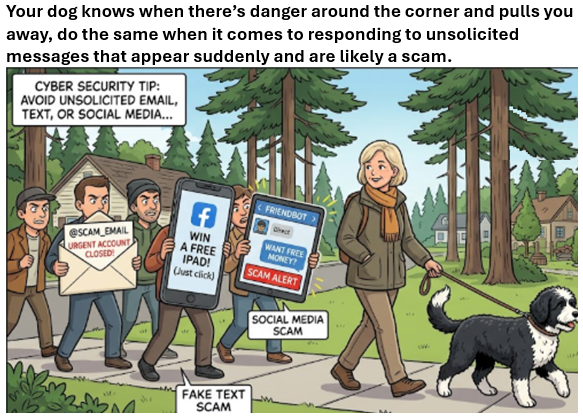
Pets #Cybersecurity tips 8 of 15; during our dog walks where our faithful companion sniffs that something isn’t right, be careful of all messaging you receive, as your dog may be right that’s a scam to stay away from. https://t.co/0rfFNts1VC
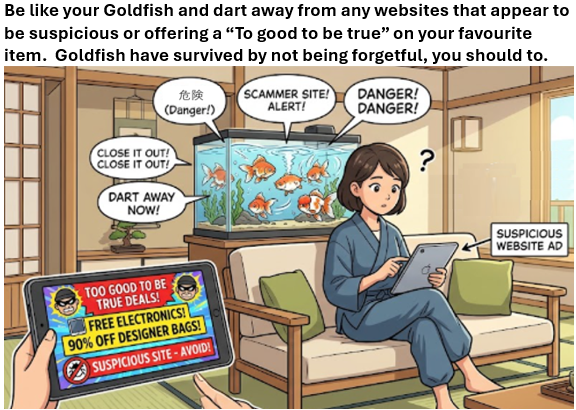
Pets #Cybersecurity tips 7 of 15; Goldfish quickly realize something isn’t right by darting away. Us humans need to do the same by avoiding suspicious websites and closing the browser anytime we happen to open a site that offers a deal to good to be real. https://t.co/0rfFNts1VC
Pets #Cybersecurity tips 6 of 15; cats have survived by being sneaky and so should you when it comes to your security questions. Don’t answer truthfully and use happy events from your past to enter and then document your answers. https://t.co/0rfFNts1VC
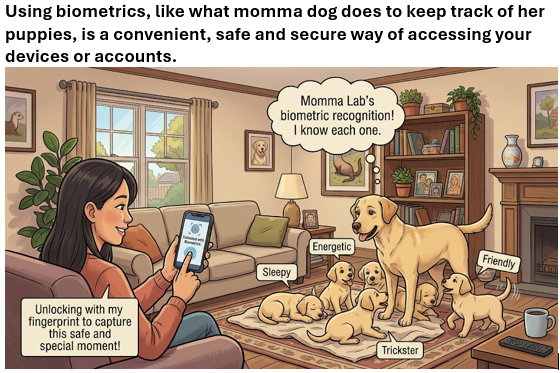
Pets #Cybersecurity tips 5 of 15; like momma dog keeping track of her pups use biometrics to increase your security and convenience in logging in. A baddie may be able to access your password, but they’ll have a harder time capturing your biometrics. https://t.co/0rfFNts1VC
Pets #Cybersecurity tips 4 of 15; your regular email message is no more secure than being sent by carrier pigeon, or on a post card. Take care of what your message contains and call the recipient if you need to confirm receipt. https://t.co/0rfFNts1VC
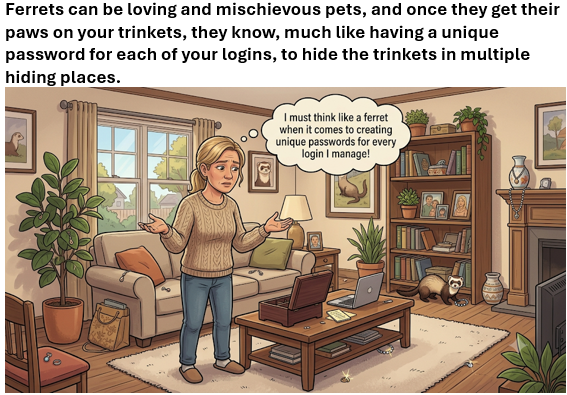
Pets #Cybersecurity tips 3 of 15; a Ferret will hide every single one of your trinkets in a separate hiding place. When it comes to passwords, you should be doing the same by creating a unique password for every login. When it comes to passwords, be like a Ferret.
Pets #Cybersecurity tips 2 of 15; when it comes to passwords, pretend you’re a parrot, by using a simple and long phrase that’s based on your unique memories to keep your login protected.
See https://t.co/0rfFNts1VC for the whole story.
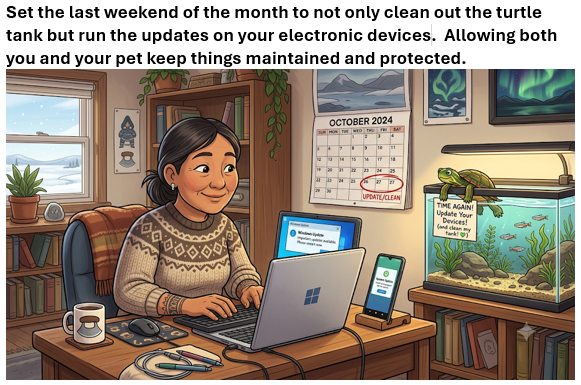
Pets #Cybersecurity tips 1 of 15; before taking an electronic time-out to care for your pet, on the last weekend of the month, trigger your Phones, Tablets and Computers for any available updates so that everyone stays protected.
See https://t.co/0rfFNts1VC for the whole story.
Thanks to https://t.co/QOP2kzwMNI for a clear overview of another fake enrollment scheme to gain access to your Microsoft account. If you receive an unexpected phone call or pop-up, STOP or HANGUP, then call your tech support using the published number or email address first.