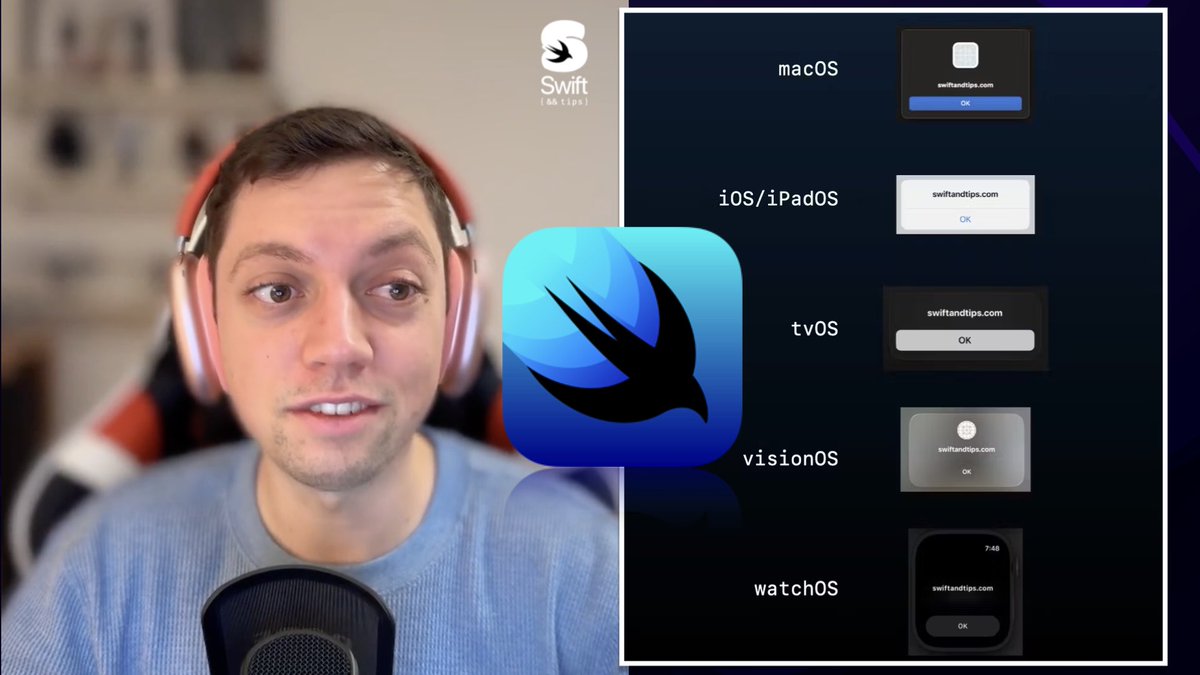
Thinking of building a multiplatform app with SwiftUI? 🤔
@FloWritesCode shares the challenges he faced while developing @LaunchBuddy_App for iOS, iPad, and Mac 💻
Learn valuable insights before starting their own multiplatform journey 👇🏻
https://t.co/v27EVSyj0A
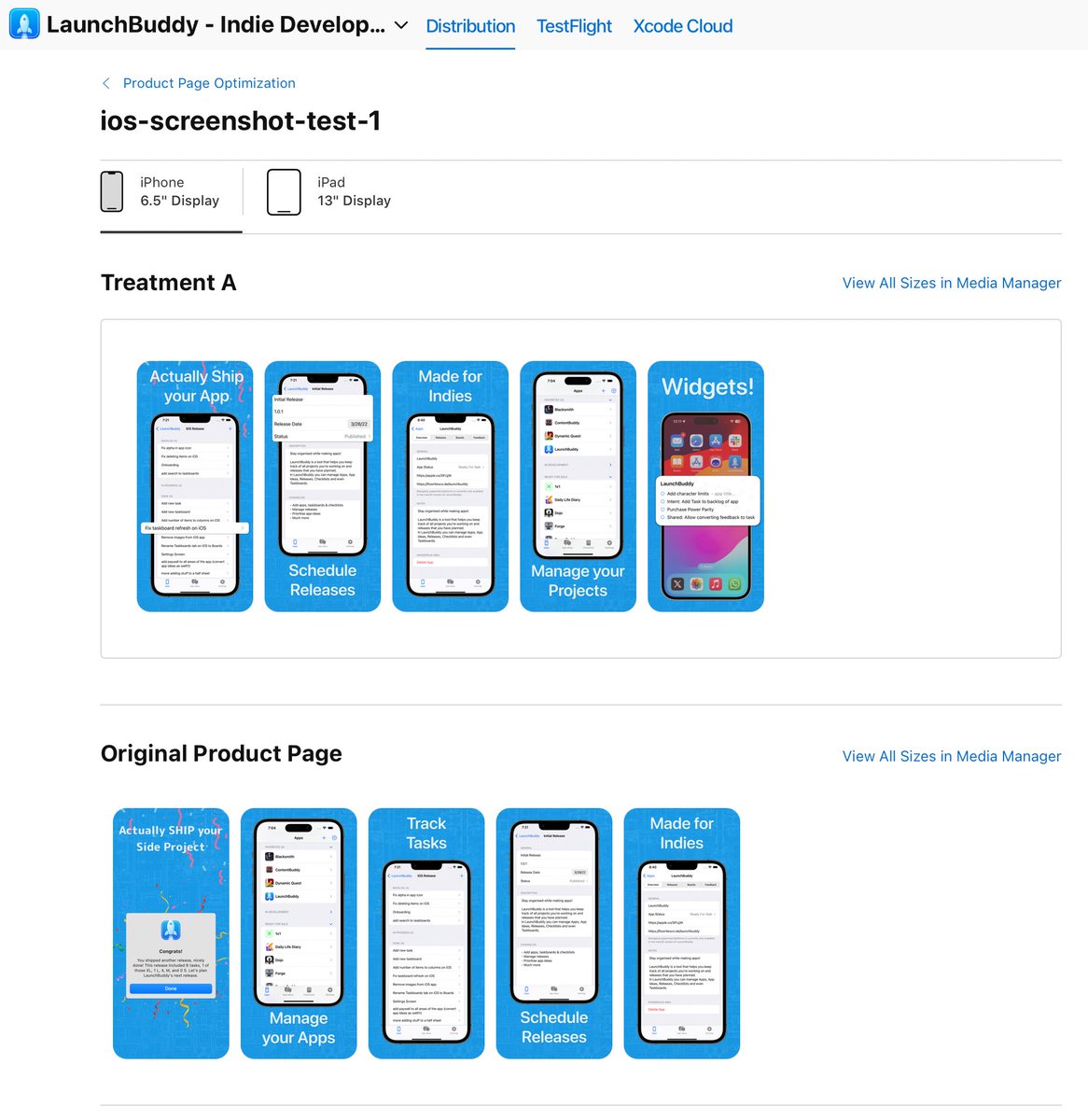
I'm starting my first A/B test for @LaunchBuddy_App once app review approves it.
Unfortunately, this tool isn't available for macOS, so I'll have to change those screenshots manually.
Super helpful for social media:
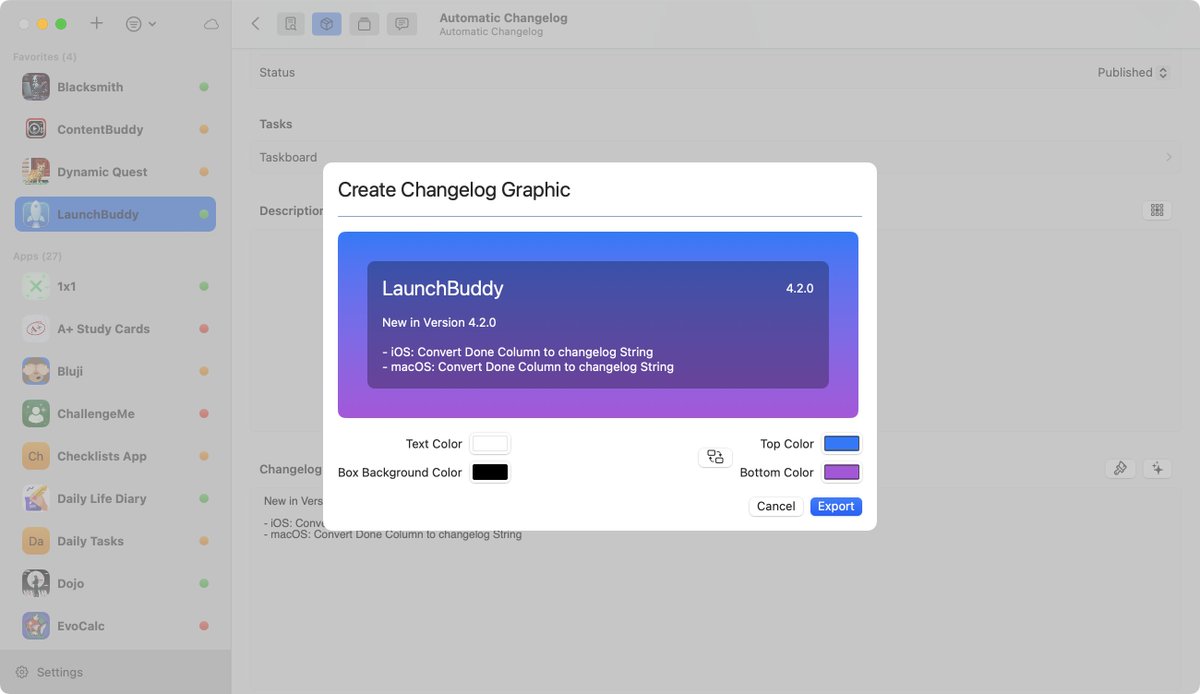
@LaunchBuddy_App can auto-generate these changelog graphics for your app.
1. Use the "sparkles" button (on the right of the Changelog TextField) to auto-generate the changelog based on your completed tasks
2. Use the "paintbrush" button (next to the sparkles button) to auto-generate the changelog graphic.
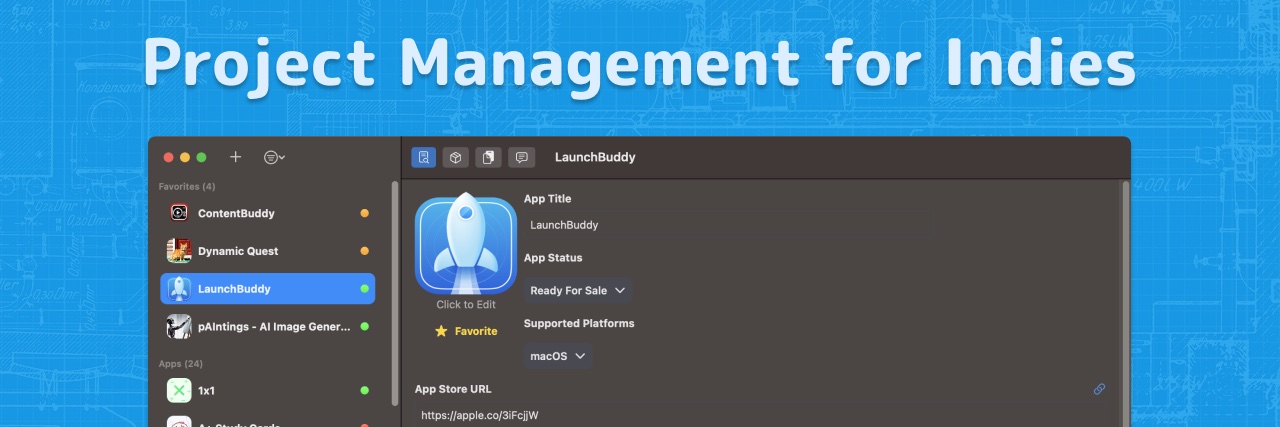
Working on your apps just got even easier thanks to @LaunchBuddy_App!
Get it for free: https://t.co/RWdaP8bLbl
Here's what's new:
- Keep a backlog of tasks
- Associate tasks with a release
- Feel right at home with new system UI
- Tons of QoL improvements
Huge new @LaunchBuddy_App update is in the works.
On my flight back home from San Francisco, I started working on it for a few hours, but it's nowhere near done. Currently have about 2/3 of the iOS version done. Then it's on to macOS.
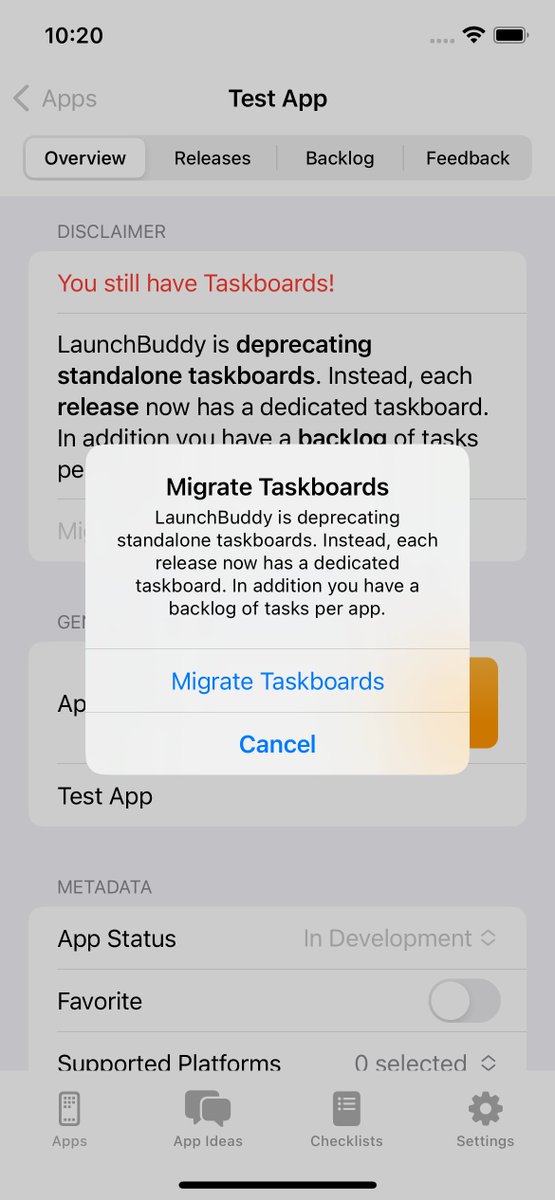
- Each Release now contains a Taskboard
- Each App now contains a Backlog of Tasks
- Legacy Taskboards can get migrated to either a Release or the Backlog
- A lot of stuff going on in the background + tons of new (simpler) UI
- Add custom Columns to Taskboards
🌴1️⃣3️⃣🌴
Stay organised while making apps! 🚀
@LaunchBuddy_App is a tool that helps you keep track of all projects you’re working on and releases that you have planned.🧰����️
▶️ Lifetime : $36.99 → $3.99 ◀️
By @FloWritesCode
👉 https://t.co/UFx14XP8G9