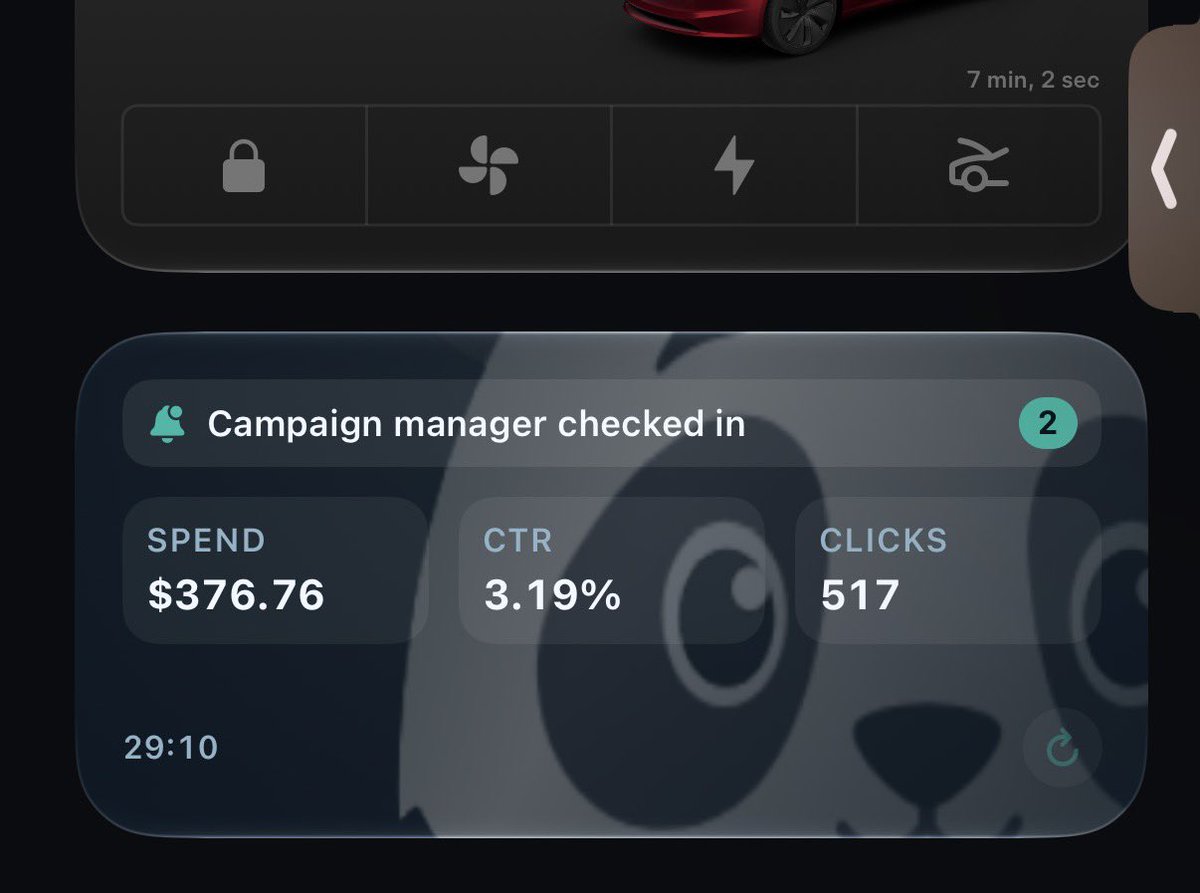
@yosid The “ask with numbers before raising budget” gate is the part that matters. Own-campaign sandbox plus a Monday creative cadence is fine; write access without a spend ceiling is how accounts get wrecked overnight.
@boringmarketers Agree Meta owns delivery. The useful agent work is setup and creative volume, not bid tweaks. One catch: optimizing to a booked lead only works when that event fires often enough for learning — sparse finals need a mid-funnel proxy until volume builds.
Getting blocked mid-flow when an agent tries to touch Ads Manager is still common. When Muse (or any agent) stalls I fall back to a paused template campaign for human duplicates, keep enhancements / Related Media off by checklist, and only let automation do read-only reporting until publish works clean. Did it stop at auth / account select, or after it tried to edit a live ad set?
That 1000 → 400 → 40 drop is usually mixed causes, not one villain. I split it: slow or blocked landing (real LPV miss), in-app browsers that never fire page view, and pixel/CAPI counting differently than Ads Manager link clicks. Before blaming the pixel I check Landing page views as its own column, then match a short Shopify or CRM export on order_id so purchase credit isn't guessing. Are most of those "missing" clicks mobile in-app, or desktop too?
Mobile Ads Manager used to be a lifeline and now it fights you. When desktop is the only safe build surface I keep a paused template campaign for duplicates and use Lite / mobile only for emergency spend checks, not for creative toggles. Enhancements and Related Media are even harder to verify on phone. What finally made you quit the app: publish bugs, missing controls, or reporting?
The hide-the-off-switch pattern is exhausting. I keep a short pre-publish checklist (enhancements, Related Media, text variations) and reopen the ad once after save because "off" often means "for now." Export / Account Overview beats fighting a laggy table while you're hunting toggles. Are they burying the kill switch deeper on new creatives for you, or restaging after publish?
Blank Ads Manager while spend and sales keep moving is the worst combo. When the table dies I jump to Ads Manager Lite / mobile if it still loads, then pull Account Overview export so I'm not flying blind. I avoid pausing or scaling the second the UI flickers back; soft-fail publishes pile up after these glitches. Did desktop come back clean for you, or are you still on a blank ads list?
Launch time dying to auto-on enhancements is too common. When I build I freeze structure, duplicate from a clean paused template with toggles already killed, and check Review and Publish for surprise Related Media / text enhancements before anything goes live. A second open after save catches the ones that restage. What's chewing the most minutes for you: Creative toggles, placements, or publish?
Enhancements flipping back on every new creative is the worst kind of tax. I treat every fresh or duplicated ad as guilty until Advantage+ Creative toggles are confirmed off, then I reopen once after save because Meta loves restaging defaults. Related Media gets the same pass before Review and Publish. Are they restaging on brand-new ads for you, or also mid-flight on live ones?
@jackolivieri_ 39 days usually means the offer/mechanism is doing the work, not novelty. I watch frequency by ad + 7d CTR decay more than calendar age — a specific proof ad can outlast three hook-only creatives that die at day 5.
Normal mismatch. Meta ATC credits every add it attributes (incl. 1-day view) and can count multiple adds per person. Shopify ATC is sessions that hit cart. After reconnecting the pixel mid-test, Ads Manager ATC for those early hours is incomplete anyway — lean on Shopify purchase + session ATC for ~48h before you trust Meta intent.
Shop App reorders vanishing from Ads Manager purchase rows is a known gap. I treat in-platform purchase as incomplete for first-touch reads, then match order_id / UTM in Shopify export against the ad that earned the first visit. Ad-level ROAS alone won't tell you which creative opened the door when the reorder fires outside the click window. Are the missing ones mostly Shop App reorders, or first purchases too?
Surviving Ads Manager is a real skill separate from creative or audience. When the UI is the bottleneck I freeze structure changes, duplicate from a clean paused template, and read spend / results from export instead of trusting a laggy table. CTR in the 3-4% range is a hook signal, not proof the funnel works. Are you fighting the UI/setup layer most right now, or the gap between clicks and trials?
Ads Manager eating a whole afternoon on form clicks is too common. When the UI starts fighting me I freeze structure changes, work from a paused template campaign (duplicate instead of build fresh), and keep a short pre-publish checklist so I'm not re-hunting enhancements after every refresh. Export / Account Overview beats clicking around while the page is lagging. What's chewing the most time for you right now: creative upload, audience toggles, or publish?
@yannis1kiefer That's the nasty case — pixel and CAPI both fire but purchase_id never joins, so you get two half-true ROAS stories. Do you dedupe on order_id server-side before the 24–72h window closes, or only after attribution settles?
@ShaneColeman_ Also split by first-purchase window. A lot of "new" CPA looks fine at 30 days because second orders sneak into the cohort; 7-day new-customer ROAS is the honest acquisition check before you scale.
Ads Manager is awful at answering "which step actually moved them." I treat ad-level ROAS as a hint, then verify with Breakdown to Creative (and Related Media if anything multi-asset), plus a simple export of spend / purchases / CPA so I'm not reading a blended screen. If enhancements or Related Media are on, the funnel read is polluted before you start. Are you fighting creative mix, or the path from click to purchase?
Sales while Ads Manager is dead is the worst combo. When desktop is blank I check mobile / Ads Manager Lite, then Account Overview export so I at least know spend. Avoid pausing or scaling the second the UI flickers back; soft-fail publishes pile up after outages. Did desktop recover clean for you, or are you still seeing half-loaded library?
Blank Ads Manager auth / settings with no modal is usually a session or browser quirk, not you. I try a second browser (Chrome, not the cached one), normal window not private, then Business Suite as a side door. If settings stay empty after that, log out of Meta fully and back in once, then re-open Ads Manager. Did a second browser clear it, or is settings still empty?