Instructors, need to borrow some AV equipment to make some content for your class? Check out WVU Library’s offerings. Get that rich content created and upload to your MyMediasite portal to share with students and colleagues. https://t.co/My9JfLjDnm
For our researchers and faculty, check this out: Researchers can now get access to Thorny Flat High Performance Computing Cluster
https://t.co/DwoUMbI9Rm
Video creation and #screencasting is a hot trend for research and class purposes. If you're an LCSEE researcher or student and want to make engaging Mediasite presentations, ask us for details on how to get access to #Mediasite tools.. #mdr https://t.co/t3J4oVPGNI
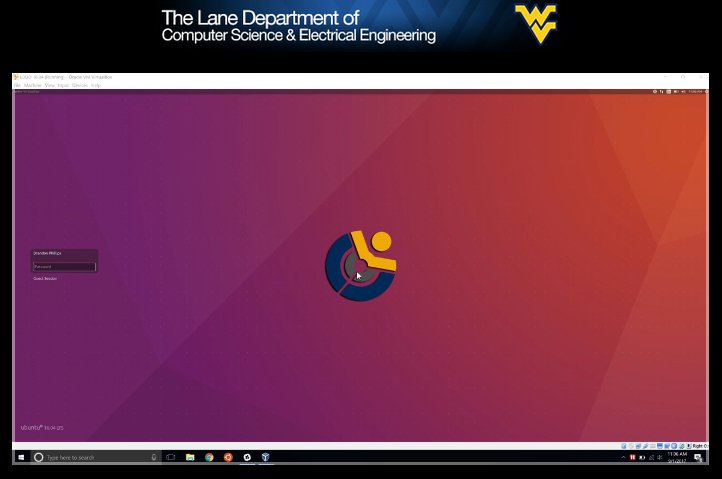
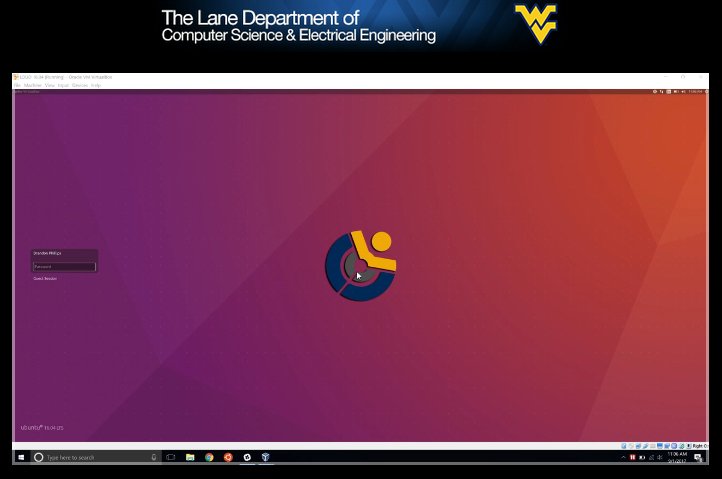
Take that dev environment from your classroom PC with you. LOUD is available to install on your own computer. Check out https://t.co/1y4Jm0GSUC for a HOWTO video and download link. #LOUD#ubuntu#linux#code#develop@wvustatler
@tbielawa@wvustatler The 138 AER Learning Center right next door is a similar room, but with a bunch of Ubuntu PCs and open tables/seating. Very cool spots for geeking out.
Welcome back! LCSEE Systems is hosting 137 AER "Open Labs" from 12p-5p every Sunday, starting immediately. It's a great spot to work on your projects! @wvustatler#lcsee#linux
Reminder: 137 AER will be closed on November 18th during Fall Recess. Open hours will return on November 26th. Have a great break! https://t.co/gNurtVpet7 @wvustatler
Take our LOUD Linux labs home with you during Fall Recess. Visit https://t.co/BHwv3r2NFv for details and a nifty HOWTO video. #linux#ubuntu#coding#computerscience
Lane Dept. Mountaineers, you can now get IT help from us remotely whether you're in AER or across the globe. Check out our Remote Help Desk service for more details. https://t.co/nhcnn2TEWt