Introducing Claude Opus 4.7, our most capable Opus model yet.
It handles long-running tasks with more rigor, follows instructions more precisely, and verifies its own outputs before reporting back.
You can hand off your hardest work with less supervision.
Today, we’re introducing Skills in @GoogleChrome, a new way to build one-click workflows for your most frequently used AI prompts — like asking for ingredient substitutions to make a recipe vegan, generating side-by-side shopping comparisons across multiple tabs, or scanning long docs to get the info you need quickly.
When you write a prompt that you want to use again, you can save it as a Skill directly from your chat history. The next time you need it, select your saved Skill in Gemini in Chrome by typing forward slash ( / ) or clicking the plus sign ( + ) button, and your Skill will run on the page you’re viewing, along with any other tabs you select.
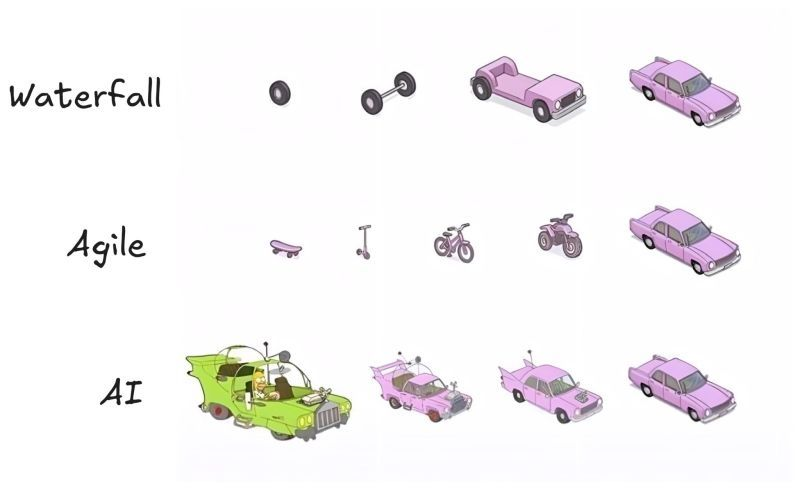
Honestly, this is the most accurate diagram I've seen.
Waterfall: You plan for 18 months and deliver exactly what nobody needs anymore.
Agile: You deliver something usable at every step, but the CEO keeps asking, "Where's the car?"
AI: You get the car on day one. It has six wheels, the doors are on backwards, and it has a rocket launcher. You spend more time making it yours than actually "building"; it's shaping. owning. verifying. That's what the best AI developers do now. They don't build. They shape and own.
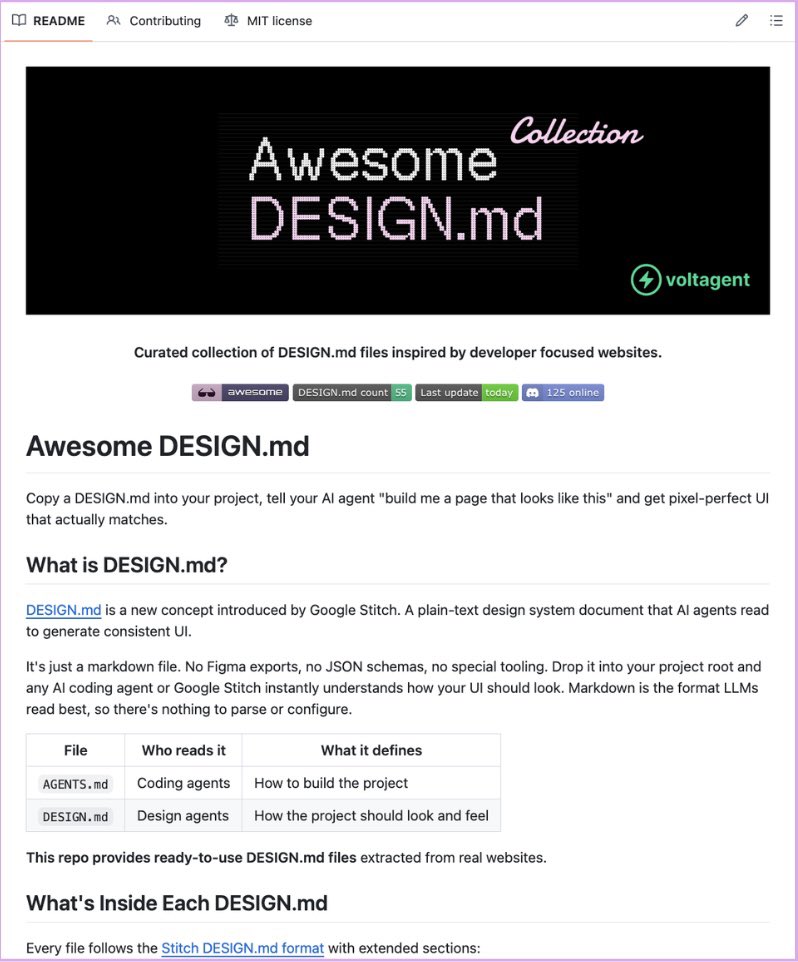
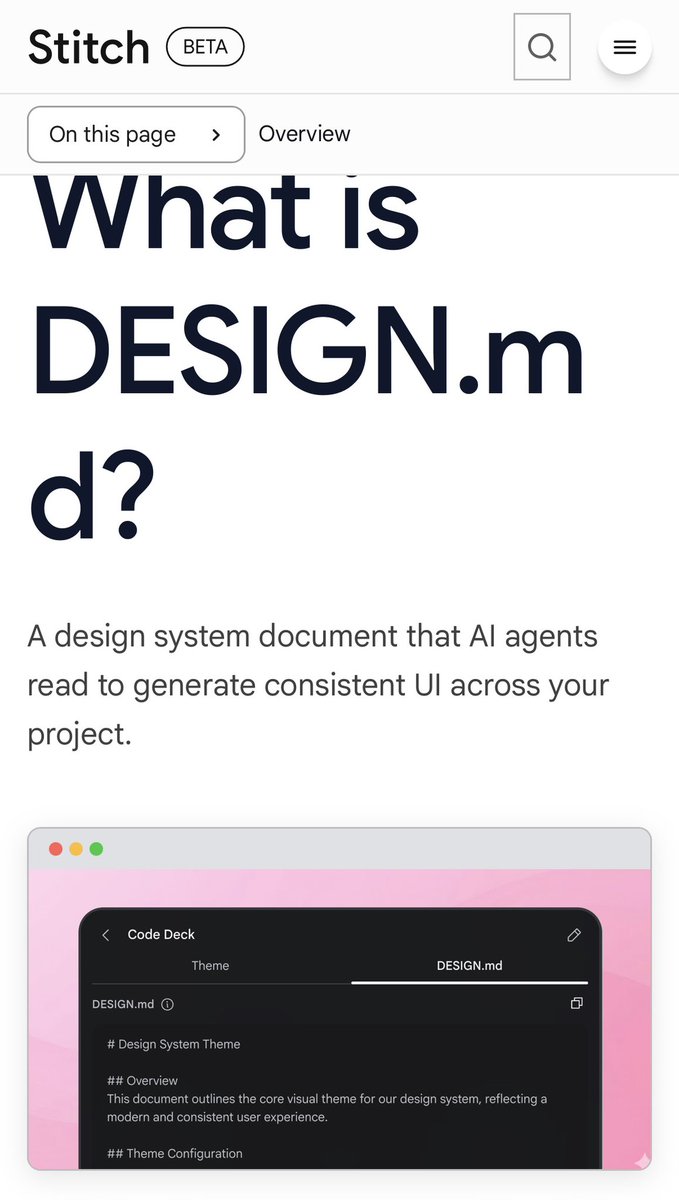
Google Stitch has released 𝗗𝗘𝗦𝗜𝗚𝗡.𝗺𝗱 🤯
One markdown file that teaches your AI coding agent your entire design system.
→ No Figma exports
→ No JSON schemas
→ Nothing to configure
The part that saves the most time:
A free collection of 40+ pre-built files already exists, extracted from real products. Stripe, Vercel, Linear, Notion, Lovable, Claude, ElevenLabs, Cursor, Warp, Zapier, and more.
Drop it in your project root. Claude Code, Cursor, Gemini CLI, and GitHub Copilot all read it natively.
100% Free and Open-Source.