Creating a new logo shouldn't take ages.
I wanted something fast, simple and free.
So I built Logo Lattice.
100% free.
100% browser based.
100% ownership of creations.
Link in first comment 👀
@ActivityLog Thank you so much Darren. It wouldn't be possible without all your help either so thank you for that. Hopefully the CASA goes through smoothly 😊
This week has been a lot. And now it's time for one more massive hurdle.
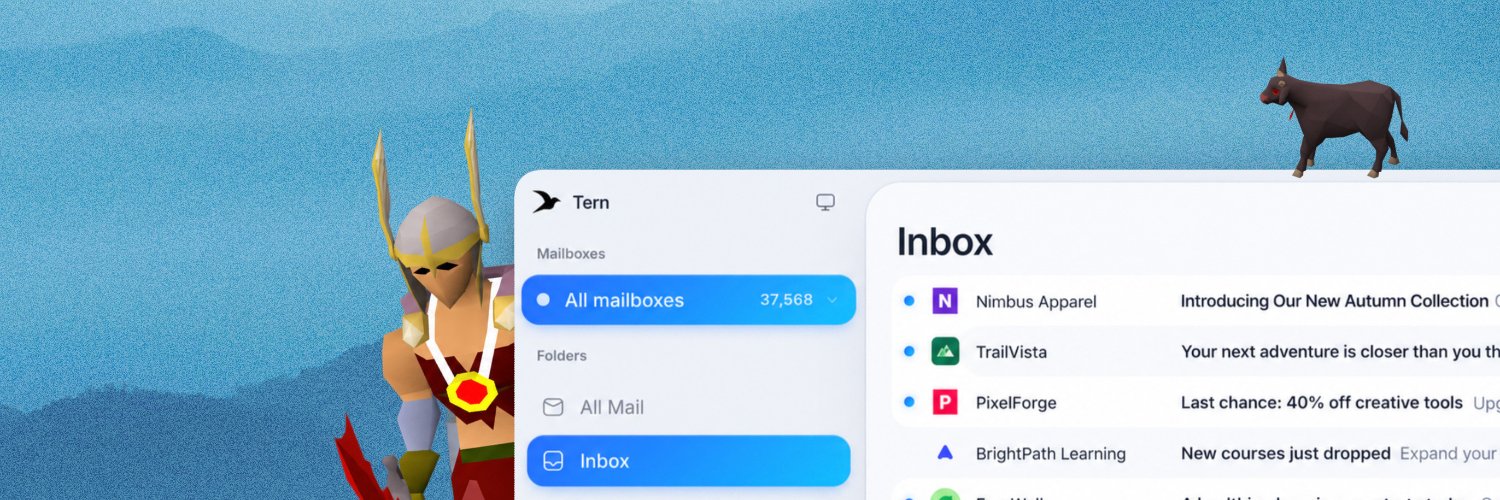
🔒 Tern is officially going through CASA.
The deadline is closing in, so I've floated the remaining cost myself. No more waiting, it's time to get things moving with this.
There are still lifetime spots available if anyone wants to support Tern, but this is happening either way! 😎
Let's get Tern certified!
@O_Haneya thank you broooo <3
will have your bugs fixed soon too! I've upped the limit to 25mb but that has caused some other issues with other providers so I need to figure that out 😂
Another thing that's always worth checking if you're self hosting: your backups.
Not just whether they're running but whether you can actually restore them.
A successful backup means very little if you've never tested recovering from it.
Pick one database, restore it somewhere safe, and make sure everything works.
It's boring right up until the day it's the most important thing you've ever done 😅
I've spent the last 4 hours doing this across all my servers.
Moving websites behind Cloudflare Tunnels, putting SSH, databases and Coolify behind Tailscale and closing off access wherever possible.
It's easy to focus on securing what's exposed but one of the best things you can do is reduce what's exposed in the first place.
If you're self-hosting, PLEASE take an afternoon to look at your setup.
It's much nicer to do this before you need to 😅
@AGTPinsights Looks like an interesting article! Thanks for sharing. Reducing your attack surface is something I've taken way more seriously this week 😮💨
I've spent the last 4 hours doing this across all my servers.
Moving websites behind Cloudflare Tunnels, putting SSH, databases and Coolify behind Tailscale and closing off access wherever possible.
It's easy to focus on securing what's exposed but one of the best things you can do is reduce what's exposed in the first place.
If you're self-hosting, PLEASE take an afternoon to look at your setup.
It's much nicer to do this before you need to 😅
Maybe important to repost this now that everyone is getting hacked
If you have a VPS, I recommend you to get if off the public internet and into a Tailscale network and Cloudflare Tunnel ASAP
It doesn't matter you have SSH key login, this is about exploits and vulnerabilities AI is finding
There's 2 ways into a VPS:
- via your site/app (like the PHP exploit of this week with a file upload hack)
- via your server (like hacking into SSH or some open port)
The site/app side you put on a Cloudflare Tunnel and then with the default Free Plan it has WAF security enabled by default and they jump on new security exploits fast, it means that the only way to reach your website is via the Cloudflare Tunnel, your server does not respond to port 80 or 443 anymore
The server side you put on a Tailscale network which is like your own private network that nobody can access but your own devices (like your laptop, your phone and your VPS) kinda like a VPN
Then you switch off ANY regular access to your VPS on the firewall, in my case I use Hetzner and you create a new firewall then empty it and that blocks everything (test it)
How do Tailscale and Cloudflare Tunnel get in then? They don't. They go outbound. They make a tunnel to outside which sends and receives
Now you've reduced your attack vector to Tailscale and your Cloudflare Tunnel, much safer, not perfect btw, but nothing is
@entropic0x1 I absolutely love infra don't get me wrong. More people really should learn it or at least take it more seriously 😂
Thank you though Matt, appreciate you <3