Local PHP development for Linux, macOS and Windows. Automatic .test domains, per-project PHP, one-command TLS. Rootless Podman, open source. Built by @geodro
Most PHP tooling assumes Laravel and leaves everyone else to work it out.
Lerd also knows Symfony, WordPress, Drupal, Statamic, Magento, CakePHP, CodeIgniter, Bedrock, TYPO3, Yii, Tempest, Lumen and Winter. Each one is a YAML definition in a public store: how to detect it, its document root, its workers, how its env is wired to services, its console commands and its health checks.
I keep them out of the binary on purpose. Lerd reads the store, so a new framework or a new major version reaches people within a day, with no release. Adding one is a pull request with a YAML file.
Security advisory for macOS users.
Since 1.38.0, Lerd on macOS published nginx on all interfaces even with LAN exposure off. Other devices on the same network could reach your sites and parts of the dashboard, and lerd lan status said loopback-only, which was wrong. Linux and Windows are not affected.
Fixed in 1.39.1. Run lerd update. If you can’t right now, block incoming connections for gvproxy in the macOS firewall or stay off shared Wi-Fi.
Thanks to aaajeetee for the responsible report and the first patch.
If your database already runs outside Lerd, in DBngin or a MySQL installed years ago, Lerd had nothing to offer it. No snapshots, no shell, no worktree copies.
1.39 fixes that. Add the server as a service, point a site at it with lerd db:use, and every database tool works through your machine’s own clients. Commands that can’t work on that server are refused, not quietly run against the wrong database.
It’s also the first release signed with cosign, so you can verify what you download actually came from the build.
And there’s a new logo. A stack of containers, drawn by someone from the community. The tray strikes it through while Lerd is stopped.
For most of its life the Lerd icon was a white L in plain sans serif on a red background. In a panel full of drawn tray icons it looked like a placeholder, and in August a contributor opened an issue saying so and offered to draw a new one.
That drawing is now the logo, a stack of red containers with pink sides, because the services Lerd runs live in containers. It is on the dashboard, the favicon, notifications and the desktop launcher, with a light and a dark version that follow your theme.
The tray uses it to show state as well. While Lerd is stopped the containers are struck through, so you can tell without opening anything.
You find the problem in the dashboard, and then you go hunting for the same project in your editor's recent list.
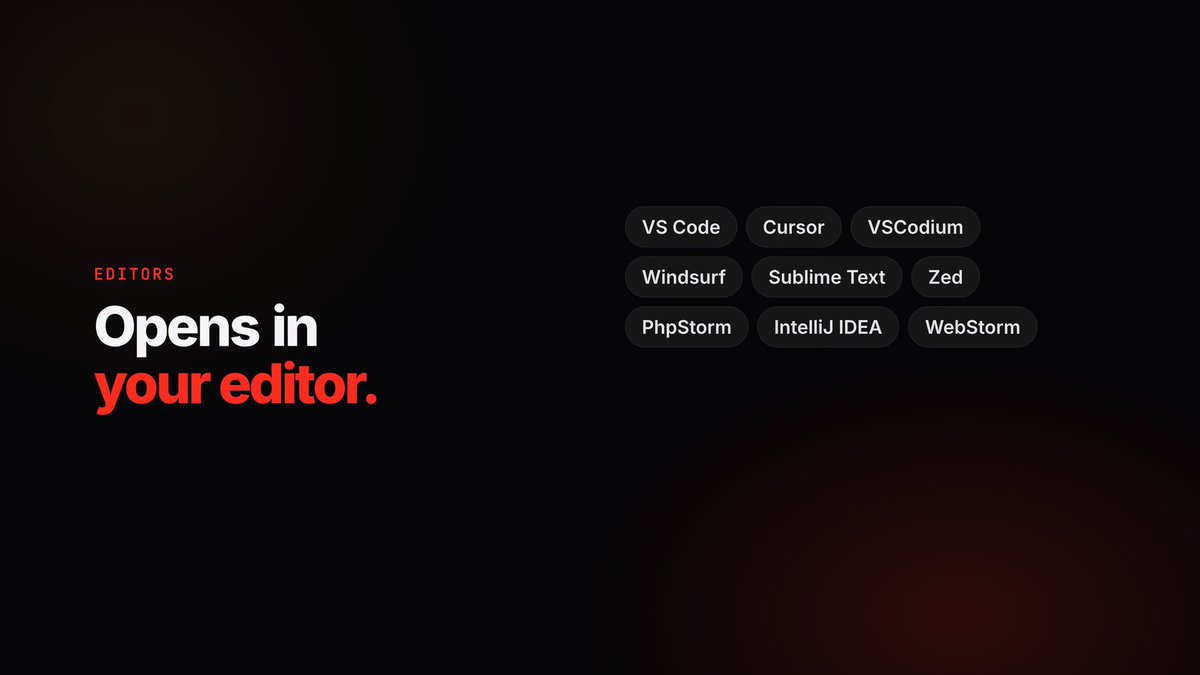
Lerd opens a site, a worktree or a file straight in VS Code, Cursor, VSCodium, Windsurf, Sublime Text, Zed, PhpStorm, IntelliJ IDEA or WebStorm. Installed ones are listed first, and a custom command or URL template covers anything else. From the terminal, lerd code does the same.
Editors that aren't on your PATH open through their URL scheme, which is why a JetBrains IDE installed with Toolbox works too.
The queries look fine, the page is still slow, and now you are adding microtime calls to your own code like it is 2009.
Lerd bundles the SPX profiler. Flip one switch and it captures your slow requests. Open one and you get a flame graph of the call stack, so the function that ate 400 ms is the widest bar on the screen, with the file it lives in beside it.
It works on every PHP version Lerd runs, with no extension to compile and no php.ini to edit.
@olegzanx Yes. Every request gets an id, and the assistant can pull any recent one to see its time, query count and peak memory, then load the page again after the patch and compare.
Ask an AI assistant why a page is slow and it will read your code and guess. The answer sounds right, and it often points at the wrong thing.
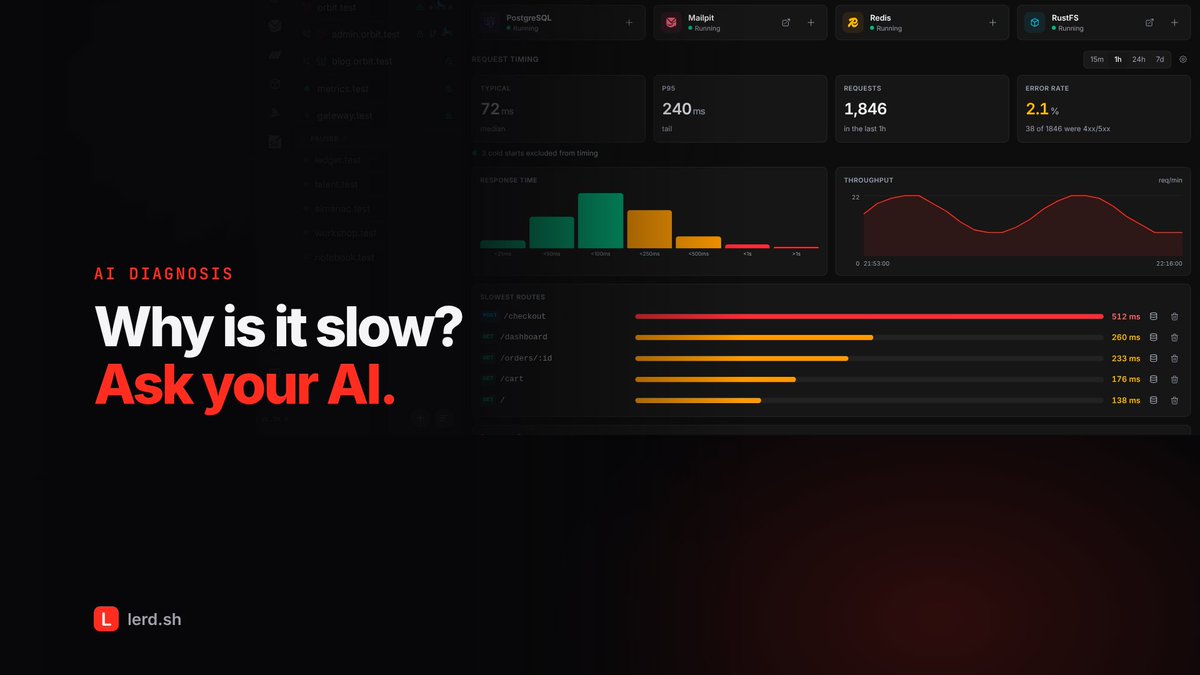
Through Lerd's MCP server the assistant reads the site's real response times and picks the slowest routes. For each one it gets the N+1 and slow queries captured behind it, with the file and line that ran them, plus the hottest functions from an SPX profile when there is one.
What it proposes then is the eager load or the index that fixes a problem somebody measured.
Plenty of apps are really several sites: a storefront, an admin panel, a blog, an API. Run them as separate projects and you lose the shared domain they have in production.
Lerd's site groups put them under one base domain, as subdomains, and can have them share one database. You manage the group from the site header, add a site from a picker, and the group shows up together everywhere in the dashboard.
That makes it a natural fit for multi-tenant apps and anything else that lives on subdomains.
Checking whether your branch is behind should not mean finding the right terminal tab first.
Lerd puts Fetch, Pull and Push in the site header, next to the worktree tabs, for whichever checkout you have selected. A branch with no upstream gets a single Publish button instead, and the main checkout has a branch switcher that can create a branch from any base.
Pull is fast-forward only and push is never forced. A branch that has diverged holds both back and tells you why.
Testing a newsletter on a copy of the production database is how real customers end up with a mail that says test test test.
Lerd sends every mail your local sites produce to Mailpit, and its inbox sits inside the dashboard. Password resets, order confirmations, whatever the app sends, you see the rendered message, the HTML source and the headers, and nothing leaves your machine.
Caught mail can also be scored for spam with SpamAssassin, and each message is stamped with the template that rendered it, so you know which view to fix.
Install the Meilisearch PHP client and you will need a Meilisearch server. lerd notices.
It reads the composer packages your project requires and suggests the services they point at, with the reason, right on the site's overview. Add one in a click and lerd starts it and wires it into your .env.
Removing a service from a site is just as easy, and it leaves the service and its data alone for your other projects.
#Laravel #Composer
Most developers only learn a page is slow when a user complains.
Lerd times every request nginx serves for your sites. Each site's overview shows the typical and p95 response time, the request count, the error rate, a histogram of response times, throughput over time, and the slowest routes.
Because it comes from your own clicking around, you notice the route that went from 80 ms to 500 ms the day it happens, and you can open its slowest request to see why.
#PHP #performance
Not everyone wants a browser tab open.Lerd tui is a full terminal dashboard, and 1.37 rebuilds it from the ground up.
There is now one sidebar for the dashboard, your databases, PHP and Node, settings, your sites grouped by workspace, and your services. The dashboard leads with what needs attention, each fix one key away.
ctrl+p opens a palette that reaches every page, site, worktree, service and action, matching words in any order. Regions are told apart by shade, taken from your terminal's own colours, so the TUI wears your theme.
#terminal #TUI
Lerd 1.38 takes plugins.
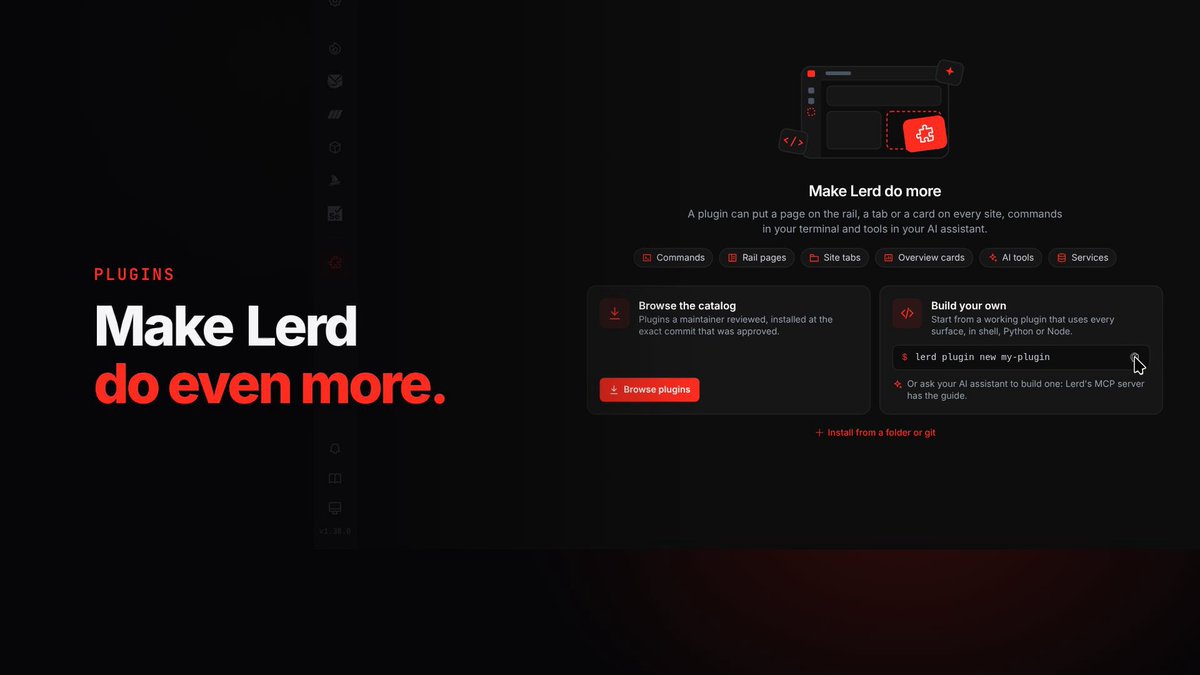
A plugin is a folder with a plugin.yaml and the scripts it names, in shell, Python or Node. It can add CLI commands, buttons in a site's Commands menu, hooks that run when something happens, tools for your AI assistant, a page in the dashboard, a tab on every site, and services and frameworks of its own.
The Plugins page installs, updates and removes them, and shows everything a plugin adds before you install it: every command, tool and hook.
The Sail import is the first thing to move out of Lerd and into a plugin.
#PHP #opensource
Lerd 1.38 is out, and it runs on Windows.
One installer takes a bare Windows machine to a working Lerd in three steps: it enables WSL, adds Ubuntu, and joins it to Windows. After that .test resolves in your Windows browser, wildcards included, and your sites survive a reboot. Same containers, same dashboard, same Lerd as on Linux.
Also new: plugins. A folder with a plugin.yaml and a few scripts can add commands, dashboard pages, MCP tools or its own services. The first ones are up at https://t.co/HMZ2qoO33s, build yours and submit it, lerd plugin new gets you started.
And Lerd now issues its own certificates, mkcert has been unmaintained since 2022.
Free, open source, MIT.