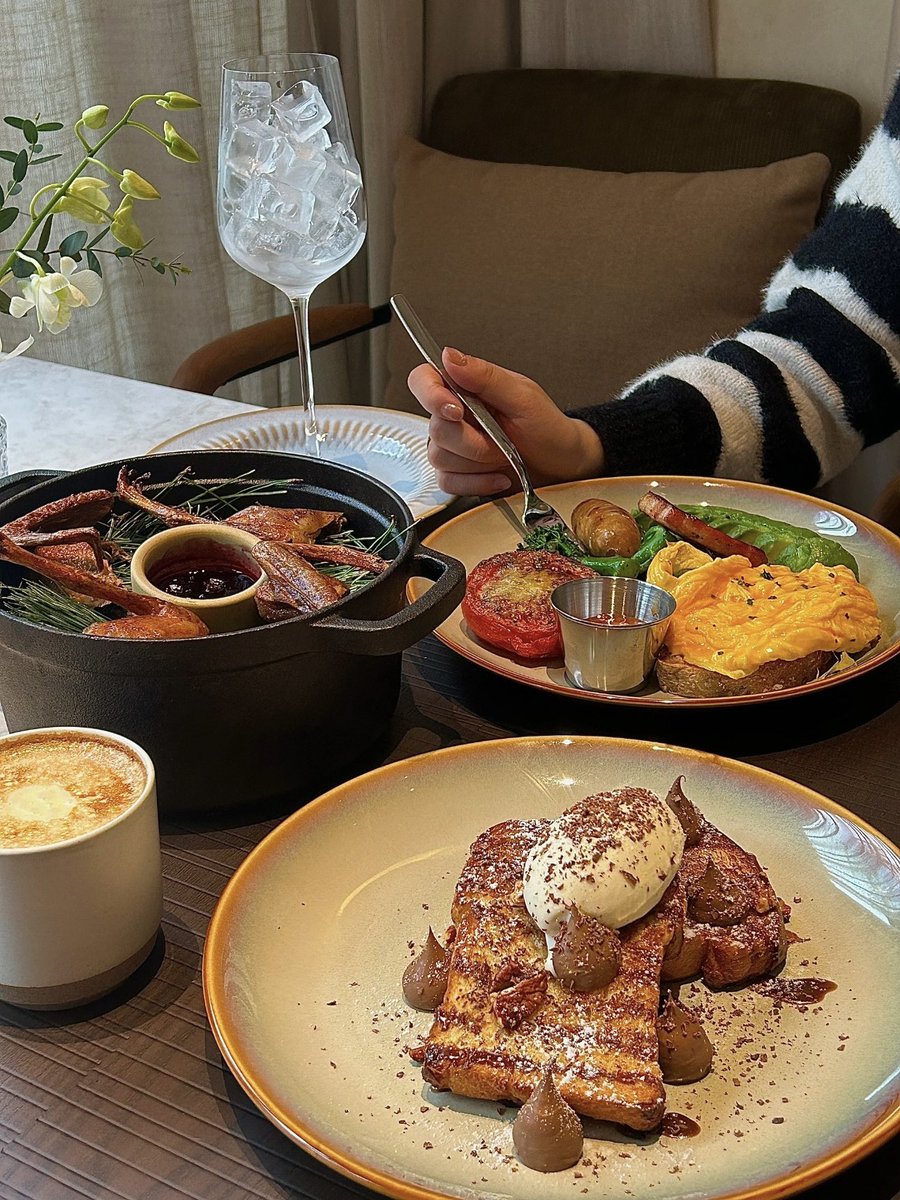
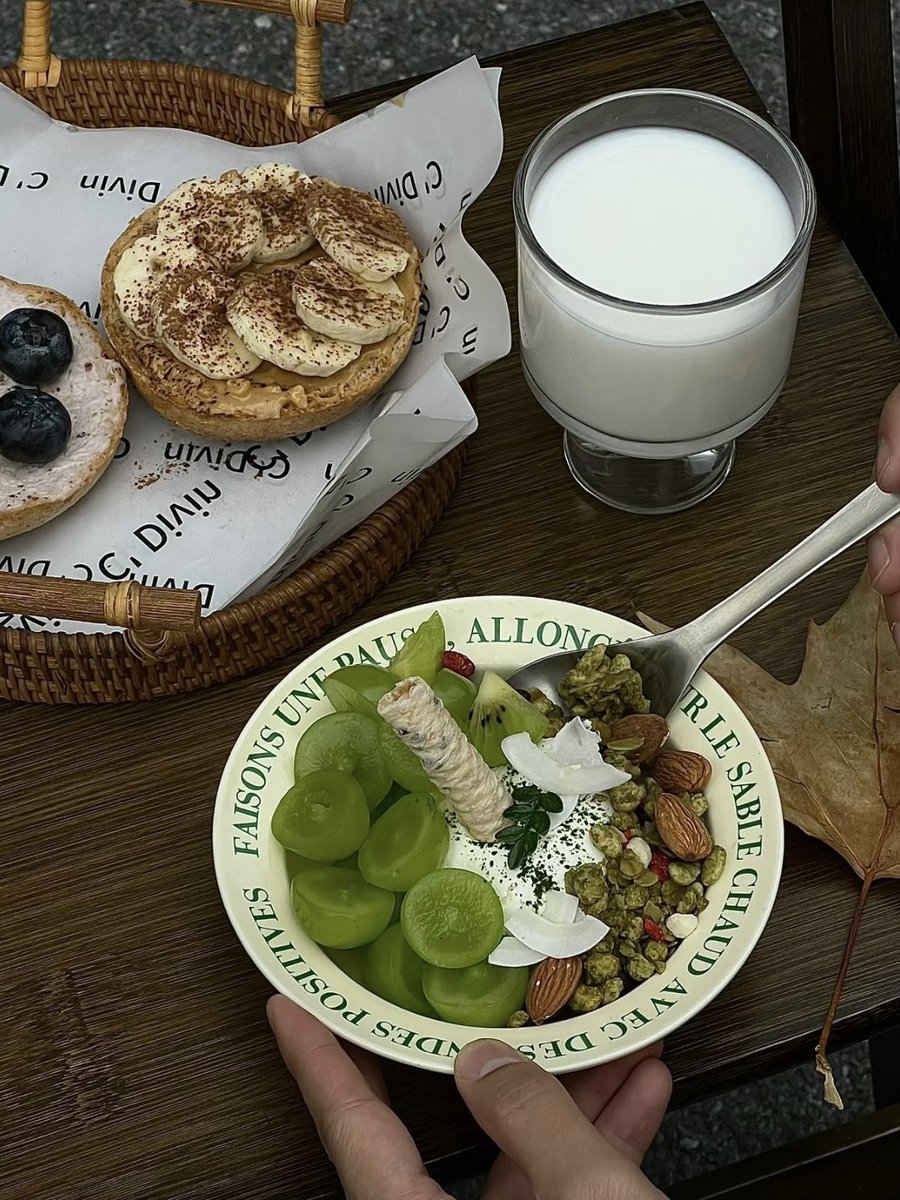
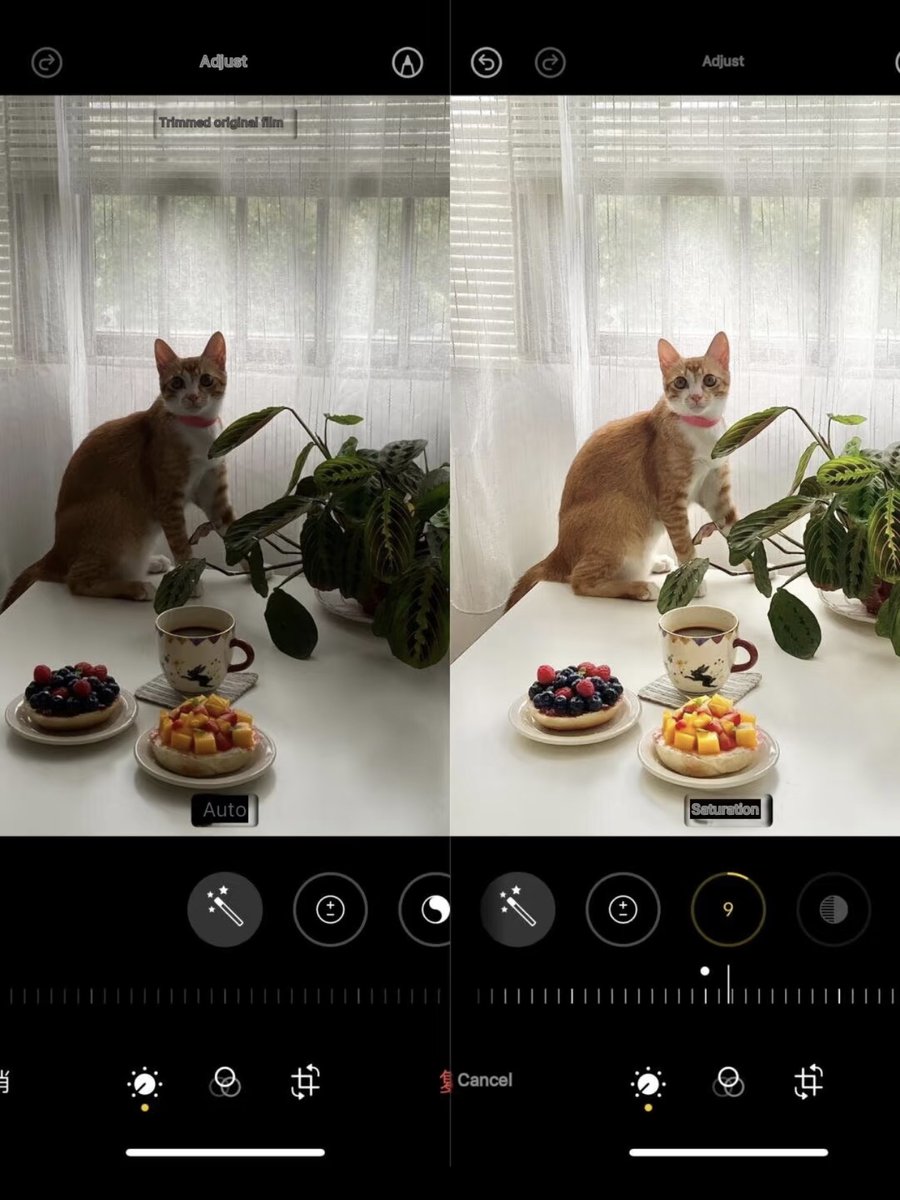
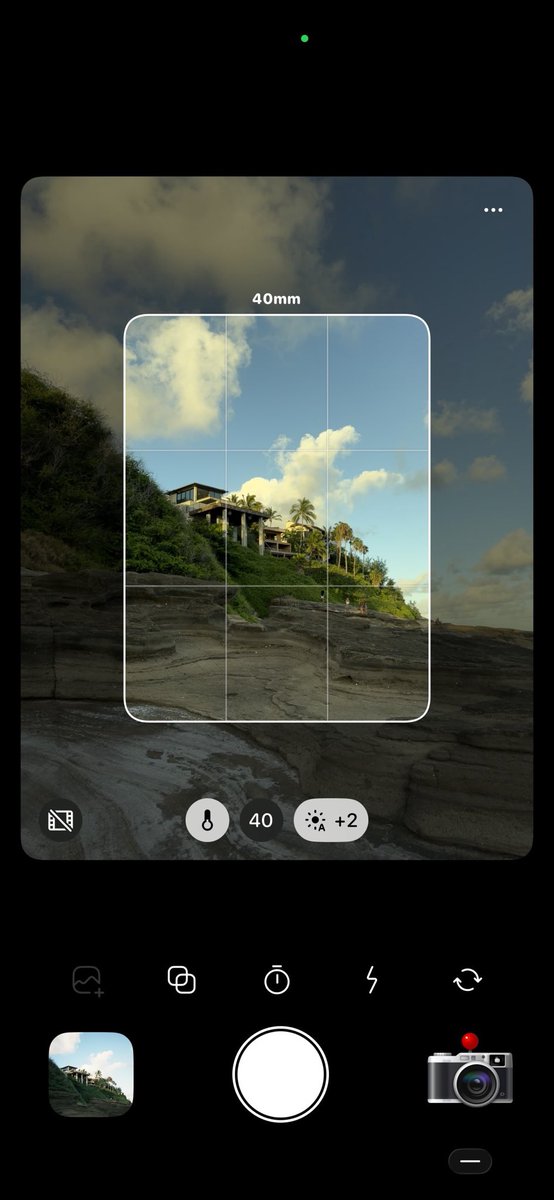
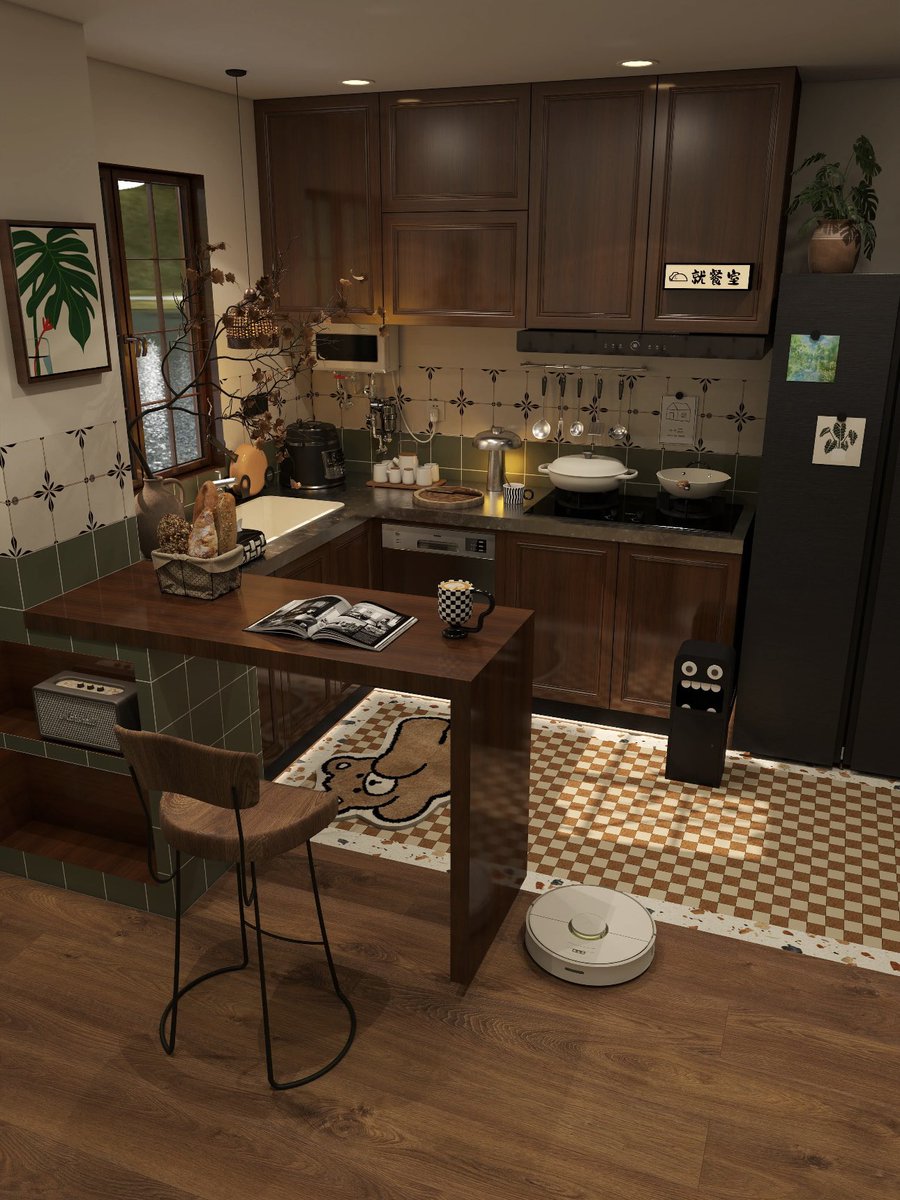
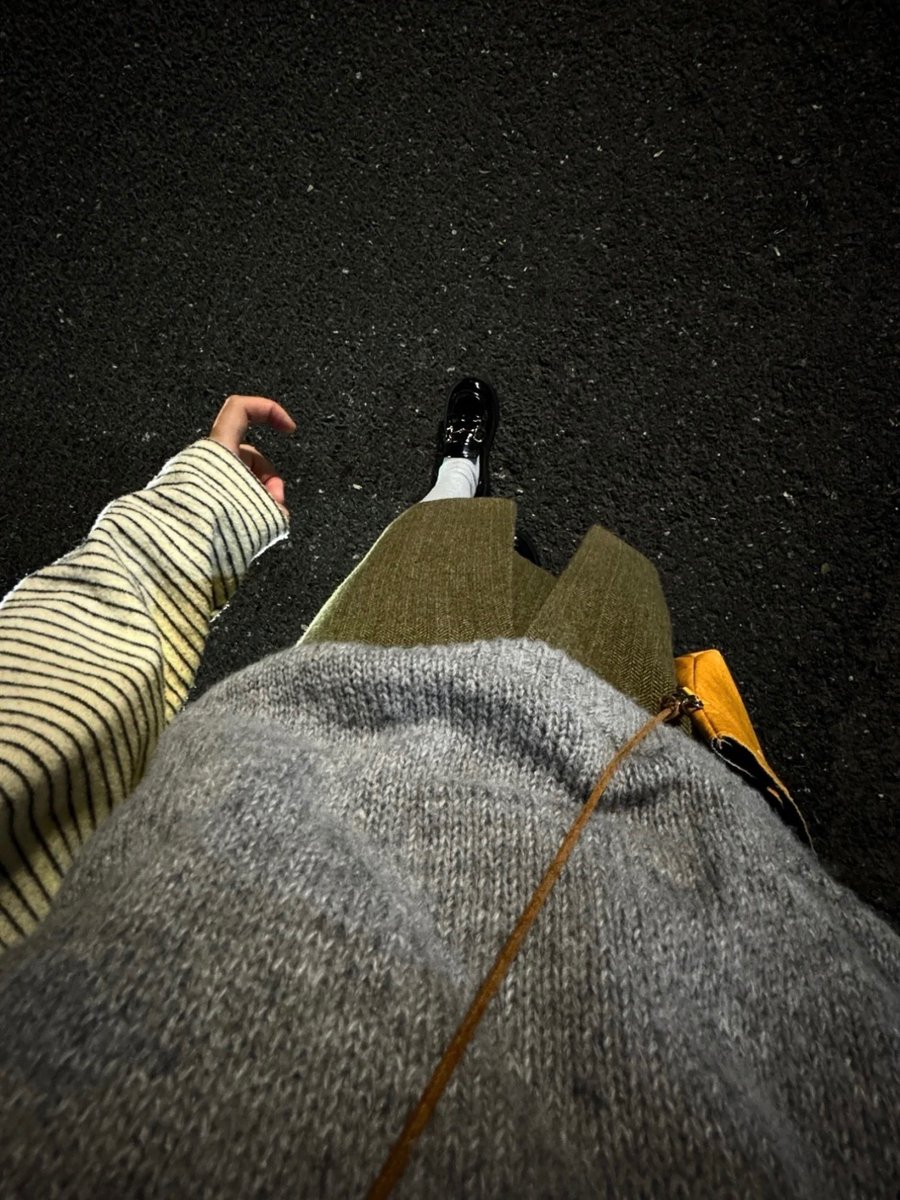
iPhone Color Grading 🥓 Found the secret to high quality BBQ pics!
📷: iPhone Built in Editor
Exposure +24
Brilliance +54
Highlights -76
Shadows +25
Contrast -18
Brightness -10
Vibrance -11
Warmth +14
Sharpness +60
Definition +20
Adjust these settings based on your own photos
iPhone Editing Dark & Glowing Filter!!
📱iPhone Original Camera Settings:
Exposure -13
Brilliance -19
Highlights - 21
Shadows -13
Contrast +19
Warmth +6
Sharpness +85
Definition +10
Don't forget to zoom in 2-3x when shooting! And lower the exposure (this is key!).
Finally cracked the code for this clear
filter!!
📱iPhone camera settings:
Exposure: +4
Brilliance: +25
Highlights: -15
Shadows: +26
Contrast: -16
Brightness: +19
Saturation: +15
Warmth: +15
Sharpness: +29
✅Just run the quality restoration 1-2 times and your pics will turn out super clear!
Finally cracked the code for this clear
filter!!
📱iPhone camera settings:
Exposure: +4
Brilliance: +25
Highlights: -15
Shadows: +26
Contrast: -16
Brightness: +19
Saturation: +15
Warmth: +15
Sharpness: +29
✅Just run the quality restoration 1-2 times and your pics will turn out super clear!
People Will Understand the Ambiance Brunch (with Color Grading Tutorial)
📷iphone original camera
Exposure➖11
Vividness➖9
Highlights➖11
Brightness➖12
Saturation➕11
Natural saturation➕10
Sharpness➕54 (glow is an important factor)
Finally figured out how to get this appetizing filter look!!
📱iPhone native camera edits
🎨Editing Tutorial:
• Exposure +25
• Brilliance +15
• Highlights - 15
• Shadows -15
• Contrast +15
• Brightness -5
• Vibrance +10
• Sharpness +15
✅The logic: +Exposure & Brilliance -Shadows
✅You might need to tweak the settings a bit depending on the lighting in your photo~
Finally figured out how to get this appetizing filter look!!
📱iPhone native camera edits
🎨Editing Tutorial:
• Exposure +25
• Brilliance +15
• Highlights - 15
• Shadows -15
• Contrast +15
• Brightness -5
• Vibrance +10
• Sharpness +15
✅The logic: +Exposure & Brilliance -Shadows
✅You might need to tweak the settings a bit depending on the lighting in your photo~
Finally cracked the code on this dark toned glow filter!
🍎My go to iPhone camera edits:
Exposure: +5
Brilliance: -29
Highlights: -20
Shadows: +16
Contrast: +18
Brightness: +6
Natural Saturation: +30
Sharpening: +6
Clarity: +10
✔️Just tweak these a bit depending on your photo~
Sharing my go to iPhone editing tips for those dark.
Post processing color grading:
Exposure -10
Vibrance +15
Highlights +10
Shadows -20
Contrast +5
Brightness -5
Blacks +5
Sharpness +20
Definition +10
how to adjust this dark ambiance filter!!
Exposure -20
Vividness +15
Highlights -10
Shadows -10
Contrast +20
Black point +2 (reason for clean background)
Natural saturation +5
Color temperature -10
Tone +3
Sharpness +25 (key for glowing 🌟)
Definition +10
Sharing my go to iPhone editing tips for those dark.
Post processing color grading:
Exposure -10
Vibrance +15
Highlights +10
Shadows -20
Contrast +5
Brightness -5
Blacks +5
Sharpness +20
Definition +10
Is there any hope for backlighting?
The color adjustment of the iPhone original camera is very good!!!
•Brightness +8
•Shadows +100
•Contrast -23
•Brightness +100
•Color temperature +3
•Sharpness +48
Super Easy Backlight Editing Trick Right on Your Phone:
✅For iPhone users: Just open your photo and hit 'Edit'
•Exposure +30
•Brilliance +39
•Highlights +20
•Vibrance +50
•Contrast -70
•Natural Saturation +24
and then use Meitu filter Gray Tone MG1 +35