Say hello to FundingPips.
Up to $200K in funded capital.
Up to 90% profit split.
Zero excuses.
Your capital, our risk.
Let's go 🔥
👉 https://t.co/FZr80KKBCa
@fundingpips@Khldfx
Niches:
→ Christmas decor (budget, small-space, DIY)
→ Gift guides (under $20, $50, for mom, dad, teachers, pets)
→ Christmas recipes and desserts
→ Holiday budgeting
→ Wrapping and crafts
→ Christmas stories and traditions
How does a seasonal channel earn?
→ YouTube ad revenue (Q4 RPMs are higher)
→ Amazon affiliate links in gift guides and decor lists
→ Your own digital product: a decor planner, a gift list, a recipe pack
→ A simple online shop
→ Sponsorships once you have an audience
One audience. Many offers.
"But the channel dies after Christmas."
A faceless channel tied to one topic can. A character-led channel doesn't have to.
People follow the character, so when Christmas ends the same host can move on to New Year, Valentine's, birthday decor, gift ideas and home advice.
(No guarantee, but pivoting a character is a lot easier than pivoting a topic.)
So why do most people still fail?
→ Pick a crowded niche
→ Weak hooks that lose viewers in 5 seconds
→ A character that changes in every video
→ No fact-checking, or fake credentials that get channels flagged
→ No product, only ad revenue
→ Quit by video 3
That's the gap between "I want to start" and a channel that actually works.
I closed that gap with one ebook:
THE AI AVATAR CHANNEL BLUEPRINT 📘
→ 138 pages, beginner-friendly
→ 100+ copy-paste prompts
→ Niche selection and scoring (any niche, any language)
→ Character creation and voice
→ Script, hook and retention-graph system
→ HeyGen and VidRush workflows
→ The demonetization defense playbook
→ How to build and sell your own digital product
→ 10 ways to get paid (Amazon, Shopify + Tradelle, Lovable, high-ticket and more)
→ 30-day launch plan, master checklists and a full worked example
What you get when you buy:
→ A complete system, so you're not guessing
→ The mistakes I already paid for, so you don't have to
→ Future updates to the ebook, free
→ Help from me if you get stuck on anything related to YouTube and your channel
To be clear: I can't guarantee your results. Nobody can.
Most first videos flop. Results depend on your niche, your effort and the market.
But every method that worked for me is in this ebook.
Get the blueprint here ↓
https://t.co/Ag3pubYVNT
Repost the first tweet if this helped. Someone you know needs to see it.
THIS IS F**KING INSANE.
This guy just broke down how he’s using Claude Code + YouTube to pull in $76K/month.
All in under 15 minutes.
Save this.
You’ll want to revisit it.
@OlatundeAI On this, I use ChatGPT to prompt Claude for script.
The output is nice, but lately I realize that the scripting looks similar to each other.
STEP 4: Scene by Scene Breakdown (Scripting).
Copy the prompt below, paste it into the chatbox in Claude AI, and run it. It will break down the entire story into individual shots and extract the characters, environments, and other essential elements.
""
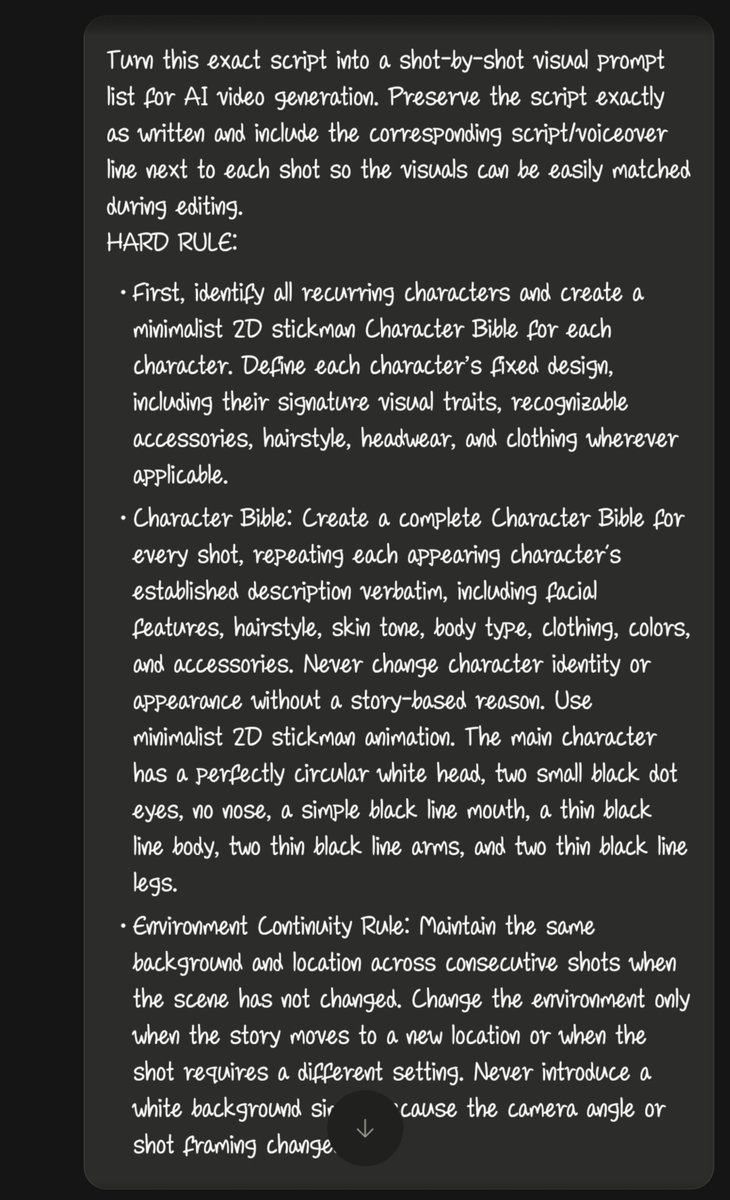
Turn this exact script into a shot-by-shot visual prompt list for AI video generation. Preserve the script exactly as written and include the corresponding script/voiceover line next to each shot so the visuals can be easily matched during editing.
HARD RULE:
- First, identify all recurring characters and create a minimalist 2D stickman Character Bible for each character. Define each character’s fixed design, including their signature visual traits, recognizable accessories, hairstyle, headwear, and clothing wherever applicable.
- Character Bible: Create a complete Character Bible for every shot, repeating each appearing character's established description verbatim, including facial features, hairstyle, skin tone, body type, clothing, colors, and accessories. Never change character identity or appearance without a story-based reason. Use minimalist 2D stickman animation. The main character has a perfectly circular white head, two small black dot eyes, no nose, a simple black line mouth, a thin black line body, two thin black line arms, and two thin black line legs.
- Environment Continuity Rule: Maintain the same background and location across consecutive shots when the scene has not changed. Change the environment only when the story moves to a new location or when the shot requires a different setting. Never introduce a white background simply because the camera angle or shot framing changes.
STEP 3: Story Generation
I'll strongly recommend using Claude AI for the story generation.
Copy the below prompt to Claude AI, and Paste the SELECTED TOPIC in STEP 2 in front of the STORY THEME at the end of the below prompt, and run it.
The runtime is 300 second, you can increase the runtime if you're doing long form video, or reduce for short form video.
""
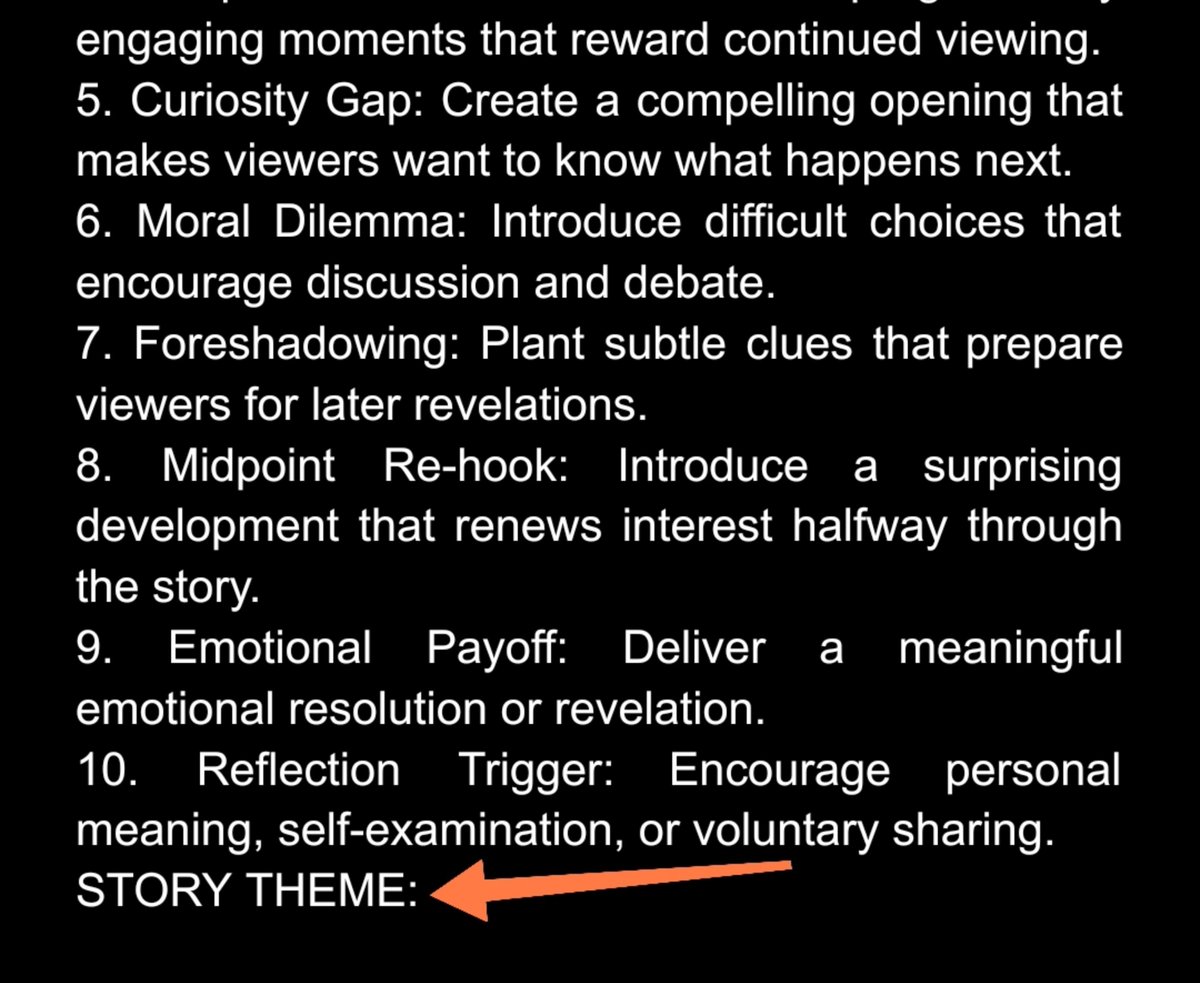
Create a 300-second YouTube POV explainer script optimized for voice-over narration using this story theme. Write in an immersive POV explainer style that makes viewers feel they are experiencing or uncovering the story firsthand. Add strategic pauses using ellipses (...). Before writing the POV explainer, analyze the story idea and choose the best order of priority for applying these 10 YouTube POV techniques. Choose the order of priority based on the specific story, its characters, its central conflict, and its intended emotional impact. Identify which techniques deserve the greatest emphasis and which should play supporting roles. Integrate the techniques naturally into the story structure rather than forcing all 10 into every scene:
1. Open Loops: Sustain curiosity by introducing unanswered questions.
2. Emotional Attachment: Make viewers care about the characters and their struggles.
3. Escalating Stakes: Increase urgency, danger, consequences, or emotional pressure.
4. Dopamine Ladder: Structure progressively engaging moments that reward continued viewing.
5. Curiosity Gap: Create a compelling opening that makes viewers want to know what happens next.
6. Moral Dilemma: Introduce difficult choices that encourage discussion and debate.
7. Foreshadowing: Plant subtle clues that prepare viewers for later revelations.
8. Midpoint Re-hook: Introduce a surprising development that renews interest halfway through the story.
9. Emotional Payoff: Deliver a meaningful emotional resolution or revelation.
10. Reflection Trigger: Encourage personal meaning, self-examination, or voluntary sharing.
STORY THEME: What Did Ancient Egyptians Actually Do All Day?
How To Create POV/Stickman Animation
Step by Step Guide with Full Workflow
STEP 1: Niche & Animation Selection
I'll guide you on 3 different Niche, with 3 different Animation Styles.
NICHE:
1 - POV Explainer on History
2 - POV on Trending Topics
3 - Trending topics narration
ANIMATION STYLE:
1 - Minimalist 2D stickman
2 - Stylized 2D animation
3- Minimalist flat 2D illustration
VIDEO FORMAT:
- Images with Ken Burn Effect
TOOLS (100% FREE):
- Grok AI (Research)
- Claude AI (Script/Scripting)
- Flow Agent (Image automation)
- Flow Music (Background music)
- CapCut (Video editing + caption)
Pls share to others.
@OlatundeAI Alright sir.
I'm unable to post on my channel cus I wanted to use this bulk image generation which doesn't go well here.
I will be expecting sir.
God will bless you abundantly.
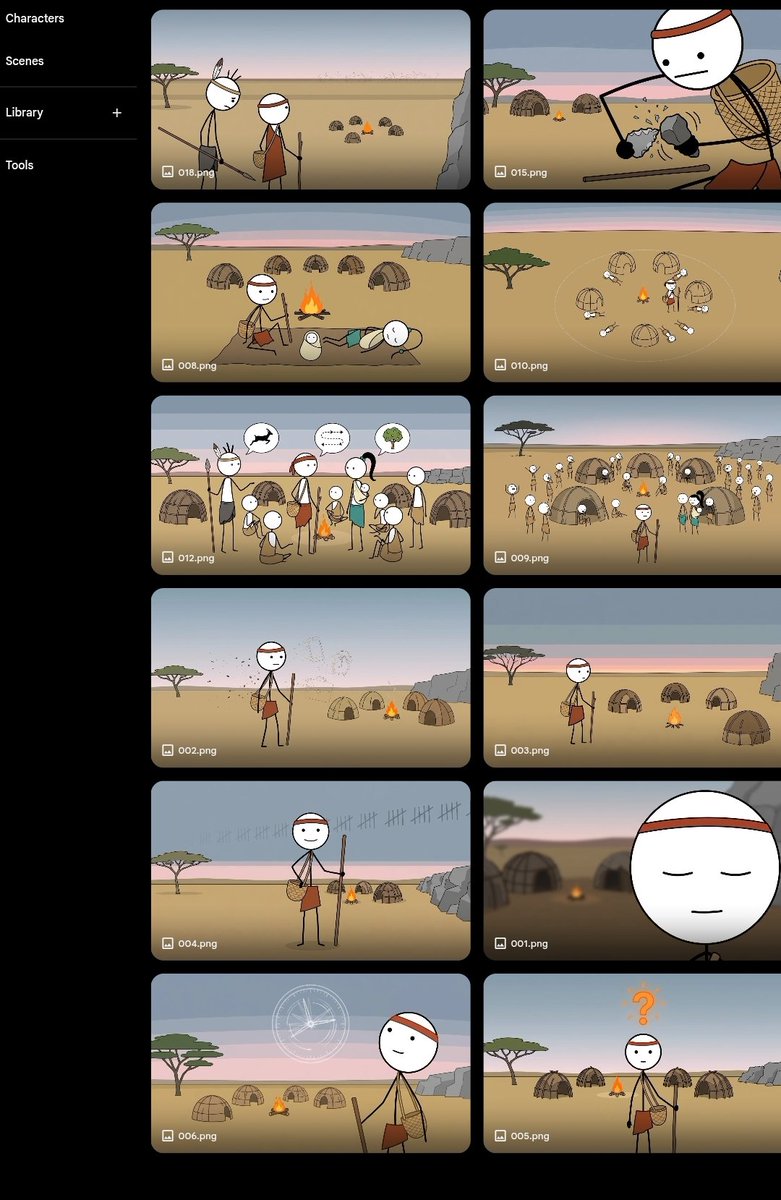
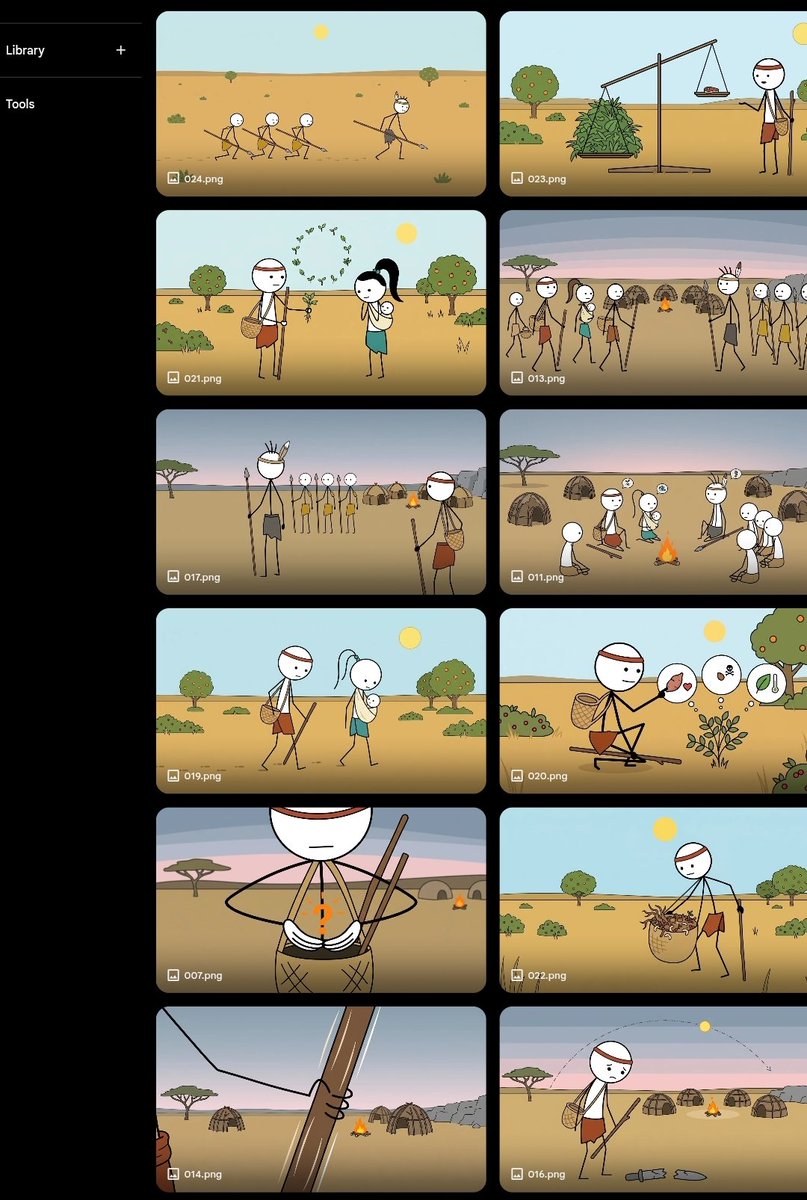
For those asking for the prompt I dropped inside the Flow Agent, below is the prompt.
I'll do a proper video tutorial on how to search for a niche, generate story, script, extract image prompt, and automate the image generation.
"I'm going to send you numbered prompts, one at a time. For each one, generate a single 16:9 image. Keep the art style and every character's design identical across all images. Do not add captions or subtitles unless the scene names specific text. Rename each image as its number (001.png, 002.png, ...)"
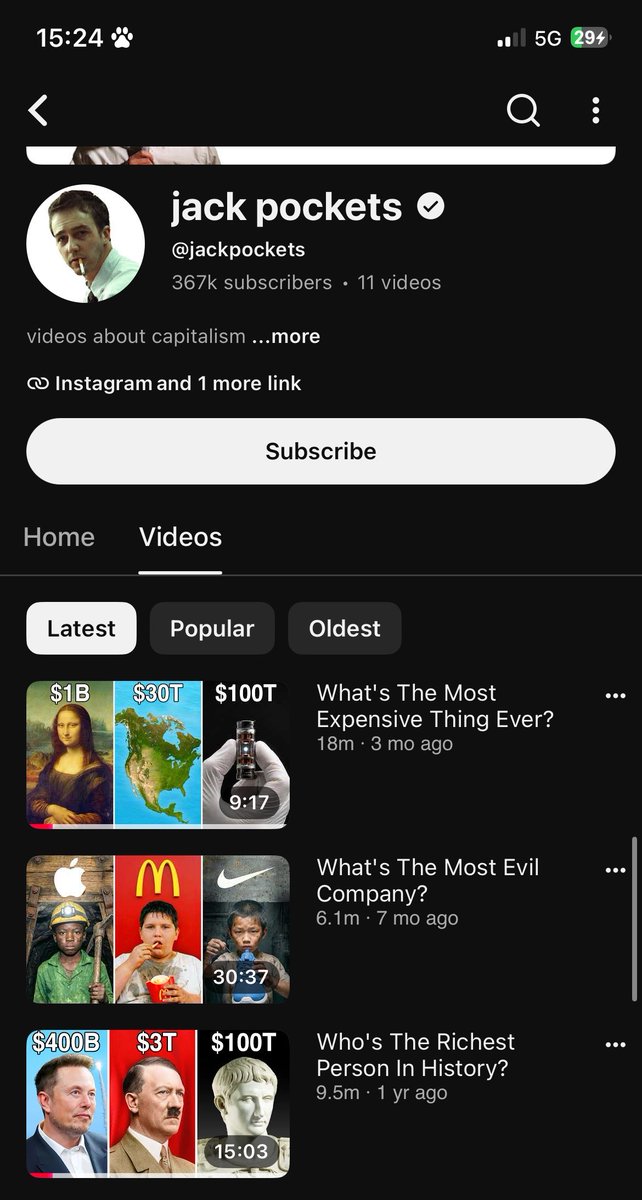
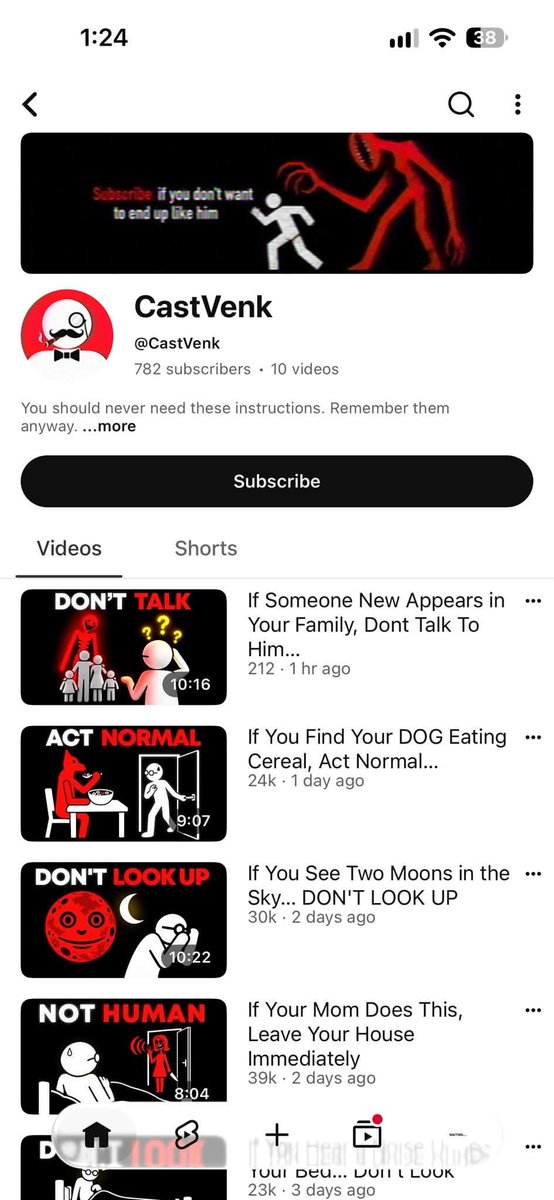
Perfect example of replicating what works on YouTube.
Thumbnail style and title idea.
Quick ride to monetization.
YouTube doesn’t send your bright idea..
Follow format.!