Localizely is now the winner of the Top Performer award from SourceForge for more than 2 years in a row, the world’s largest software reviews and comparison website. 🚀
#WinnerClub#winner
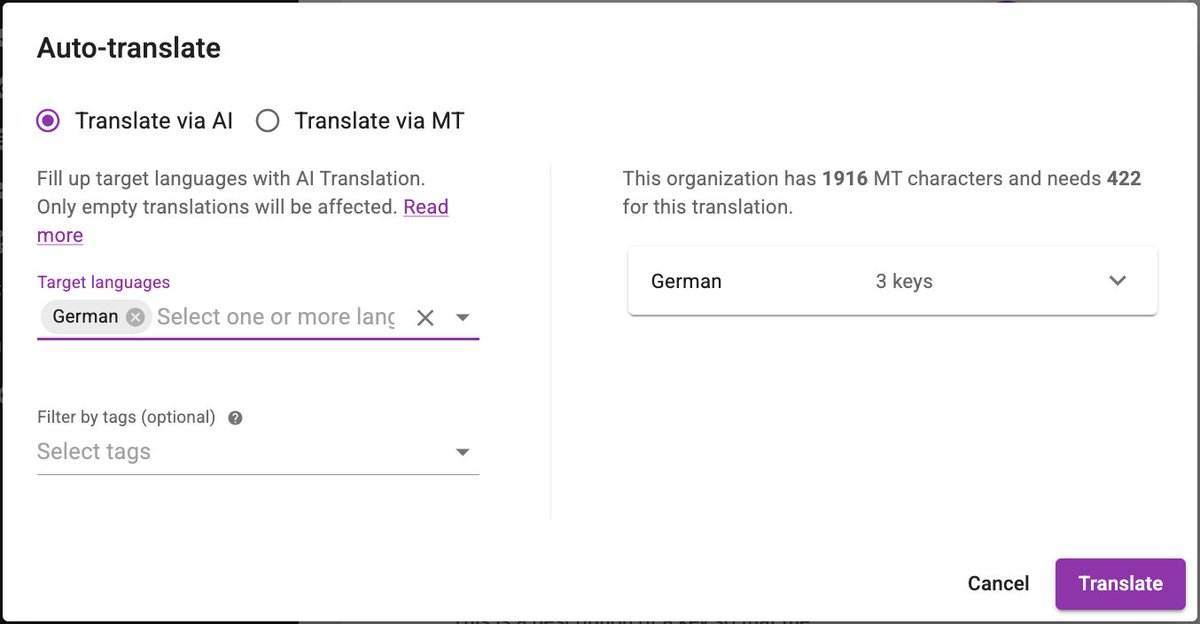
Not every string should be translated. Brand names, URL schemes, that one legal phrase.
Mark it translatable="false" in Android or "Don't translate" in Xcode, and Localizely's AI and machine translation skip it.
No prompt engineering required.
Did you know about half of all websites are in English, but fewer than 1 in 5 people on Earth speak it at all?
W3Techs: 49.5% of sites are English.
Ethnologue: ~1.5B English speakers out of 8+ billion people, only ~390M native.
The web is still built for a minority.
Did you know a 5-letter English word can triple in translation?
Flickr's "views" became:
Italian: visualizzazioni (3×)
German: -mal angesehen (2.8×)
French: consultations (2.6×)
IBM's rule: strings under 10 chars grow 200–300%. Fixed-width buttons are bugs waiting for German.
Did you know the shorter the text, the more it grows in translation?
IBM's expansion guideline for English into European languages, as cited by the W3C:
• Up to 10 characters: 200-300%
• 11-20 characters: 180-200%
• 21-30 characters: 160-180%
• Over 70 characters: about 130%
The W3C's own example is Flickr's "views" label:
• English: views (1×)
• French: consultations (2.6×)
• German: -mal angesehen (2.8×)
• Italian: visualizzazioni (3×)
• Korean: 조회 (0.8×)
Exactly the strings that live in the tightest spaces (buttons, tabs, table headers, badges) are the ones that expand the most. And it goes both ways: Chinese and Korean shrink, so a layout tuned for English leaves awkward empty space there.
What works:
• Design for the longest language, not the shortest. Finnish, German and Hungarian are good stress tests.
• No fixed-width text containers. Let them wrap or grow.
• Pseudo-localize early: stretch every string by 30-50% with accented characters before a single translation exists, and watch what breaks.
• Give translators a character limit per key and a screenshot of where the text lives, so they can choose a shorter phrasing.
What was the first layout that broke when you added a second language?
Designer: "The button fits perfectly."
German: Rindfleischetikettierungsüberwachungsaufgabenübertragungsgesetz
OK, that one was the name of a law and it got repealed in 2013. But "Settings" is "Einstellungen", and your 80 px button is still done for.
Did you know "i".toUpperCase() isn't "I" everywhere?
In Turkish it's "İ" (dotted), and "I".toLowerCase() is "ı" (dotless). It has broken Java, .NET and Android apps for decades.
Also: "ß".toUpperCase() is "SS". Two characters. Your fixed-width field just overflowed.
JSON, CSV, XLSX, XLIFF and .properties pairs are left as they are on purpose. Those formats can hold any placeholder syntax, so we don't guess.
Try it, no account needed:
https://t.co/wdnxaW1hyJ
Most free localization file converters copy Android placeholders into iOS files untouched. On iOS, %s expects a C string, so a converted "Hello %1$s" prints garbage or crashes.
Our free converter now rewrites placeholders for the target format. No sign-up.
💡 Did you know the single word "Book" needs two different translations depending on whether it's a noun or a button?
That's why translators ask for screenshots
Did you know 💡
Spanish is official in 20 countries and Switzerland has 4 official languages?
A flag is a country, not a language.
Language pickers shouldn't use flags.
AI translation in Localizely is now 3× cheaper 🚀
100K characters into a new language: $5.40 (was $16.19).
Same context-aware translations: descriptions, screenshots, glossary, plurals, placeholders, ICU.
Nothing to configure, existing MT characters just go 3× further.
Did you know 76% of online shoppers prefer to buy products with information in their own language, and 40% will never buy from a website in another language?
CSA Research, 8,709 consumers, 29 countries.
"English is enough" is a bet against 4 in 10 of your potential customers.
A request we heard more often than we'd like at Localizely had a one-word answer: no.
"Can we keep our Android app and our iOS app in one project? It's the same app."
It sounds trivial. It wasn't, and the reason is one character.
- Android writes a placeholder as %1$s.
- iOS writes it as %@.
- Flutter writes it as {name}.
- The web team writes {{name}}.
Same sentence, same translation, four different strings. Upload the iOS file over the Android one and every key looks changed, translations get flagged for review, and the team stops trusting the tool.
So we built one neutral form. In the editor a placeholder is simply {name}. When Android pulls the file it gets %1$s. When iOS pulls it, %@. Translators never see either.
Two things we learned building it:
1. Conversion is the easy part. Proving the round trip is lossless is the hard part, so switching it on and later off gives you back byte-identical files.
2. Nobody trusts a black box. Once we showed a before and after diff of every string the switch would touch, "is this safe?" stopped being a question.
If you ship the same app on two platforms, how do you keep the two translation projects in sync today?
Shipped: one Localizely project for your Android app and your iOS app.
Same key, same translation. Android pulls %1$s, iOS pulls %@, translators only ever see {name}.
Android wants %1$s. iOS wants %1$@. Your web app wants {name}.
Same string, three files, three copies to keep in sync.
Localizely now stores one placeholder form and writes each platform's syntax on download.
One project for your whole app.