#paragraphic 0.9.1 update adds new tiling preview, seamless repeater and other improvements.
Find out more at https://t.co/Kz9p3F1Ne1
This will be our last post on Twitter, you can follow us instead on https://t.co/EFfkDgqide or https://t.co/vOVwORI2sI
New #paragraphic update 0.9.0 released today, bringing secondary changes to Apply function nodes, improved text and more.
Learn more and try it at https://t.co/GHdgiWZsxo
Future updates will mainly be posted on Mastodon or Bluesky, so please follow us there.
Started an account on Bluesky for those who prefer that:
https://t.co/vOVwORI2sI
And there's still the one at Mastodon:
https://t.co/EFfkDgqide
This twitter account will likely be phased out eventually, or at least not updated as frequently.
#paragraphic 0.8.6 update adds new Color from list input node, fixes a bunch of bugs, improves performance and you can now use arrow keys to step values in fields.
More at https://t.co/D5GRIqS7IZ
@algoritmic If you liked Patternodes you should check out my new project https://t.co/Kz9p3F1Ne1 Released into early access today so anyone can download and try it out
The #paragraphic sample files have now been updated with inline comments to help introduce concepts and features to new users. If you're a tester, update to the latest testing version and check them out at:
https://t.co/JahtxwZ6vL
Doing some #vectoraster style vector halftones in #paragraphic. Still quite slow compared to Vectoraster, but workable, and potentially much more flexible.
Element indexes are very useful for selecting and modifying things in groups, but they can be tricky to understand. So now I've added a helpful little display setting that shows the index numbers of elements in selected groups. #paragraphic
As another real example of how you can work with #paragraphic here's a video of recreating a classic parametric design random squares pattern
https://t.co/x5LSLMm6XJ
The second testing phase of #paragraphic is now starting. Thanks to all the testers helping out in the first testing phase the application has improved greatly.
You can read more at https://t.co/fDol2Rf0vg and sign up if you're interested!
Another update and example video of #paragraphic, showing of using selective transforms and input nodes to create interesting patterns from basic shapes.
https://t.co/s9wnvkxmV0
Working on adding node previews in #paragraphic, just like the ones in #patternodes. To help understand step by step what is changed by each node in the generation sequence for a layer.
More info and tester signup at https://t.co/D5GRIqS7IZ
New #vectoraster 8.6.0 update released today, with new dynamic arc shapes, point offset transforms and other fixes and improvements.
Update today or get it at https://t.co/ZXBcdNxQZP
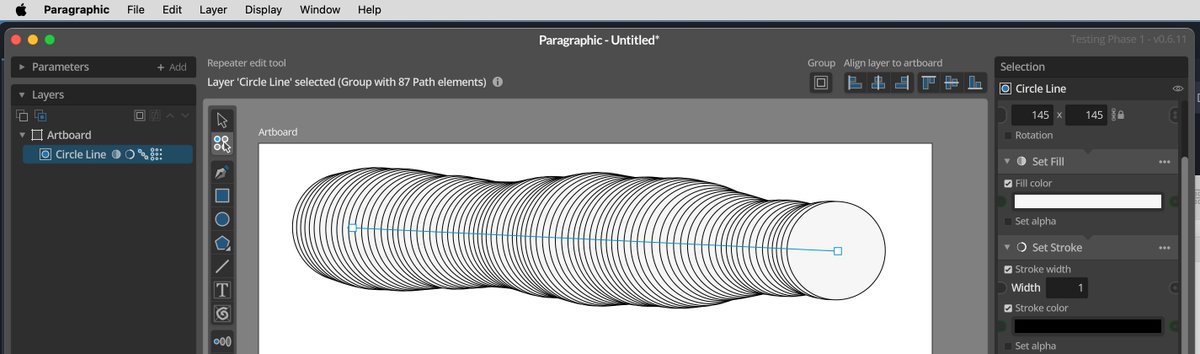
In the latest #paragraphic test build 0.6.11 the menu has been moved to the native menu bar on macOS and the window adjusted to the moved menu bar to feel a little more integrated and familiar for macOS users. On Windows and Linux the menu stays in the window as before.
Here's a new post (with a new little demo video) about using instance layers in #paragraphic to create live updating copies and variations of layers.
https://t.co/lNDoyMx7L9
@caspianievers That's good to hear. As the software becomes more mature I'll try to make more example video like this where you can follow the whole process. But video-production isn't really my strength as I'm sure you can tell. So what I'd really need is some youtuber to get interested.
While testing out recreating some old #patternodes examples in #paragraphic I made this new video on how to make an isometric cube pattern. It also works quite well to show how you can work with the app and gradually tweak and build a parametric design.
https://t.co/RrEX5tSJaI