Assisting the media on assistive technology. What a better way to help students that might have difficulty in the classroom. Assistive technology can be beneficial for everyone!! #AT#EDUC387710#Assistivetech#k12#edtech
This week we learned about Assistive Technology in the classroom. I found this topic to be very interesting because no one student is the same and reacts the same to different solutions. #AT#EdTech#EDUC387710
This week we learned about ChatGPT and AI. I think both tools are useful to students and teachers inside and outside of the classroom. Both tools can help students succeed in learning with quick help! #ChatGPT#AI#EDUC387710#EDUC387010
This week we explored AI in the classroom. Being that technology seems like it is here to stay, I think teachers need to learn how to incorporate it into their classrooms. There are so many things teachers can do using it, the possibilities are vast. #EdTech#EDUC387710#K12
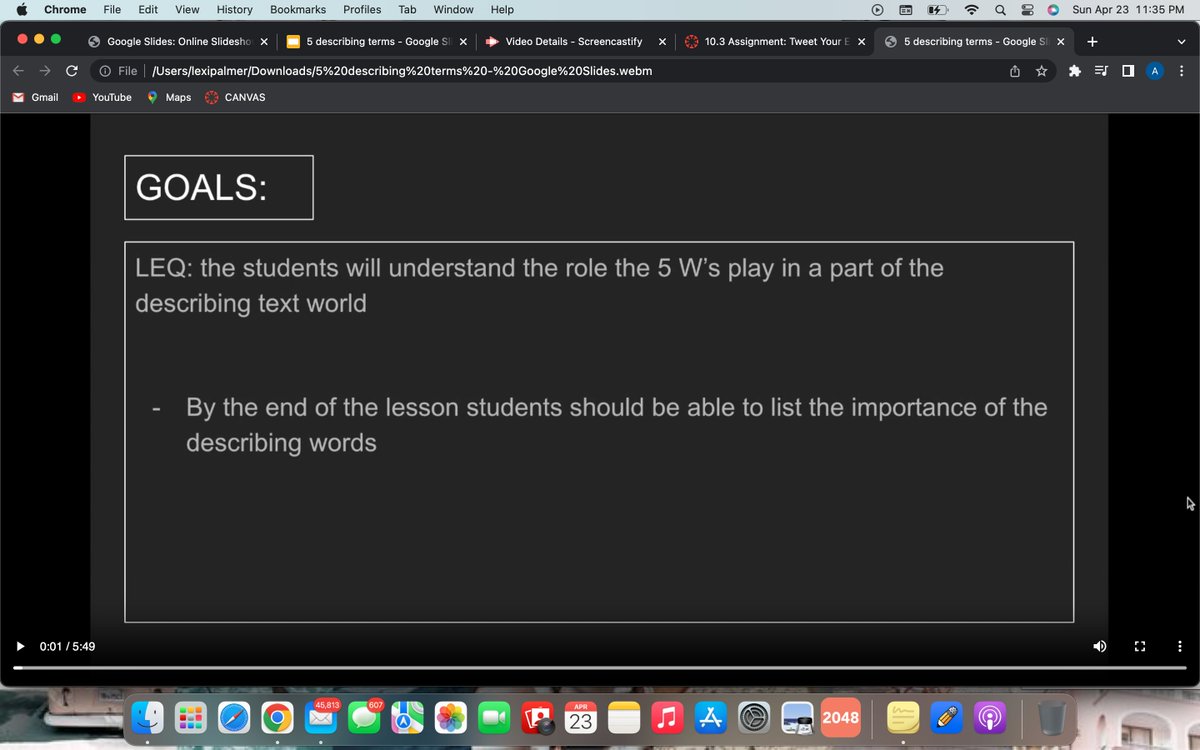
this week i got to make a flipped lesson! it was sooo fun! here is a sample of one of the slides i used on mine! i did a lesson on the 5 W's (who,what,when,where,why) . #educ387710#flippedclassroom
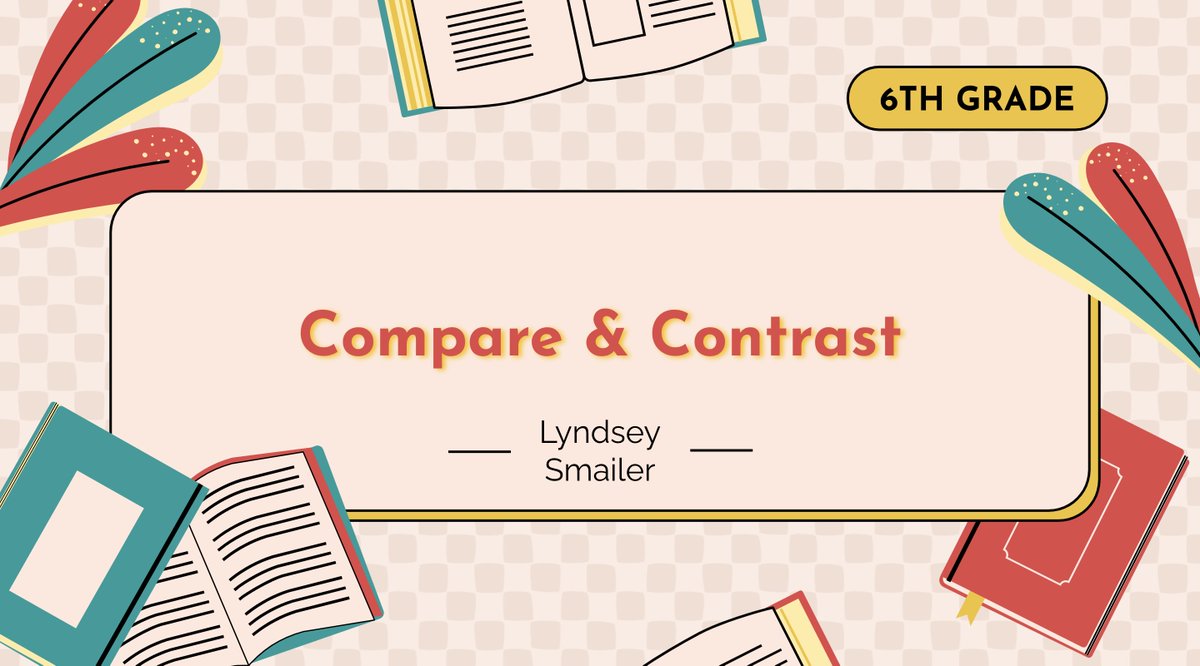
This week, I made my own Flipped Classroom lesson. I didn't know how to feel about them before but I now enjoy flipped classrooms! I taught my 6th grade students about compare and contrast essays. #EDUC387710#FlippedClassroom#TechEd
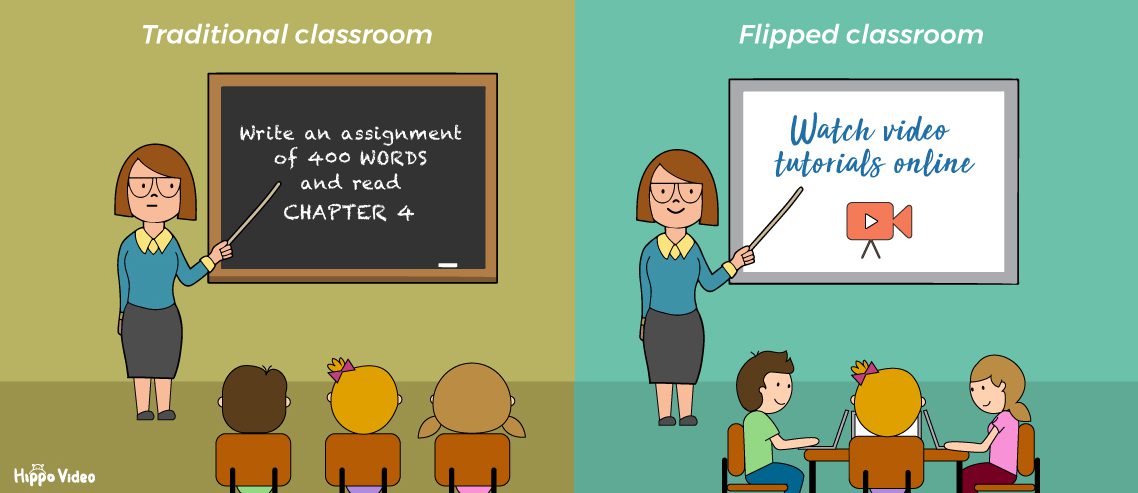
This week we learned about flipped classrooms. I like the idea that students can watch a short video prior to learning or after learning to retain information. #flippedclassroom#edtech#flippedclass#EDUC387010
Honestly, I don't know how to feel about flipped classrooms. I like that students can go back and review lessons, but my main concern is how do teachers make sure the students actually do the work? #EDUC387010#flippedclassroom#education
Scratching your brain using Scratch!! This week I experimented with the computer program Scratch. What a great way to teach children about computational thinking and how to learn to program! #k12#Scratch#technology#edtech#EDUC387713#Scratchedu
This week, we learned about the computer program, Scratch. I found this program to be extremely fun and interesting. Here is the link to my Scratch: https://t.co/cP4vRfs1R2 #Scratch#edtech#coding#EDUC387713
This week, we learned about Hour of Code. Hour of Code is a free site in which you can log on and understand different ideas using numbers, pictures, letters, and more while doing coding.
#EDUC387010#HourofCode#TechnologyinEducation
https://t.co/A3z3NrHK8a
For my virtual field trip I did a tour on the Grand Coulee Dam. I learned about electricity and hydroelectricity and how they play a role in our world. This is a great resource for students who are learning about electricity and power. #GrandCouleeDam#EDUC387713
Concept mapping is an important tool for students to use and have access to in the classroom. Popplet, which is a digital tool, is a great way to create concept maps online. I used Popplet to create a guide on how to write an opinion piece. @poppletapp#EDUC387010#writing
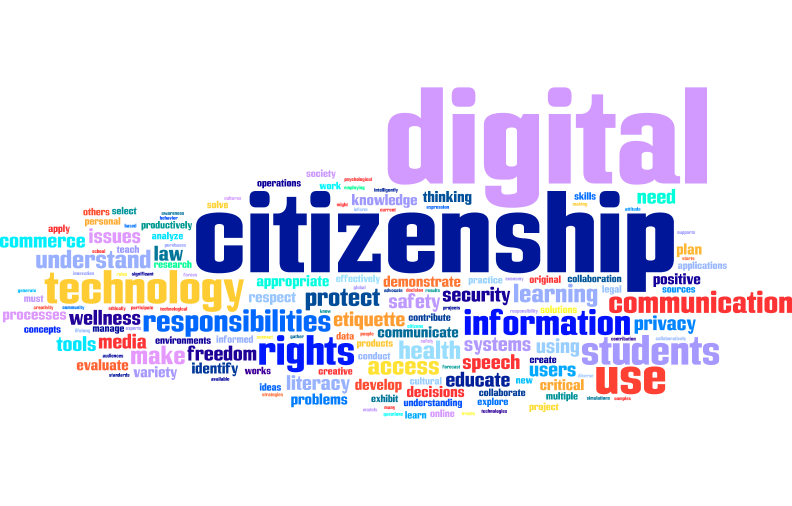
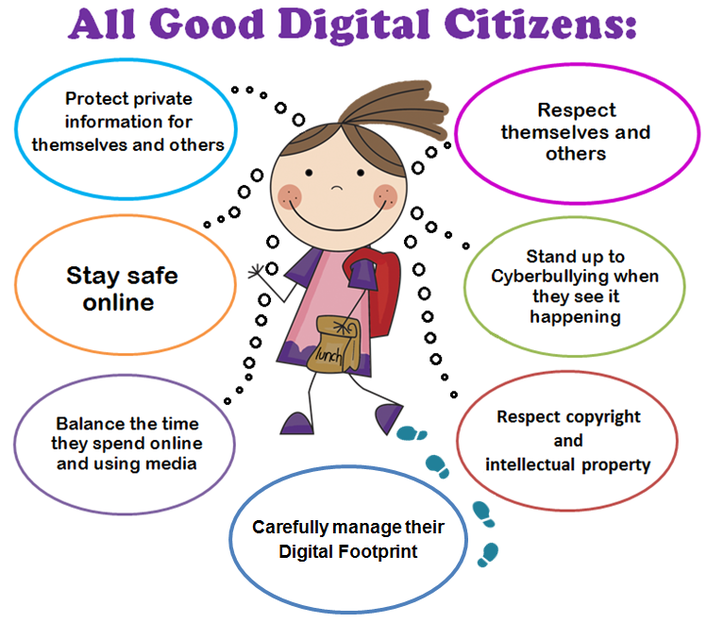
I have learned about digital citizenship recently for example: there are multiple different ways you can modify websites and social media to help students become better digital citizenship. There is also different lessons you can use to teach digital citizenship #EDUC387710
Digital citizenship is extremely important in educating students. Digital citizenship lessons can be taught in many formats to help engage students more than they would be otherwise. #EDUC387710#digitalcitizenship
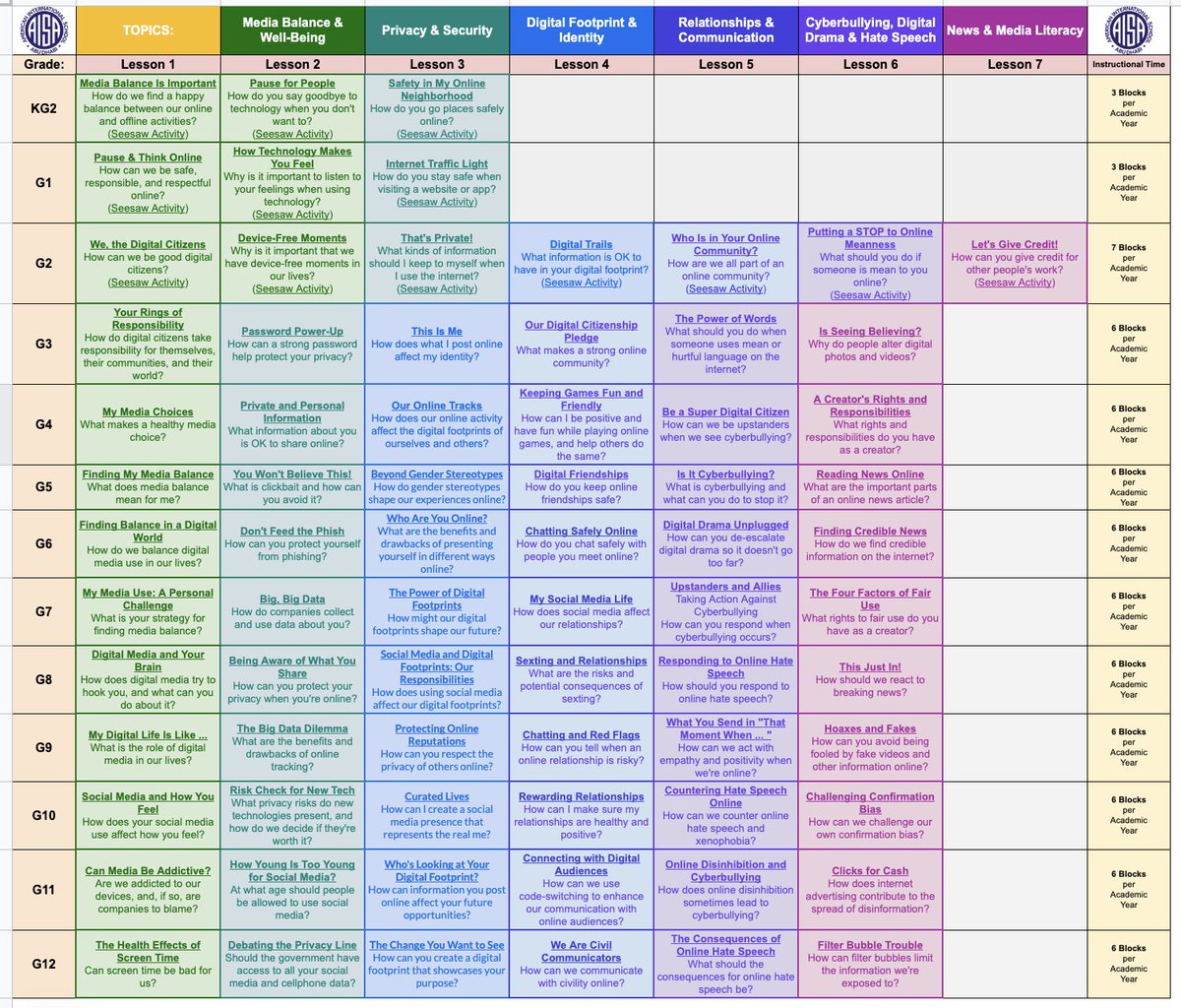
To facilitate our Digital Citizenship program, I have collated @CommonSenseEd's curriculum alongside relevant @Seesaw activities, here:
https://t.co/4duhiLM4yG
Feel free to use/edit/share...
#DigitalCitizenship#EdTech
My website (https://t.co/iyXhczBYl3) focuses mainly on integrating Twitter into the classroom and the many beneficial ways to use it. I hope you like it and make sure to check it out! #EDUC387713#k12#EducationForAll#EDUC387010