ColorFlow — free mesh gradient editor in the browser.
Drag points, pick colors, add grain or chromatic aberration. Animate it. Make it react to cursor. Export 4K video, or embed straight into Framer, Webflow, or React.
No signup, free for commercial: https://t.co/NPpkWlCcRf
New iPhone 16 Pro Mockups
👉 Download .psd, .sketch, .fig https://t.co/aC2OxNUrLk
👉 Edit in MockupApp https://t.co/ojETrv6I8d
👉 Open in Mockup Plugin for Figma https://t.co/rbypOjyaXA
#iphone16procmokup#iphonemockup#mockup
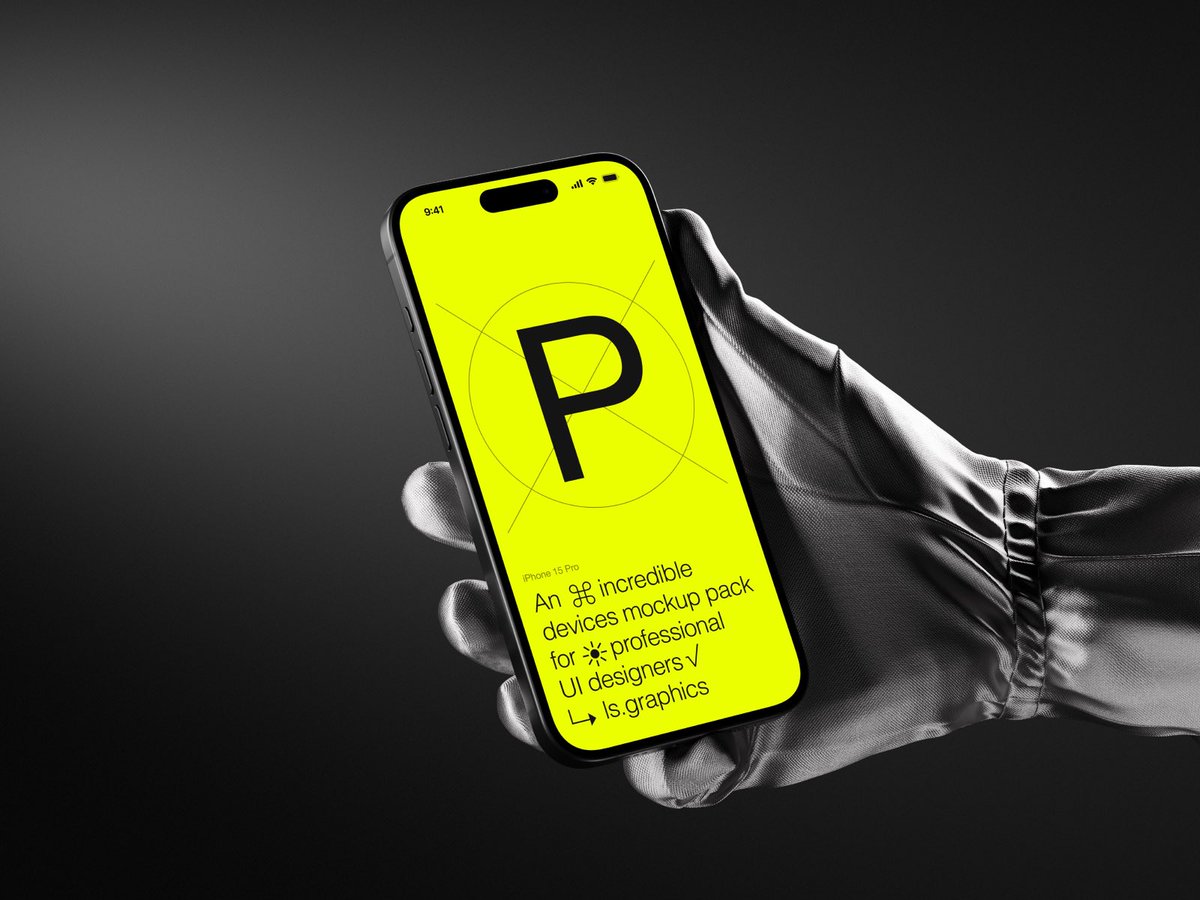
A set of professional, high-resolution iPhone 15 Pro mockups held in hands, perfect for showcasing apps and designs elegantly in a modern setting.
👉 https://t.co/b126cqpdnf
Hey everyone, we are helping Designer Hikes host an awesome brand identity design challenge with some absurd prizes.
Designer Hikes is an upcoming nonprofit community for graphic designers that aims to organize nature hikes around the world.
Read on to get all the details. 👇
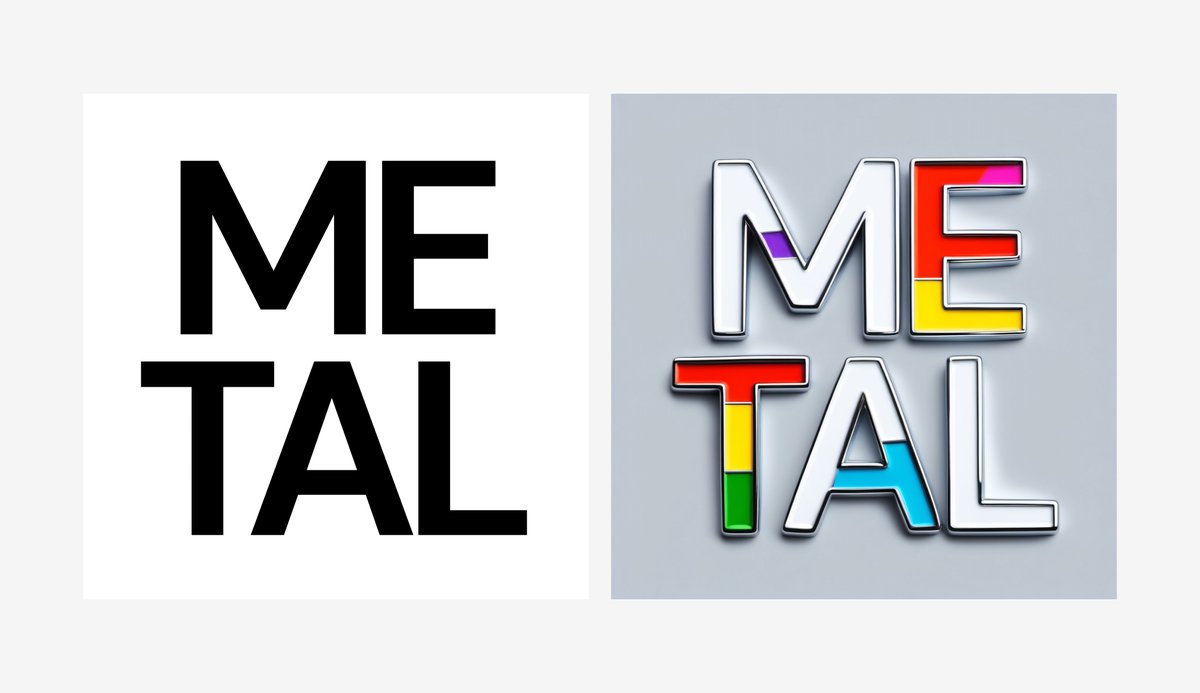
How to create a metallic text effect in Figma
(works with logos too)
Install Mockup Plugin https://t.co/KHs7bLxfNw ->
Select Metal style ->
Add your shape ->
Click Generate
Prompt: white background, chrome
Negative: colorful
Mockup Plugin by @lstoregraphics
Pros:
- Super easy to use
- Lots of templates to choose from
- Unlimited downloads
- Some free stuff
Cons:
- Paid $15/monthly, $99/yearly
I love it so 100% worth the price, IMO!
https://t.co/P7jw6jFUzK