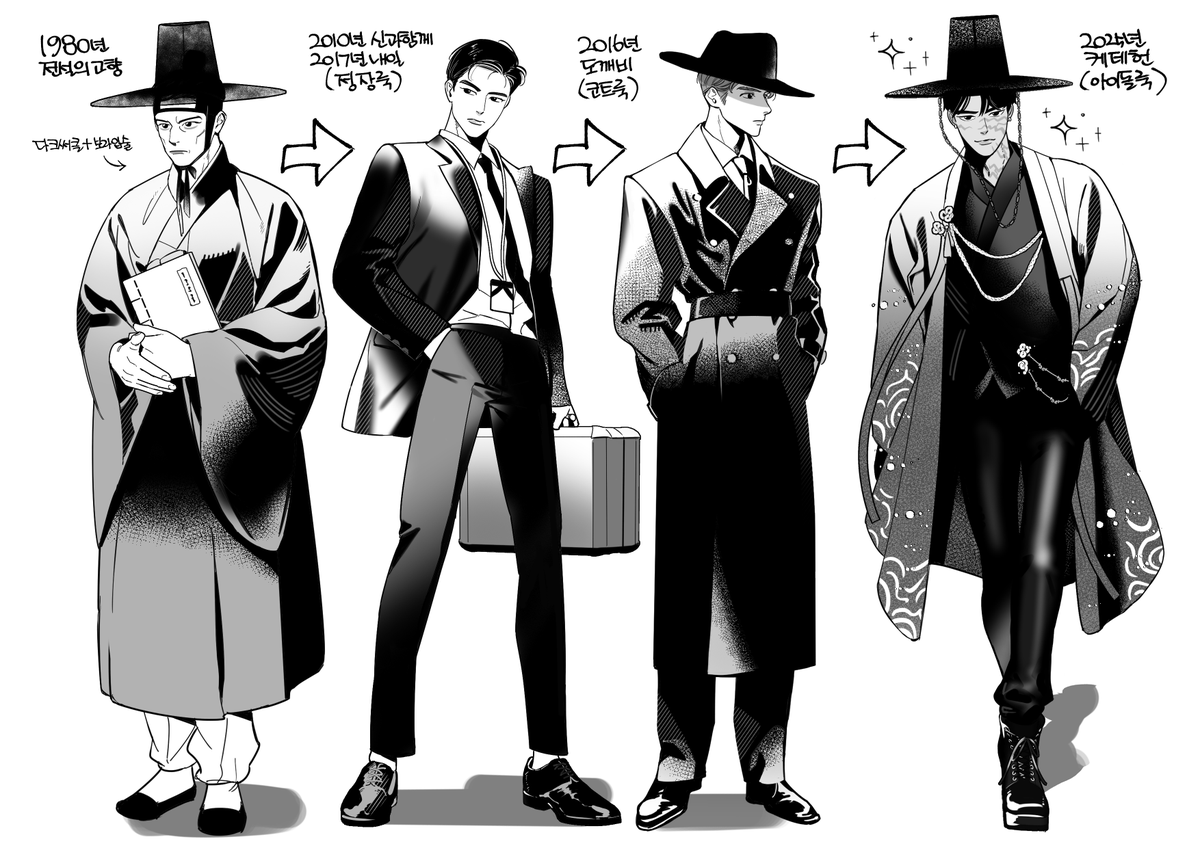
내가 여태까지 겪은 거에서 느낀 걸 하나로 모아서 축약한다면
���냥 살기. 진짜.. 계절이 가듯 그냥저냥 살기
아픔도 시간이 지나면 잊혀짐 절망도 고통도 하루를 채 안 갈 때가 더 많음
하루 놀면 다음 날은 열심히 하고 싶어지고 그게 순리임 매일 빡세지 않아도 된다..
AI Text to Animation working well! I created an entire pipeline around 3D asset generation, auto-rigging and then text to animation generation. (link in comments) #gamedev#aigamedev#3dai
New Low Poly Gen AI - Tripo P2.0 is finally live, so you can go and test it yourself now. ⚡
They added real quads and polycount control, and that is the part that changes what comes out of it.
It's still a preview build, and it's already number one on the low-poly leaderboard.
I ran it through a full set of test objects and recorded all of it: hard surface, characters, hair, clothing, engraved text.
Full breakdown: https://t.co/FZDuLcWG2S
Setting up realistic cloth simulation in Blender usually involves battling pin groups, tweaking hidden physics panels, and manually cleaning up UV seams.
Senior artist Daniel Bystedt just eliminated that entire headache with a completely free add-on.
Bystedts Cloth Builder gives you instant access to interactive cloth manipulation, built-in collision characters, and readymade clothing assets.
Even better: the included Geometry Nodes handle procedural thickness, seam separation, and auto-UV unwrapping on the fly.
#b3d #3Dmodeling #characterart
Auto-skinned 3 characters in seconds. No manual weight painting.
Volumetric GPU voxel skinning, with a refinement pass on the parts that usually bleed or eat hours (fingers, layered clothing, hair).
Crossed 100 sales this week. Thanks to everyone who took a chance on Adaptive Auto Skinning 🥰
#b3d
Developer Hamdi Amer (@HamdiAmer16) has been shipping improvements to his Weight Paint Box addon, and it’s worth a look if you rig or skin characters in Blender.
Read More🔗 https://t.co/QjD0c1R4V4
#Blender#Rigging#Animation#B3D
One click. Full character skinned. Fingers and tight zones included.
That's Adaptive Auto Skinning, my Blender add-on. Other classical voxel methods run a fixed grid, this one refines itself in tight zones automatically.
Biggest update yet just shipped: cleaner finger separation, better accuracy on mixed voxel sizes, smooth falloff param, new UI, faster.
Links bellow 👇
#b3d
Most people still think AI in 3D means cheap sci-fi sludge.
But scenes like this are exactly why that take is dying. You can literally watch the workflow go from ugly wireframe geometry to a finished cinematic environment with water, lighting, reflections, atmosphere, and composition that actually feels directed.
The reason this matters is Kimi K3. Not because it spits out a random pretty frame, but because with Blender MCP it can help build the actual scene, place assets, shape materials, move the camera, write the Python, and keep iterating inside Blender instead of forcing you to restart from zero.
That is the real shift. The hard part is no longer “can AI generate something?” The hard part is whether you can art-direct it well enough, because the boring 80% of the Blender grind is starting to become promptable.
We are getting very close to a world where “made in Blender” means you described the world in English, Kimi K3 built the first version, and you spent your time polishing the shot instead of suffering through every technical step by hand.
img2threejs v1.3 is now available. 🎋
One photo → procedural Three.js code. No meshes. No manual modeling.
GitHub: https://t.co/0bqf4iS9rm
v1.3 brings major improvements to geometry reconstruction, material generation, validation, and overall output quality.
For this demo, I used the reference image of a CS2 ★ M9 Bayonet | Doppler Phase 3: https://t.co/8DflDWTPJ7
If you’re new to img2threejs, now is a great time to try it. If you’ve used it before, I’d love for you to compare the results with previous versions.
Feedback, bug reports, and PRs are always welcome.