Any Telegram message can now become an app.
⚡ Downloads instantly (less than 4 KB) 🎨 Interactive and natively rendered 💸 Payments and viral mechanics built in
🛠️ Build your own. More info and docs for devs: https://t.co/v6hbiQErCB
Claude vs. Claude Code vs. Cowork.
If you've been confused about which one to use and when, this post will clear that up in under two minutes.
Anthropic now offers three distinct ways to interact with Claude, and each one targets a fundamentally different workflow. Think of it as: Chat for thinking, Code for building, and Cowork for doing.
Here's a quick breakdown:
1️⃣ Claude Chat
This is the conversational AI assistant most people already know. You type a prompt, Claude responds, and you iterate together.
- Turn rough ideas into structured plans through conversation
- Write emails, reports, essays, and long-form content
- Research and summarize complex topics in minutes
- Analyze documents, PDFs, and images
- Build interactive prototypes through Artifacts
The key here is that everything happens through conversation. You're thinking with Claude, not delegating work to it.
It's available on every device, has a free tier, and supports persistent memory across sessions.
The tradeoff is that it has no direct access to your local files (upload only), and it can't generate raster images natively.
2️⃣ Claude Code
This is a terminal-native coding agent. You describe what you want in plain English, and Claude reads your codebase, writes code, runs tests, fixes errors, and ships the result.
- Build and debug entire features across the full codebase
- Write, run, and fix tests automatically
- Manage git workflows and create pull requests
- Spawn multiple parallel agents working on different parts of a task simultaneously
It handles the full development cycle end to end, from planning to execution to testing. With the CLAUDE(.)md configuration file, you can teach it your project's conventions, patterns, and constraints so it writes code the way your team expects.
The tradeoff is a steeper learning curve compared to Chat, and token costs can add up during heavy sessions.
3️⃣ Claude Cowork
This is the newest addition. Anthropic describes it as Claude Code for the rest of your work.
It's an agentic desktop assistant that automates file management and repetitive tasks through a GUI. You describe an outcome, and Claude plans, executes, and delivers finished work: formatted documents, organized file systems, spreadsheets with working formulas, and synthesized research.
- Direct local file access and editing (no upload/download cycle)
- Schedule recurring tasks automatically
- Assign tasks remotely via Dispatch from your phone
- Computer Use lets Claude control your screen directly
It runs inside a sandboxed virtual machine on your computer, so Claude can only access folders you explicitly grant. You don't need to know how to code to use it.
The tradeoff is that your computer must stay awake for tasks to run, and it's still in research preview.
Here's how to think about choosing between them:
→ If you need to think through a problem or get writing/research help, use Chat
→ If you're building software and want an autonomous coding partner, use Code
→ If you have a clearly defined deliverable that involves local files and desktop workflows, use Cowork
All three are included in the same subscription starting at $20/month, which makes it one of the highest-leverage subscriptions in productivity software right now.
I've put together a visual below that maps the workflow of each product side by side.
If you want to go deeper into Claude Code specifically, I wrote a detailed article covering the anatomy of the .claude/ folder, a complete guide to CLAUDE(.)md, custom commands, skills, agents, and permissions, and how to set them all up properly. Link in the next tweet.
Our website is live – https://t.co/B2tsmb15Zr 🌐
Our website helps students align their theses with their university’s formatting and citation standards, while universities get streamlined, consistent, and scalable technical reviews with unlimited revisions.✅
#Citations#EdTech
Fun Fact Friday! 🤩
Did you know that today’s accessible STEM kits combine 3D-printed tactile models with AI-driven audio descriptions, enabling visually impaired students to explore through hands-on learning? ✨
#InclusiveEducation#ScAIentist#fff
It’s time for Fun Fact Friday! 🎉
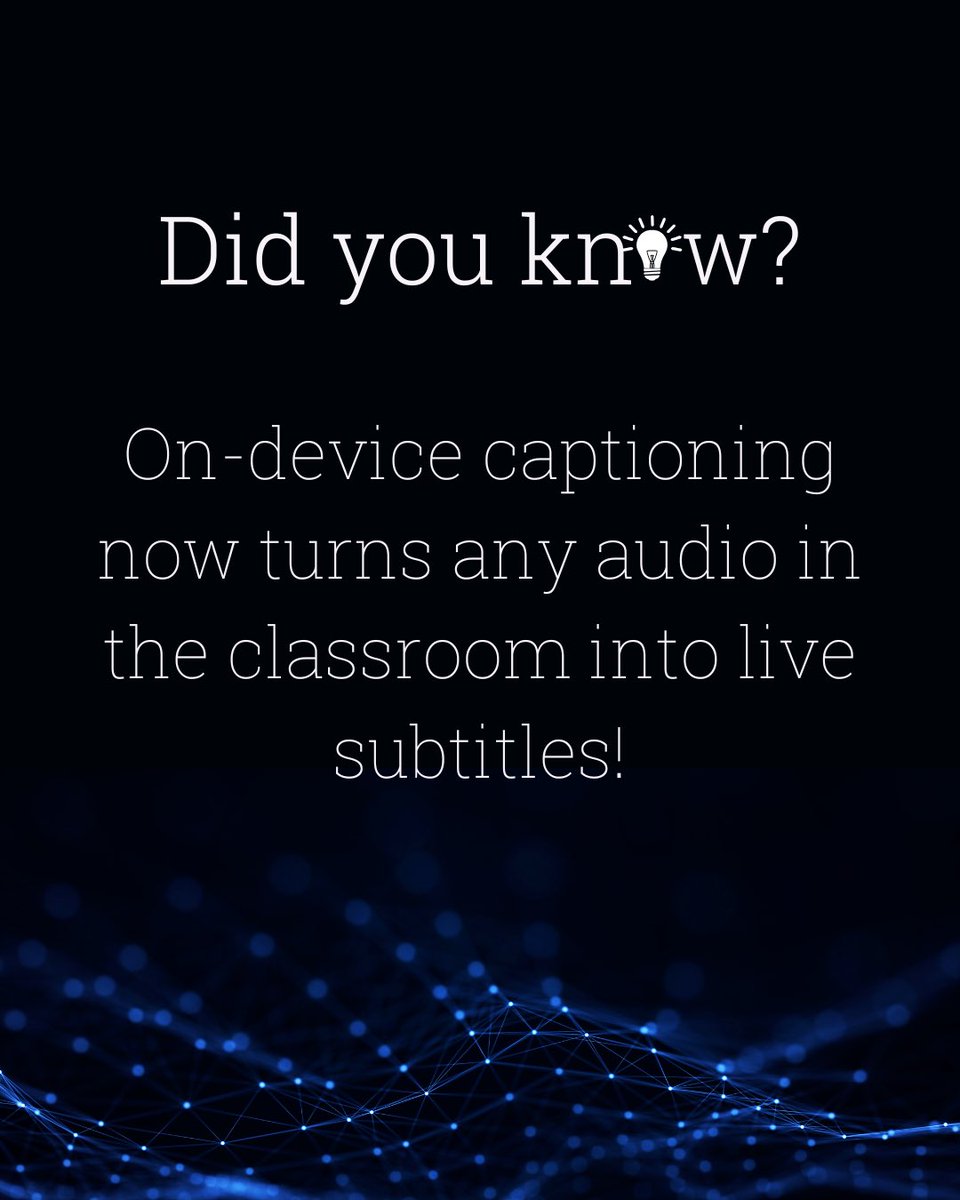
Did you know that on-device captioning now turns any audio in the classroom into live subtitles, right on a student’s screen. 🎧😮
We love solutions that lower the noise so focus and access go up for everyone. ☺️
#ScAIentist#funfacts
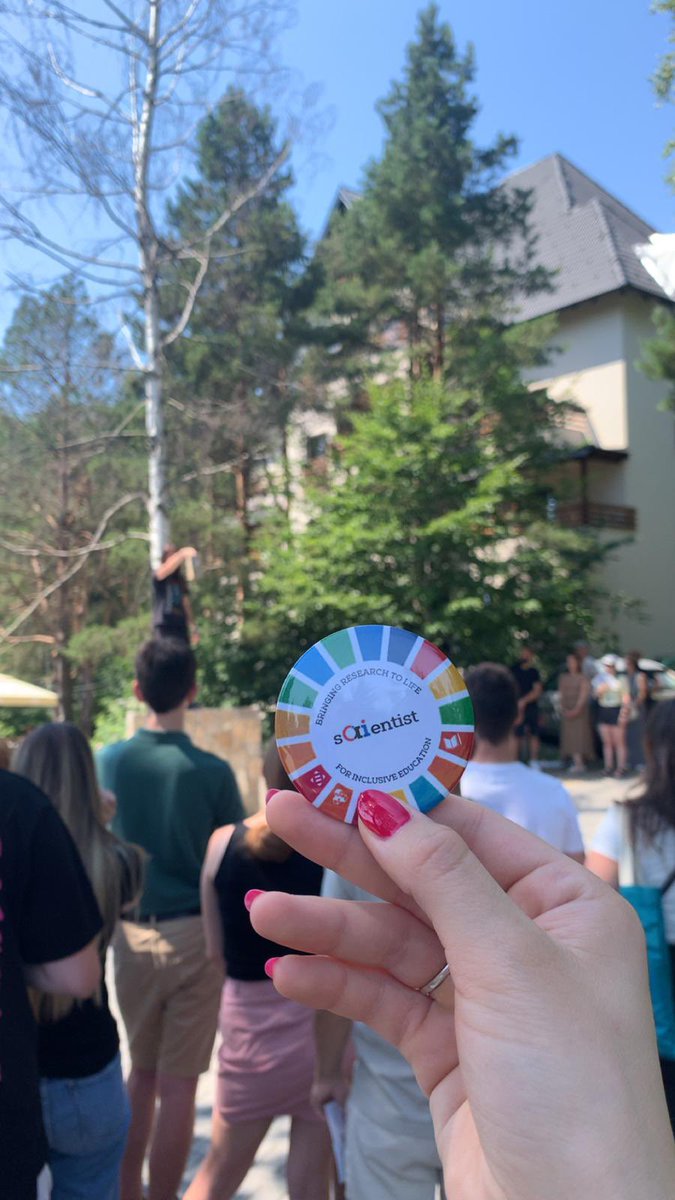
From July 3–6, two members of our team, Mila and Ivan, joined the Social Impact Award Alumni Interregional Boot Camp in Divčibare organised by SIA Serbia. 🌿
Huge thanks to SIA Serbia and partners for the energy and inspiration. 🚀
#SIA2025#InterregionalBootCamp
🎉 Submission news 🎉
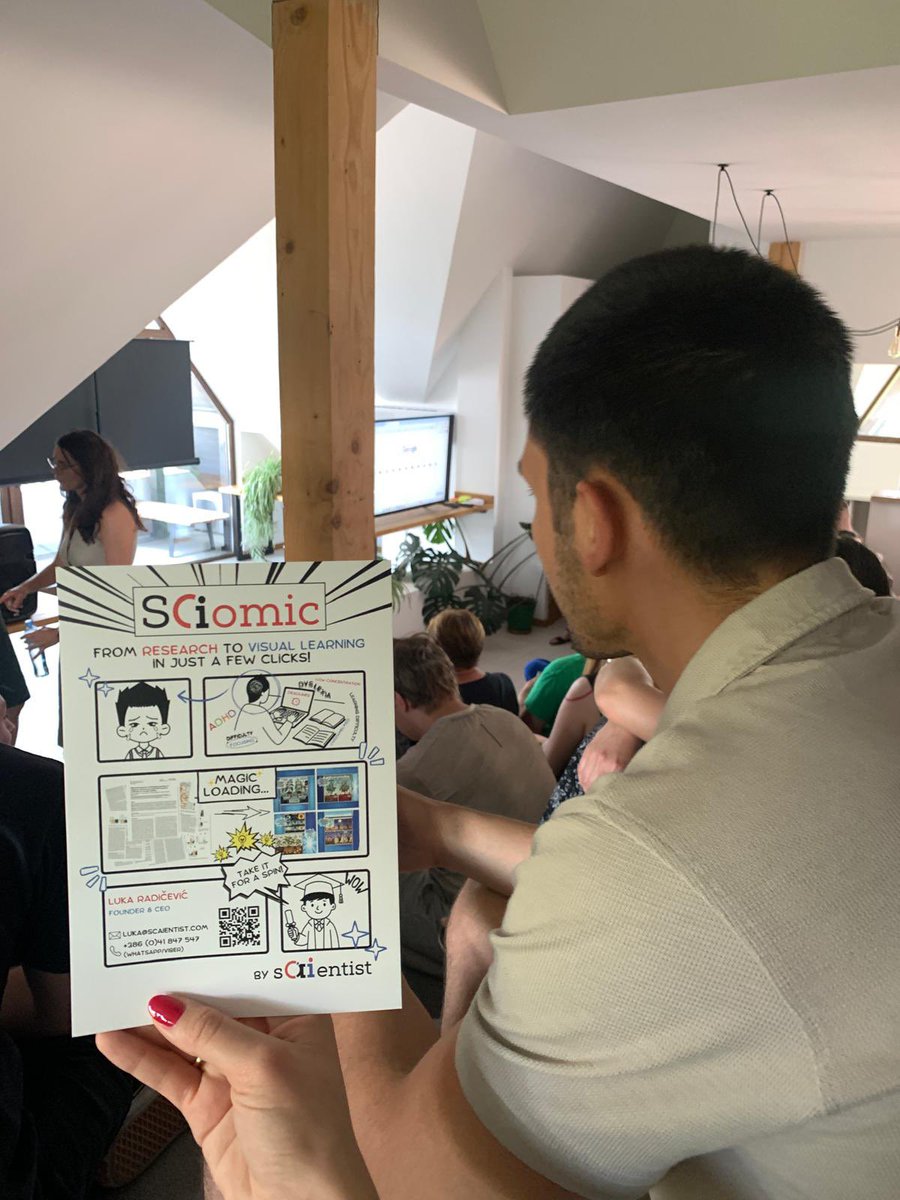
We’ve officially submitted SciComic to the WSA Young Innovators Award call! 🥳
We owe a big thank you to @JanPeloza from Impact Hub Slovenia for nominating us!
Fingers crossed for the jury round! 😁
#WSAYoungInnovators#SciComic#ScienceCommunication
Fun Fact time! ✨
Smart pens capture handwriting and sync audio, so tapping a note replays exactly what was said at that moment.✍️
Multi-modal tools like this reduce cognitive load. At ScAIentist, we aim for the same clarity in how we deliver explanations!😁
#ScAIentist#fff
This week we’re switching up the beat.☺️
Did you know that while #FFF is our “Fun Fact Friday”, in startup-lingo, FFF means “Friends, Family & Fools”?✨
To our own FFF: you turned a sketch into a journey, and we couldn’t have come this far without you. Thank you!💙
#ScAIentist
Struggling with technical editing and formatting? Don’t worry – meet TechCheck. ✅
TechCheck is a web platform for instant, accurate and stress-free technical checks of final theses. 👌🏼
More info coming soon. Stay tuned! 📚
#EdTech#ResearchTools#ScAIentist
Fun Fact time!✨
Did you know that it took 100+ hours of research to design the algorithm behind ScAIentist®’s source citing tools?
Huge thanks to everyone who contributed, especially to @tanicnatalija for the time she devoted to the research and her incredible deep-dive work.💙
Fun Fact time! 🎉
Did you know that real-time translation in your earbuds can turn a mixed-language study group into one seamless conversation? 🎧
At ScAIentist, we design with cross-language collaboration at the core - fewer barriers in global classroom. 😁
#ScAIentist#fff
Fun Fact time! 🥳
Some major universities now rely on AI chatbots to answer student inquiries 24/7.🤖
At ScAIentist, we’re proud to continue building on these pioneering ideas.📚
#AIChatbots#ScAIentist#fff#funfacts